Ten minutes between bedtime and collapsing on the sofa is all the review time I get. A $60 LED strip and a camera-matched TV backlight made my living room feel like a different house — here's the honest case for smart lighting, including when the pricier Philips Hue ecosystem actually earns its cost.
This post contains affiliate links. If you buy through them, Aliteq may earn a commission — at no extra cost to you. Prices verified at publish time.
I have exactly ten minutes between getting the kids down and collapsing on the sofa most nights, so I don't review things — I survive them. Smart lighting almost didn't get a fair shot for that reason. Sticking a strip of LEDs behind the TV sounded like a project, and I do not have projects. I have a toddler who unplugs things and a teenager who thinks the thermostat is a toy. But I stuck a $60 strip behind the telly on a random Tuesday, turned the big light off, and the room stopped looking like a room where homework happens and started looking like somewhere I'd actually choose to sit. That's the whole review, honestly. Everything below is just me explaining why.
This isn't a full smart-home rabbit hole. It's the cheapest, fastest upgrade I've made to how a room feels, and I've now tried the budget strip, the TV bias light, and the expensive ecosystem everyone swears by — so here's what's actually worth your ten minutes.
Why I even tried this with a house this loud
My living room does everything. It's where the toddler builds towers, where the teenager does homework badly, where we actually watch something after 9pm if we're lucky. One overhead light does all of that with zero nuance — it's either "school photo" bright or off. A friend kept going on about how her place felt like a hotel lounge in the evenings and it turned out the entire trick was an LED strip and a bias light behind the telly. No renovation, no electrician, no argument with my husband about paint colours. Just light, aimed better.
The one I'd tell you to buy first: Govee M1
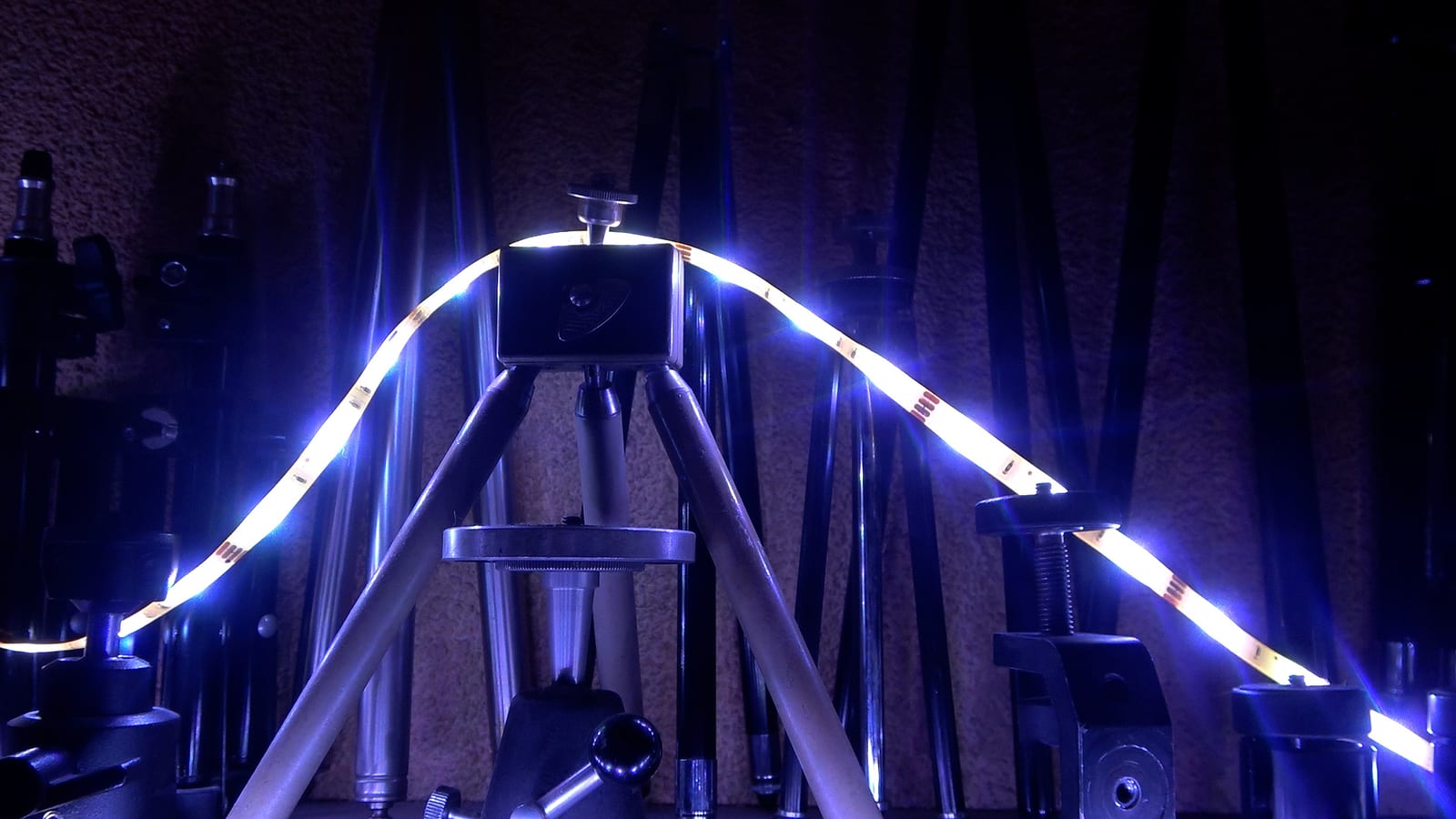
The M1 is stupidly bright — reviewers weren't exaggerating, it's noticeably punchier than the older Govee strips, and RGBIC means it can run a proper gradient instead of one flat colour, which is the difference between 'gaming setup' and 'my kid's science fair project.' Sticking it up took about the ten minutes I had: peel, press along the back of the media unit, plug in, pair. The one thing I'll actually warn you about — because every review glosses over it — is that the adhesive wants a clean, dry surface. I stuck mine straight onto a slightly dusty shelf back and one section sagged loose within a week. Wiped it down, re-stuck it, hasn't budged since. Lesson learned, saving you the step.
The app is the other honest catch. It's genuinely capable — scenes, music sync, a segment editor, Matter support so it plays nicely with a wider smart-home setup — but it's also the kind of app that wants you to explore it for twenty minutes you don't have. I picked two scenes I like in the first sitting and haven't opened it since except to turn things on. That's fine by me. I don't want a hobby, I want a room that feels nicer without homework.
Govee M1 Smart LED Strip (Matter)
The one to start with. Genuinely bright RGBIC colour, gradients that actually look intentional, Matter support, and a gamer-friendly music-sync mode — for about the price of a takeaway for four. App has more in it than you'll ever open.
+ Genuinely bright — not a washed-out 'smart light' compromise
+ RGBIC gradients look far more premium than a single flat colour
+ Matter support plays nicely with other smart-home gear
+ Ten-minute install, no tools, no electrician
+ Cheap enough that trying it isn't a real decision
Cons
− Adhesive needs a genuinely clean, dry surface or it peels
− App has far more depth than most people will ever use
− Looks like a bare plastic strip when it's switched off
The upgrade that made my husband stop mid-scroll: the TV backlight
This is the one. If you do nothing else on this page, do this. The Govee TV backlight sticks around the back of the screen, a little camera reads what's on the TV in real time, and the lights match it — so a sunset scene throws warm orange onto your wall, a horror film throws it dim and blue, and the whole room feels like it's part of the picture instead of just lit next to it. I put it up during an ad break, and by the time the film came back on my husband looked up from his phone for the first time all evening. That's not nothing in this house.
It's also just a genuinely comfortable way to watch TV in the dark — bias lighting cuts eye strain versus a pitch-black room, and it makes the picture look richer without touching a single setting on the telly itself. At around the same price as the strip, it's the cheapest 'wait, that's it?' upgrade I've made to any room in the house, camera and all.
Govee TV Backlight
A little camera reads your screen and matches the wall behind it in real time. Cheapest 'instantly feels premium' upgrade I've made to any room — install in one ad break.
If you want it to just work — forever, no fiddling: Philips Hue
Here's the honest bit that took me a while to admit: Hue is better in the way that actually matters when you have zero patience left in the evenings. Bulbs pair instantly, the app is the calmest, cleanest smart-home app I've used, and I have genuinely never once had a Hue light just... not respond, which I cannot say about the cheaper stuff on a bad WiFi night. It's the difference between a gadget you manage and one you forget is even smart.
The catch is the one everyone warns you about and it's real: most of what makes Hue good needs the Bridge (the little hub that talks to your router), and once you're buying the Bridge plus a couple of colour bulbs or a Play bar, you're well past what the Govee kit cost you. I don't think it's a rip-off — you're paying for the reliability and the app, not marketing — but I'd only tell you to start here if you already know you hate fiddling, or if you're building out a whole-house setup where the extra reliability compounds. For one room, on a real budget, I'd start with Govee and only move to Hue once you know you're keeping the habit.
Philips Hue Starter (Play/Bridge)
The most reliable ecosystem I've used, with the best app of the three — it just works, every time. The Bridge requirement and the price are the real barrier; worth it once you know smart lighting is a habit, not a phase.
Start with the Govee TV backlight if you only try one thing — it's the cheapest, fastest change I've made to how a room feels, camera-matched colour and all. Add the M1 strip if you want the rest of the room to match. Only spend up to Hue once you know this isn't a phase — it's the one that just works, forever, but you're paying for that peace of mind.
Best for: Anyone with ten minutes, a media unit, and a room that's doing too many jobs at once to be lit by one overhead bulb.
If you want the deeper rundown on which strips actually hold their adhesive and which ones are worth the extra money, I keep an updated shortlist on the LED strip lights page, and the full smart lighting buying guide if you're mixing strips, bulbs and a TV backlight in one room like I did.
Quick answers
Do I need a hub for any of these, or does WiFi alone work?
The Govee strip and TV backlight connect straight to your WiFi/Bluetooth — no hub needed, which is why they're the faster ten-minute install. Philips Hue is the one that needs its Bridge (a small box plugged into your router) for the full feature set, which is part of why it costs more.
Will the adhesive actually hold, or will it peel off my wall?
It holds — if the surface is clean, dry and not freezing cold when you stick it. Mine peeled once on a dusty shelf back; wiping it down and re-sticking fixed it permanently. Skip this step and you're the one leaving the one-star review, not the product's fault.
Is the Govee app actually annoying to use day-to-day?
It's busier than it needs to be the first time you open it, yes. But in practice you pick a scene or two you like once, and after that you're just tapping the widget or asking a voice assistant. I haven't opened the full app in weeks.
Is Philips Hue worth it for just one room, or overkill?
Honestly, a bit of overkill for one room on a budget — the Govee kit gets you most of the feeling for a third of the price. Hue earns its cost when you're doing multiple rooms, want rock-solid reliability, or you're already deep in a smart-home setup where the extra polish compounds.