The autofocus hunting, the underlit grey face, the cable nest — three years into slow-renovating this desk, the webcam and the hub were the fix that other people could actually see. Here's the honest case for both.
This post contains affiliate links. If you buy through them, Aliteq may earn a commission — at no extra cost to you. Prices verified at publish time.
My desk is a renovation that's been going on about three years with no sign of finishing, because fixing one annoyance just reveals the next one. First the chair, then the monitor arm, then a lamp because the arm just relocated the shadow instead of removing it. This week's annoyance was my own face. I got off a client call, caught my reflection in the dark laptop screen a second later, and understood exactly why the client had that slightly-too-patient tone people use when they're looking at a grey, underlit version of you fighting to stay in focus.
That's the built-in laptop webcam problem in one sentence: not bad exactly, aggressively mediocre in a way that reads as "didn't try." Wide lens so you look slightly warped, autofocus that hunts every time you lean forward to make a point, a mic that picks up your keyboard like it's part of the meeting. None of it is a crisis. All of it is fixable for less than a decent pair of shoes, and fixing it was the most visible upgrade of this whole renovation — visible to other people, which almost nothing else on my desk can claim.
Why the laptop camera was never going to be the answer
I tried the free fixes first, because that's how this renovation always starts — I'm constitutionally opposed to buying something before I've moved a lamp six inches. Better lighting helped. Propping the laptop on a stack of books so the camera wasn't aimed up my nose helped more. But the actual failure mode was the autofocus. It hunts. You lean in to make a point and for one full second the camera decides it no longer knows what a face is, and the whole call watches you go soft and sharp and soft again. That's not just my laptop being cheap — consumer webcams rely on contrast and light to lock focus, and any dim room or quick movement sends them hunting. No lamp fully cures a design problem.
The webcam: Elgato Facecam MK.2
The thing that sold me before I even opened the box was a spec that sounds like a downgrade and isn't: no autofocus. It's fixed focus, tuned for the 30–120cm range that covers basically every normal desk distance. It can never hunt, because it's never hunting — it's just already in focus and staying there. Sounds like a compromise on paper. In practice it's the one feature that fixed my actual problem.
Image quality in the room I actually work in — a window to one side, a desk lamp, nothing special — is genuinely good. The sensor handles normal indoor light well and doesn't turn me into mush once the sun goes down. The reviews that say it struggles under flat overhead strip lighting are right; a single fluorescent ceiling tube looks a little flat, and you'll want a cheap desk lamp anyway (which, per the renovation, I already own three of). Build is mostly plastic, and there's no mic built in — bring your own — but for the one job it's actually for, it does it better than anything I've used.
Elgato Facecam MK.2
The real upgrade for calls or streams. Fixed focus means it never hunts, and it looks genuinely good in normal room light. No built-in mic, mostly plastic — but the one job it does, it does properly.
+ Sensor holds detail decently once the light drops
+ Real manual controls (ISO, shutter, white balance) if you want them
Cons
− Won't adjust if you lean way in or out
− Struggles under flat overhead strip lighting
− No built-in mic
− Feels like plastic, because it is
If $150 feels like a lot for a camera
It can, and I'd understand not wanting to spend that on something that sits on top of a monitor. The sane alternative is the Logitech Brio 500. It's not fixed focus, but its auto light correction does real work — it actively evens out a badly lit room, brightening your face without blowing out the background, and made a genuine difference on a grey afternoon here. Auto-framing keeps you roughly centered if you shift around, which is a small thing until you notice how much you actually shift on a two-hour call.
The honest complaint, and it's fair: it caps out at 1080p/30fps, and $130 is a lot for that when Logitech's own cheaper C920 exists. You're paying for the light correction and auto-framing, not resolution. If those two things solve your actual problem — a dim office, a camera that never centers you — it's worth it. If you just want the sharpest image and don't care about the smart stuff, it's a harder sell.
Logitech Brio 500
Reliable 1080p with genuinely useful auto-framing and light correction — it visibly rescues a dim room. Not 4K, and $130 is a fair price to grumble about for 1080p/30fps. Buy it for the smarts, not the resolution.
The hub: the boring purchase that actually cleaned up the desk
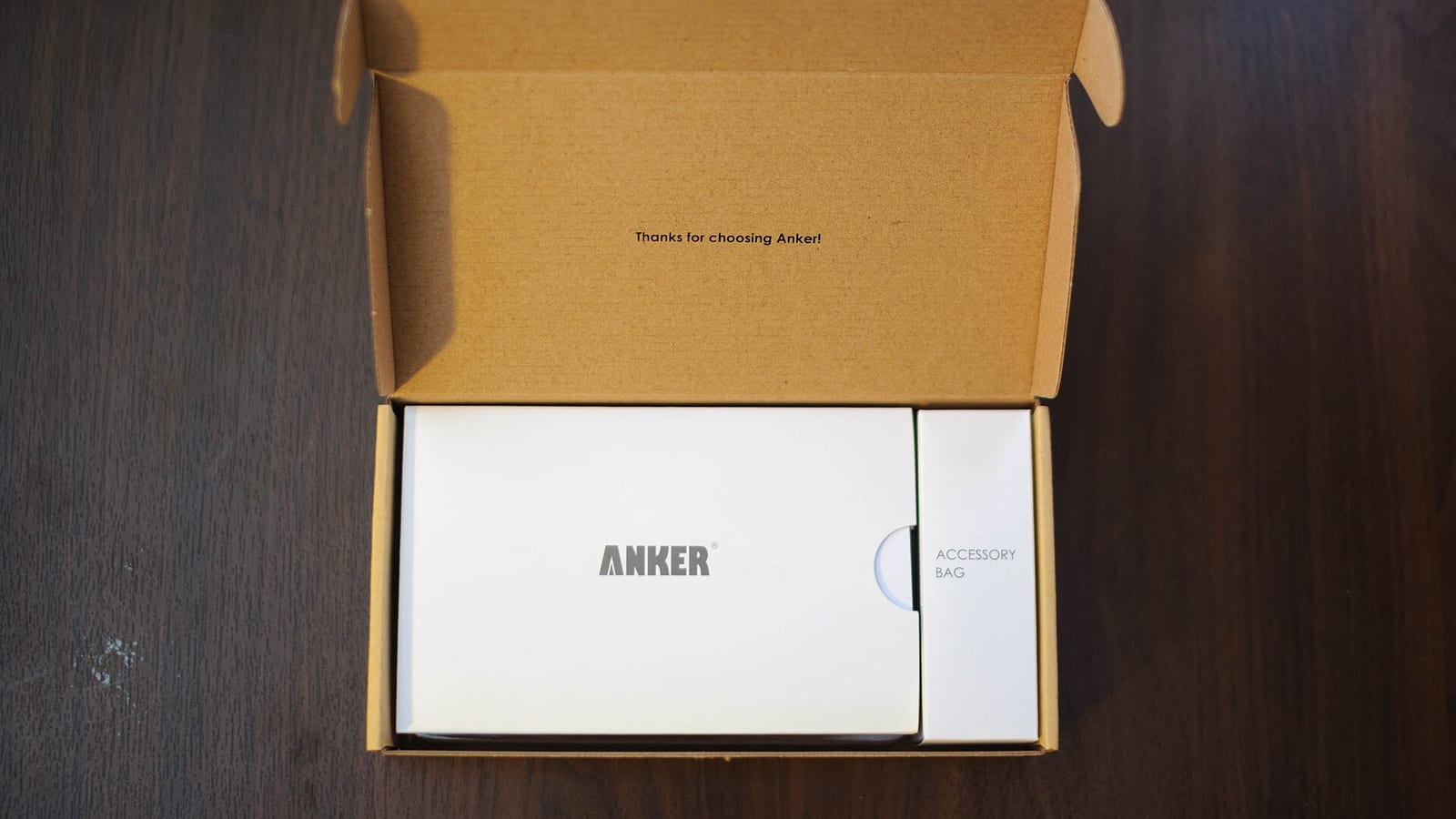
Here's the part of the renovation nobody asks about but everyone should do first. A good webcam plugged straight into a laptop is one more cable fighting for one of your two or three USB-C ports, alongside your monitor, your charger, and whatever else you've accumulated. I finally caved and bought the Anker 7-in-1 hub — the least exciting purchase in this post and possibly the most useful. One cable into the laptop, and HDMI, ethernet, an SD slot, and a spread of USB ports come out the other side. The webcam plugs into the hub now. So does everything else. The desk looks like one system instead of a nest.
It does run warm — not alarmingly, but noticeably, especially charging the laptop through it while pushing a monitor and moving files off an SSD at the same time. That tracks with basically every review of every USB-C hub with power passthrough; it's a feature of the category, not an Anker-specific flaw. No dropouts on the display or ethernet in months of daily use, which is the real bar for a hub — it should disappear, not need babying.
Anker 7-in-1 USB-C Hub
One cable to HDMI, ethernet, SD, and USB — the boring thing every thin laptop desk actually needs. Runs warm under real load, which is true of every hub like it. No dropouts in months of daily use.
Buy the Facecam MK.2 if you're on camera enough that looking competent actually matters — client calls, interviews, anywhere someone's forming an opinion of you through a webcam. The fixed focus alone earns it. If $150 is a stretch, the Brio 500 is a legitimate fallback, not a consolation prize. Buy the Anker hub regardless of which camera you pick — the cheapest, least glamorous fix here, and the one that made the desk feel finished, for about a week, until I noticed the next thing.
Best for: Anyone on video calls enough that their face is part of their job, working off a laptop with too few ports.
I keep a running, honestly-opinionated shortlist of webcams worth buying on the webcams page, and the wider PC gadgets guide if you're rebuilding more of the desk than just the camera. No 40-item comparison charts — just what I'd tell a friend to buy.
Quick answers
Is fixed focus actually better than autofocus for a webcam?
For a desk setup where you sit roughly the same distance every time, yes — it removes the hunting entirely. It's worse for something like a standing whiteboard where distance keeps changing. For a normal desk call, fixed focus is the better trade.
Do I need a 4K webcam for video calls?
No. Zoom, Teams, and Meet compress video down hard, so 1080p vs 4K is mostly invisible on the other end. 1080p done well — good light, good focus — beats 4K done badly. Save the money.
Will the Anker hub actually charge my laptop while running a monitor and webcam?
Yes, that's the normal use case, but expect it to run warm under that load. Check your laptop's power draw against the hub's passthrough wattage — thin ultrabooks are usually fine, bigger laptops sometimes get a slower trickle charge under heavy use.
Do these webcams have a good built-in microphone?
The Facecam MK.2 has no mic at all; the Brio 500's is fine for a quiet room but nothing special. If audio matters as much as video, budget for a separate USB mic — it's a bigger jump in call quality than people expect.