The AI-image prompts that work follow one formula: subject + setting + lighting + style. 12 working examples — product shots, portraits, scenes — each with its real result and exact prompt.
This post contains affiliate links. If you buy through them, Aliteq may earn a commission — at no extra cost to you. Prices verified at publish time.
Share
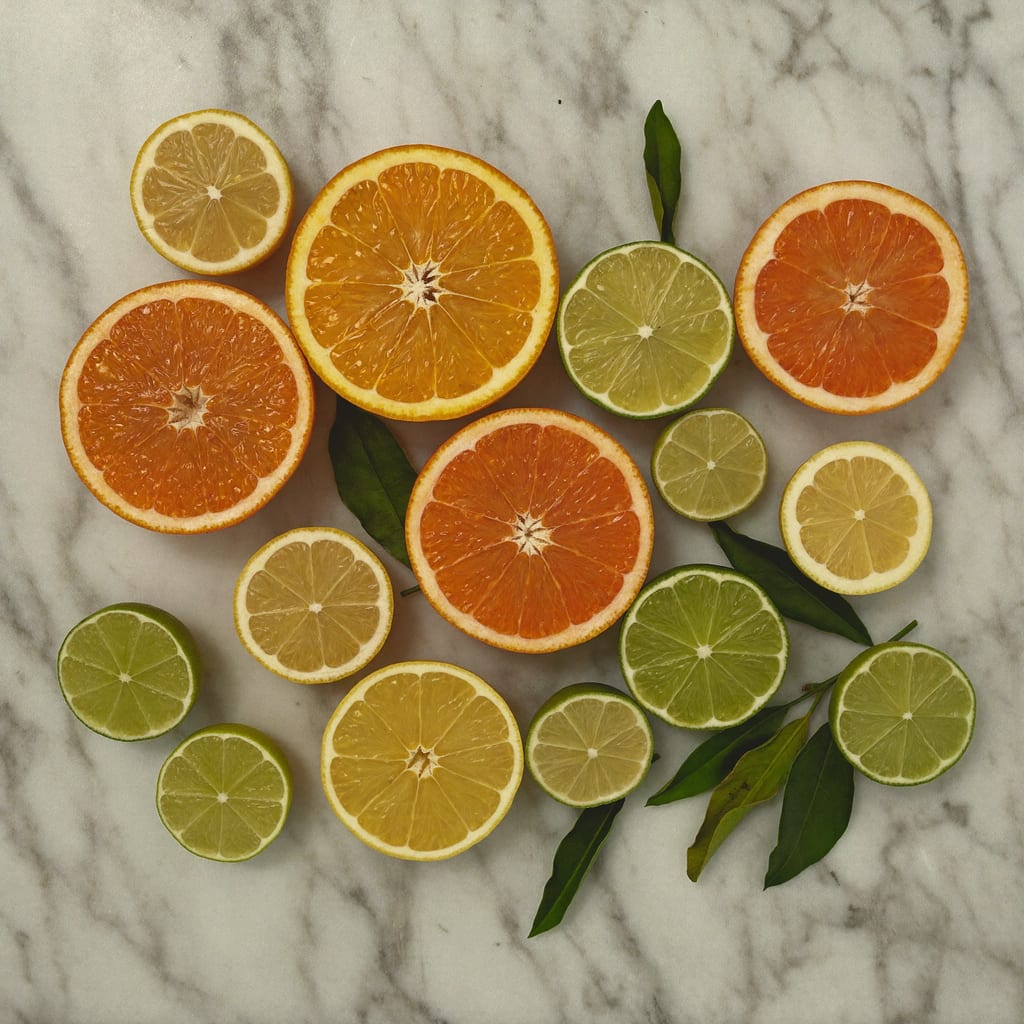
A good AI image comes down to a good prompt — and the ones that work share a pattern: a clear subject, a setting, a lighting cue, and a photography style. Below are 12 prompts that reliably produce clean, usable images, each shown with its real result (generated with Higgsfield). Copy the structure, swap the subject, and you've got a repeatable recipe for product shots, portraits and scenes.
Product shots
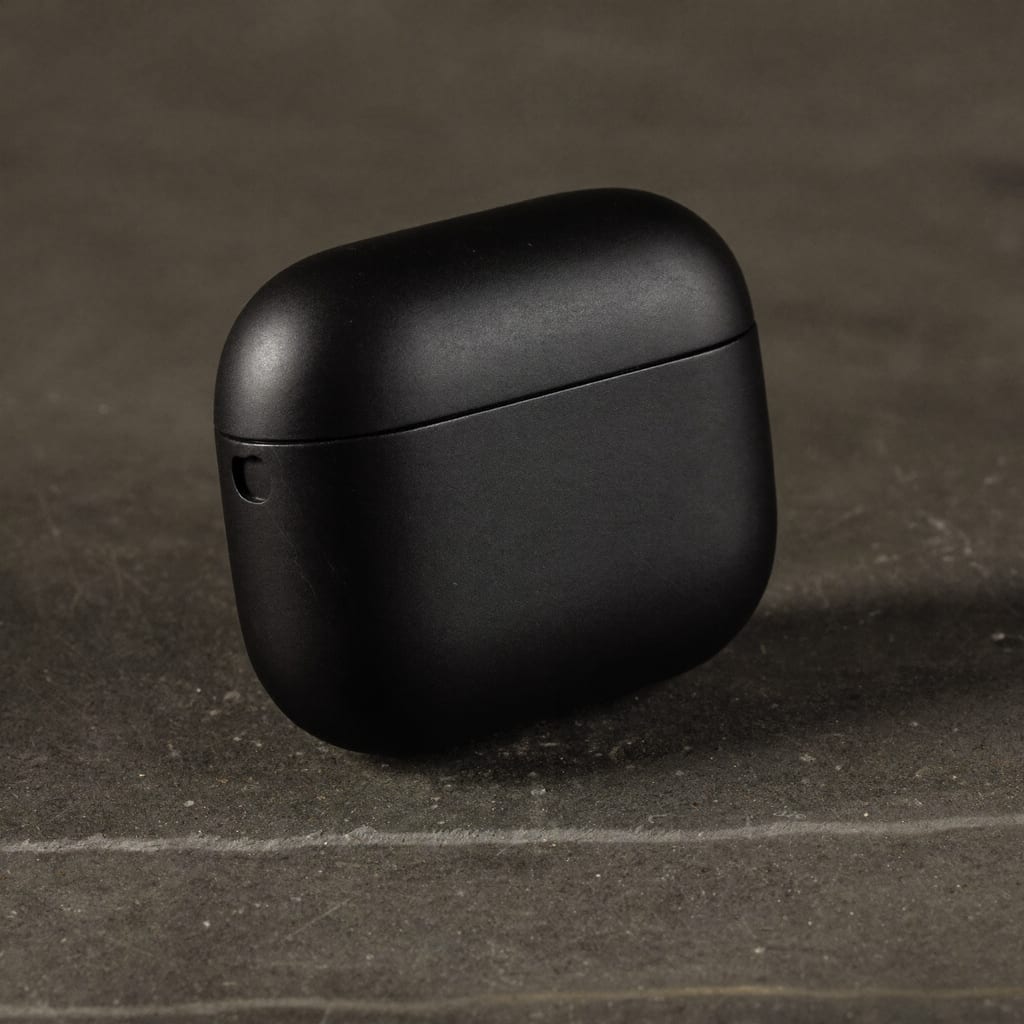
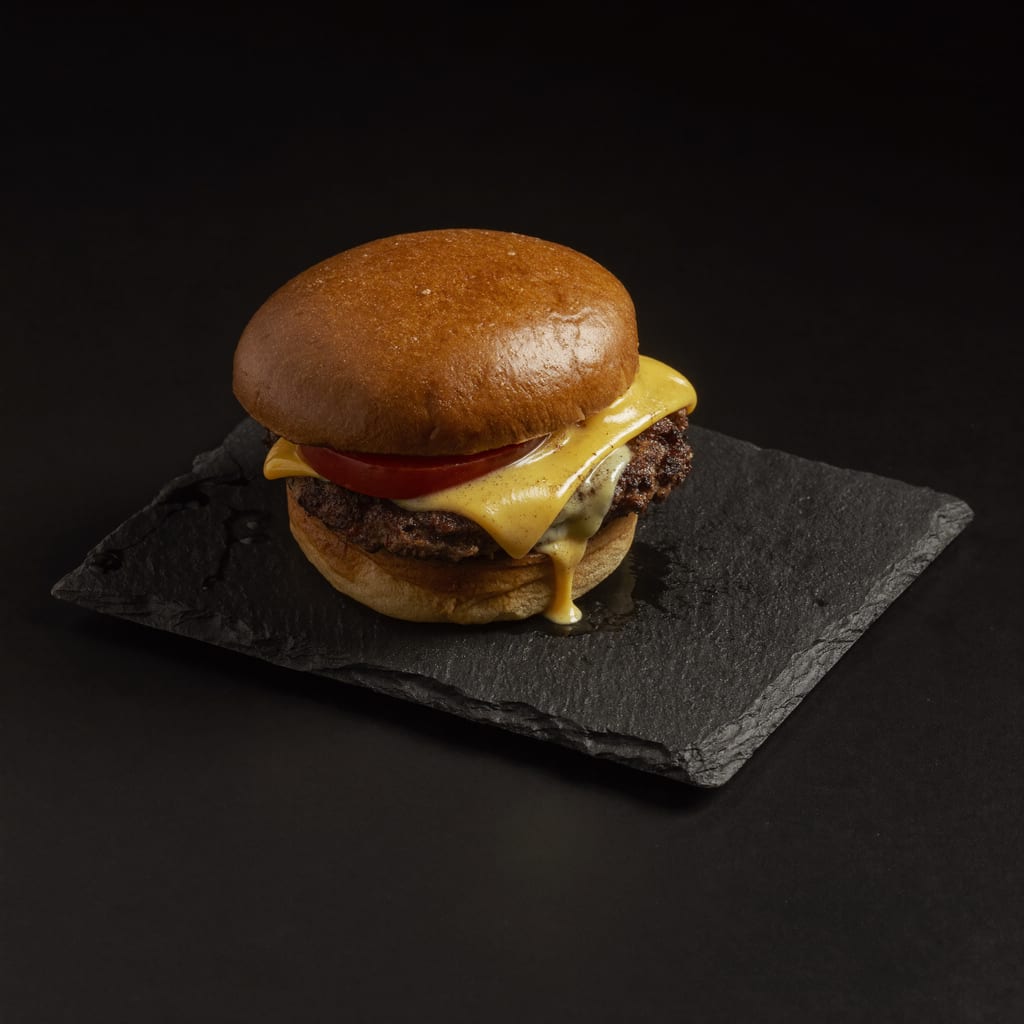
The recipe: name the product, the surface, the lighting and the style — and add 'no text, no logos' so labels don't come out garbled. Start from a blank product and add branding later.
Generated with Higgsfield — prompt below. · Generated with Higgsfield
Generated with Higgsfield — prompt below. · Generated with HiggsfieldGenerated with Higgsfield — prompt below. · Generated with HiggsfieldGenerated with Higgsfield — prompt below. · Generated with Higgsfield
Portraits & characters
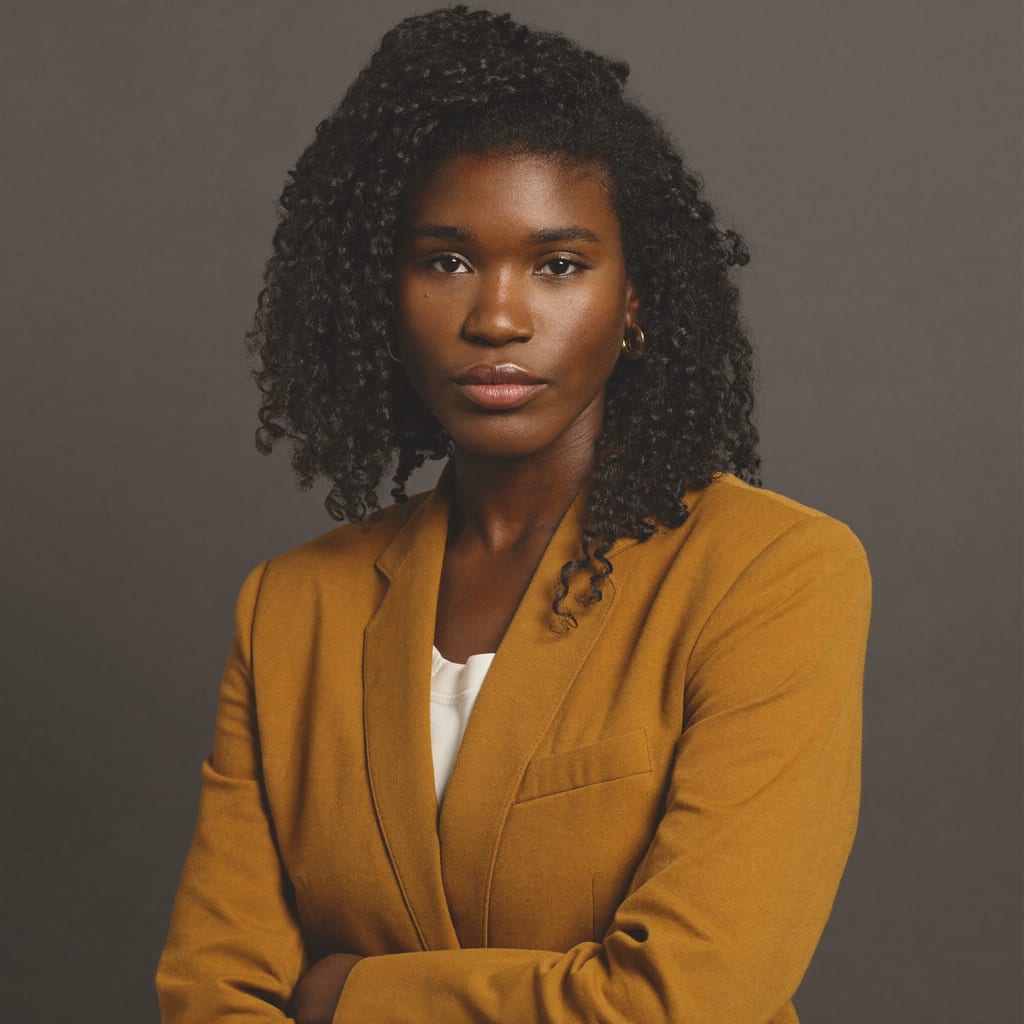
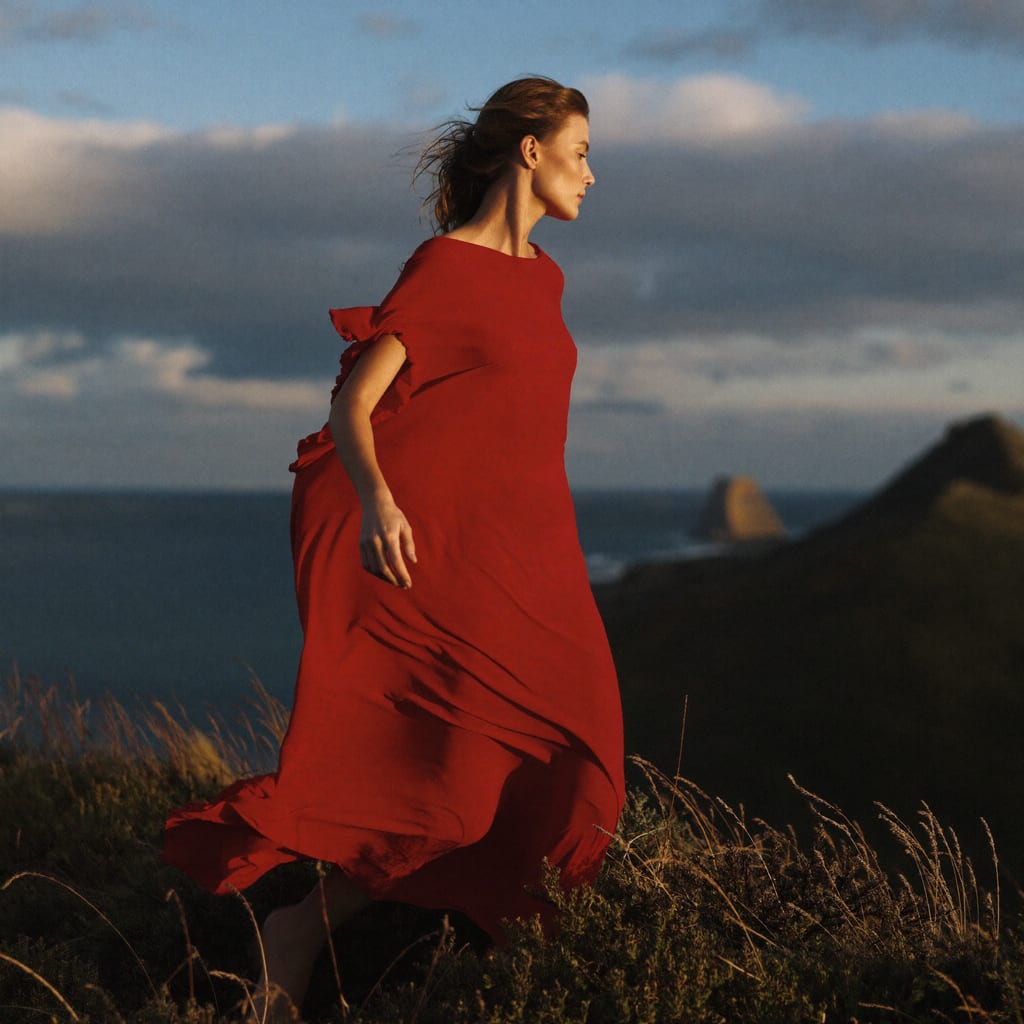
The recipe: describe the person and outfit, then name a lighting style and a backdrop. Lighting terms (Rembrandt, soft key, golden hour) do a lot of the work.
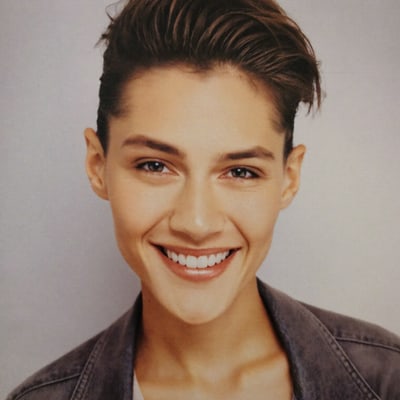
Generated with Higgsfield — prompt below. · Generated with Higgsfield
Generated with Higgsfield — prompt below. · Generated with HiggsfieldGenerated with Higgsfield — prompt below. · Generated with HiggsfieldGenerated with Higgsfield — prompt below. · Generated with Higgsfield
Scenes, food & atmosphere
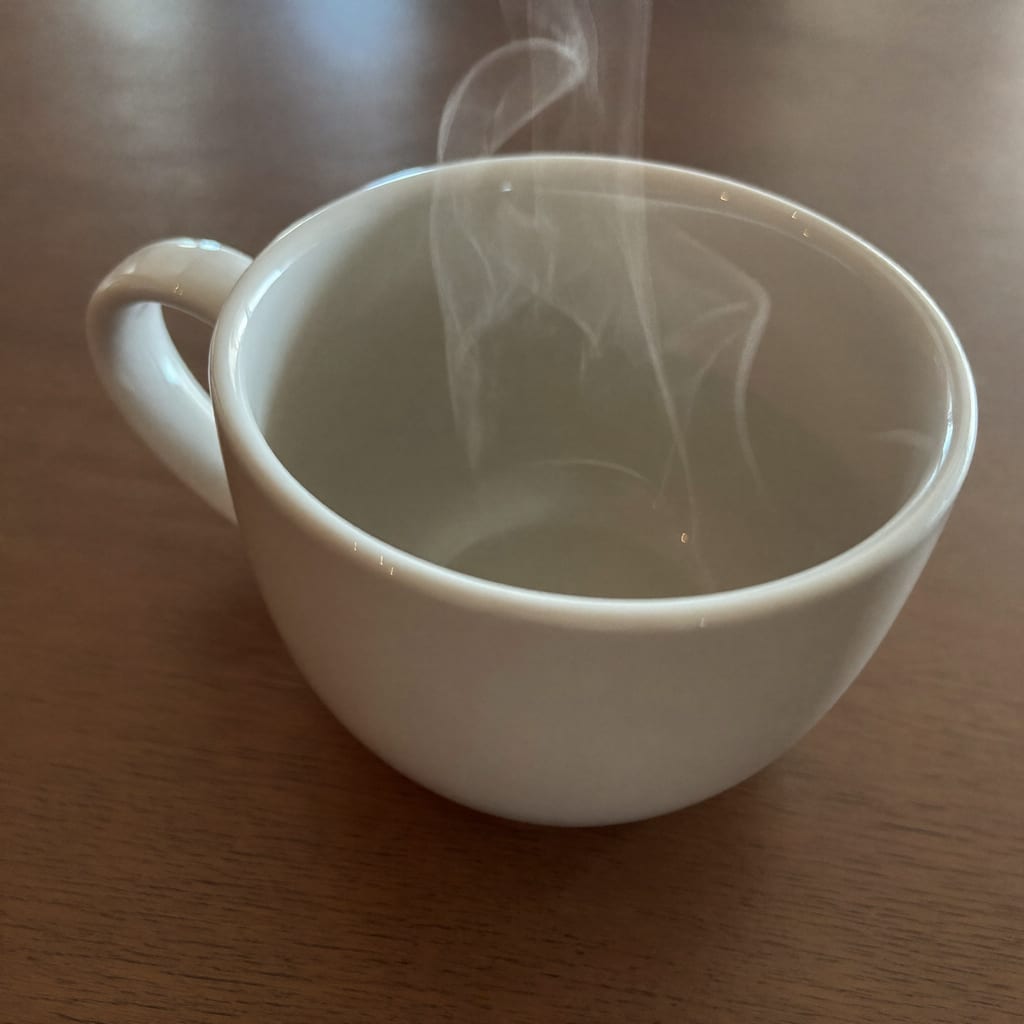
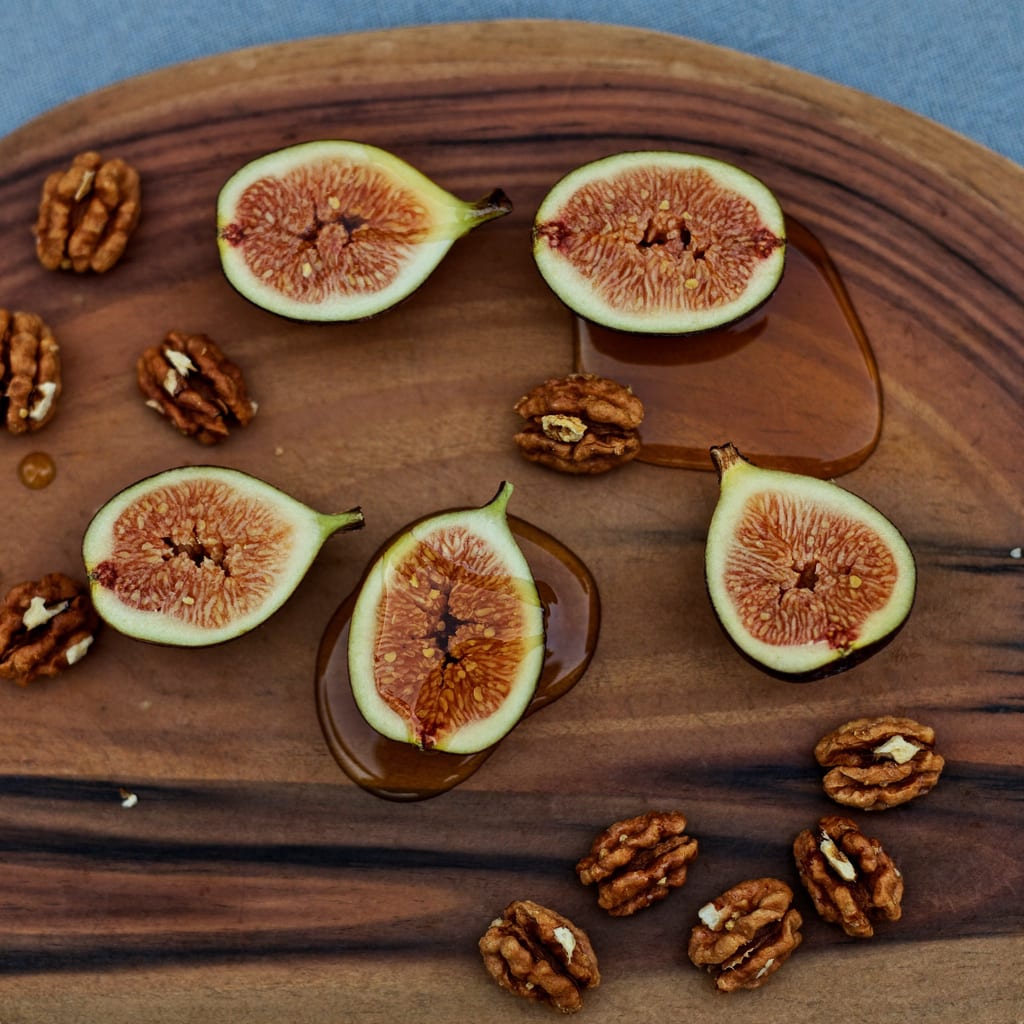
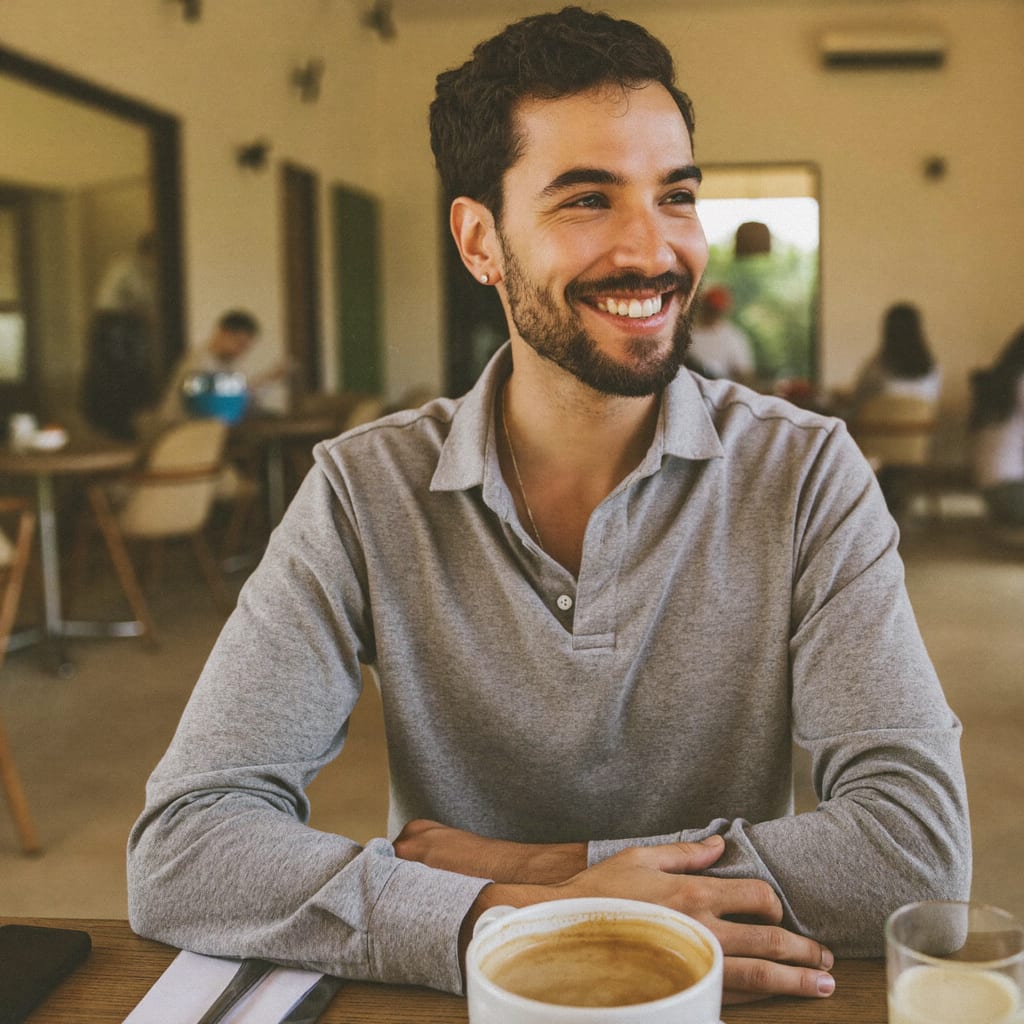
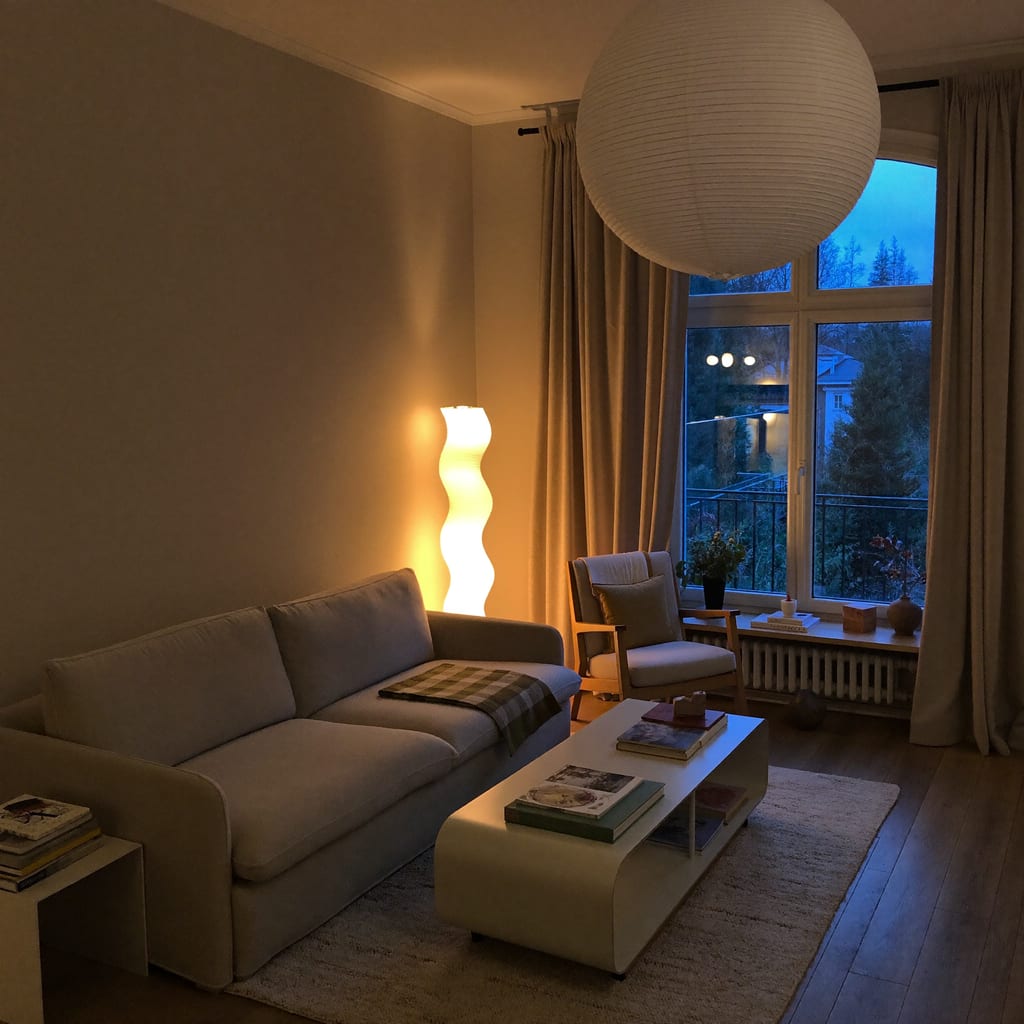
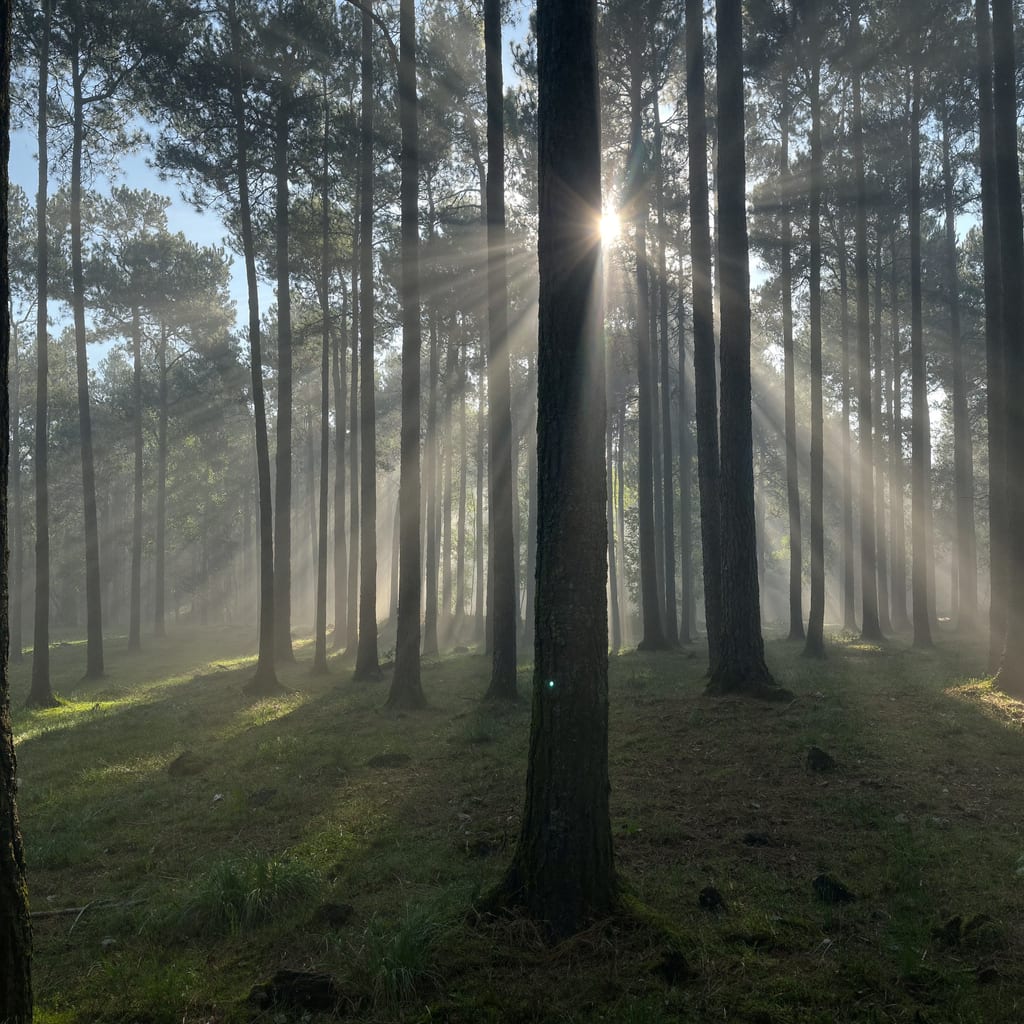
The recipe: set the scene, the time of day and the mood, then name the photography genre (food, interior, nature).
Generated with Higgsfield — prompt below. · Generated with HiggsfieldGenerated with Higgsfield — prompt below. · Generated with HiggsfieldGenerated with Higgsfield — prompt below. · Generated with Higgsfield
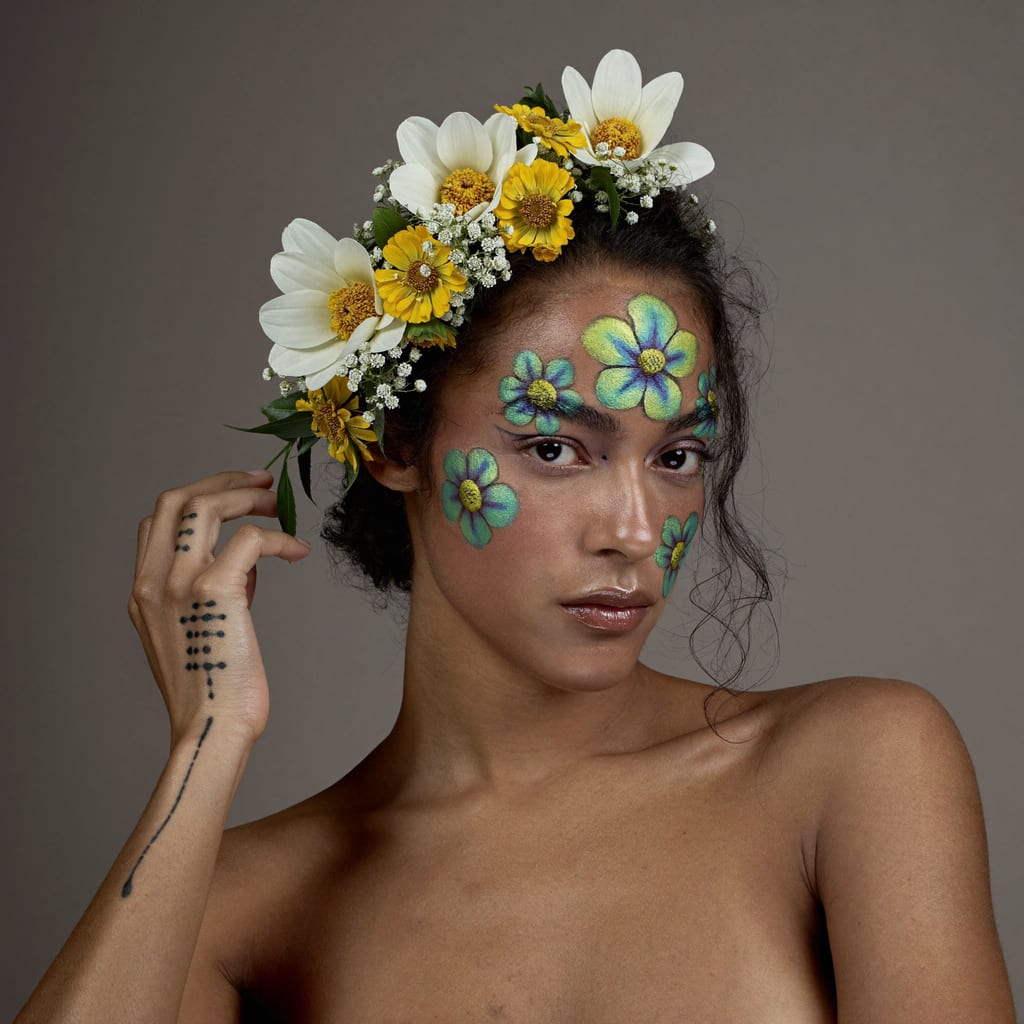
Creative & abstract
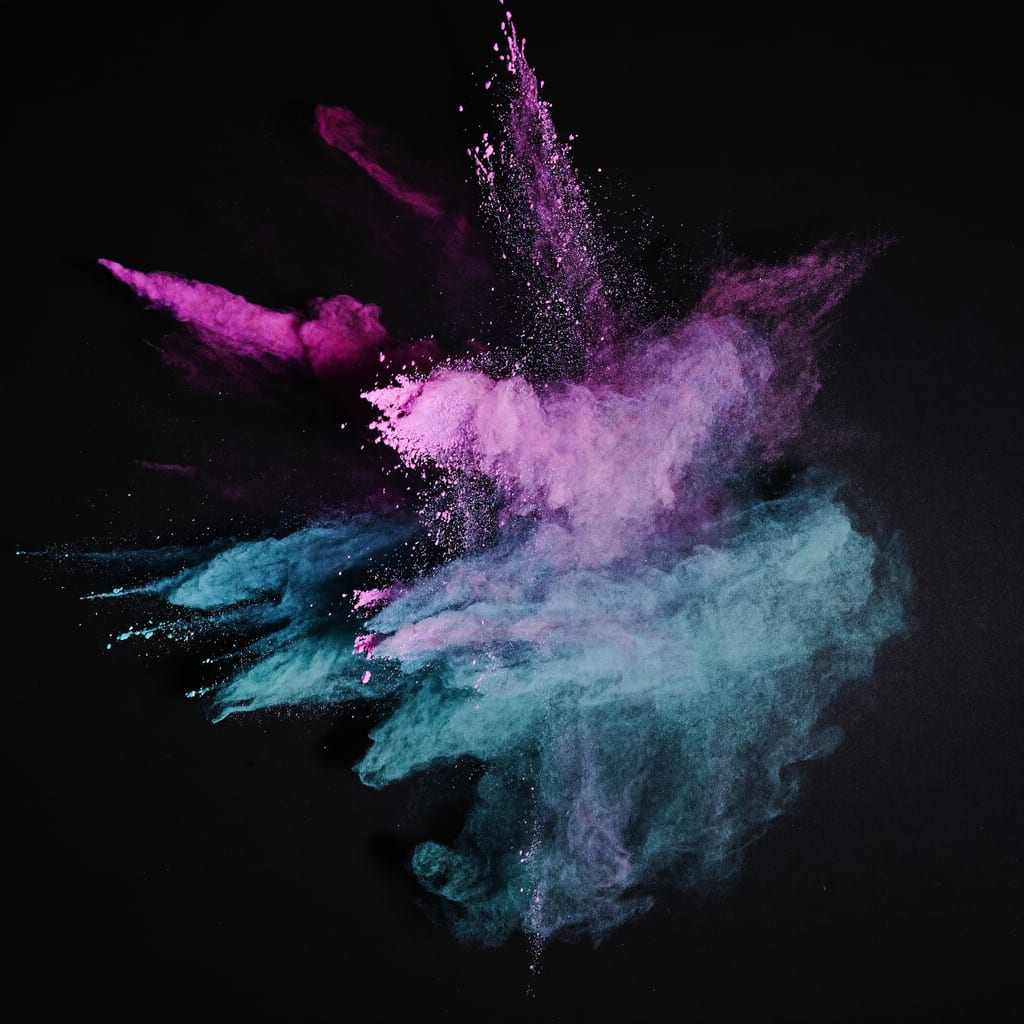
Generated with Higgsfield — prompt below. · Generated with Higgsfield
HiggsfieldSponsored
Try these prompts yourself
Copy any prompt above, swap the subject, and generate — Higgsfield runs on credits (Ultra 3,000/mo, $99/mo billed annually, 24 Sep 2026) with a free tier to start.
A clear structure: subject + setting + lighting + photography style. Name the thing, where it is, how it's lit, and the genre of photo you want (product, portrait, food, editorial). Adding 'no text, no logos' avoids garbled labels, especially on products. The 12 prompts above all follow this pattern — swap the subject and the rest holds up.
How do I stop AI adding gibberish text to my images?
Add 'no text, no logos, no writing' to the prompt, and start products blank/unlabeled — then add real branding afterward in an editor. Text-heavy subjects (packaging, signs) are where AI image tools most often produce garbled letters, so avoid asking for on-image text and overlay it later instead.
Can I use these prompts for commercial work?
The prompts are just templates — the images you generate are yours to use per your tool's licence, so check the current terms of whichever tool you use. Starting from blank, unbranded products keeps them flexible for adding your own branding. This is how-to information, not legal advice; confirm commercial-use terms before selling.
Higgsfield
Sponsored
Explore these prompt recipes on the free tier (a limited set of models), then upgrade when you're ready to generate at volume.