Directed camera movement — push-in, orbit, crane, dolly — is what makes AI clips look cinematic. How to add it with Higgsfield's motion control, step by step, and what it costs.
This post contains affiliate links. If you buy through them, Aliteq may earn a commission — at no extra cost to you. Prices verified at publish time.
Share
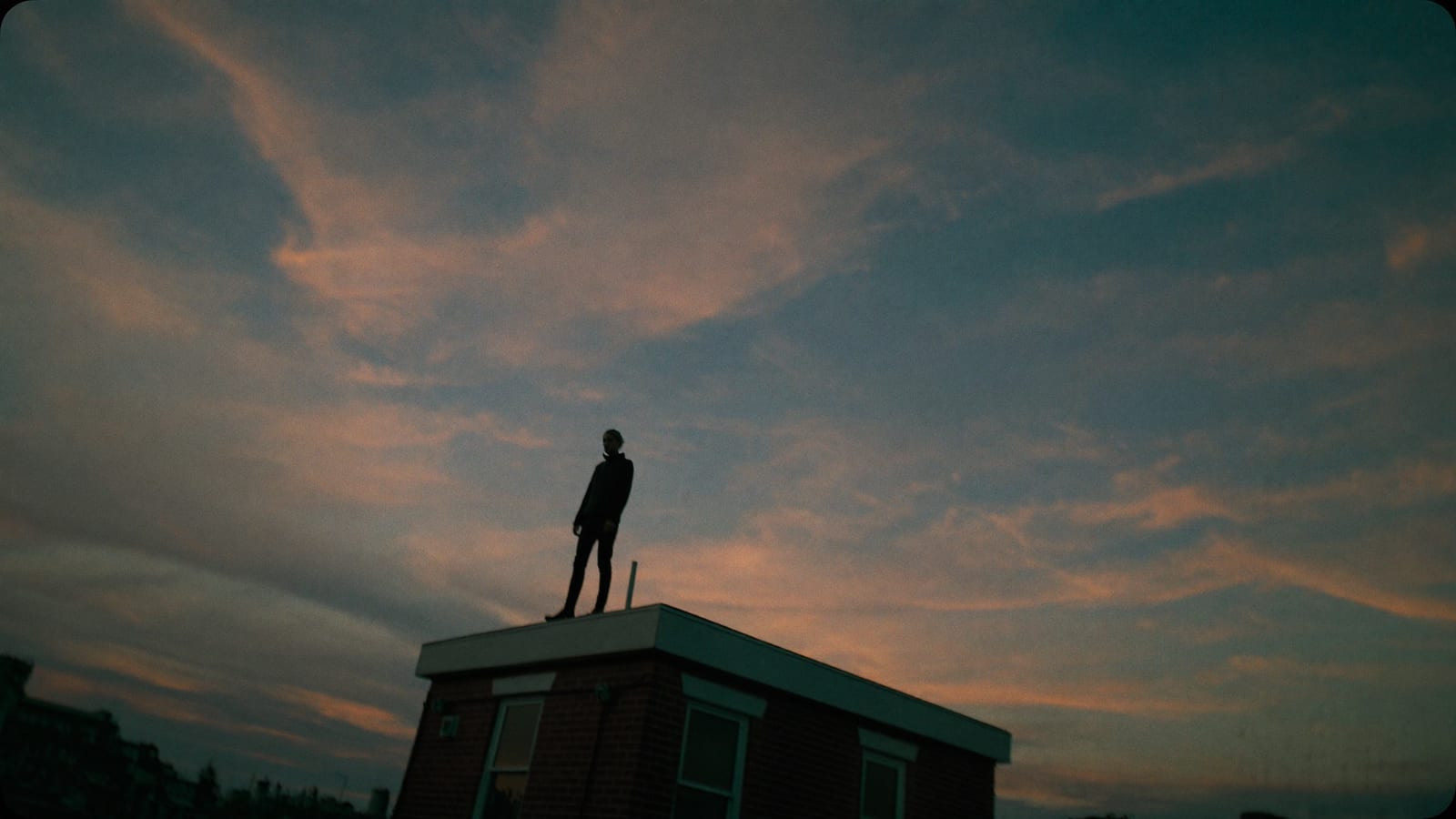
The thing that makes AI clips look cinematic rather than static is camera movement — a slow push-in, an orbit, a crane up, a dolly track. Higgsfield's signature is motion control: you take an image or scene and apply a real film-style camera move to it, no rig required. Here's what it does, how to make one, and what it costs (Higgsfield pricing, accessed 24 Sep 2026). The example still below is a real Higgsfield generation.
A still from a Higgsfield generation — prompt below (motion control animates the camera in the clip).
Instead of generating random motion, you direct the camera. The common moves map to real cinematography: a push-in builds tension, a pull-out reveals context, an orbit shows a subject in the round, a crane lifts for scale, a dolly tracks alongside movement, and a whip-pan cuts energy between beats. Choosing the move deliberately is what separates a clip that looks AI-generated from one that looks shot.
How to make one, step by step
Start with a strong frame — generate or upload the image you want the camera to move through.
Pick a camera move that fits the moment — push-in for tension, crane for scale, orbit to show a subject.
Generate the clip — motion control animates the chosen camera move across your frame.
Stitch beats together — combine a few moves into a sequence with cuts for a directed feel.
HiggsfieldSponsored
Direct your first cinematic camera move
Turn a still into a moving, directed shot with motion control — Ultra is 3,000 credits/mo ($99/mo billed annually, 24 Sep 2026), and a free tier lets you try it first.
Use a tool with motion control, like Higgsfield: start from a still frame, choose a camera move (push-in, orbit, crane, dolly), and generate the clip — the tool animates that camera move across your image. You direct the camera rather than hoping for random motion, which is what gives the result a cinematic, shot-on-a-rig feel. It runs on credits (Ultra 3,000/mo, $129 or $99 annual).
What camera moves can AI do?
The common cinematic moves all map across: push-in and pull-out, orbit, crane up/down, dolly tracking, and whip-pans. Each has a purpose — push-in for tension, pull-out for reveal, orbit to show a subject, crane for scale. Choosing the move deliberately, rather than adding generic motion, is the trick to a directed, professional look.
How much does it cost?
It's credit-based. Higgsfield's Ultra plan is 3,000 credits a month at $129/mo (or $99/mo annually); video and motion generations use more credits than plain stills, so a moving clip costs more than an image. There's a free tier with a limited set of models to try the workflow before you subscribe. Check the current tiers on Higgsfield's pricing page.
Higgsfield
Sponsored
Explore the workflow on the free tier (a limited set of models), then upgrade when you're ready to make directed cinematic clips.