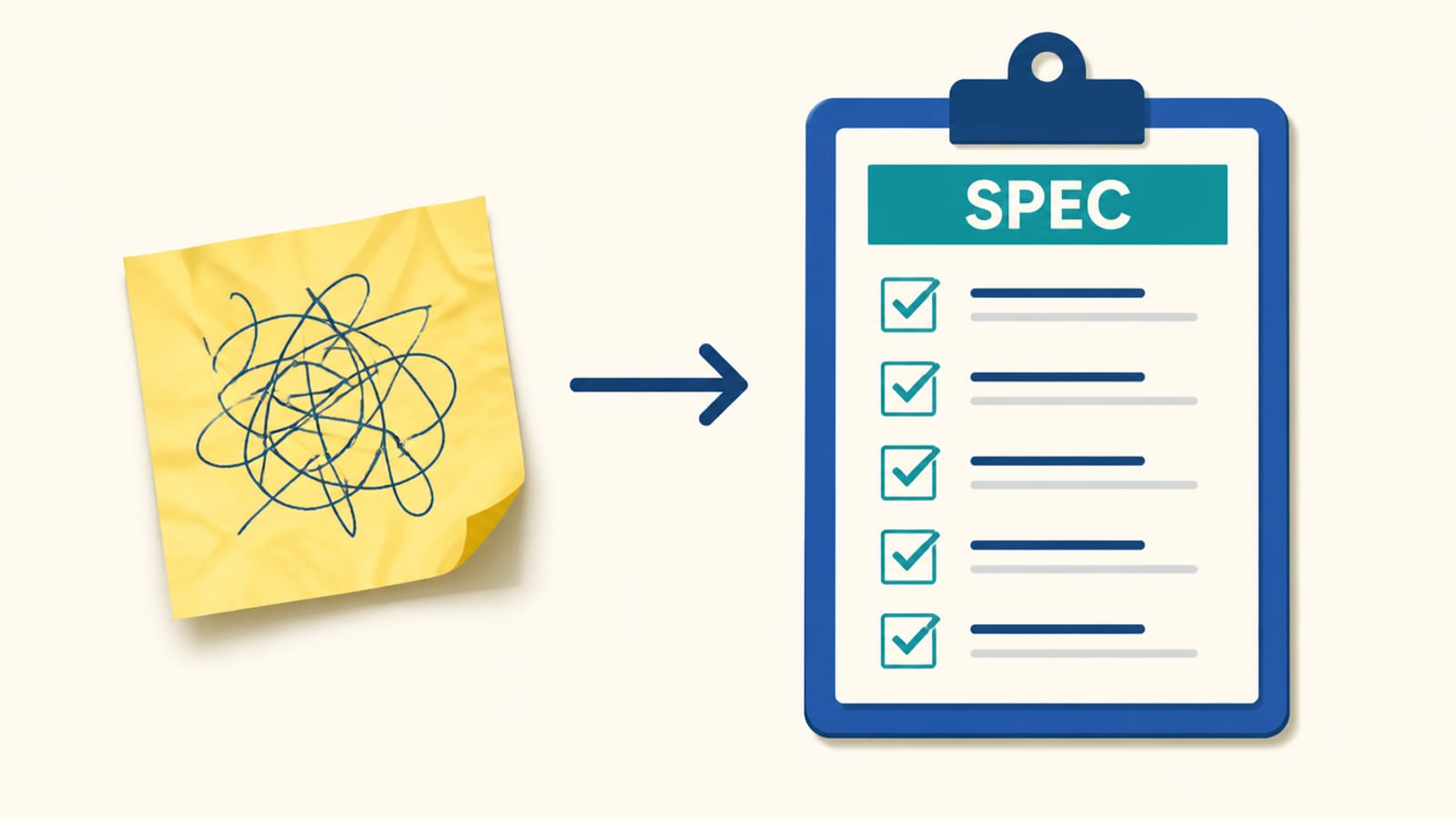
The same request, worded three ways, gives you three different apps. The difference is how much of the spec you wrote versus left the model to guess.
What people type
"Add an email signup box to my site."
Decide these first (0/5)
Who is it for?
What does 'done' look like?
Where does the data live?
Who can see it?
What must it NOT do?
What the AI should receive
Task: Add an email signup box to my site.
Every unanswered question is a guess the model will make for you — and it guesses the most common thing, not your thing.
A prompt is a spec: the more of it you write down, the less the model has to invent. Watch that happen with the real outputs below.
Anthropic's guidance is blunt about this. Their prompting guide: "The more precisely you explain what you want, the better the result." And the golden rule: "Show your prompt to a colleague with minimal context on the task and ask them to follow it. If they'd be confused, Claude will be too."
One request, three specs
The exact prompt was given to Claude, via Claude Code (26 Sep 2026), each on its own. Outputs are pasted verbatim.
make an email signup box
<form>
  <input type="email" placeholder="Enter your email">
  <button>Sign up</button>
</form>worseNo validation, and the placeholder stands in for a label, which screen readers can't use.
make an email signup box that validates the email and shows a thank-you message on submit
<form id="signup">
  <input type="email" id="email" placeholder="Enter your email" required>
  <button type="submit">Sign up</button>
  <p id="msg"></p>
</form>
<script>
  signup.addEventListener('submit', (e) => {
    e.preventDefault();
    msg.textContent = email.validity.valid
      ? 'Thanks for signing up!'
      : 'Please enter a valid email.';
    if (email.validity.valid) signup.reset();
  });
</script>
it dependsNow it checks the email and confirms, but the button is always live and there's no visible label.
same box: one HTML file, no libraries, a visible label, disable the button until the email is valid, show an inline error for a bad email, and don't submit anywhere yet
<form id="signup" novalidate>
  <label for="email">Email address</label>
  <input type="email" id="email" autocomplete="email" aria-describedby="err" required>
  <p id="err" role="alert"></p>
  <button id="go" type="submit" disabled>Sign up</button>
  <p id="msg" role="status"></p>
</form>
<script>
  const ok = () => /^[^@\s]+@[^@\s]+\.[^@\s]+$/.test(email.value);
  email.addEventListener('input', () => {
    go.disabled = !ok();
    err.textContent = email.value && !ok() ? 'That doesn’t look like an email.' : '';
  });
  signup.addEventListener('submit', (e) => {
    e.preventDefault();
    if (!ok()) return;
    msg.textContent = 'Thanks — you’re on the list.';
    signup.reset(); go.disabled = true;
  });
</script>betterEvery choice the model would otherwise have guessed is now yours: the label, the disabled state, the error, the no-op submit.
What changed: Every constraint you leave out, the model fills in for you — sometimes well, often not. Writing the spec is how you decide instead of hoping.
Notice none of the three is "wrong." The vague one is a fair reading of a vague ask. You didn't get a worse model on the left; you gave it less to go on. The interactive above turns your plain wish into a spec the same way.
Try it with the rules off. In the spec builder above, type a lazy wish and watch it get pinned down into a spec. The gap between the two is exactly what the model would otherwise have guessed for you.
Check yourself
0/3 got itSaved on this device only. No account, no streaks.
Next in talking to it well: The verify loop.