All three coding agents can run on your own GPU through Ollama. The catch is 64k of context, which Ollama doesn't give you by default. Which agent to pick, and what your card can actually hold.
This post contains affiliate links. If you buy through them, Aliteq may earn a commission — at no extra cost to you. Prices verified at publish time.
Share
Plenty of people have tried putting Claude Code or OpenCode on top of a local model this year, and the complaint I keep seeing in their threads isn't "the model is dumb", it's "the agent forgets the task after three files." Almost every time, that's a context problem, not a model problem. This guide is the map I wish existed: what each tool is, how it connects to Ollama, and how much GPU memory the setup the docs ask for actually costs.
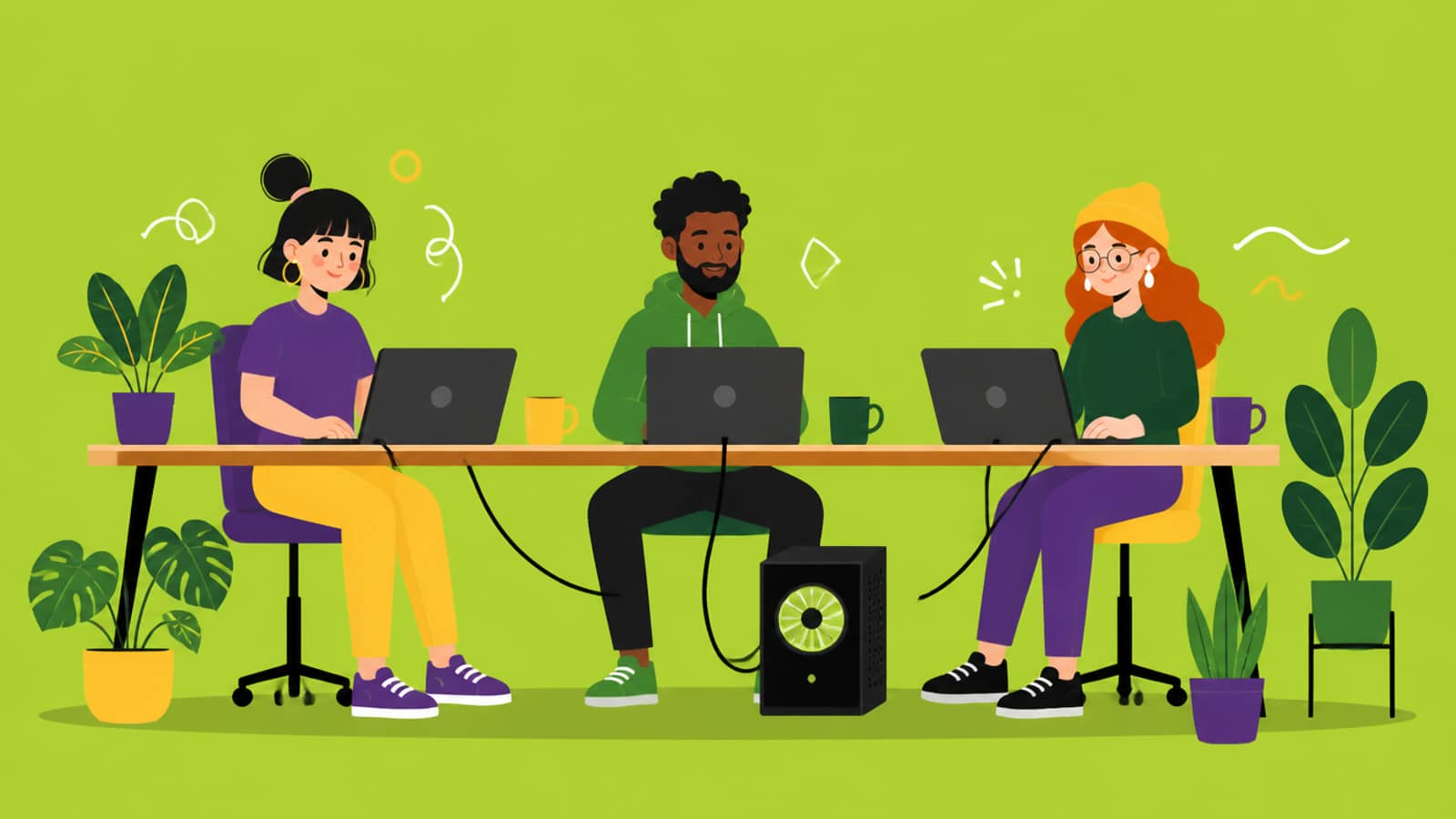
One local model server, three different coding agents on top of it. · Illustration generated with Higgsfield
How this works: three agents, one local server
All three are terminal coding agents. They read your repo, edit files and run commands. Normally each one talks to its maker's cloud API. Ollama makes a local model look like those APIs. It added an Anthropic Messages API in v0.14.0 (January 2026), which is what Claude Code speaks. It also offers OpenAI-compatible endpoints, which Codex and OpenCode use. Then v0.15.0 added ollama launch, which configures and starts Claude Code, Codex, OpenCode or Droid for you.
# Ollama v0.34.4 — one-command setup for each agent
ollama launch claude
ollama launch codex
ollama launch opencode
If you already manage models in Ollama, you're most of the way there; our Ollama model-management guide covers pulling, listing and removing models. The rest of this page is about the two decisions that matter: which agent, and whether your GPU can give it enough context.
The 64k context trap (read this before anything else)
Every one of these integrations asks for a lot of context. The Ollama docs say it plainly for each tool. Claude Code: "set the context length to 64k or higher" for larger repositories. OpenCode: "requires a context length of 64k or higher". Codex: "at least 64k tokens". Ollama's context-length page says coding tools "should be set to at least 64000 tokens."
Ollama's defaults don't give you that. The same page lists the defaults by VRAM: under 24 GiB, 4k context; 24–48 GiB, 32k; 48 GiB and up, 256k. The older FAQ still says a flat 4,096 tokens. Either way, anyone on a normal gaming card starts well short of 64k, and the agent silently loses the early part of the conversation. OpenCode's own provider docs point at the same cause: "If tool calls aren't working, try increasing num_ctx."
# Ollama docs (context-length), accessed 25 Sep 2026
OLLAMA_CONTEXT_LENGTH=64000 ollama serve

# check what you actually got — look at the CONTEXT and PROCESSOR columns
ollama ps
ollama ps is the honest check. If PROCESSOR shows anything other than 100% GPU, part of the model has spilled into system RAM and generation will crawl. That's the next problem: 64k of context costs memory.
What 64k context costs in VRAM
Here's our VRAM engine on the two local coding models Ollama users reach for most. Assumptions: Q4_K_M weights, fp16 KV cache (Ollama's default), 0.8 GiB overhead. The KV cache, the memory that holds your context, grows linearly with context length, which is why 4k looks fine and 64k doesn't.
Total VRAM by context length (our engine, Q4_K_M, fp16 KV)
Qwen3-Coder 30B-A3B
4k
18.4 GiB
32k
21 GiB
64k
24 GiB
KV cache at 64k
6 GiB
gpt-oss 20B
4k
12.8 GiB
32k
14.1 GiB
64k
15.6 GiB
KV cache at 64k
3 GiB
Qwen3-Next 80B-A3B
4k
—
32k
—
64k
52 GiB
KV cache at 64k
6.0 GiB
gpt-oss 120B
4k
—
32k
—
64k
71.2 GiB
KV cache at 64k
4.5 GiB
4k
32k
64k
KV cache at 64k
Qwen3-Coder 30B-A3B
18.4 GiB
21 GiB
24 GiB
6 GiB
gpt-oss 20B
12.8 GiB
14.1 GiB
15.6 GiB
3 GiB
Qwen3-Next 80B-A3B
—
—
52 GiB
6.0 GiB
gpt-oss 120B
—
—
71.2 GiB
4.5 GiB
Does it fit? Qwen3-Coder 30B at 64k context needs ≈24.0 GiB
Our engine, fp16 KV cache. A 24GB card is at 100%. It technically loads, then fails the moment your desktop wants some VRAM. With OLLAMA_KV_CACHE_TYPE=q8_0 the total drops to about 21.0 GiB.Does it fit? gpt-oss 20B at 64k context needs ≈15.6 GiB
gpt-oss 20B · Q4_K_M · 64k context needs ≈15.6 GB
RTX 3060 (12GB)12 GBover 3.5999999999999996 GB
RTX 5060 Ti / 4060 Ti (16GB)16 GBfits
RTX 3090 / 4090 (24GB)24 GBfits
Our engine, fp16 KV cache. Ollama's default gpt-oss:20b download is 14 GB (per the Ollama library), a bit larger than our Q4_K_M weight estimate, so treat a 16GB card as tight and use the 8-bit KV cache (≈14.1 GiB).
The lever that helps most isn't a smaller model, it's a smaller KV cache. Ollama's FAQ documents OLLAMA_KV_CACHE_TYPE=q8_0, which uses "approximately 1/2 the memory of f16" with "a very small loss in precision". It needs Flash Attention, which Ollama turns on automatically where the hardware supports it. On our numbers, that takes Qwen3-Coder at 64k from 24.0 to about 21.0 GiB, which is the difference between "tight" and "fine" on a 24GB card. Full per-model tables are on best GPU for Qwen3-Coder and best GPU for gpt-oss 20B.
# Ollama FAQ, accessed 25 Sep 2026 — global setting, applies to every model
OLLAMA_KV_CACHE_TYPE=q8_0 OLLAMA_CONTEXT_LENGTH=64000 ollama serve
Referral link
Your card can't hold a 64k-context coder? Rent one by the hour
On Vast.ai's spot market, 48GB cards like the L40 and RTX A6000 had listings from about $0.34–$0.37/hr (lowest live listings, 25 Sep 2026). That's enough for Qwen3-Coder at 64k with room to spare. Run Ollama on the rented box and point your agent's base URL at it. Spot instances can be reclaimed, so commit your work often.
Referral link — we may earn a commission at no cost to you. Prices on our compare page are the provider's live figures, cheapest first; this never changes the ranking.
I'm only comparing things you can check in each project's docs or repo: licence, how it connects to Ollama, how it's configured, and what's documented as unsupported. I'm not going to tell you which one "feels smarter". On a local backend they all use the same model, so the model and your context budget matter more than the wrapper.
Claude Code vs Codex CLI vs OpenCode with Ollama (docs accessed 25 Sep 2026)
Licence
Claude Code
Proprietary (Anthropic Commercial Terms)
Codex CLI
Apache-2.0
OpenCode
MIT
API it uses via Ollama
Claude Code
Anthropic Messages (/v1/messages)
Codex CLI
OpenAI Responses (wire_api = "responses")
OpenCode
OpenAI-compatible (/v1)
One-command setup
Claude Code
ollama launch claude
Codex CLI
ollama launch codex
OpenCode
ollama launch opencode
Manual config
Claude Code
3 env vars (ANTHROPIC_*)
Codex CLI
--oss flag, or a profile TOML
OpenCode
Provider block in opencode.json
Windows
Claude Code
PowerShell installer
Codex CLI
Via WSL (OpenAI docs)
OpenCode
npm install -g opencode-ai
Context Ollama asks for
Claude Code
64k+ (larger repos)
Codex CLI
At least 64k
OpenCode
64k+ (required)
Documented gaps
Claude Code
tool_choice, token counting, hosted web search not fully supported
Codex CLI
Web search runs through Ollama (needs ollama signin)
OpenCode
Models only in opencode.json don't appear in the launch picker
Claude Code
Codex CLI
OpenCode
Licence
Proprietary (Anthropic Commercial Terms)
Apache-2.0
MIT
API it uses via Ollama
Anthropic Messages (/v1/messages)
OpenAI Responses (wire_api = "responses")
OpenAI-compatible (/v1)
One-command setup
ollama launch claude
ollama launch codex
ollama launch opencode
Manual config
3 env vars (ANTHROPIC_*)
--oss flag, or a profile TOML
Provider block in opencode.json
Windows
PowerShell installer
Via WSL (OpenAI docs)
npm install -g opencode-ai
Context Ollama asks for
64k+ (larger repos)
At least 64k
64k+ (required)
Documented gaps
tool_choice, token counting, hosted web search not fully supported
Web search runs through Ollama (needs ollama signin)
Models only in opencode.json don't appear in the launch picker
OpenCode if you want an open-source tool (MIT) whose config is one JSON file you can commit. Set it up with Ollama →
Codex CLI if you want Apache-2.0 and plan to use OpenAI's open-weight gpt-oss models; Ollama's docs use them in every Codex example. Set it up with Ollama →
Claude Code if you already use it with Anthropic's models and want the same workflow offline, and you're fine with a proprietary licence and the API gaps Ollama lists. Set it up with Ollama →
Claude Code vs OpenCode on a local model
This is the matchup people search for most, so here it is head-to-head. The short version: they're closer than you'd think once both are pointed at the same Ollama model. The differences are licensing, configuration and API coverage.
Claude Code vs OpenCode (with Ollama)
Claude Code
Anthropic · proprietary
vs
OpenCode
Open source · MIT
Anthropic Commercial Terms
Licence
MIT
Anthropic Messages API
Talks to Ollama via
OpenAI-compatible API
ollama launch claude, or 3 env vars
Setup
ollama launch opencode, or opencode.json
Settings + env vars
Config you can commit to a repo
One opencode.json
tool_choice, count_tokens, hosted web search
Documented compatibility gaps
None listed by Ollama beyond the context requirement
Subagents, web search, vision, thinking, /loop
Extras listed in Ollama's docs
Subagents, web fetch, vision
64k+
Context Ollama asks for
64k+
Code wins 1wins 3 OpenCode
My take: if you're starting fresh on a local model, OpenCode is the lower-friction choice. It's open source, its Ollama setup is one config block, and Ollama doesn't list any API gaps for it. If you already work in Claude Code every day, the Ollama route lets you keep your habits offline. Just know that Ollama's Anthropic compatibility page lists tool_choice and the token-counting endpoint as unsupported, so anything that relies on them will behave differently than against Anthropic's own API.
Already using VS Code?
If you'd rather stay in the editor than live in a terminal, that's a different setup. Our local AI coding assistant for VS Code guide and the Qwen3-Coder in VS Code walkthrough cover the extension route. The same 64k context and VRAM maths above still applies.
Quick answers
Can Claude Code run on a local model?
Yes, through Ollama's Anthropic-compatible API, added in Ollama v0.14.0. Run ollama launch claude, or set ANTHROPIC_AUTH_TOKEN=ollama, ANTHROPIC_API_KEY="" and ANTHROPIC_BASE_URL=http://localhost:11434, then claude --model <model> (Ollama docs, accessed 25 Sep 2026). Ollama lists tool_choice, token counting and hosted web search as not fully supported.
Why does my coding agent forget what it's doing with Ollama?
Usually context length. Ollama's docs say coding tools need at least 64k tokens, but Ollama defaults to 4k on GPUs under 24 GiB and 32k on 24–48 GiB. Start the server with OLLAMA_CONTEXT_LENGTH=64000 and check the CONTEXT column in ollama ps.
What's the best local model for Claude Code, Codex or OpenCode on a 24GB GPU?
Qwen3-Coder 30B-A3B is the usual pick. On our VRAM engine it needs about 24.0 GiB at 64k context (Q4_K_M, fp16 KV cache), right at a 24GB card's limit. Setting OLLAMA_KV_CACHE_TYPE=q8_0 brings it to about 21.0 GiB. On a 16GB card, gpt-oss 20B is the realistic option at about 15.6 GiB (14.1 GiB with the 8-bit KV cache).
Is OpenCode or Claude Code better with local models?
On the same Ollama model the differences are licence and configuration, not intelligence. OpenCode is MIT-licensed and configured in one opencode.json, and Ollama lists no API gaps for it. Claude Code is proprietary, and Ollama's Anthropic compatibility layer doesn't fully support tool_choice or token counting.
Do I need a GPU at all?
Not strictly. Ollama's docs point to cloud models (ollama.com/search?c=cloud) that run on Ollama's servers with no download. Or rent a GPU by the hour and run Ollama on it. Running a 30B coder at 64k context on CPU and system RAM alone will be very slow.