Point your editor at a model on your own machine and get autocomplete, chat, and even an agent that edits files — free, unlimited, and with your code never leaving your PC. Here's the setup.
Can you run a private AI coding assistant locally?
Yes — and it's a genuine Copilot replacement. Pair Ollama (serving a local coding model) with a VS Code extension: Continue for autocomplete and chat, or Cline for an agent that reads your files, proposes edits, and runs terminal commands. The result is a coding assistant inside your editor that's free, unlimited, and completely private — your code never leaves your machine, there's no subscription, and no usage cap. With today's local coding models, it's good enough to be a daily driver for a lot of developers. Here's the setup.
The two setups: autocomplete vs agent
There are two flavors of local coding assistant, and you can run either or both. Continue.dev is the autocomplete-and-chat option: it adds inline code completion and a chat panel to VS Code, and the 'VS Code + Ollama + Continue' stack is fully open and modular — Ollama serves the model, Continue is the interface, and you control model choice and data flow completely. It's the closest local equivalent to Copilot's core experience. Cline (formerly Claude Dev) is the agent option — the closest free analogue to Cursor's agent mode: it reads your files, proposes multi-file edits, runs terminal commands, checks the results, and iterates toward a goal. It's an Apache 2.0 extension and genuinely capable for larger tasks. If you prefer the terminal, Aider is an excellent local pair-programmer. Most developers start with Continue for day-to-day autocomplete and add Cline when they want the model to actually make changes.
# 1. install Ollama and pull a coding model (match to your VRAM):
ollama pull qwen3-coder        # strong local coder (24GB class)
# or a smaller one like deepseek-coder for less VRAM

# 2. install the Continue (or Cline) extension in VS Code
# 3. in the extension settings, choose 'Ollama' as the provider
#    and select your pulled model. That's it — private, free, unlimited.
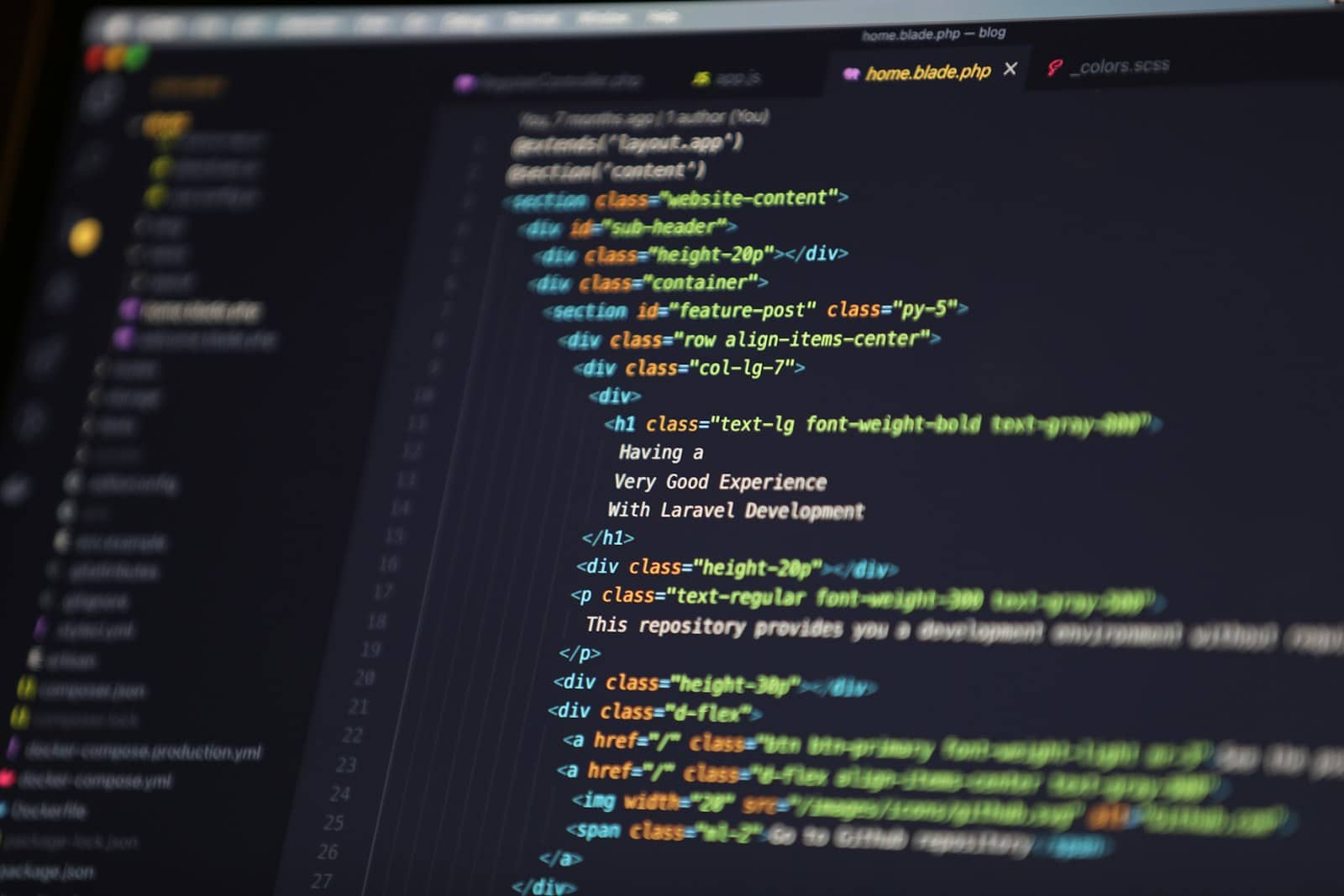
Ollama + Continue or Cline gives you Copilot-style AI in VS Code — free, unlimited, and your code stays local. · Unsplash
Which model, and is it good enough?
The assistant is only as good as the model behind it, so pick a real coding model: Qwen3-Coder is the standout for local coding, with DeepSeek-Coder and Codestral also strong; Llama works too. The honest requirement is VRAM — the best coders (like Qwen3-Coder-30B) want a 24GB card for full capability, while a 16GB card runs solid 14B coders and a 12GB card handles smaller ones for autocomplete. Is it as good as cloud Copilot or Cursor? For autocomplete, boilerplate, refactoring, and moderate tasks — yes, genuinely. For the hardest, most sprawling problems, the top cloud models still lead. But the trade is compelling: free, unlimited, and private. For anyone working on proprietary or sensitive code — where you legally can't send it to a cloud — a local assistant isn't just cheaper, it's the only option, and it's now good enough to rely on. Point your GPU at it and code.
Quick answers
How do I get a free AI coding assistant in VS Code?
Pair Ollama with a VS Code extension. Install Ollama and pull a coding model (like Qwen3-Coder or DeepSeek-Coder), then install the Continue extension (for autocomplete and chat) or Cline (for an agent that edits files and runs commands). In the extension settings, select Ollama as the provider and choose your model. That's it — you get a Copilot-style assistant inside VS Code that's free, has no usage cap, and keeps your code entirely on your machine. It runs on your own GPU with no subscription.
What is the best local alternative to GitHub Copilot?
For autocomplete and chat, Continue.dev paired with Ollama is the best local Copilot alternative — fully open, private, and free. For an agentic experience like Cursor's agent mode, Cline is the top free choice: it reads files, proposes edits, and runs commands. Aider is excellent if you prefer the terminal. All run local models (Qwen3-Coder, DeepSeek-Coder, Codestral) via Ollama, so your code never leaves your machine. Continue is the best starting point for day-to-day use; add Cline when you want the AI to make changes directly.
Is a local AI coding assistant good enough to replace Copilot?
For most everyday coding — autocomplete, boilerplate, refactoring, explaining code, and moderate tasks — yes, a local assistant with a strong coding model like Qwen3-Coder is genuinely good enough to be a daily driver. The best cloud models still lead on the hardest, most complex problems. But the local option is free, unlimited, and completely private, which is decisive for anyone working on proprietary or sensitive code that can't be sent to a cloud service. You need a capable GPU (ideally 24GB for the best models), but it's a real Copilot replacement.
A free, private Copilot in VS Code is a real thing: Ollama plus Continue or Cline, with a strong local coder. Serve it via the local API, match the GPU to the model, and your code never leaves your machine. Source: Continue and Cline.