The voice is heard for the whole video — it's what makes a faceless channel feel real or feel like spam. How to pick a voice, kill the robotic tells, stay consistent, and handle voice-cloning rights.
This post contains affiliate links. If you buy through them, Aliteq may earn a commission — at no extra cost to you. Prices verified at publish time.
Share
The voice is the one part of a faceless channel that viewers hear for the entire video, and it's the thing that quietly decides whether your channel feels like a real channel or a spam farm. A good, consistent AI voice becomes your channel's identity — people subscribe to a voice they trust. A robotic, inconsistent one gets the tab closed in ten seconds no matter how good the script is. So this is worth getting right early, and it's more about a few habits than about which tool you pick.
I narrate faceless content this way, so here's the honest workflow: how to pick a voice, the settings and habits that kill the robotic tells, the one rule that makes a channel feel consistent, and the ethics of voice cloning so you don't get yourself in trouble. Get this right and you sound like a person; get it wrong and you sound like every abandoned AI channel.
The voice is heard for the whole video — it's your channel's identity. Generated with Higgsfield. · Generated with Higgsfield
Choosing a voice (and sticking with it)
You have three routes: a stock AI voice (fastest — pick one and tune it), a cloned voice of yourself (your own voice reading scripts you never record), or a custom-designed voice. For most people, a good stock voice tuned for your niche is the right start — warm and measured for documentary, brighter and quicker for tech news. Whatever you choose, the rule that matters more than the choice: use the same voice on every single video. A channel that switches voices feels like it changed hands; a consistent voice becomes something people recognize and trust.
Which voice route for you
Stock AI voice (tuned)
Best for
Fastest start, no setup
Watch out for
Many channels use the same ones — tune it to stand out
Clone of your own voice
Best for
Your identity, never record again
Watch out for
Needs a clean sample; only clone a voice you own
Custom-designed voice
Best for
A unique channel signature
Watch out for
More setup; overkill when starting out
Best for
Watch out for
Stock AI voice (tuned)
Fastest start, no setup
Many channels use the same ones — tune it to stand out
Clone of your own voice
Your identity, never record again
Needs a clean sample; only clone a voice you own
Custom-designed voice
A unique channel signature
More setup; overkill when starting out
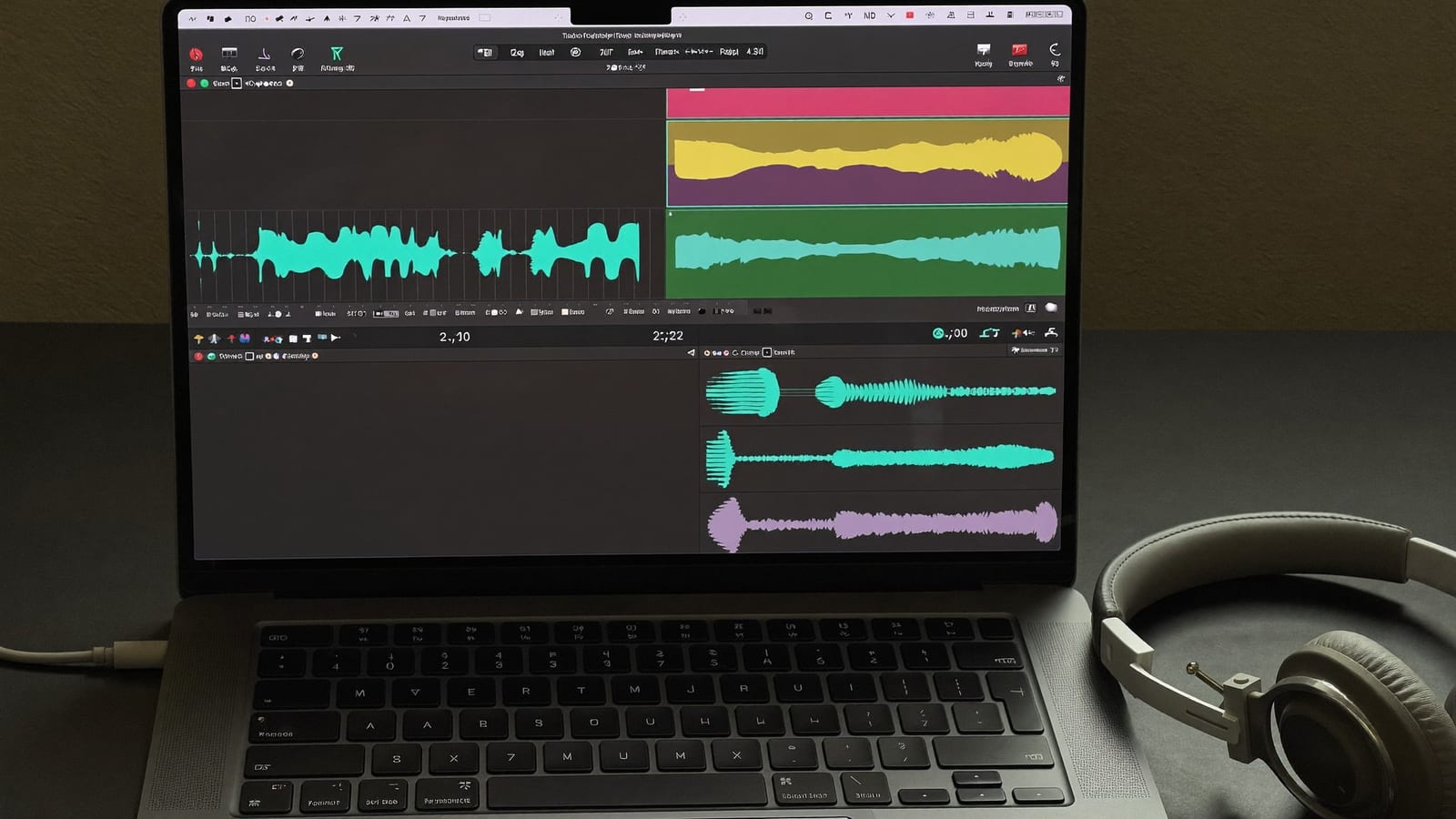
Generate the whole script in one pass for even pacing, then fix only the lines that need it. Generated with Higgsfield. · Generated with Higgsfield
Killing the robotic tells
Robotic delivery usually isn't the tool's fault — it's the script and the settings. The three giveaways are flat pacing, emphasis on the wrong word, and no pauses to breathe. The fixes are mostly writing habits:
Write conversationally. Contractions, short sentences, the way you'd actually explain it to a friend. Formal written prose is what makes AI voices sound stiff.
Punctuate for rhythm. Commas, periods and paragraph breaks tell a good voice engine where to pause and breathe. Add them deliberately; run-on sentences produce breathless, robotic reads.
Spell out the tricky bits. Write ‘twenty twenty-six' or ‘R-P-M' phonetically where the engine trips, rather than fighting a mispronunciation over and over.
Fix lines, don't nuke the take. Regenerating the whole narration shifts pacing everywhere. Re-do only the sentence that's wrong and splice it — your editor makes this trivial.
Listen at 1x, all the way through. The tells you'll catch — a rushed clause, an odd emphasis — are the same ones a viewer would. Ten minutes of listening saves a video.
The workflow, start to finish
Finalize the script and read it aloud — fix anything that sounds stiff before you generate.
Generate the full narration in one pass with your chosen voice for even pacing.
Listen through once; re-generate only the individual lines with wrong pronunciation or emphasis.
Drop it into your editor, sync to the b-roll, add captions (most watch time is sound-off).
Add captions every time — most watch time is sound-off, and they lift retention. Generated with Higgsfield. · Generated with Higgsfield
Higgsfield · Voice + visuals in one place
Sponsored
Higgsfield covers the AI voiceover alongside the b-roll and thumbnails, so your voice and visuals come from one workflow instead of three subscriptions. Pick a consistent voice, generate the narration, and pair it with the footage. Free tier to test the sound.
The best ones are genuinely hard to distinguish from a human read on well-written, well-punctuated scripts — but they still sound robotic on stiff, formal, or badly-punctuated text. Most 'robotic AI voice' complaints are really script problems. Write conversationally and the voice follows.
Should I use my own cloned voice?
It's a great option if you want your channel to carry your identity without ever recording — you clone once from a clean sample, then type scripts forever. Only clone your own voice (or one you're licensed to use), keep the sample clean, and you get a consistent, personal-feeling narration.
Is it against the rules to use an AI voice on YouTube?
No — countless monetized channels use AI voices. What's against the rules is impersonating a real person's voice, and some contexts require disclosing synthetic media. Use a voice you have rights to, disclose where required, and you're fine.
One voice per channel, or can I vary it?
One, consistently. The voice is a huge part of what makes a faceless channel recognizable — switching it confuses the audience and weakens the brand. Pick a voice you can live with for a hundred videos, then keep it.