I put the same prompts through Higgsfield, Runway, Sora 2, Kling 3.0, Pika and Veo — no cherry-picked demo shots. Here's honestly which one to use for which job, and where every single one of them still falls down.
This post contains affiliate links. If you buy through them, Aliteq may earn a commission — at no extra cost to you. Prices verified at publish time.
Share
Every few months a new AI video model drops a demo reel that breaks the internet, and every few months I get the same DM: "which one do I actually pay for?" So I've spent the last stretch putting real prompts through the tools people are asking about — Higgsfield, Runway, Sora 2, Kling 3.0, Pika, and Veo — the same way I'd brief an actual video, not the polished, cherry-picked demo prompt. This is what I'd tell a friend before they hand over a credit card.
Short version up front, because the honest answer is "it depends what you're making": no single model wins everything, and the tool that changed my own workflow most wasn't a model at all — it was Higgsfield, because it puts Sora 2, Veo 3.1, and Kling 3.0 behind one subscription instead of three, plus a couple of things none of the raw models do on their own (a reusable AI character, and a marketing-ad generator that starts from a product link).
How I actually tested these
No cherry-picking: same handful of prompts across every tool — a cinematic walking shot, a product close-up, a talking-head-style clip, and a fast-motion action shot — and I judged on the stuff that actually matters when you're shipping something, not a highlight reel. Coherence over the full clip (does a hand stay a hand for four seconds), how close the output matched the prompt, how fast it rendered, and what it cost per usable clip after the inevitable re-rolls.
AI video generators compared
Higgsfield
Best for
All-in-one — routes the models below + Soul + Marketing Studio
Motion / coherence
Depends on routed model
Native audio
Via routed model (Veo)
Access
One subscription, free tier
Sora 2
Best for
Cinematic realism, longer coherent shots
Motion / coherence
Excellent
Native audio
No
Access
Waitlist / limited
Veo 3.1
Best for
Camera control, ads with sound
Motion / coherence
Very good
Native audio
Yes
Access
Waitlist / limited
Kling 3.0
Best for
Fast, dynamic motion (action, crowds)
Motion / coherence
Very good on motion
Native audio
No
Access
App / credits
Runway
Best for
Editing existing footage, precise control
Motion / coherence
Good, tool-dependent
Native audio
No
Access
Subscription
Pika
Best for
Fast iteration, low-stakes drafts
Motion / coherence
Fair
Native audio
No
Access
Free tier / subscription
Best for
Motion / coherence
Native audio
Access
Higgsfield
All-in-one — routes the models below + Soul + Marketing Studio
Depends on routed model
Via routed model (Veo)
One subscription, free tier
Sora 2
Cinematic realism, longer coherent shots
Excellent
No
Waitlist / limited
Veo 3.1
Camera control, ads with sound
Very good
Yes
Waitlist / limited
Kling 3.0
Fast, dynamic motion (action, crowds)
Very good on motion
No
App / credits
Runway
Editing existing footage, precise control
Good, tool-dependent
No
Subscription
Pika
Fast iteration, low-stakes drafts
Fair
No
Free tier / subscription
The models, honestly
Sora 2 is still the one I trust most for a shot that needs to hold together over several seconds — walking, water, cloth, the physics stuff that used to be the tell. It's not perfect (hands under stress, dense crowds, and fast pans still wobble) but for a single cinematic hero shot it's the benchmark the others get measured against.
Veo 3.1 is the one that surprised me most, because it's the only model here that reliably generates matching audio with the clip — footsteps, ambient room tone, even rough dialogue timing. If you're making anything for social where sound carries half the ad, that alone can decide it. Camera control (a real dolly move, not a random pan) is also its strength.
Kling 3.0 is my pick when the brief has real motion in it — someone running, a crowd, a fast camera whip. It handles dynamic movement other models flatten into slow-mo, though I've found it less reliable on quieter, subtle shots than Sora 2.
Runway isn't chasing the same demo-reel wow shots — it's a toolbox. Motion brush, camera control on footage you already shot, video inpainting. If you're editing something real rather than generating from scratch, it's still the most precise option here.
Pika is the sketchbook. It's fast and cheap to iterate with, which matters when you're testing ten ideas before committing render budget to one — but I wouldn't ship a Pika clip as the hero shot of a paid campaign.
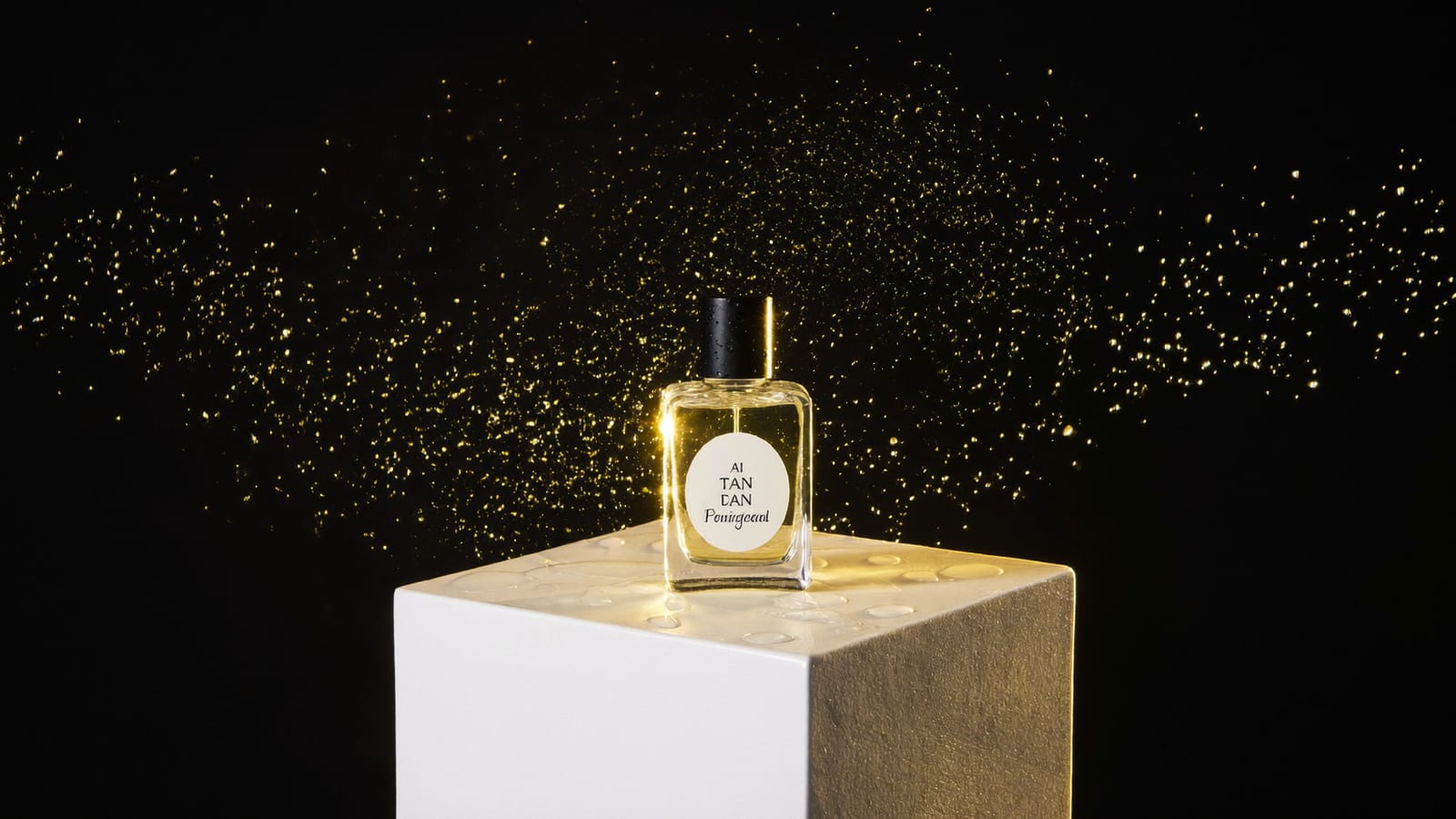
A product-ad-style frame — this kind of shot is exactly what Marketing Studio drafts from a product link. · Generated with Higgsfield
Where Higgsfield actually earns its spot
I want to be straight about this because it's easy to wave at an all-in-one tool and call it the answer to everything. Higgsfield doesn't have its own frontier video model competing with Sora or Veo on raw quality — what it does is let you route your generation to whichever of those models fits the shot, from one subscription, instead of juggling waitlists and separate bills for OpenAI, Google, and Kuaishou access. For someone making video regularly, that alone is worth it: I stopped guessing which model to sign up for and just generate, compare, and keep the best one.
The two things it adds on top of routing are genuinely useful and neither is a raw video model: Soul lets you lock in a consistent character — a face, a look — and reuse it across generations, which none of Sora, Veo, or Kling do out of the box (ask any of them for 'the same person' twice and you'll get two different people). And Marketing Studio takes a product link and drafts a full vertical ad — hook, product beats, captions — choosing the underlying model for you, which turns 'I need a TikTok ad' from a multi-tool afternoon into a first draft in minutes.
Higgsfield · All-in-one video
Sponsored
Higgsfield routes Sora 2, Veo 3.1 and Kling 3.0 from one subscription, plus Soul (a reusable AI character) and Marketing Studio (product link → ad). Free tier to compare before you commit.
None of these are 'type anything, get a perfect video' yet. Long dialogue still drifts out of sync. Dense scenes with several people interacting are where every model I tested started to smear. Fine text in-frame (a sign, a label) is close to unreadable across the board. And clip length is still short — you're building a video out of several generated shots, not one 60-second take. Budget for re-rolls: even a good prompt rarely nails it on the first try, so the real cost per usable clip is 2–4 generations, not one.
Pros
+ A usable cinematic or product shot in minutes, not a studio day
+ Test many creative directions for what one traditional shoot costs
+ Veo 3.1 gives you matching audio, not just picture
+ An all-in-one router removes the 'which model do I even sign up for' decision
Cons
− Long, natural dialogue and lip-sync still drift
− Crowded scenes and multi-person interaction are the weakest spot across every model
− Legible in-frame text is still mostly a coin flip
− Budget for re-rolls — first generation rarely ships as-is
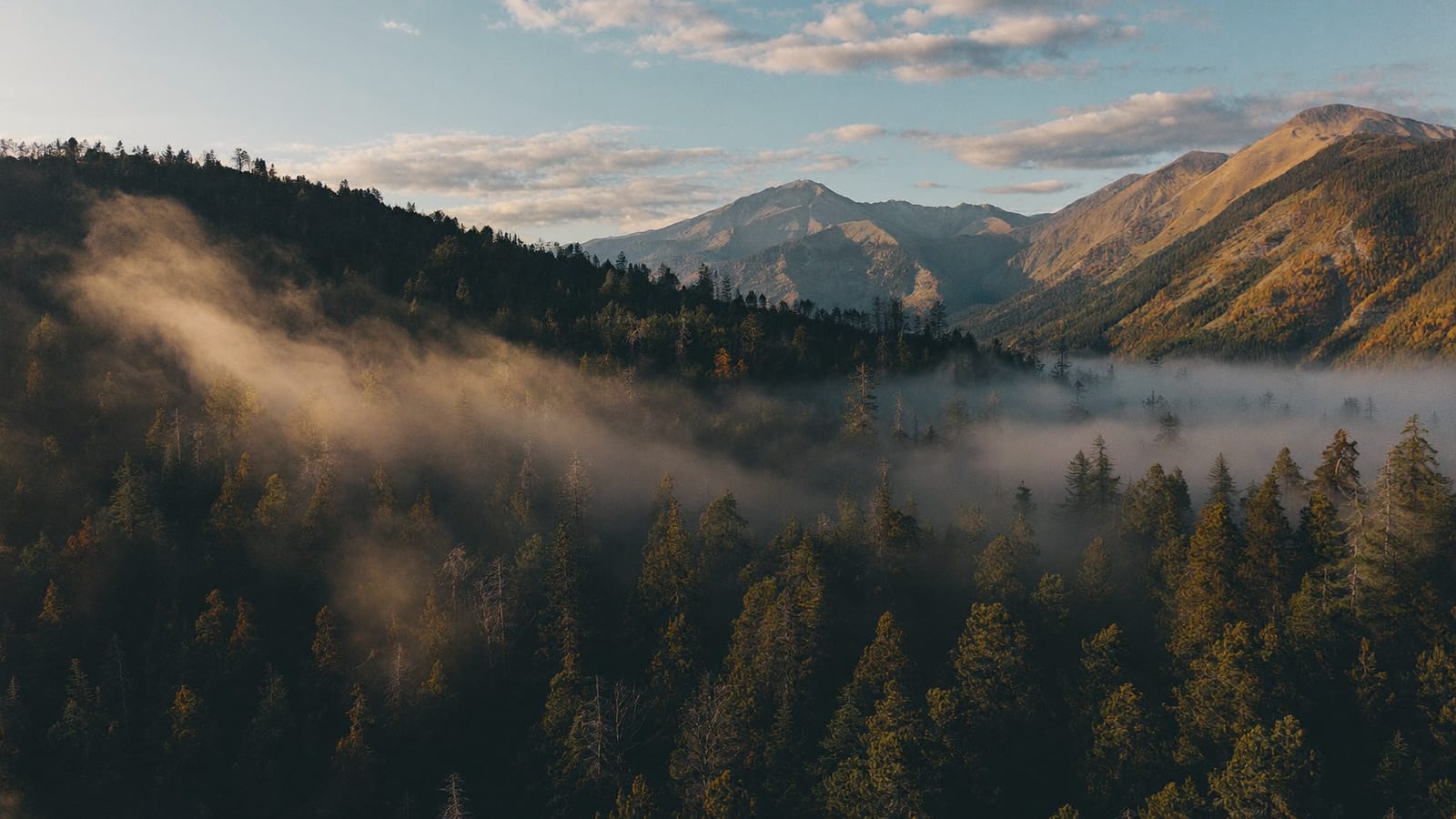
An establishing-shot style frame — the kind of coherent, longer-hold shot Sora 2 handles best. · Generated with Higgsfield
Quick answers
So which is actually the 'best' AI video generator?
There isn't one that wins every job. Sora 2 for cinematic coherence, Veo 3.1 when you need matching audio, Kling 3.0 for fast motion, Runway for editing existing footage. If you don't want to pick — or want a character/ad workflow the raw models don't offer — Higgsfield routes all three top models from one subscription.
Do I need to know how to prompt these well?
It helps, but the bigger skill is judging output, not writing the prompt — describe the shot like a director brief (subject, action, camera, lighting) and iterate on what comes back. Plan on several tries per usable clip regardless of which tool you use.
Is it worth paying for more than one tool?
For most people, no — that's the actual case for an all-in-one. Paying for Sora 2, Veo 3.1, and Kling 3.0 separately (where access even allows it) costs more and means juggling three interfaces. Higgsfield's whole pitch is collapsing that into one subscription.
Can these replace a real video shoot?
For product shots, ads, and short cinematic clips, often yes now. For anything with natural extended dialogue, several interacting people, or legible on-screen text, not yet — that's still where a real shoot or a human edit pass wins.
This comparison is one entry point into the AI-creator toolbox — the same models here also do product photography, UGC ad characters, and faceless-channel content. I keep the workflows that actually hold up in AI Studio.
HiggsfieldSponsored
Generate your first AI video clip today
Compare Sora 2, Veo 3.1 and Kling 3.0 output side by side, build a reusable AI character, or draft a product ad from a link — all from one subscription. Free tier to try before you pay.