Turn a script into a lifelike, lip-synced on-camera presenter — no filming. The step-by-step with Higgsfield, in 74+ languages, and what it actually costs.
This post contains affiliate links. If you buy through them, Aliteq may earn a commission — at no extra cost to you. Prices verified at publish time.
Share
An AI talking-avatar video turns a written script into a lifelike on-camera presenter — a face that speaks your words, lip-synced, without you ever turning on a camera. It's how faceless channels, course creators and product explainers put a 'person' on screen without filming. Here's how to make one with Higgsfield, step by step, and what it actually costs (Higgsfield pricing, accessed 24 Sep 2026). No hands-on testing claims — the example still below is a real Higgsfield generation.
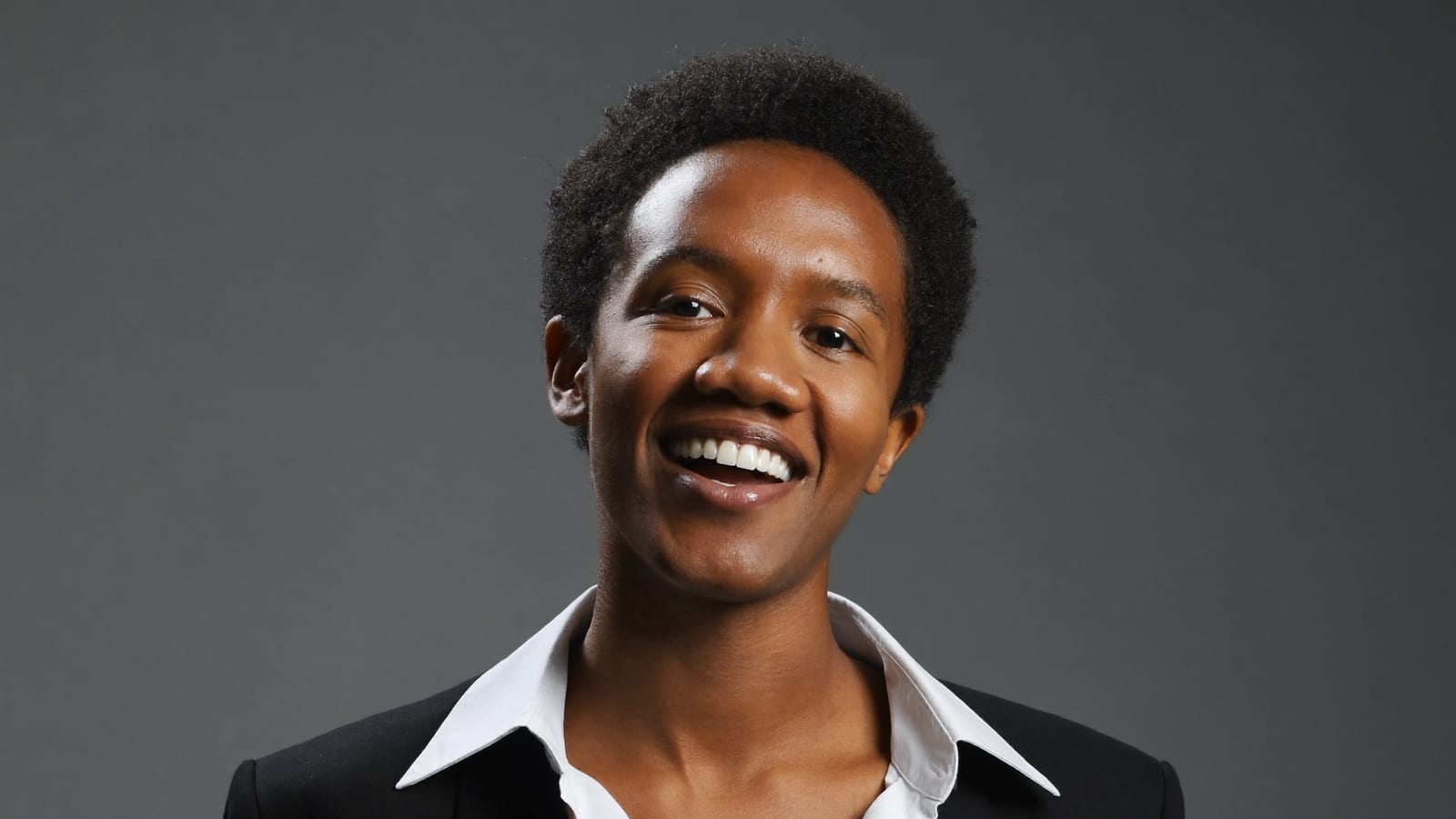
A still from a Higgsfield generation — prompt below (the avatar animates and speaks in the video).
Write your script — the exact words your presenter will say. Keep sentences short and natural for cleaner lip-sync.
Choose or generate a presenter face — pick a look and generate a clean, forward-facing portrait to animate.
Generate the talking video — the tool animates the face and syncs the lips to the audio from your script.
Localise if needed — regenerate in another language (74+ supported) to ship the same script to new audiences.
The whole loop is script-in, presenter-video-out — no camera, no studio, no on-camera nerves. It pairs naturally with a written script and an AI voiceover, and it's the fastest way to give a faceless channel or a course a consistent on-screen host. For the wider workflow of building lessons this way, see our guide to making course videos with AI avatars.
HiggsfieldSponsored
Make your first talking-avatar presenter
Turn a script into a lip-synced on-camera presenter in 74+ languages — no camera needed. The free tier lets you try it before you commit to a plan.
Write your script, choose or generate a presenter face, then generate the talking video — the tool animates the face and lip-syncs it to the audio. In Higgsfield this supports 74+ languages, so you can ship the same script localised. You never need a camera or studio. It runs on credits (Ultra is 3,000 credits/month, $129/mo or $99 annually).
How much does an AI talking avatar cost?
It's credit-based. Higgsfield's Ultra plan is 3,000 credits a month at $129/mo (or $99/mo annually); character and avatar generations use more credits than plain images, so a single presenter clip costs more than a still. Budget by how many videos you'll make. Check the current tiers on Higgsfield's pricing page before you subscribe.
Are AI talking avatars good enough to use?
For scripted, front-facing presenter videos — faceless channels, course lessons, product explainers — yes, they're convincing and widely used. The honest limits are very long takes, complex gestures and strong emotion, which still look less natural. Keep scripts tight and shots simple, and the results hold up well. This is not a promise of any outcome.
Higgsfield
Sponsored
Make a lip-synced presenter on the free tier (a limited set of models) before picking a paid plan.