4K looks glorious — but it costs ~4× the GPU power of 1080p, and for competitive play it's the wrong choice. Here's who a 4K gaming monitor is genuinely worth it for, and who should skip it.
Honest answer: it's worth it for a specific person — someone who plays AAA and single-player games, cares about visual spectacle, and owns a strong [GPU](/best-gpu-for-4k-gaming-2026). For them, 4K (especially on an OLED) genuinely elevates the experience — the extra sharpness and detail in a cinematic game is real and lovely. But it's the wrong choice for others. 4K demands roughly four times the GPU power of 1080p, so you need a powerful card, and [upscaling](/which-graphics-settings-cost-the-most-fps-2026) is essentially mandatory to keep frame rates comfortable. And for competitive play, 4K is actively the wrong call — you'd get more from a high-refresh 1440p panel. So the answer hinges entirely on how you play and what GPU you have. Here's the breakdown.
Who 4K is genuinely worth it for
4K earns its keep for the cinematic gamer. If you mostly play story-driven, single-player, visually rich games — the kind you savour rather than sprint through — 4K's extra detail is a real, visible upgrade, and on a [4K OLED](/ips-vs-va-vs-oled-gaming-monitor-2026) the combination of resolution and perfect contrast is genuinely stunning. The requirement is a strong [graphics card](/best-gpu-for-4k-gaming-2026): because 4K is ~4× the rendering load of 1080p, you need a high-end GPU to drive it, and you'll lean on [upscaling](/which-graphics-settings-cost-the-most-fps-2026) (DLSS/FSR Quality mode) to keep frame rates smooth — which, happily, looks near-native at 4K. If that's you and you have (or will buy) the card, yes, 4K is worth it and you'll enjoy it every session. Just go in knowing it's a visuals upgrade, not a performance one — you're trading frames for fidelity, and buying the GPU to afford that trade.
8/ 10
Verdict
Is a 4K gaming monitor worth it in 2026?
Worth it for AAA and single-player gamers with a strong GPU who want visual spectacle — 4K on an OLED genuinely elevates cinematic games, with upscaling making frame rates comfortable. Not worth it for competitive players (a high-refresh 1440p panel is better) or anyone without a powerful graphics card, since 4K costs ~4× the GPU load of 1080p. If unsure, 1440p is the safer sweet spot.
Best for: Cinematic/single-player gamers with a high-end GPU who value visuals over max frame rate.
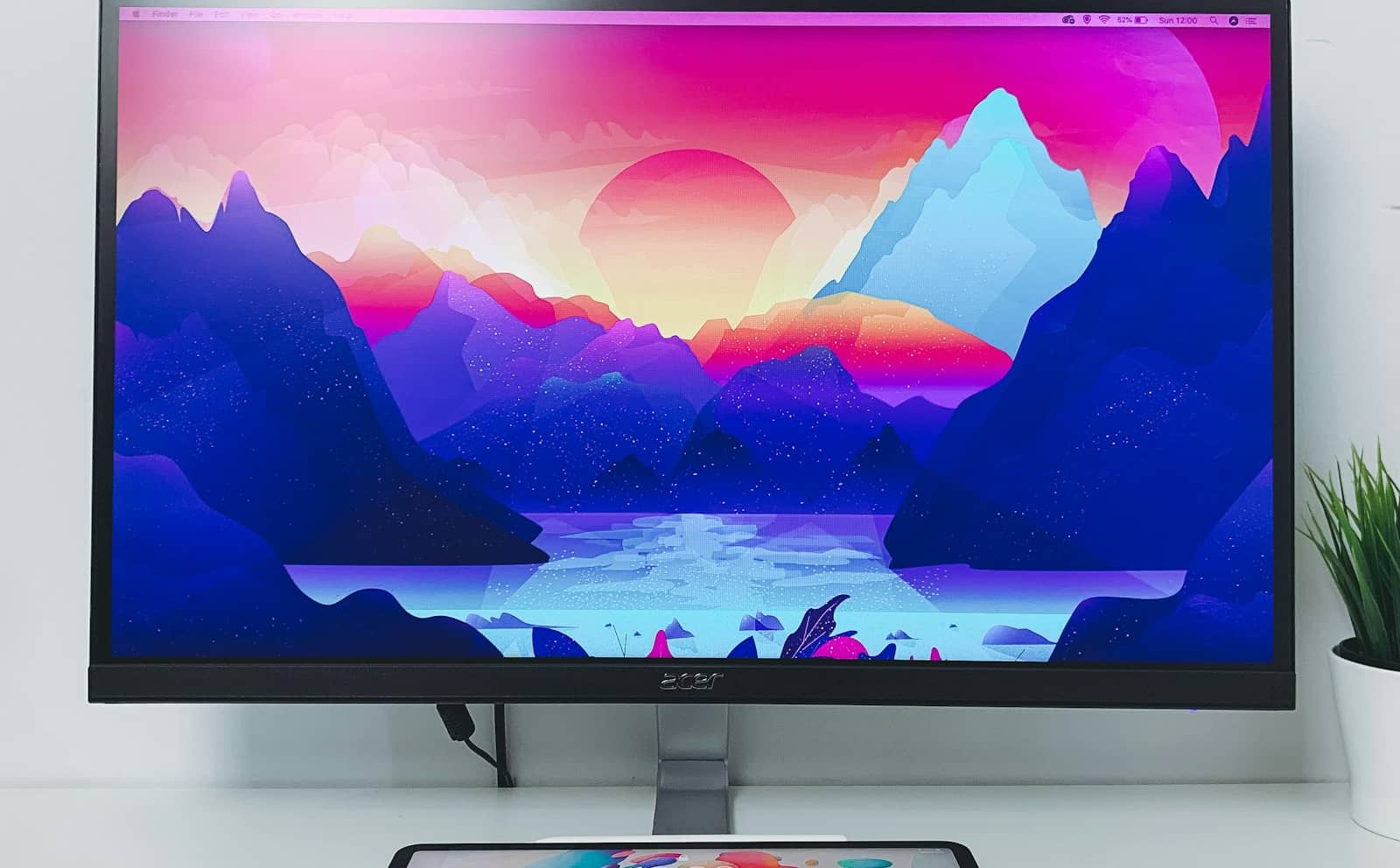
4K + OLED is stunning for cinematic games — but it's a visuals upgrade that demands a strong GPU. · Unsplash
Who should skip 4K (for now)
4K is the wrong buy for two big groups. Competitive players should skip it: fast-twitch shooters reward high frame rates and [refresh](/what-refresh-rate-do-you-need-gaming-2026) over pixel count, and a 1440p 240Hz (or even 1080p) panel — which your GPU can drive to far higher FPS — will make you play better than a 4K panel that halves your frame rate. Budget and mid-GPU gamers should also skip it: without a powerful card, 4K means either miserable frame rates or turning settings so low the sharpness advantage evaporates — you'd get a better overall experience from a 1440p panel that your GPU can actually feed at high, smooth frame rates. For the majority of people, 1440p remains the sweet spot — it's sharp, drivable, and pairs with far more graphics cards. So be honest about how you play and what card you have: 4K for cinematic gamers with strong GPUs, 1440p for nearly everyone else. If you're on the fence, our full 1080p vs 1440p vs 4K breakdown and how to choose a gaming monitor walk through it.
Quick answers
Is 4K gaming worth it in 2026?
It's worth it for AAA and single-player gamers who own a strong GPU and value visual spectacle — 4K genuinely elevates cinematic games, especially on an OLED panel with its perfect contrast. But it demands roughly four times the GPU power of 1080p, so you need a high-end graphics card, and upscaling (DLSS/FSR) is essentially mandatory to keep frame rates smooth. For competitive players, 4K is the wrong choice — a high-refresh 1440p panel serves fast-twitch gaming far better. And without a powerful GPU, 4K leads to poor frame rates. If you have the card and love visuals, yes; otherwise 1440p is the safer, better-value pick.
Do you need an expensive GPU for 4K gaming?
Yes — 4K requires about four times the rendering power of 1080p, so you need a high-end graphics card to drive it well, and even then upscaling (DLSS, FSR, or XeSS on Quality mode) is usually essential to keep frame rates comfortable. Native 4K without upscaling is brutal on all but the most powerful cards. This is the main reason 4K isn't the right choice for budget or mid-range builds: pairing a 4K monitor with a modest GPU forces you into either low frame rates or heavily reduced settings that undercut the sharpness you paid for. A 1440p monitor pairs well with many more GPUs at high, smooth frame rates.
Is 4K or 1440p better for gaming?
For most people, 1440p — it's the 2026 sweet spot, delivering sharpness that's a clear step up from 1080p while remaining drivable at high frame rates by mid-to-high-end GPUs. 4K is better only for a specific case: AAA and single-player gamers with a strong graphics card who prioritise visual spectacle, ideally on an OLED. For competitive gaming, neither native 4K nor even 1440p at maximum settings beats a high-refresh panel your GPU can feed to high FPS. Match the resolution to your card and how you play: 1440p for balance, 4K for visuals with a powerful GPU, 1080p for competitive speed and budgets.