An agent that reads your messages and runs your tools can be talked into things. That's the core risk, and it's what OpenClaw's own advisories show. The plain-English version, and the safe setup step by step.
"OpenClaw security risks" is one of the fastest-rising searches around this agent, and the question deserves a plain answer, not a panic and not a shrug. I've built this page only from OpenClaw's own documentation and security advisories, NVIDIA's NemoClaw docs and Nous Research's Hermes docs. No invented incidents, no scary numbers without a source. If you're new to this, the first section is the one to read.
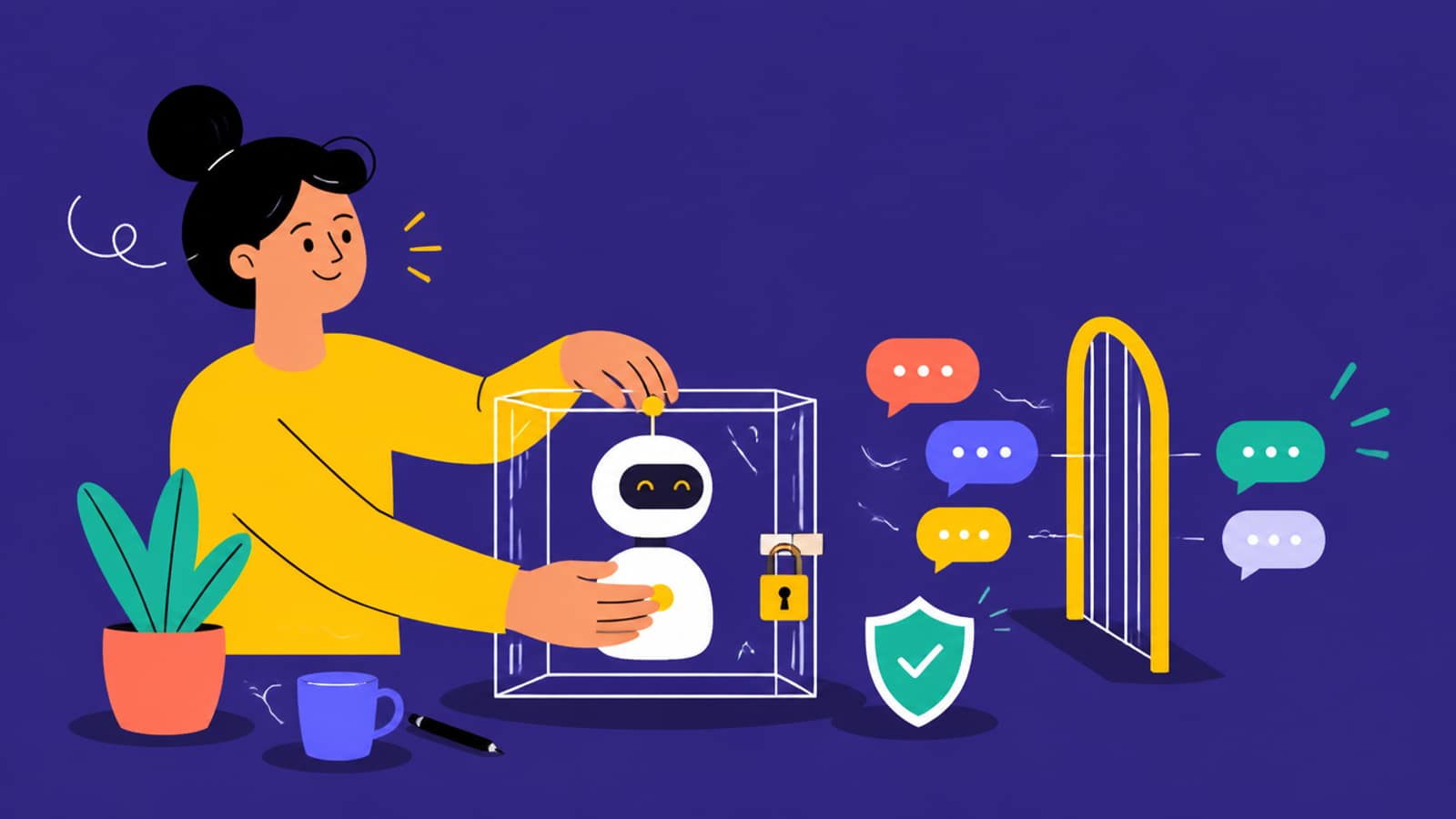
The safe setup, in one picture: the agent works inside a box, and only messages you've approved get through the gate. · Illustration generated with Higgsfield
The risk, explained without jargon
Think of OpenClaw as a very capable assistant sitting at your computer, with its phone connected to WhatsApp, Telegram, Slack or iMessage. It reads the messages that come in, and, depending on how you've set it up, it can open files, run commands and use your accounts to get things done. That's the whole point of it, and it's also the whole risk.
It takes instructions from text. An AI agent can't always tell your instructions from instructions hidden in a message, a web page or a document it reads. If a stranger can reach it, a stranger can try to instruct it.
It acts with your permissions. Whatever the agent is allowed to do, reading files, running commands, sending messages, a successful manipulation can do too.
Chat apps widen the door. A tool on your laptop is reachable by you. A tool on WhatsApp is reachable by anyone who has, or finds, the number, unless you restrict who it listens to.
A local model doesn't fix this. Running on your own GPU keeps your data away from a cloud provider. It does nothing to stop someone messaging the agent from steering it.
What OpenClaw's own advisories show
OpenClaw publishes its security advisories on GitHub. On 25 Sep 2026 I counted at least 1,000 published advisories, dated June and September 2026. Of those, 510 are rated high, 440 medium and 50 low. None are rated critical, and none carry CVE IDs. A long, public list is partly a sign of a project that discloses. What matters for you is the pattern, and a lot of the high-severity entries are the same story: someone who shouldn't have the owner's powers getting them anyway.
Four high-severity OpenClaw advisories, in plain English (published 11 Sep 2026)
GHSA-rrxp-5mx8-mvhh
What went wrong
An inbound voice caller could end up with the owner's tool access
Fixed in
2026.8.1
GHSA-9m4p-cqp4-jppq
What went wrong
A non-owner on WhatsApp could trigger a forced login and take over or disconnect the connected account
Fixed in
2026.8.1
GHSA-3mq7-q27j-mq7q
What went wrong
An "allow-always" command approval could be reused in a different folder than the one you approved
Fixed in
2026.8.1
GHSA-62qm-6fjj-6g23
What went wrong
Text from a restricted sender could reach a background agent with wider file and command powers (the "dreaming" memory feature)
Fixed in
2026.8.1
What went wrong
Fixed in
GHSA-rrxp-5mx8-mvhh
An inbound voice caller could end up with the owner's tool access
2026.8.1
GHSA-9m4p-cqp4-jppq
A non-owner on WhatsApp could trigger a forced login and take over or disconnect the connected account
2026.8.1
GHSA-3mq7-q27j-mq7q
An "allow-always" command approval could be reused in a different folder than the one you approved
2026.8.1
GHSA-62qm-6fjj-6g23
Text from a restricted sender could reach a background agent with wider file and command powers (the "dreaming" memory feature)
2026.8.1
Each links from the advisory list above, for example the voice-call issue and the approvals issue. All four list 2026.8.1 as the patched version, and the current release is v2026.9.6. The practical lesson for a non-expert: the single most protective thing you can do is keep OpenClaw updated.
The safe setup, step by step
Update, and keep updating. Run the latest release. The published high-severity fixes above all landed in 2026.8.1.
Keep the gateway on loopback. OpenClaw's docs say that on standard installs the gateway "binds to loopback only", meaning only your own machine can reach it. Don't expose it to your network or the internet unless you understand why you need to.
Choose who can message it. OpenClaw's DM access modes are "pairing, allowlist, open, disabled." Use pairing (new senders get a code rather than a response) or an allowlist. Avoid "open". Group chats are gated behind mentions and allowlists by default. Keep them that way.
Be stingy with "allow-always". Command approvals are there for a reason. GHSA-3mq7-q27j-mq7q is a reminder that a broad standing approval can do more than you expected. Approve specific commands, and prefer the workspaceOnly restriction so the agent stays inside one folder.
Run the audit. OpenClaw's docs provide openclaw security audit, which checks your setup against its hardened defaults and flags drift by severity. Run it after any config change.
Split trust. If people who don't fully trust each other need an agent, give them separate gateways, ideally separate OS users or machines. That's OpenClaw's own guidance.
# From OpenClaw's and Ollama's docs (accessed 25 Sep 2026)
openclaw security audit                  # check your config against hardened defaults
openclaw configure --section channels    # review which chat apps are connected
openclaw gateway stop                    # stop the gateway when you're not using it
Sandboxing: putting the agent in a box
Even a well-configured agent is safer when what it can touch is limited by the system itself, not just by its own settings. OpenClaw's docs list three layers: a Docker sandbox (commands run in an isolated container), workspaceOnly (file access limited to one folder) and exec approvals (you approve commands).
For a heavier-duty option, NVIDIA publishes NemoClaw, described on Ollama's NemoClaw page as "NVIDIA's open source security stack for OpenClaw" that adds "kernel-level sandboxing, network policy controls, and audit trails." Its listed requirements: Docker (primary on Linux), Colima or Docker Desktop on Apple Silicon Macs, WSL2 with Docker Desktop on Windows ("CMD and PowerShell are not supported"), at least 4 vCPUs, 8GB of RAM (16GB recommended) and 20–40GB of disk.
# NemoClaw with a local Ollama model, from Ollama's NemoClaw page (accessed 25 Sep 2026)
ollama pull nemotron-3-nano:30b
curl -fsSL https://www.nvidia.com/nemoclaw.sh | \
  NEMOCLAW_NON_INTERACTIVE=1 \
  NEMOCLAW_PROVIDER=ollama \
  NEMOCLAW_MODEL=nemotron-3-nano:30b \
  bash
nemoclaw my-assistant connect
openclaw tui
How Hermes Agent handles the same problem
If you're weighing OpenClaw against Hermes, it's worth knowing Hermes's approach, from its security documentation. It checks every command against a list of dangerous patterns before running it. The default approvals.mode: smart uses a second AI model to judge risk: low-risk commands run, clearly dangerous ones are denied, and uncertain ones ask you. There's also manual (always ask) and off. Its "YOLO mode" (hermes --yolo, /yolo or HERMES_YOLO_MODE=1) switches approvals off for a session. The docs say to use that "only when you fully trust the commands being generated", but a hardline blocklist still applies. Hermes can also run commands inside Docker and other container backends, where it treats the container as the safety boundary. And by default, cron jobs, one-shot runs and webhook sessions that hit a dangerous command are denied, not waved through.
It can be run safely, but it's powerful. It reads messages and can use tools on your computer, so anyone who can message it can try to steer it. OpenClaw ships conservative defaults (loopback-only gateway, DM pairing), exec approvals, a Docker sandbox and an openclaw security audit command, and it publishes security advisories with patched versions. Keep it updated and restrict who can message it.
Does OpenClaw have security vulnerabilities?
It publishes them. On 25 Sep 2026 its GitHub security advisories listed at least 1,000 entries from June and September 2026 (510 high, 440 medium, 50 low, none critical), many about non-owners gaining owner-level tool access. The high-severity ones we checked, such as GHSA-rrxp-5mx8-mvhh and GHSA-9m4p-cqp4-jppq, are patched in 2026.8.1.
Does running OpenClaw on a local model make it safer?
It keeps your data away from a cloud model provider, but it doesn't stop someone who can message the agent from trying to steer it. The protections that matter are who can reach it, what it can run, and sandboxing.
What is NemoClaw?
NVIDIA's open-source security stack for OpenClaw. Per Ollama's docs, it wraps OpenClaw with NVIDIA's OpenShell runtime for kernel-level sandboxing, network policy controls and audit trails. It needs Docker (WSL2 on Windows), 4+ vCPUs and 8GB+ RAM.
How do I check my OpenClaw setup is secure?
Run openclaw security audit. OpenClaw's docs describe it as checking your deployment against hardened baselines and flagging configuration issues by severity. Also confirm the gateway is loopback-only and that DM access is set to pairing or allowlist, not open.