The one database setting behind the biggest vibe-coded app exposures, shown as a table: who sees what with RLS off, who sees what with it on, and the policy your AI tool should be writing.
If you only learn one database concept, make it this one. It's the setting behind the Moltbook exposure, and TNW's April 2026 roundup of vibe-coding incidents lists disabled row-level security first among the flaws it sees across platforms. It sounds technical. It isn't, once you've seen it, so here's the picture before the words.
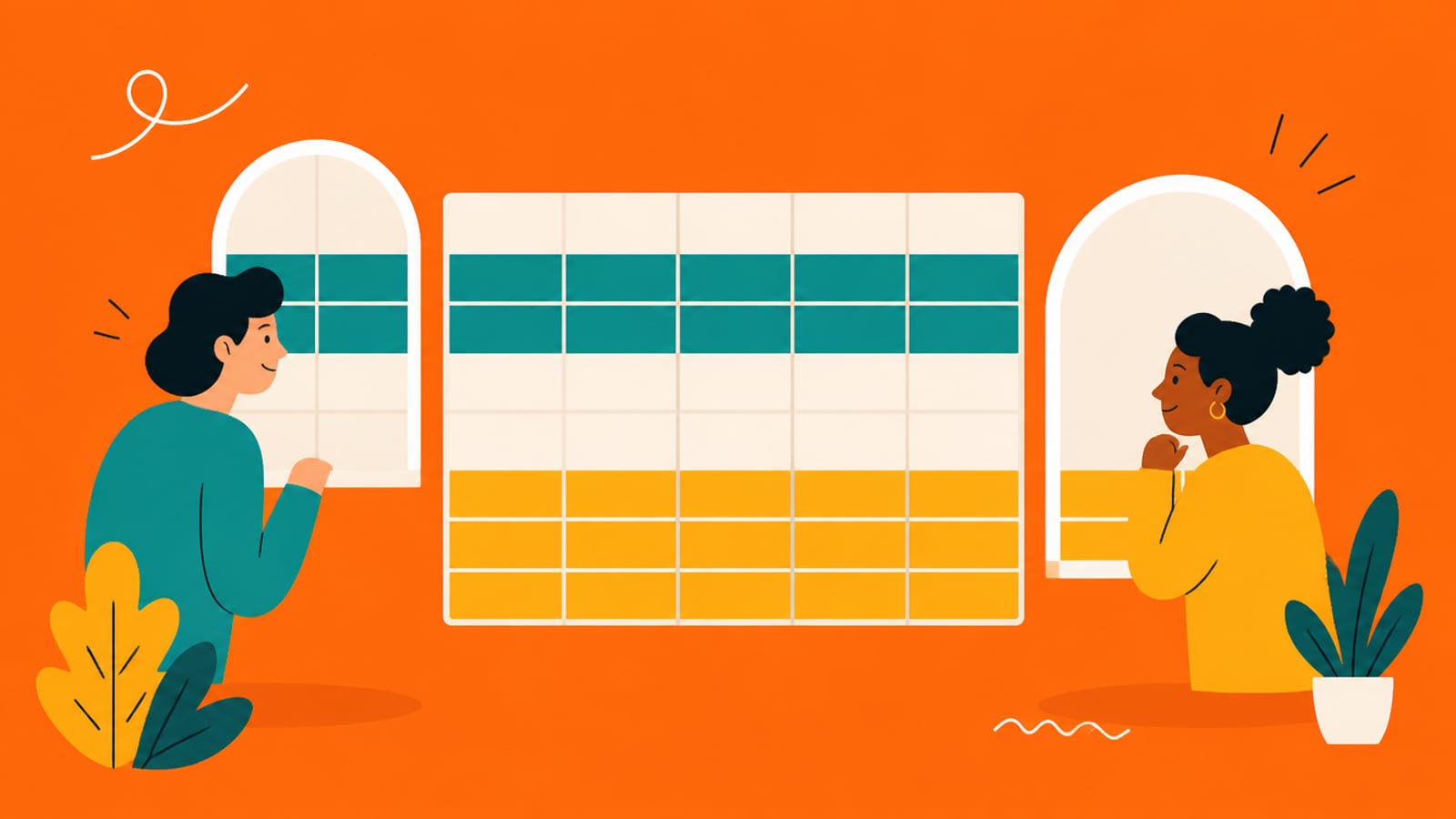
Same table, different windows: each person sees only their own rows. · Illustration generated with Higgsfield
See it: who can see what
Imagine a simple orders table in a shop app. Ana has two orders, Ben has one. Now three people ask the database for "all orders": Ana (logged in), Ben (logged in) and a stranger who isn't logged in but has your app's public key, which every visitor does.
orders.id
owner
item
total
101
alice
Running shoes
$89
102
bob
Desk lamp
$34
103
alice
Headphones
$149
104
carol
Coffee grinder
$59
105
bob
Monitor arm
$72
RLS is off, so every row is readable with the same public key your app sends to every browser — including Carol's, and she never logged in here. This is the exact state the Moltbook and Lovable incidents were found in.
RLS OFF: everyone asks for all orders
Ana's order #1
Ana (logged in)
Sees it
Ben (logged in)
Sees it
Stranger (public key)
Sees it
Ana's order #2
Ana (logged in)
Sees it
Ben (logged in)
Sees it
Stranger (public key)
Sees it
Ben's order #1
Ana (logged in)
Sees it
Ben (logged in)
Sees it
Stranger (public key)
Sees it
Can they edit rows?
Ana (logged in)
Often yes
Ben (logged in)
Often yes
Stranger (public key)
Often yes
Ana (logged in)
Ben (logged in)
Stranger (public key)
Ana's order #1
Sees it
Sees it
Sees it
Ana's order #2
Sees it
Sees it
Sees it
Ben's order #1
Sees it
Sees it
Sees it
Can they edit rows?
Often yes
Often yes
Often yes
RLS ON, policy "you see your own orders"
Ana's order #1
Ana (logged in)
Sees it
Ben (logged in)
Hidden
Stranger (public key)
Hidden
Ana's order #2
Ana (logged in)
Sees it
Ben (logged in)
Hidden
Stranger (public key)
Hidden
Ben's order #1
Ana (logged in)
Hidden
Ben (logged in)
Sees it
Stranger (public key)
Hidden
Can they edit rows?
Ana (logged in)
Only if a policy allows it
Ben (logged in)
Only if a policy allows it
Stranger (public key)
No
Ana (logged in)
Ben (logged in)
Stranger (public key)
Ana's order #1
Sees it
Hidden
Hidden
Ana's order #2
Sees it
Hidden
Hidden
Ben's order #1
Hidden
Sees it
Hidden
Can they edit rows?
Only if a policy allows it
Only if a policy allows it
No
That's the whole idea. The app's code asked the same question in both tables. The database answered differently because of a rule stored on the table itself. Supabase puts it this way: "Think of a policy as adding a WHERE clause to every query." Ana's request quietly becomes "all orders, where the owner is Ana."
Why this matters more when you build with AI
In a traditional app, the browser talks to a server you wrote, and the server talks to the database. In many AI-built apps, the browser talks to the database directly, through Supabase, using a publishable key. That key is in your website's code for everyone to see, and Supabase says it's safe to expose, because it only reaches what RLS allows. Their analogy: "The publishable key is taped to the front door, and it only opens the lobby. The secret key is the master key, and it stays in your pocket." RLS is what decides what the lobby contains. If it's off, the lobby is the whole building. What "server" and "browser" physically mean is drawn out in what a backend actually is.
The three states a table can be in
RLS off: per Supabase's docs, "A table in an exposed schema without RLS is readable and writable by any role with a grant on it." This is the dangerous one.
RLS on, no policies: locked. Supabase: "Once RLS is enabled, no data is accessible through the API when using a publishable key, until you create policies." Safe, but your app will look broken until you add a policy. That's often why an AI tool turns RLS off to "fix" an error, so watch for it.
RLS on, with policies: the goal. Each policy says who can do what, for example "logged-in users can read their own rows" or "anyone can read published announcements."
You don't need to write policies by hand; your AI tool can. But you should recognise a sensible one. This is Supabase's own example of the most common policy, letting people read only their own rows:
create policy "Individuals can view their own todos."
on todos for select
to authenticated
using ( (select auth.uid()) = user_id );
In plain English: on the todos table, for reading, for logged-in users, only return rows where the row's user_id is the person asking. auth.uid() is, per Supabase, the ID of the user making the request. If the policy your tool writes says using ( true ) on private data, that means "everyone", which is fine for public announcements and wrong for orders.
The gotchas worth knowing
The secret key ignores RLS. Supabase's secret (formerly service_role) keys "provide full access to your project's data, bypassing Row Level Security." They belong only on a server. See your API keys are in the browser.
Views can skip it. Supabase notes that "Views bypass RLS by default because they are usually created with the postgres user." If your tool creates views, ask how they're secured.
Reading and writing are separate rules. A policy for reading doesn't cover inserting, updating or deleting. Moltbook's fix needed a separate round for write access (per Wiz).
New tables start fresh. Every table your AI adds later needs RLS too. Supabase documents a way to enable it automatically on new tables; ask your tool to set that up.
Quick answers
What does Row Level Security do?
It attaches rules to a database table that decide, row by row, who can read or change each row. Supabase describes a policy as adding a WHERE clause to every query, so a logged-in user asking for all orders only gets their own.
Do I need RLS if my Supabase key is the public one?
Yes, that's exactly when you need it. The publishable key is safe to expose only because RLS limits what it can reach. Without RLS, any table it can reach is readable and writable by anyone with the key.
Why did my app break when I turned RLS on?
Because with RLS on and no policies, no data is accessible through the API with the publishable key. Add policies for what each user should see. Don't switch RLS back off to make the error go away.
Does RLS protect me if the secret key leaks?
No. Supabase's secret (formerly service_role) keys bypass Row Level Security completely. Keep them on a server only, never in browser code.
This page has no affiliate links or sponsored placements. Security advice is only useful if nobody's paying for it. It isn't a substitute for a security review: if your app holds other people's personal data, payments or health information, have a developer or a security professional look at it before launch.