Frontend, server, database, API, secrets: the parts of your app you can't see, drawn as the journey of one tap, and why every security rule has to live on the far side of it.
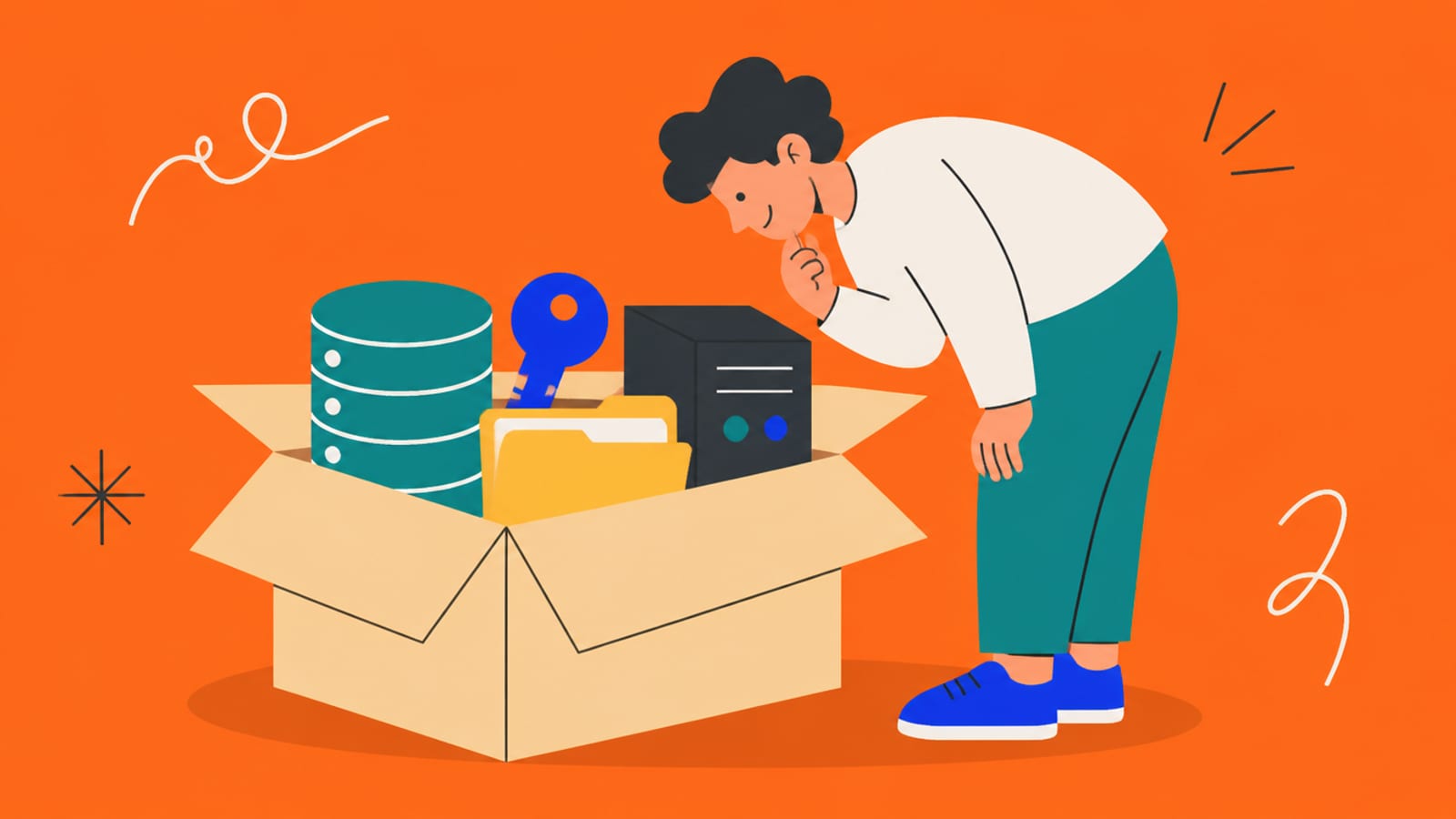
If you've built an app by chatting with an AI, you've probably seen the words backend, server, database and API scroll past without anyone stopping to draw them. Here's the drawing. You don't need to become a developer to understand it, and once you do, the rest of this category, from Row Level Security to where secrets go, makes a lot more sense.
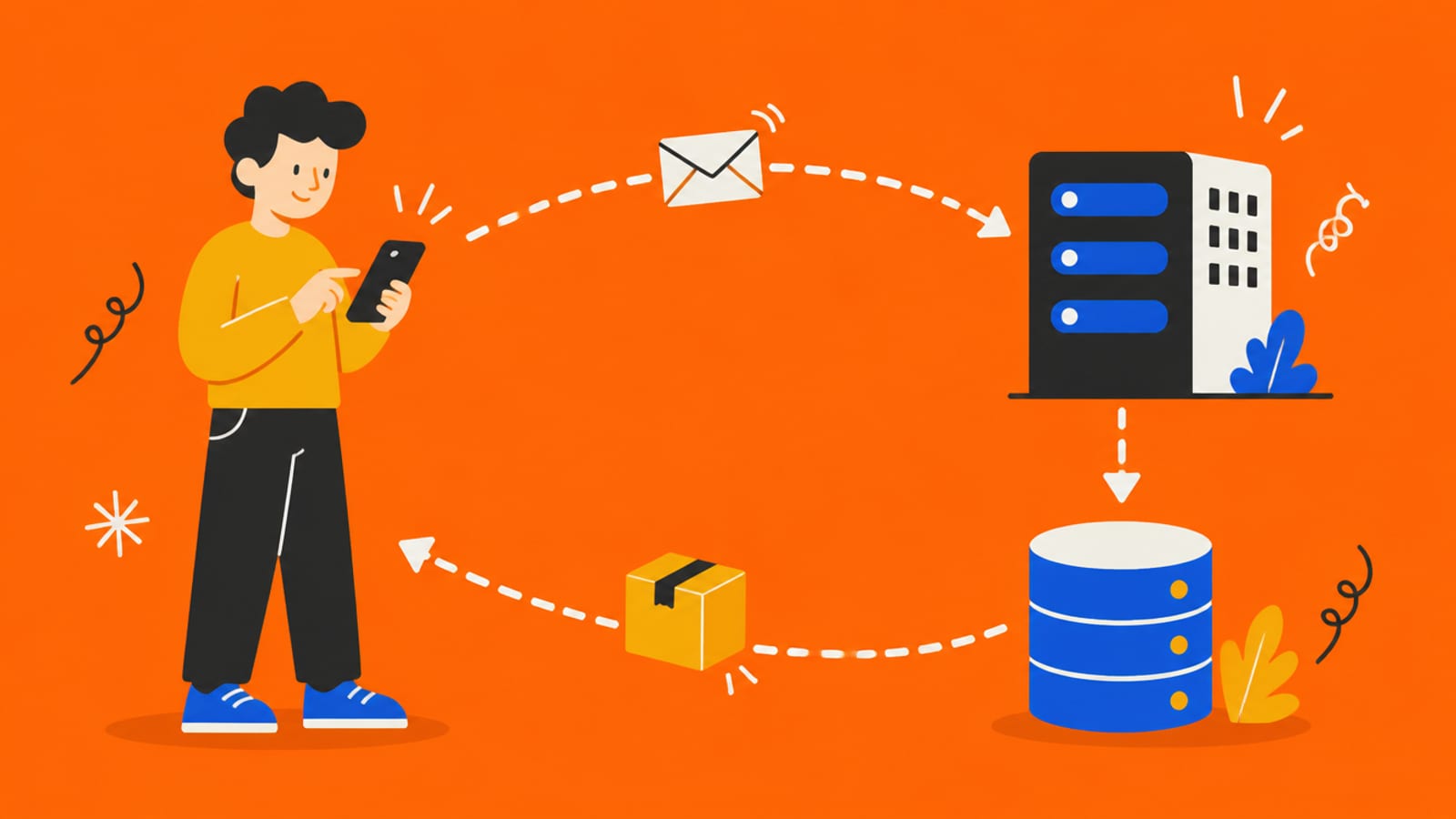
One tap, one round trip: phone to server to database and back. · Illustration generated with Higgsfield
The journey of one tap
Follow what happens when someone taps "Sign up" in your app. Every app on the web works on this pattern. MDN, the reference most web developers use, describes the web's basic protocol as "it is a client-server protocol, which means requests are initiated by the recipient, usually the Web browser." In other words, the phone always starts the conversation.
Tap the button, then tap each stop
What your phone can see
Everything you typed: your email and your password, in plain text. So does anyone with your phone, or any code the app put in the page.
Tap "Sign up": the round trip
1. The phone
Your app's screen packs the email and password into a request
2. The internet
The request travels to your backend's address
3. The server
Checks the request is allowed and makes sense
4. The database
Stores the new user, and refuses rows they may not touch
5. Back to the phone
A response says "done", and the screen changes
1. The phone
Your app's screen packs the email and password into a request
2. The internet
The request travels to your backend's address
3. The server
Checks the request is allowed and makes sense
4. The database
Stores the new user, and refuses rows they may not touch
5. Back to the phone
A response says "done", and the screen changes
Steps 1 and 5 happen on the user's device (frontend). Steps 2 to 4 happen on computers you rent (backend).
The pieces, one at a time
What each part is, and who can see inside it
Frontend
What it is
The screens, buttons and code that run on the user's device
Who can read it
Anyone who uses the app
Request
What it is
A message from the device asking the backend to do something
Who can read it
Your backend (and the user who sent it)
Server
What it is
A computer you rent that runs your backend code
Who can read it
Only you, if set up properly
Database
What it is
Organised storage for your users' data, in tables
Who can read it
Only what your rules (like RLS) allow
API
What it is
The menu of requests your backend accepts
Who can read it
Anyone can try any item on it
Secrets
What it is
Private keys the backend uses to reach other services
Who can read it
Only your server
What it is
Who can read it
Frontend
The screens, buttons and code that run on the user's device
Anyone who uses the app
Request
A message from the device asking the backend to do something
Your backend (and the user who sent it)
Server
A computer you rent that runs your backend code
Only you, if set up properly
Database
Organised storage for your users' data, in tables
Only what your rules (like RLS) allow
API
The menu of requests your backend accepts
Anyone can try any item on it
Secrets
Private keys the backend uses to reach other services
Only your server
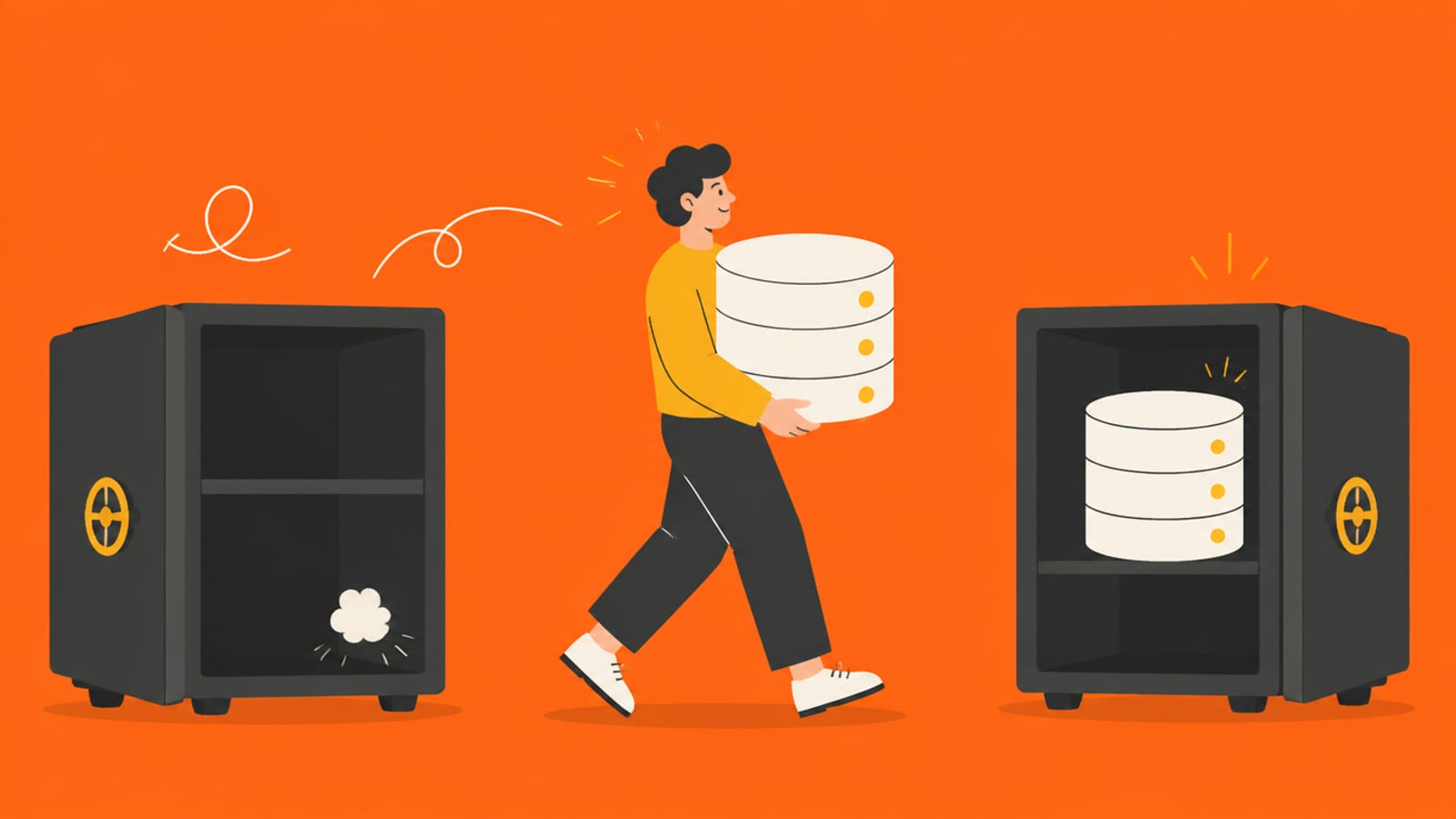
The column on the right is the one that matters. The frontend is public by nature: to run on someone's phone, it has to be sent to their phone. So anything you'd be upset to see in public, whether a secret key, another user's data, or a rule like "only admins can do this," has to live in the backend. That single idea is behind every check in the vibe-coded app security checklist.
Where Supabase fits (and why AI tools love it)
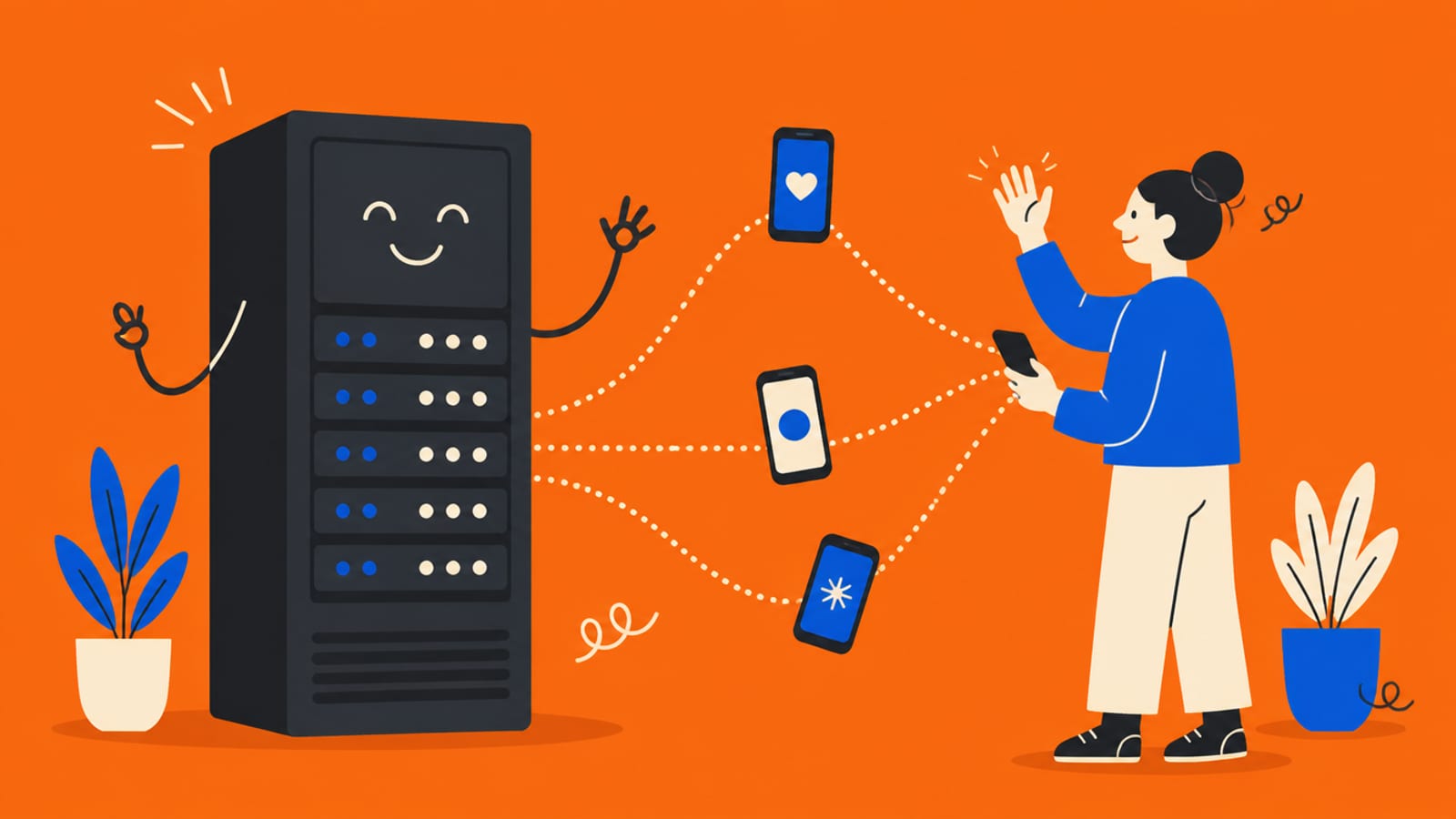
Many AI app builders don't write a separate server for you. They connect your app to a ready-made backend. Wiz's researchers describe the most common one: "Supabase is a popular open-source Firebase alternative providing hosted PostgreSQL databases with REST APIs." In plain English, a database you can talk to straight from the browser, plus login and file storage. That's why it's quick. It also means step 3 in the journey is thinner. There may be no code of yours checking the request before it reaches the database. The database's own rules have to do that job, which is exactly what Row Level Security is, and what Moltbook was missing.
Frontend talks to the database directly: fine, if every table has RLS and only the publishable key is used.
You need a secret key (AI provider, payments): that part needs real server code, like a Supabase Edge Function or a serverless function, so the key stays off the phone. See your API keys are in the browser.
You need logic users mustn't bypass: prices, permissions, limits. It goes in server code or database rules, never only in the screen.
What this means for your app
Ask your AI tool to describe your app using the five steps above: "For sign-up, saving an item and paying, tell me what runs on the phone, what runs on a server, which database tables are touched, and which secret keys are used and where they're stored." If the answer puts a secret on the phone or a permission check only in the screen, you've found your first fix. If the answer confuses you, that's a good moment to bring in a developer for an hour. That's not a failure; it's how people who aren't mechanics get their cars checked.
Quick answers
What is a backend in simple terms?
Everything your app does that users can't see: the server running your code, the database storing your data, and the secret keys connecting them to other services. The frontend is what runs on the user's device.
What's the difference between frontend and backend?
The frontend runs on the user's phone or computer, so anyone can read it. The backend runs on computers you control. Anything private, from secret keys and other users' data to permission rules, must live in the backend.
Is Supabase a backend?
Yes, a ready-made one: a hosted Postgres database you can reach through an API, plus login and storage. Because the browser can talk to it directly, its Row Level Security rules do the checking a server would otherwise do.
Does my vibe-coded app have a backend?
Almost certainly. If it saves anything or has logins, there's a database and usually a hosted service like Supabase behind it. Ask your AI tool to list what runs on the device and what runs on a server.
This page has no affiliate links. Sources checked 25 Sep 2026: MDN's HTTP overview, Supabase's docs and Wiz's Moltbook write-up.