The six mistakes behind 2026's vibe-coded app exposures, turned into checks you can do without reading code: RLS, secrets, server-side auth, admin, webhooks and rate limits.
If you've built something by describing it to Lovable, Bolt, Replit or Cursor, you've done the hard creative part. The part the AI usually doesn't do for you is decide who's allowed to see what. Wiz's researchers put it plainly after the Moltbook exposure: "today’s AI tools don’t yet reason about security posture or access controls on a developer’s behalf." In April, TNW listed the same few failure types turning up "across every major vibe coding platform": disabled row-level security, hardcoded secrets, missing webhook verification, injection flaws and broken access controls. This page turns that list into six checks, in the order I'd do them. Each one links to a longer explainer.
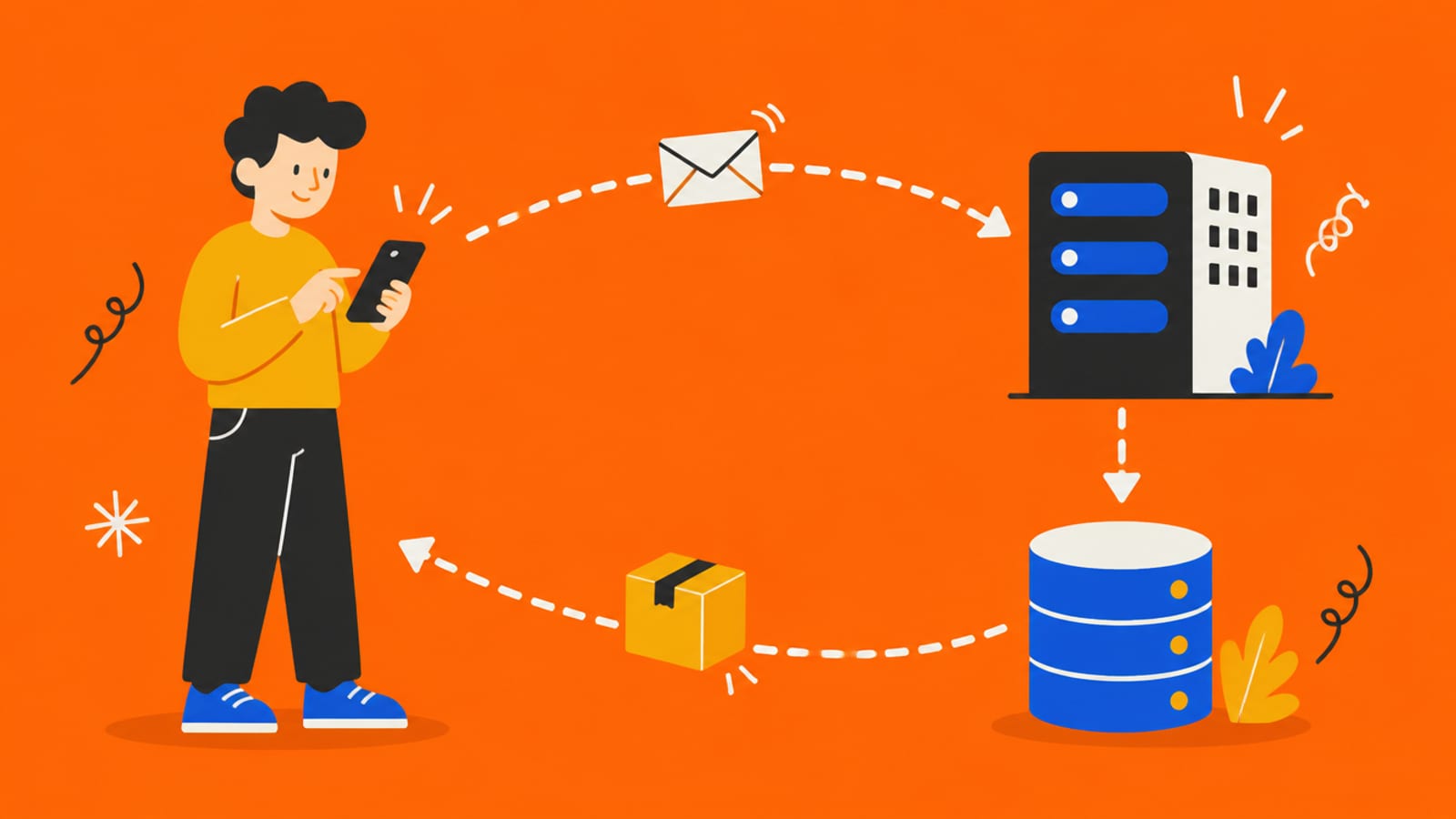
Six checks, most of them settings rather than code. · Illustration generated with Higgsfield
The six checks at a glance
1. Row Level Security on
What goes wrong without it
Anyone with your public key can read (and often edit) whole tables
Where to look
Your database dashboard: every table should say RLS enabled
2. Secrets off the client
What goes wrong without it
Keys that bypass all protection end up in the page's code
Where to look
Your .env file and any variable starting VITE_ or NEXT_PUBLIC_
3. Server-side auth
What goes wrong without it
Users can reach other users' data by changing an ID
Where to look
Ask your AI tool where each 'is this user allowed?' check runs
4. No public admin
What goes wrong without it
Admin tables or screens readable by ordinary accounts
Where to look
Any page or table with 'admin' in its name
5. Verified webhooks
What goes wrong without it
Fake 'payment succeeded' messages unlock paid features
Where to look
Your payment webhook handler
6. Rate limits
What goes wrong without it
One script creates thousands of fake accounts or burns your AI bill
Where to look
Sign-up, posting and any endpoint that calls a paid AI model
What goes wrong without it
Where to look
1. Row Level Security on
Anyone with your public key can read (and often edit) whole tables
Your database dashboard: every table should say RLS enabled
2. Secrets off the client
Keys that bypass all protection end up in the page's code
Your .env file and any variable starting VITE_ or NEXT_PUBLIC_
3. Server-side auth
Users can reach other users' data by changing an ID
Ask your AI tool where each 'is this user allowed?' check runs
4. No public admin
Admin tables or screens readable by ordinary accounts
Any page or table with 'admin' in its name
5. Verified webhooks
Fake 'payment succeeded' messages unlock paid features
Your payment webhook handler
6. Rate limits
One script creates thousands of fake accounts or burns your AI bill
Sign-up, posting and any endpoint that calls a paid AI model
1. Turn Row Level Security on for every table
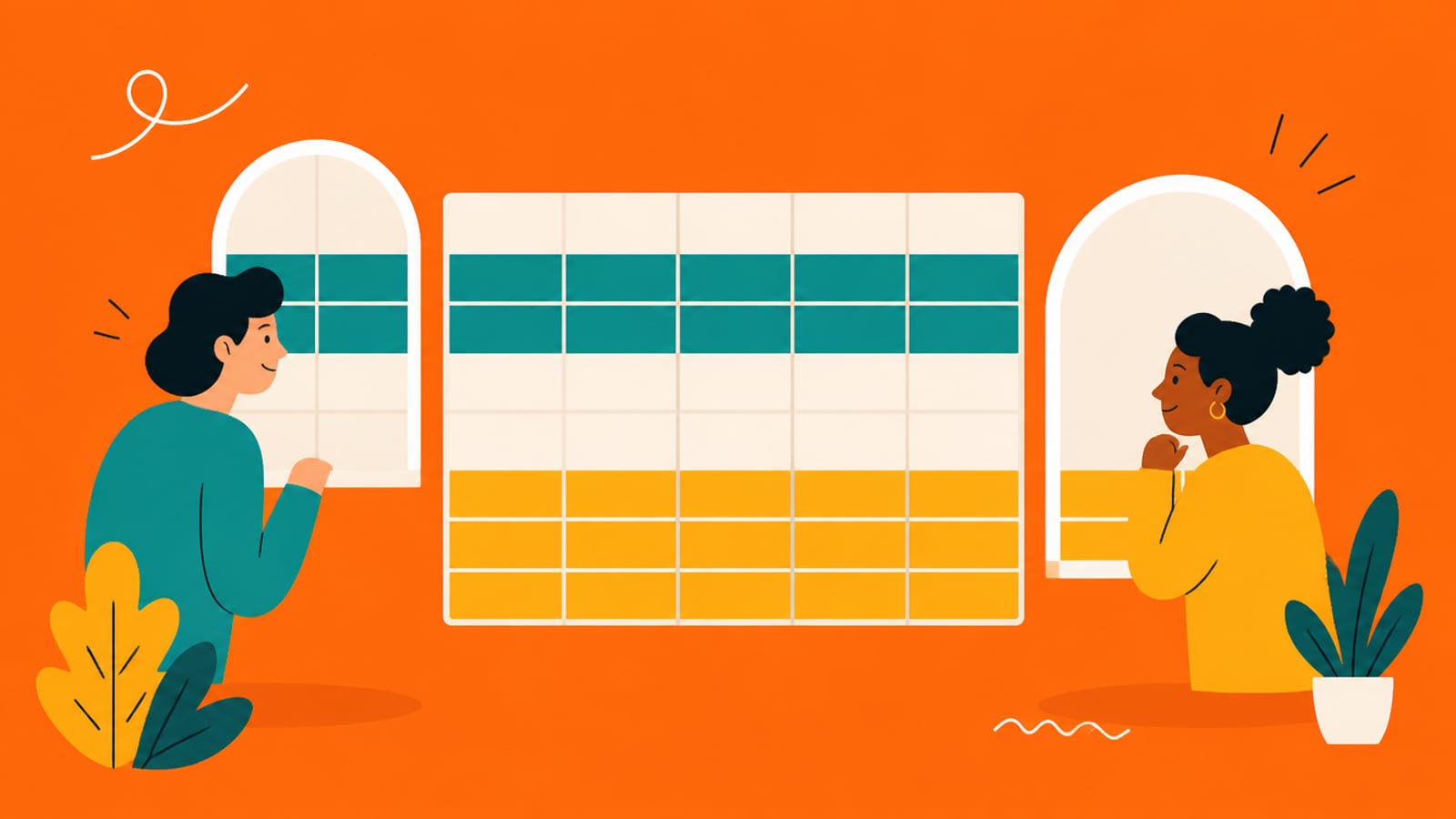
Most AI app builders connect your app to a Supabase database, and your app talks to it with a "publishable" key that sits in the browser on purpose. Supabase's own docs explain it with a building: "The publishable key is taped to the front door, and it only opens the lobby. The secret key is the master key, and it stays in your pocket." Row Level Security (RLS) is what makes the lobby a lobby. It's a rule on each table saying which rows each user can see. Without it, Supabase's docs are blunt: "A table in an exposed schema without RLS is readable and writable by any role with a grant on it." That's exactly what happened to Moltbook in January: a public key, no RLS, and the whole database readable and writable. The full story is in the Moltbook lesson, and the concept, drawn out, is in Row Level Security explained.
Where to look: your Supabase dashboard. Every table your app uses should show RLS as enabled.
What to ask your AI tool: "List every table and the RLS policy on it. Which tables have none?"
The rule from the docs: "Enable RLS on every table in an exposed schema."
2. Keep secret keys out of the browser
Anything your app sends to the browser, anyone can read. That's not a hack, it's how the web works. So the question is what you put there. Tools like Vite (used by many AI builders) include some settings in the browser code on purpose. Vite's docs say "Variables prefixed with VITE_ will be exposed in client-side source code after Vite bundling." and "VITE_* variables should not contain sensitive information such as API keys." Next.js does the same with anything starting NEXT_PUBLIC_. The dangerous one on Supabase is the secret (formerly service_role) key: "They provide full access to your project's data, bypassing Row Level Security." If that key is in the browser, RLS doesn't matter. The view-source reality is in your API keys are in the browser, and the concept behind it is in environment variables and secrets, explained.
3. Let the server decide who's allowed
Hiding a button isn't security. If the browser is the only thing deciding whether you're allowed to see an invoice, anyone can ask for someone else's invoice directly. The security world calls this broken object level authorization, and OWASP ranks it first on its API risk list. It's the flaw behind Lovable's April 2026 incident: TNW reported that anyone with a free account could reach another user's projects, source code and database credentials. The check isn't in the code you see. It's in where the 'is this person allowed?' question gets answered, which is always on the server or in the database (that's what RLS is). If "server" is a fuzzy word for you, start with what a backend actually is.
4. Make sure admin isn't public
AI tools happily build an admin dashboard, and they sometimes protect it only by not linking to it. OWASP warns: "Administrative functions are key targets for this type of attack and may lead to data disclosure, data loss, or data corruption." In Wiz's Moltbook timeline, a table named site_admins was among the first things secured in the fix. The check is simple: list every page and table with admin powers and confirm that a normal account, logged in, gets refused. If you can't answer "what stops a regular user opening this?" in one sentence, that's the answer.
5. Verify webhooks before you trust them
A webhook is another service calling your app to say something happened, like "this customer paid." If your app believes any message that arrives at that address, anyone can send one. Stripe's webhook docs describe the fix: your handler checks a signature header using a signing secret only you and Stripe know, and rejects the message if it doesn't match. Ask your AI tool: "Does the payment webhook verify the Stripe signature, and does it use the raw request body?" Stripe notes that it needs the raw body for the check to work, a detail generated code sometimes gets wrong.
6. Put limits on anything that costs you
Rate limits cap how often one person or script can do something. Without them, Wiz found on Moltbook that "Anyone could register millions of agents with a simple loop and no rate limiting." Their review found about 17,000 human owners behind 1.5 million registered agents. For a vibe-coded app, the expensive endpoints are usually sign-up, posting, email sending and anything that calls a paid AI model. OWASP's resource-consumption entry covers the general problem. Your hosting platform or database provider probably has a setting for it. Ask your tool where limits are set, and what happens if one account sends a thousand requests a minute.
Quick answers
Is my Supabase key in the browser a problem?
The publishable (formerly anon) key is meant to be there; Supabase calls it safe to expose. It's only safe if Row Level Security is on for every table it can reach. The secret (formerly service_role) key must never be in the browser, because it bypasses RLS.
Doesn't the AI tool handle security for me?
Not reliably. Wiz, after the Moltbook exposure, wrote that today's AI tools don't yet reason about security posture or access controls on a developer's behalf. Some platforms have added scanners, but the settings above are still yours to confirm.
What's the single most important check?
Row Level Security on every table. It's the one behind the Moltbook exposure, and in its April 2026 report TNW wrote that approximately 70% of Lovable apps had row-level security disabled entirely, alongside a May 2025 study of 1,645 Lovable-created apps.
Do I need to read my app's code to do this?
Mostly no. Checks 1, 2 and 4 are dashboard and file checks. Checks 3, 5 and 6 are questions you can ask your AI tool and then confirm. If the answers don't make sense to you, that's the point to bring in a developer.
This page has no affiliate links or sponsored placements. Security advice is only useful if nobody's paying for it. It isn't a substitute for a security review: if your app holds other people's personal data, payments or health information, have a developer or a security professional look at it before launch.