aliteq.

"Send a daily summary email": the prompt that avoids the spam list

A naive "send a daily email" loop fires at the wrong time, breaks on one bad address, and can email someone a hundred times. Here's the request three ways, with the real code, and the guards that keep you off spam lists.

Sam OrtegaUpdated 1h ago6 min readWeb story
Realistic painterly illustration of a single glowing envelope rising into a dawn sky over a quiet skyline, deep indigo with a warm coral sunrise accent
Share

"Send a daily summary email" sounds trivial, and the first version an AI gives you will run. It'll also, quietly, do several wrong things: fire at an unpredictable time, stop if your app restarts, and — if one address bounces — abandon everyone after it. Do this carelessly and you don't just annoy users; you get your sending domain flagged as spam, which is hard to undo.

Here's the request three ways to Claude via Claude Code, with the real code. This one is less about security and more about the difference between "technically sends an email" and "sends the right email, once, on time."

The same request, three ways

"Send a daily summary email", three ways

Each prompt was given to Claude, via Claude Code (26 Sep 2026) on its own. Outputs verbatim.

You
send a daily summary email
Model
setInterval(async () => {
  const users = await getUsers();
  for (const u of users) await sendEmail(u.email, summary(u));
}, 24 * 60 * 60 * 1000);

worseIt relies on your app running forever, fires 24 hours after each deploy (not at a set time), and one failure in the loop kills every send after it.

You
send a daily summary email on a schedule (08:00) using a real email provider, not setInterval
Model
// scheduled function — cron: "0 8 * * *" (08:00 daily)
export async function scheduled() {
  const users = await getUsers();
  for (const u of users) {
    await resend.emails.send({
      from: 'Aliteq <hello@example.com>',
      to: u.email,
      subject: 'Your daily summary',
      html: summary(u),
    });
  }
}

it dependsA cron schedule fires at a real time (08:00 daily); a proper email API handles delivery, with its key in an env var.

You
same, but run in the background, only email users who opted in, never send twice for the same day, and don't let one failed send stop the rest
Model
export async function scheduled() {
  const today = new Date().toISOString().slice(0, 10);
  const users = await getUsers({ subscribed: true });   // respect opt-out
  for (const u of users) {
    if (await alreadySent(u.id, today)) continue;        // no double-send
    try {
      await resend.emails.send({
        from: 'Aliteq <hello@example.com>',
        to: u.email,
        subject: 'Your daily summary',
        html: summary(u),
      });
      await markSent(u.id, today);
    } catch (err) {
      await logFailure(u.id, err);                        // one failure ≠ all fail
    }
  }
}

betterThe three lines that matter: the subscribed filter (opt-out), the alreadySent guard (no duplicates), and the try/catch (one bad address doesn't sink the whole batch).

What changed: "Send an email" is one line; "send the right email once, on time, to the right people, without one failure breaking the rest" is the spec that keeps you off spam lists.

The setInterval version is the tell of a prompt that didn't mention scheduling. It works on your laptop and looks fine in a demo, but on a real host it restarts with every deploy and fires whenever it feels like it. Asking for a cron schedule moves it onto real infrastructure that fires at a real time.

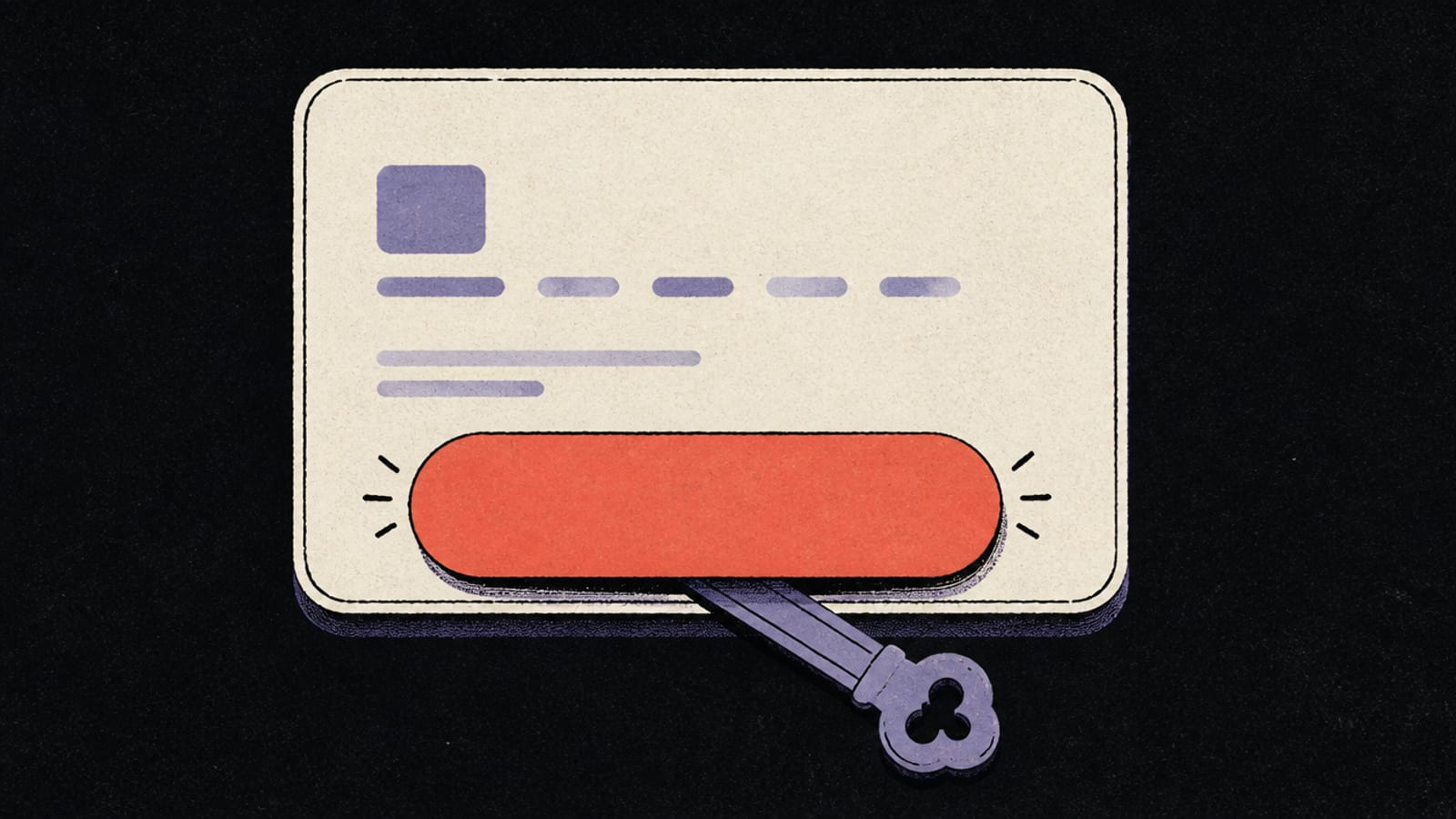
The constrained version's three guards are the whole difference between a feature and an incident. Without the opt-out filter you email people who asked you not to; without the dedupe guard a retry can send the same summary a dozen times; without the try/catch, one bounced address means everyone after it silently gets nothing. None of those show up in a quick test — they show up in production, on a Sunday.

There's also a reputation cost that's easy to underestimate. Inboxes and email providers score your sending domain, and a burst of duplicate or unwanted mail can quietly drop you into spam folders for everyone — including the people who actually wanted your summary. The guards above aren't just good manners; they protect the one thing a summary email depends on, which is landing in the inbox at all.

Before you ship it

Scheduled email is a background job, and background jobs have their own rules. Before you switch it on for real users:

  • Run it as a scheduled/background task, never a loop inside a request — see Queues and background jobs.
  • A retry loop with no guard can email someone hundreds of times — the exact runaway pattern rate limits exist to contain.
  • The email provider's API key is a secret; keep it in an env var on the server — Your API keys are in the browser.
  • Always honour opt-out and include an unsubscribe link — it's the law in most places, and the fastest way off a block list is to never get on one.

The pattern generalises to any "do this on a schedule" task: move it off the request, run it on a real cron, and guard for the three things that break at scale — duplicates, failures, and people who opted out. Queues and background jobs has the interactive version.

Common questions

Why shouldn't I use setInterval for a daily email?
setInterval fires relative to when your app last started, not at a fixed time, and it stops when the app restarts or scales. A cron schedule fires at a real, fixed time reliably.
How do I send a daily email correctly?
Run a scheduled (cron) background function that queries the right users and sends via an email provider, with guards for opt-out, duplicate sends, and per-user failures.
How do I avoid emailing someone twice?
Record that you've sent for a given day (per user) and skip anyone already marked sent. Without that guard, a retry or restart can resend the same email.
How do I keep my emails out of spam?
Only email people who opted in, include an unsubscribe link, send from a proper provider on a schedule, and never let a runaway loop blast the same person repeatedly.

Found this useful? Share it

Share
Sam Ortega

Build Editor

Sam Ortega

Sam explains what's actually happening when you build software by talking to an AI — what the model is doing, what's really running your app, and where the sharp edges are. No jargon without a picture, no hype, and an honest 'hire someone' when that's the answer.

The Aliteq brief

The tech worth knowing — hardware, AI, gaming, deals. No spam, unsubscribe anytime.

Keep reading