aliteq.

"Write the RLS policy for my users table": three prompts, three outcomes

Row Level Security is deny-by-default, so the danger isn't forgetting to lock a table — it's a lazy policy that quietly unlocks all of them. Here's the request three ways, with the real SQL each produced.

Sam OrtegaUpdated 1h ago6 min readWeb story
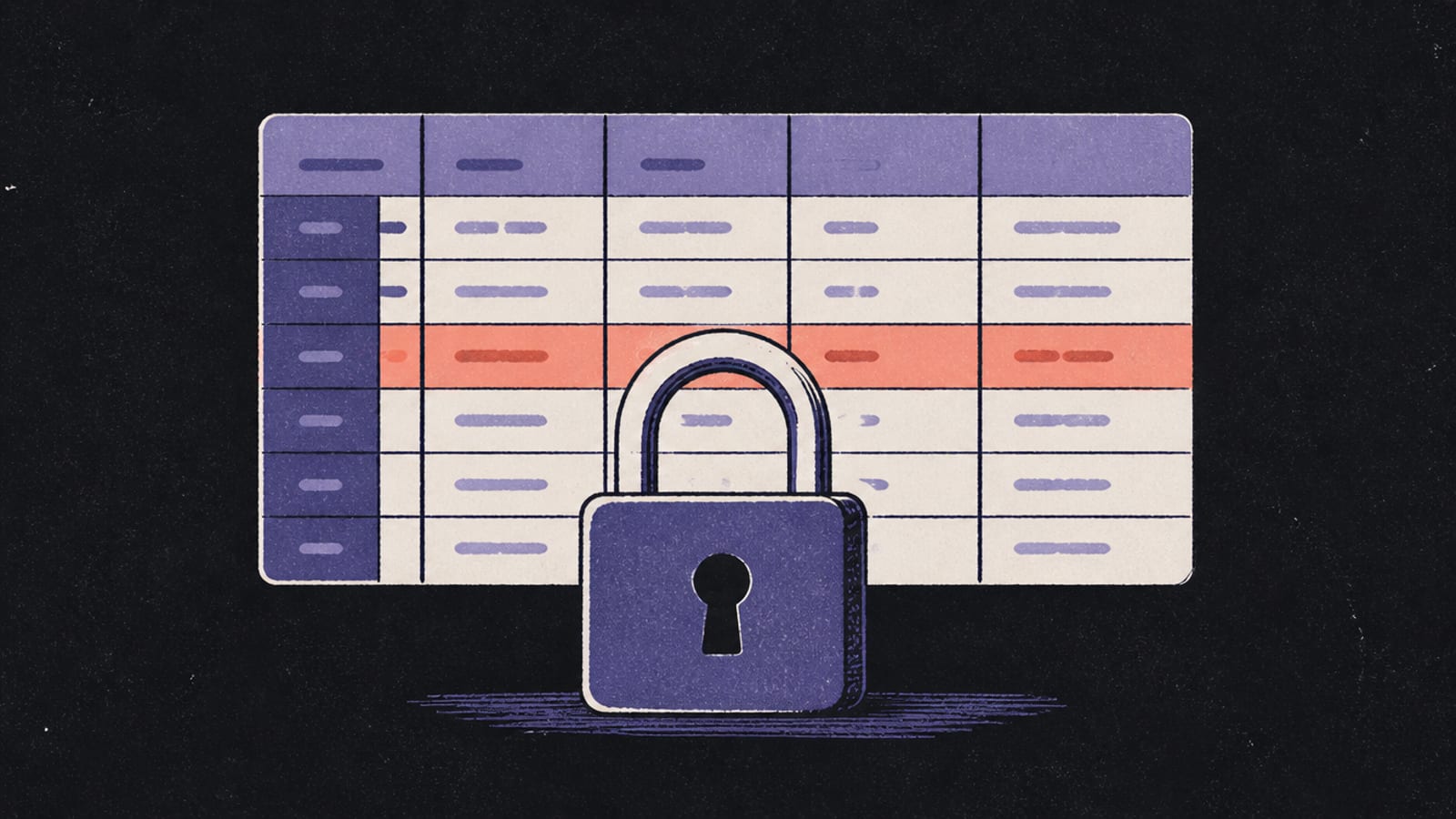
Isometric diorama of a grid of table rows each with its own small lock, one row highlighted, near-black background with indigo-violet and a coral accent
Share

Row Level Security is the guardrail that most vibe-coded Supabase apps are missing, and it's the direct cause of the breaches you read about. The good news: it's just SQL, and an AI writes it well when you're specific. The bad news: a vague ask can produce SQL that either locks out your real users or, far worse, exposes all of them.

Here's "write the RLS policy for my users table" three ways to Claude via Claude Code, with the real SQL each produced. RLS is one of the few places a wrong policy is silently catastrophic, so the specificity really earns its keep.

The same request, three ways

"Write the RLS policy for my users table", three ways

Each prompt was given to Claude, via Claude Code (26 Sep 2026) on its own. SQL pasted verbatim.

You
add RLS to my users table
Model
alter table users enable row level security;

worseThis is the trap. RLS with no policy doesn't open access, it CLOSES it — enable this and forget the policies, and every query returns nothing. Your app looks broken.

You
write RLS on the users table so each user can read and update only their own row
Model
alter table users enable row level security;

create policy "read own row"
  on users for select
  using (auth.uid() = id);

create policy "update own row"
  on users for update
  using (auth.uid() = id);

it dependsNow users can read and update only their own row. auth.uid() is the logged-in user's id; the policy is a filter Postgres adds to every query on the table.

You
same policies, but deny insert and delete by default, and make sure a user can't update their row to impersonate another user; add a comment warning against using (true)
Model
alter table users enable row level security;
-- No insert/delete policy = those are denied by default. That's intended.

create policy "read own row"
  on users for select
  using (auth.uid() = id);

create policy "update own profile"
  on users for update
  using (auth.uid() = id)
  with check (auth.uid() = id);
-- ⚠ Never write  using (true)  — it exposes every row to everyone.

betterThe with check clause stops a user updating their row to claim someone else's id. The comment names the single line that would undo everything: using (true).

What changed: RLS is deny-by-default, so the danger isn't forgetting to lock a table — it's a lazy policy like using (true) that quietly unlocks all of them.

The vague result is instructive precisely because it looks like nothing. Enabling RLS with no policy is a valid, complete SQL statement — it just denies everyone, so your app quietly stops returning data and you assume something else broke. The specific prompt adds the policies that let the right rows through.

The constrained version adds the two things a careful reviewer always checks: that insert and delete are denied unless you truly meant to allow them (deny-by-default handles that), and that with check prevents a user from writing a row that claims another user's identity. The warning comment is there because using (true) is the one-liner that turns a locked table back into an open one, and it slips into AI output more often than you'd like.

RLS rewards a precise prompt more than almost anything else because its failure mode is invisible. A broken login throws an error you'll notice; a too-open policy just serves data, cheerfully, to the wrong people, with no stack trace and nothing in the logs. That's why the only real test is behavioural: log in as two different users and as a logged-out visitor, and confirm each one sees exactly their own rows and nothing else.

Before you ship it

A wrong RLS policy fails silently in the most dangerous direction: everything works, and everyone can see everything. Before you trust it:

  • Learn the model interactively first — Row Level Security, explained has a toggle that shows the same query with RLS on and off.
  • Test every policy as a logged-in user AND as a stranger (a different user, and no user). If a stranger gets rows, the policy is wrong.
  • The Moltbook breach was exactly this gap — a public key with no RLS behind it. The Moltbook lesson.
  • Back up before changing policies, and keep a separate test database — Backups, and losing everything.

Ask your AI tool to explain each policy line in plain English before you run it, then re-read it with the three questions from How to read AI code without coding. RLS is short enough that reading it is genuinely doable, and it's the highest-leverage code in your app.

Common questions

What does enabling RLS with no policy do?
It denies all access to the table. RLS is deny-by-default, so until you add a policy, every query returns nothing — which often looks like a bug.
What's the standard RLS policy for a users table?
A policy using auth.uid() = id for select and update, so each user can only read and change their own row. auth.uid() is the logged-in user's id.
What is the with check clause for?
It validates the new values on an insert or update. On a users table it stops someone from editing their row to claim another user's id.
What's the most dangerous RLS mistake?
A policy with using (true), which matches every row and exposes the whole table to everyone. It can slip into AI-generated SQL, so always read the policy before running it.

Found this useful? Share it

Share
Sam Ortega

Build Editor

Sam Ortega

Sam explains what's actually happening when you build software by talking to an AI — what the model is doing, what's really running your app, and where the sharp edges are. No jargon without a picture, no hype, and an honest 'hire someone' when that's the answer.

The Aliteq brief

The tech worth knowing — hardware, AI, gaming, deals. No spam, unsubscribe anytime.

Keep reading