aliteq.

"Add a Stripe checkout button": the prompt that leaks your secret key

The naive way to vibe-code a Stripe button puts your secret key in every visitor's browser. Here's the same request three ways, with the real code — and the one rule that separates a demo from a safe checkout.

Sam OrtegaUpdated 1h ago6 min readWeb story
Editorial infographic of a safe checkout flow: browser to a server holding a locked key, then a verified webhook, near-black background with indigo-violet and a coral accent
Share

Payments are the one feature where a vibe-coding shortcut can cost real money. "Add a Stripe checkout button" has a tempting easy path that works perfectly in a demo and is the single most dangerous thing you can ship, because it puts your Stripe secret key in front of every visitor.

Here's the same request three ways to Claude via Claude Code, with the real code each produced. We show the unsafe version only to label it clearly — the point is to recognise it, not to run it.

The same request, three ways

"Add a Stripe checkout button", three ways

Each prompt was given to Claude, via Claude Code (26 Sep 2026) on its own. Real keys replaced with sk_test_EXAMPLE / price_EXAMPLE; outputs otherwise verbatim.

You
add a stripe checkout button
Model
// ❌ Do NOT do this — secret key in the browser
import Stripe from 'stripe';
const stripe = new Stripe('sk_test_EXAMPLE');

button.onclick = async () => {
  const session = await stripe.checkout.sessions.create({ /* … */ });
  window.location = session.url;
};

worseThis 'works' in a demo and is the classic disaster: the secret key is now in every visitor's browser, where anyone can read it and use it on your account.

You
add a Stripe checkout button that creates the Checkout Session on the server and redirects the browser to it
Model
// server route: POST /api/checkout
import Stripe from 'stripe';
const stripe = new Stripe(process.env.STRIPE_SECRET_KEY); // sk_test_… stays on the server

export async function POST() {
  const session = await stripe.checkout.sessions.create({
    mode: 'payment',
    line_items: [{ price: 'price_EXAMPLE', quantity: 1 }],
    success_url: 'https://example.com/success',
    cancel_url: 'https://example.com/cart',
  });
  return Response.json({ url: session.url });
}

// client
button.onclick = async () => {
  const { url } = await (await fetch('/api/checkout', { method: 'POST' })).json();
  window.location = url;
};

it dependsThe secret key now lives only on the server; the browser asks a server route for a URL and redirects. This is the shape you want.

You
same checkout, but confirm the payment with a verified webhook before granting access, and reject webhooks that fail signature checks
Model
// server route: POST /api/webhook — the ONLY place you trust that a payment happened
import Stripe from 'stripe';
const stripe = new Stripe(process.env.STRIPE_SECRET_KEY);

export async function POST(req) {
  const sig = req.headers.get('stripe-signature');
  const body = await req.text();
  let event;
  try {
    event = stripe.webhooks.constructEvent(body, sig, process.env.STRIPE_WEBHOOK_SECRET);
  } catch {
    return new Response('bad signature', { status: 400 });
  }
  if (event.type === 'checkout.session.completed') {
    await grantAccess(event.data.object.client_reference_id); // now it's really paid
  }
  return new Response('ok');
}

betterThe rule under all of it: never mark something paid from the browser redirect — only from a signed webhook you verified with your webhook secret.

What changed: A checkout button is easy; a safe one has three parts — a server that holds the secret key, a redirect, and a verified webhook that is the only source of truth for "paid."

Notice the unsafe version isn't a worse model failing — it's a fair reading of a bare request. "Add a checkout button" doesn't say where the key lives, so the model put it where the button is. The specific and constrained prompts move it to the only place it belongs.

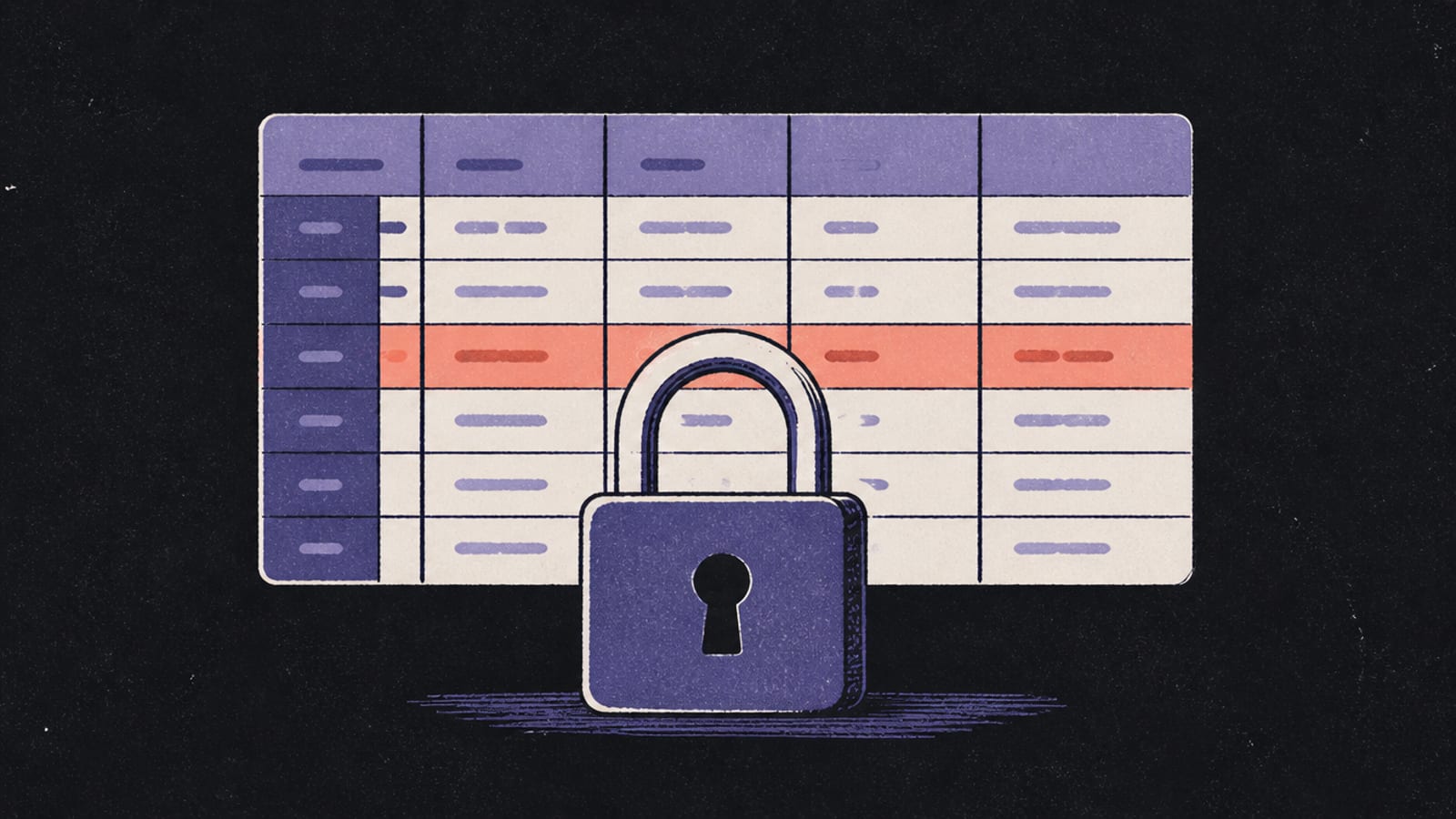
The webhook is the part people skip, and it's the important one. A user can reach your success_url by editing the address bar without paying a cent. The signed webhook, verified with your webhook secret, is the only message you can trust to mean money actually changed hands.

It's worth saying plainly why this feature earns extra care: a leaked Stripe secret key isn't a bug you patch quietly, it's someone else spending on your account. So we treat any payment prompt as a two-file job from the start — a server file that holds the key and creates the session, and a webhook file that is the only thing allowed to say "paid." If a single-file answer ever puts those together in the browser, that's the signal to stop and re-prompt.

Before you ship it

Payments concentrate every security rule into one feature. Before you accept a single real card:

  • The secret key (sk_test_… or sk_live_…) is server-only, forever. If it's in client code, treat it as compromised — Your API keys are in the browser.
  • Grant access only from a verified webhook, never from the browser redirect. Verify the signature and reject anything that fails.
  • Rate-limit the checkout route so a script can't spam session creation — Rate limits, explained.
  • Stay on Stripe's test keys and test card numbers until you're certain, and never paste a live key into a prompt or a chat.

If any of "secret key," "webhook" or "server route" felt fuzzy, the security checklist is the six-point version, and Your API keys are in the browser has the interactive "find the secret" exercise. Money is the worst place to learn these the hard way.

Common questions

Can I put my Stripe secret key in the frontend?
No. The secret key can create charges and refunds on your account. It must live only on the server; the browser should only ever talk to a server route that holds it.
How does a Stripe checkout button work safely?
Your server creates a Checkout Session with the secret key and returns its URL; the browser redirects to it. Payment is confirmed later by a webhook your server verifies.
Why do I need a webhook if the user reached the success page?
Because anyone can open the success URL without paying. Only a webhook, verified with your webhook secret, reliably tells you a payment actually completed.
How should I prompt an AI for a safe Stripe integration?
Ask it to create the session on the server, keep the secret key in an env var, and confirm payment with a signature-verified webhook before granting access. Name test keys explicitly.

Found this useful? Share it

Share
Sam Ortega

Build Editor

Sam Ortega

Sam explains what's actually happening when you build software by talking to an AI — what the model is doing, what's really running your app, and where the sharp edges are. No jargon without a picture, no hype, and an honest 'hire someone' when that's the answer.

The Aliteq brief

The tech worth knowing — hardware, AI, gaming, deals. No spam, unsubscribe anytime.

Keep reading