Every line of that program had to be read and carried out by something. That something is the CPU.
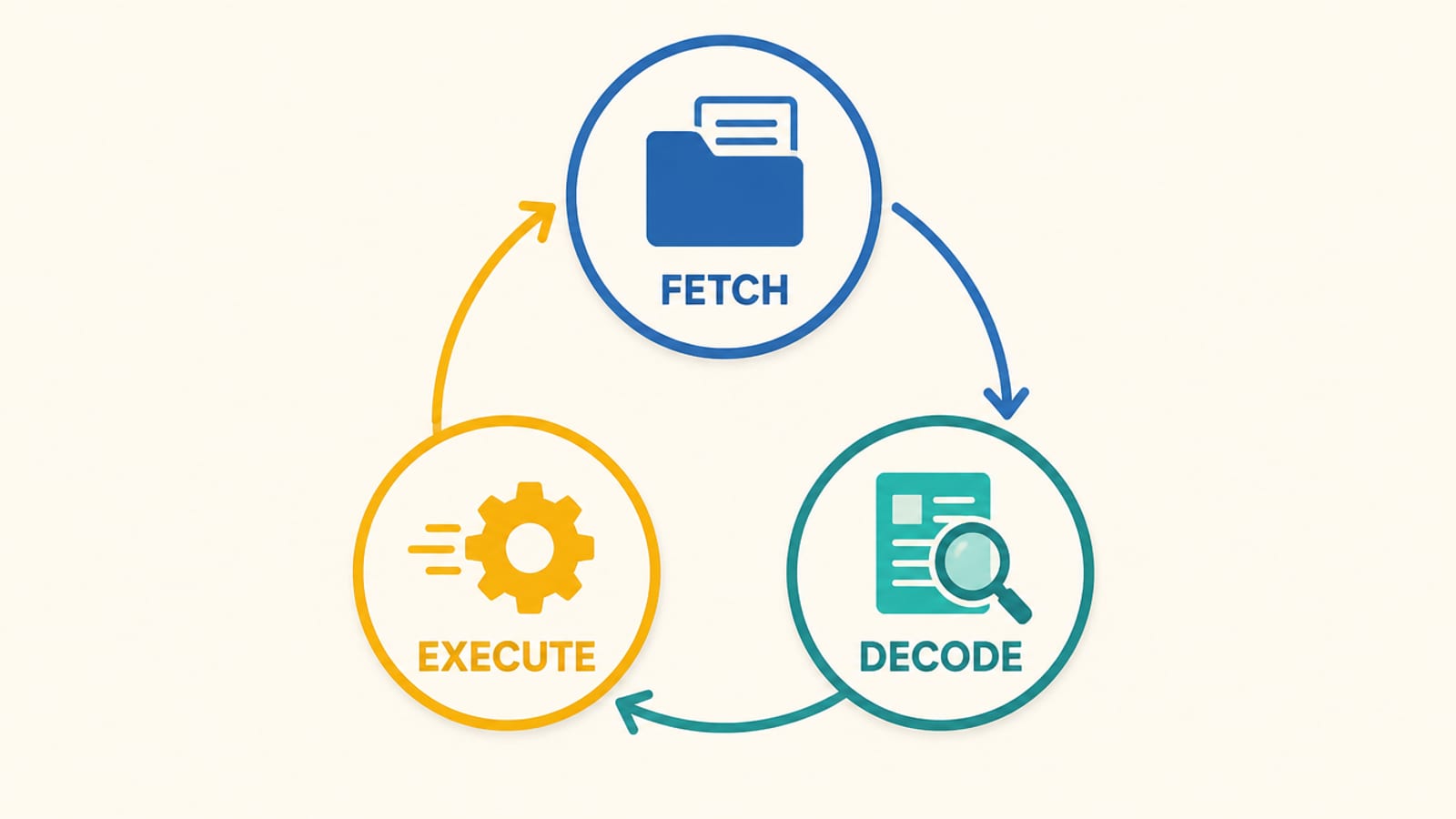
The CPU is the worker: it fetches one instruction, does it, fetches the next, and repeats, billions of times a second.
Wikipedia: a central processing unit "is the primary processor in a given computer," and "its electronic circuitry executes instructions of a computer program, such as arithmetic, logic, controlling, and input/output (I/O) operations."
- Fetch
Get the next instruction from memory
- Decode
Work out what it says to do
- Execute
Do it: add, compare, move data
- Repeat
Billions of times a second
- Fetch
Get the next instruction from memory
- Decode
Work out what it says to do
- Execute
Do it: add, compare, move data
- Repeat
Billions of times a second
It only ever does one small step at a time; it just does them absurdly fast. A GPU is the contrast: Wikipedia notes the CPU's role differs from "graphics processing units (GPUs)," which do many small maths steps in parallel, which is why AI models run fastest on GPUs. They can run on a CPU, just far slower (our MoE offload guide is about exactly that split; see also cost to run).
Every request your app serves is CPU work, and CPU time costs money and has limits. We learned this the hard way: this very site runs on a plan with a strict per-request CPU limit, and its heaviest pages timed out until we made them do less work per visit.
So the lesson is practical: fewer steps per request means a faster page and a smaller bill. Doing a heavy job once and reusing the answer beats redoing it for every visitor.
Try it with the rules off. Picture a CPU doing a billion steps a second. A page that needs ten billion steps takes ten seconds; halve the work it does and you roughly halve the wait. That's the whole game of a fast, cheap page.
Check yourself
0/4 got itSaved on this device only. No account, no streaks.
Next in what a computer does: What is a file, really?.