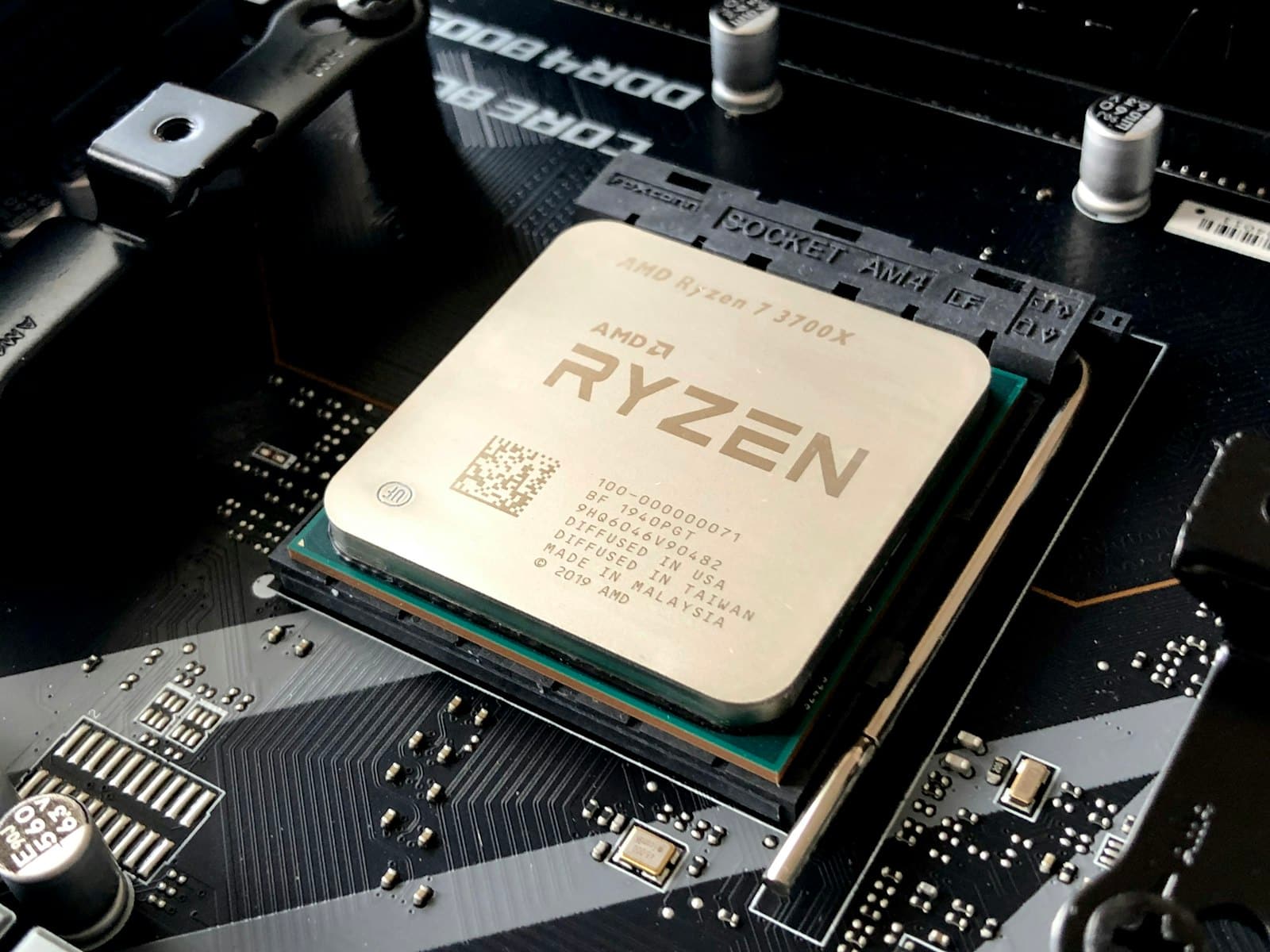
--n-cpu-moe is the setting that lets a modest graphics card punch far above its VRAM. It offloads the parts of a Mixture-of-Experts model you use least to system RAM — and here's exactly how to tune it for your card.
This post contains affiliate links. If you buy through them, Aliteq may earn a commission — at no extra cost to you. Prices change; check the seller’s own page for today’s price.
Here's a trick that feels like cheating. A modern 30-billion-parameter Mixture-of-Experts model needs around 20GB of VRAM to run the normal way — out of reach for a 12GB card like an RTX 3060. But add one flag to your llama.cpp command, --n-cpu-moe, and that same 3060 will run it. Not at full speed, but genuinely usable. The flag works because of a quirk of how MoE models are built, and once you understand why it works you can tune it precisely for whatever card you have. This is the single highest-leverage setting for running big models on modest hardware, and most people either don't know it exists or set it by guesswork. Let me fix both.
Why this works only for MoE models
To understand --n-cpu-moe you need one fact about Mixture-of-Experts models: most of the model is experts, and only a few experts run per token. A model like Qwen3-30B-A3B has dozens of experts but activates only a handful for any given token. The experts are the bulk of the weights — big — and any individual expert is used infrequently. That combination is what makes offloading them to slower CPU memory a good trade: you free up the most VRAM (because they're big) for the least speed penalty (because each one is rarely needed). The attention layers, by contrast, run on every token, so those stay on the fast GPU.
What --n-cpu-moe keeps where
Attention layers
Used on every single token — kept on the fast GPU.
A few experts
The experts you can fit stay in VRAM for speed.
Most experts → RAM
Big and infrequently used — offloaded to system memory by --n-cpu-moe.
Model runs
Fits a card it never should — at a modest speed cost when an offloaded expert is hit.
Attention layers
Used on every single token — kept on the fast GPU.
A few experts
The experts you can fit stay in VRAM for speed.
Most experts → RAM
Big and infrequently used — offloaded to system memory by --n-cpu-moe.
Model runs
Fits a card it never should — at a modest speed cost when an offloaded expert is hit.
Attention runs every token → stays on the GPU. Experts run rarely and are huge → offloaded to system RAM. That split is the whole trick.
This is why the trick does nothing for a dense model like a standard 70B: in a dense model every parameter runs on every token, so there's no rarely-used bulk to banish to slow memory without paying for it constantly. MoE is the special case, and it's why the MoE architecture has become such a gift to people running models on consumer hardware. For the deeper mechanics of what the flag does under the hood — and the counterintuitive throughput result — see our breakdown of what --n-cpu-moe actually does.
The command to copy
Here's a working starting point for running Qwen3-30B-A3B (Q4_K_M) on a 12GB card. Adjust the model path and the --n-cpu-moe value to taste:
./llama-server \
  -m Qwen3-30B-A3B-Q4_K_M.gguf \
  --n-cpu-moe 32 \
  -ngl 99 \
  -c 16384 \
  -fa 1

# --n-cpu-moe 32  : keep the expert weights of the first 32 layers in system RAM
# -ngl 99         : put as many layers on the GPU as will fit
# -c 16384        : 16k context (lower this first if you OOM)
# -fa 1           : flash attention on
Starting values by card
Where to start --n-cpu-moe (for a ~30B MoE model at Q4)
12GB (RTX 3060)
Start at
--n-cpu-moe 32
Then
lower slowly while it still starts
16GB (RTX 5060 Ti)
Start at
--n-cpu-moe 20
Then
lower for more speed
24GB (RTX 3090/4090)
Start at
0 — it likely fits
Then
only offload for bigger models
Bigger MoE (120B+)
Start at
start high, e.g. 40+
Then
raise until it loads
Start at
Then
12GB (RTX 3060)
--n-cpu-moe 32
lower slowly while it still starts
16GB (RTX 5060 Ti)
--n-cpu-moe 20
lower for more speed
24GB (RTX 3090/4090)
0 — it likely fits
only offload for bigger models
Bigger MoE (120B+)
start high, e.g. 40+
raise until it loads
The logic is simple: lower --n-cpu-moe keeps more experts on the GPU (faster) but uses more VRAM; higher offloads more (slower) but uses less. Your goal is the lowest number that still starts without running out of memory — that keeps the most work on the fast GPU. A 24GB card usually runs a 30B MoE with no offload at all; you only reach for this flag when the model is bigger than your VRAM.
The unsung hero of this trick is your system RAM. Offloading experts there is what lets a modest GPU run a model far above its weight. · Unsplash
When the server won't start
The most common failure is an out-of-memory error at startup — the weights fit but the context pushes you over. The community-tested tuning order is worth following exactly: cut context length first, because it's the fastest way to recover VRAM. Drop --ctx-size from 16384 to 8192 and try again. If it still won't start, raise --n-cpu-moe in small steps — 32 → 36 → 40 — until it loads cleanly. Then, once it runs, walk the numbers back toward more speed: nudge --n-cpu-moe down and context up until you find the edge, watching your VRAM usage on each launch. It's trial and error, but a handful of restarts gets you to a good setting.
Not sure which MoE model your card and RAM can actually hold? We worked out a starting --n-cpu-moe value and the system RAM each needs for seven models in the best MoE models for a 12GB or 16GB GPU.
The questions people actually ask
Does --n-cpu-moe work on any model?
No — only on Mixture-of-Experts models. The whole trick depends on there being large, infrequently-used expert weights to offload; a dense model runs every parameter on every token, so there's nothing to banish to slow memory without constant penalty. If you try it on a dense model it either does nothing useful or just slows you down. Check that your model is MoE (names like '30B-A3B' or 'gpt-oss' are a giveaway) before reaching for it.
How much speed do I lose by offloading experts?
It depends how much you offload and how fast your system RAM and PCIe link are, but expect a meaningful drop from a fully-in-VRAM run — you're trading speed for the ability to run the model at all. The good news is that because experts are used infrequently, the penalty is far smaller than offloading a dense model would be. For many people, 'runs at a usable speed on the card I own' beats 'doesn't run,' which is the whole point of the flag.
What's a good --n-cpu-moe value for my card?
Start at 32 on a 12GB card, around 20 on 16GB, and 0 on 24GB (a 30B MoE usually just fits). Then tune: the best value is the lowest one that still lets the server start, because that keeps the most experts on the fast GPU. Raise it if you OOM, lower it for more speed. There's no universal number — it depends on the exact model, quantization, and context length — so a few test launches are unavoidable.
Do I need a lot of system RAM for this?
Yes — the offloaded experts live in system RAM, so you need enough of it to hold them plus your OS and everything else. For a 30B MoE at Q4 offloading a good chunk of experts, 32GB of system RAM is a comfortable floor and 64GB is better if you're pushing bigger models. Fast RAM (higher-clocked DDR5, more channels) also directly helps the speed of every offloaded-expert access, so it's not just about capacity.
That's the flag that quietly expands what your hardware can do. If you've been eyeing a big MoE model and assumed your card couldn't handle it, --n-cpu-moe is probably the answer — size the model in our VRAM calculator, start with the values above, and tune from there. And if you want the theory behind why offloading experts is such a good deal, our what --n-cpu-moe actually does piece goes deeper on the mechanics.