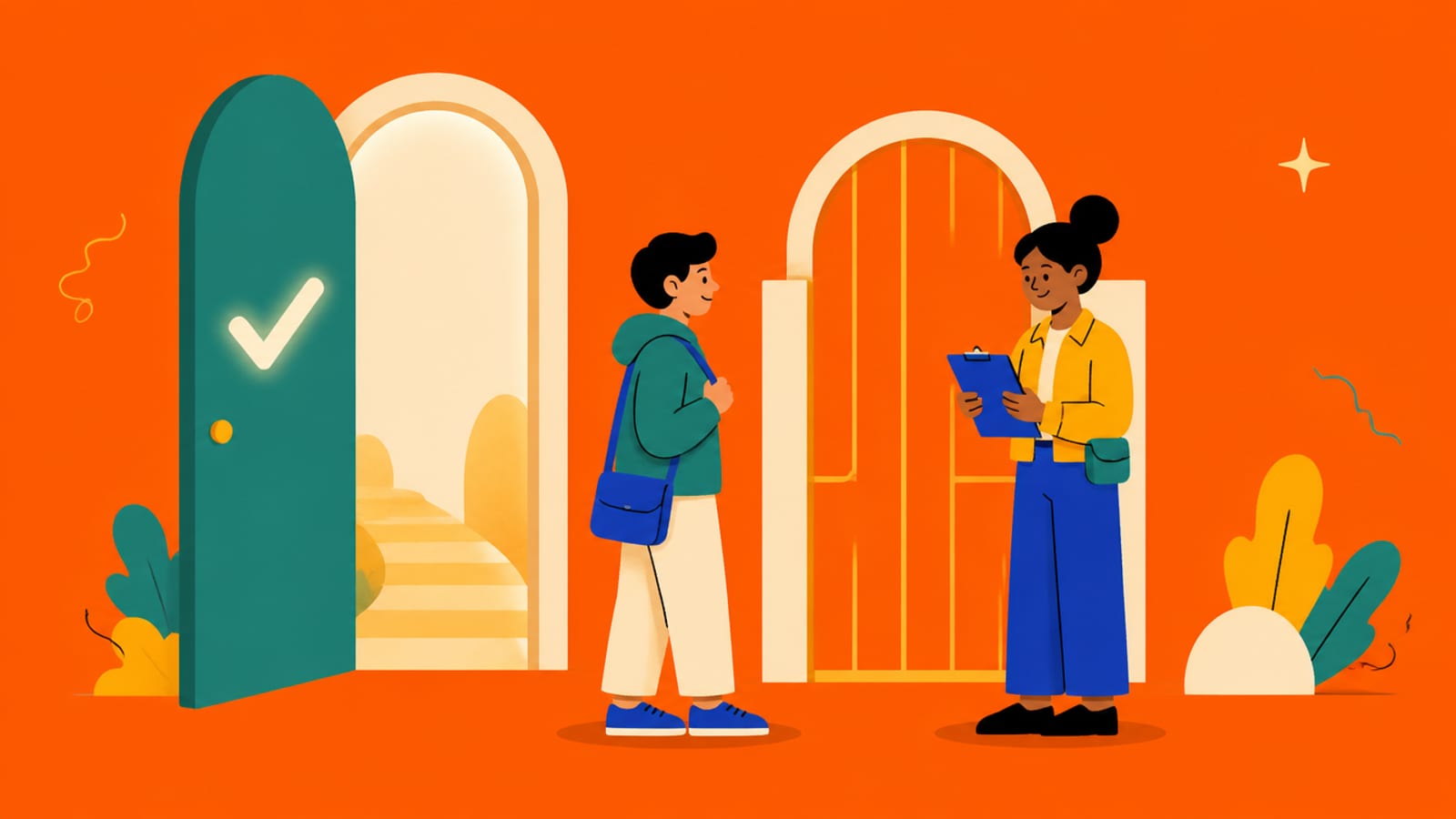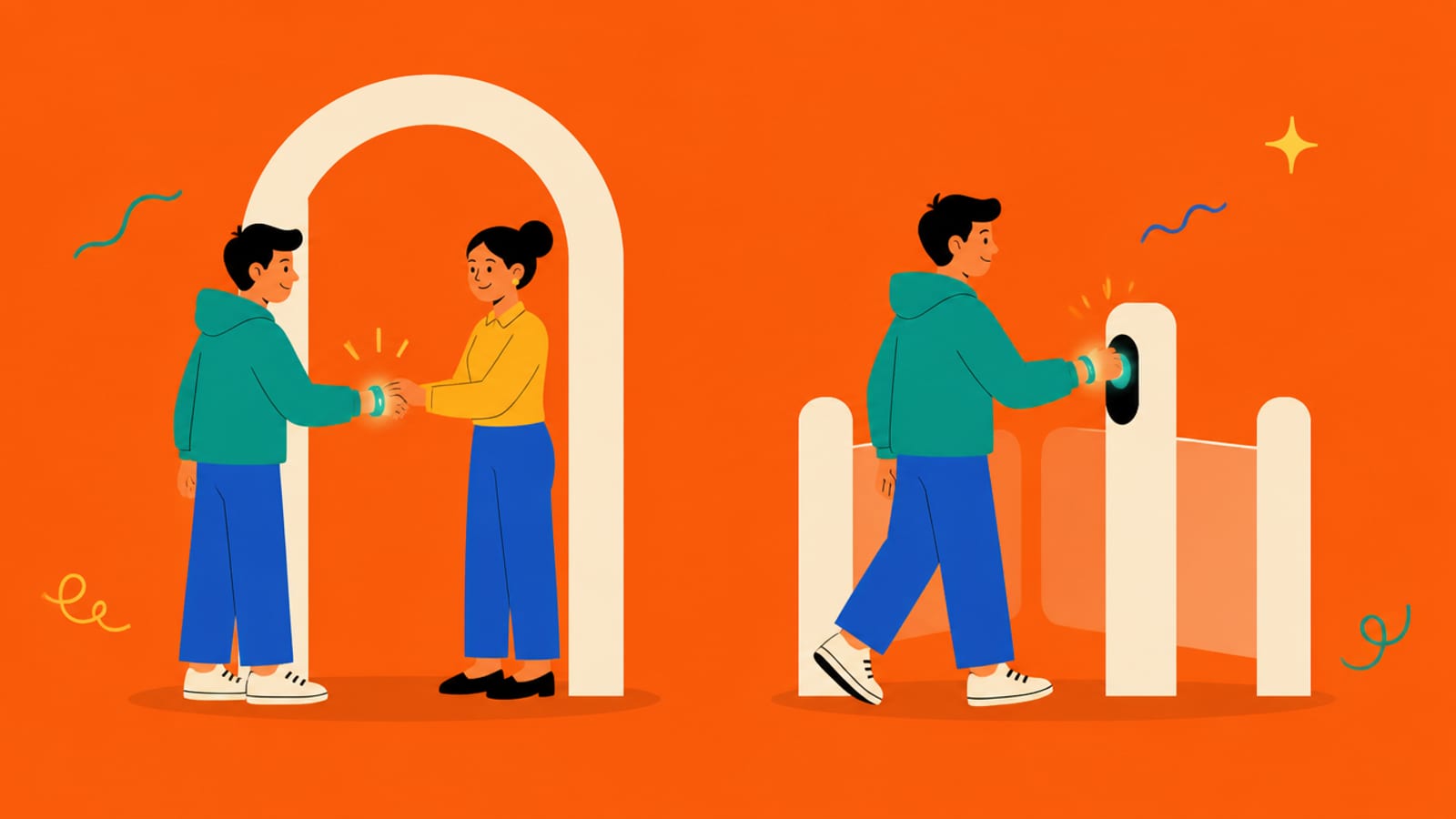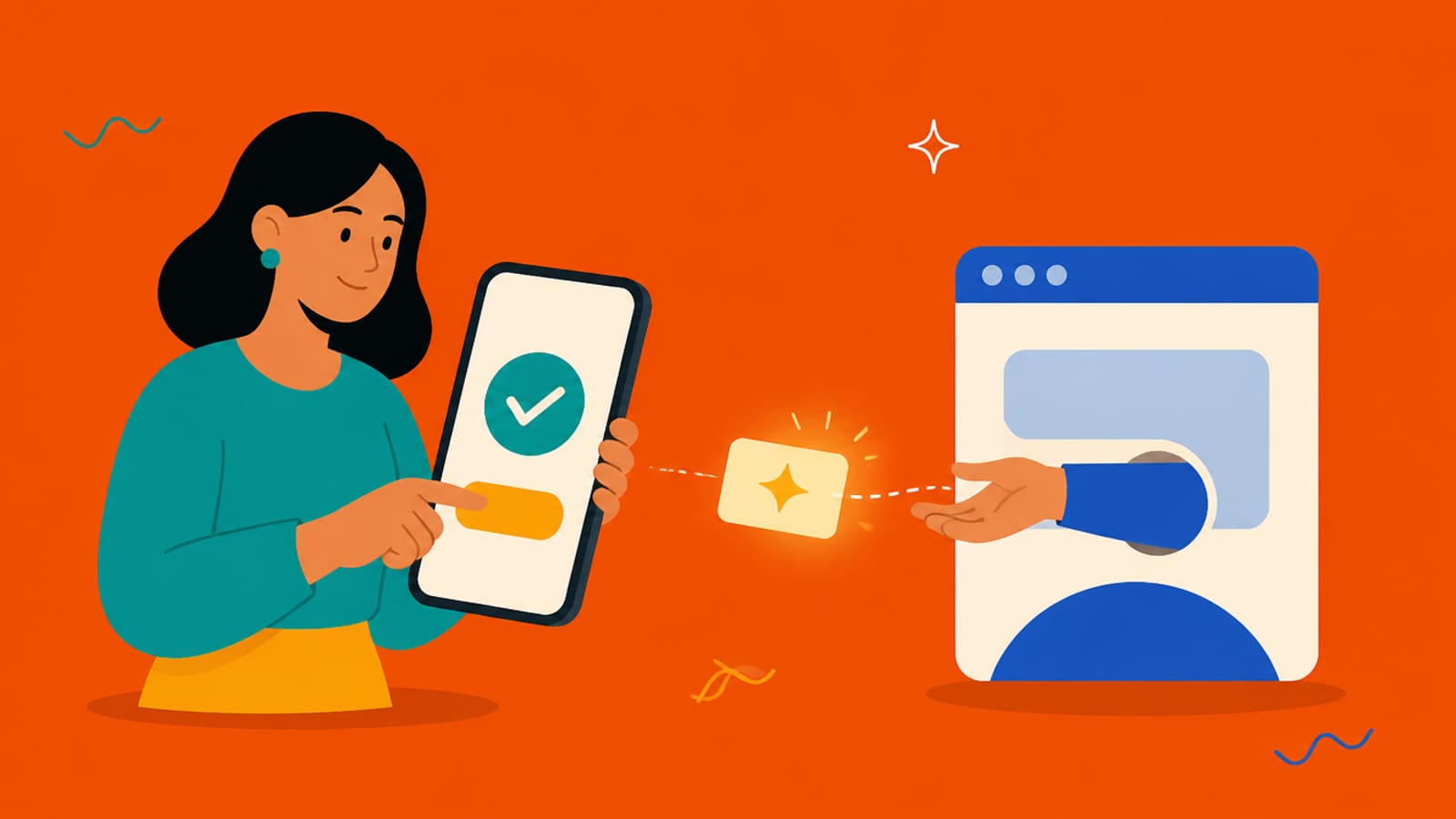
When you tap "Sign in with Google", the app never sees your Google password. Follow what actually happens.
That hand-off is OAuth: Google vouches for you and gives the app a token, without ever handing over your password.
- You tap Sign in with Google
On the app you're joining
- Google asks you to approve
On Google's own page, listing what the app will get
- Google sends the app a token
Plus the profile info you approved (name, email)
- The app signs you in
It never saw, and never stores, your Google password
- You tap Sign in with Google
On the app you're joining
- Google asks you to approve
On Google's own page, listing what the app will get
- Google sends the app a token
Plus the profile info you approved (name, email)
- The app signs you in
It never saw, and never stores, your Google password
The standard behind it is OAuth 2.0. RFC 6749 defines it as a framework that "enables a third-party application to obtain limited access … by orchestrating an approval interaction between the resource owner and the [service]." You are the resource owner; you approve.
Google describes its own button as providing "quick and secure user authentication on your website by allowing users to sign in with their Google Account and share profile information."
Why it's often safer than a password: the app stores no password of yours, so there's nothing for it to leak (the hashing lesson problem disappears), and you can revoke the app's access from your Google account at any time. Google also states the button "does not use user data for ads or other non-security purposes."
The word "limited" matters: the app gets only what you approve, usually your name and email, not your Gmail or your files.
Try it with the rules off. In the sandbox, approve the request and watch the app receive a token. Then deny it and watch the app get nothing, no account, no data.
Check yourself
0/4 got itSaved on this device only. No account, no streaks.
Next in who are you: Authorization vs authentication.