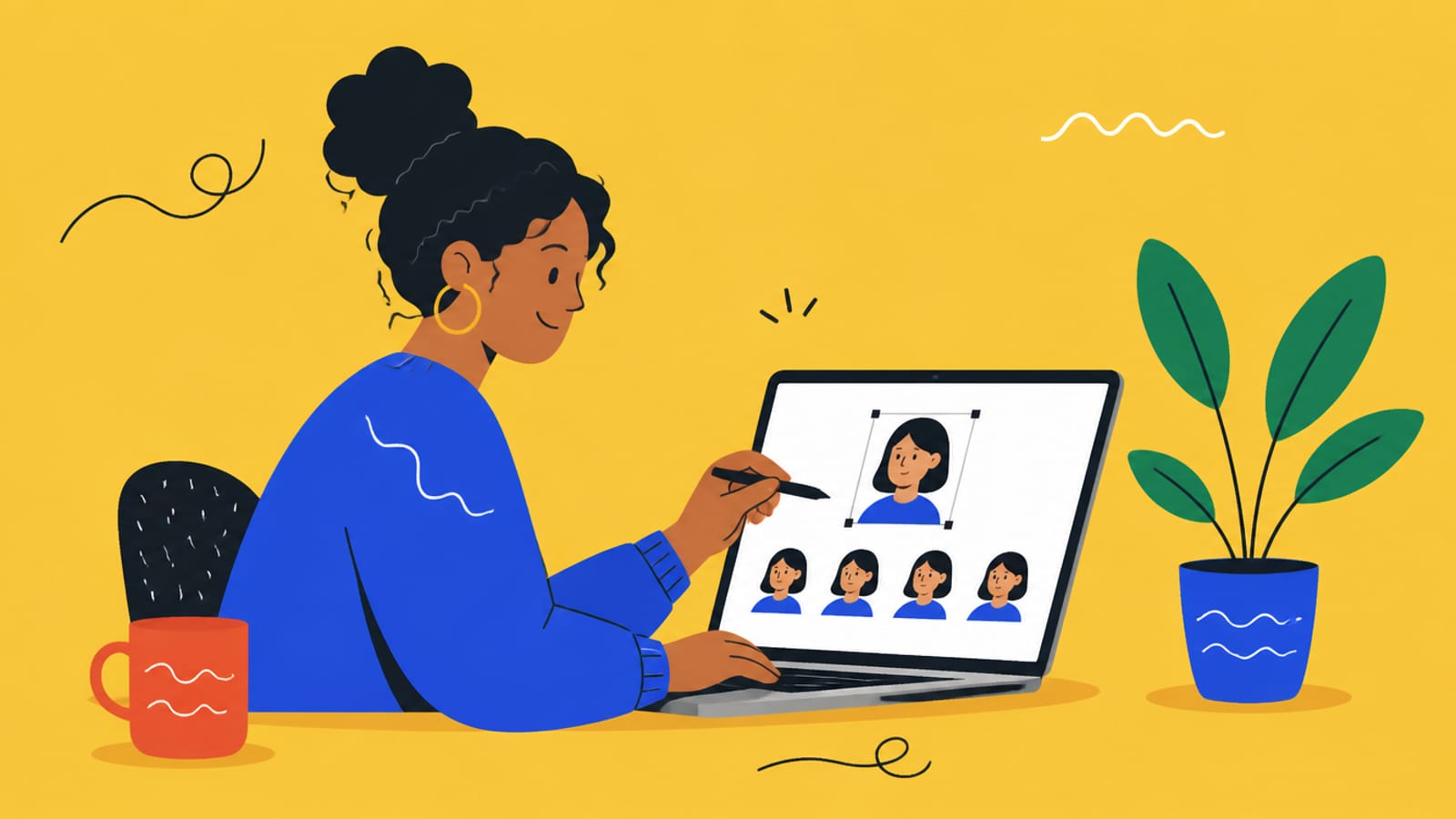
Upload a batch of your photos once, and Higgsfield's Soul ID trains a reusable version of you that stays the same face across every generation. Here's exactly what to upload — and what to expect.
This post contains affiliate links. If you buy through them, Aliteq may earn a commission — at no extra cost to you. Prices verified at publish time.
Share
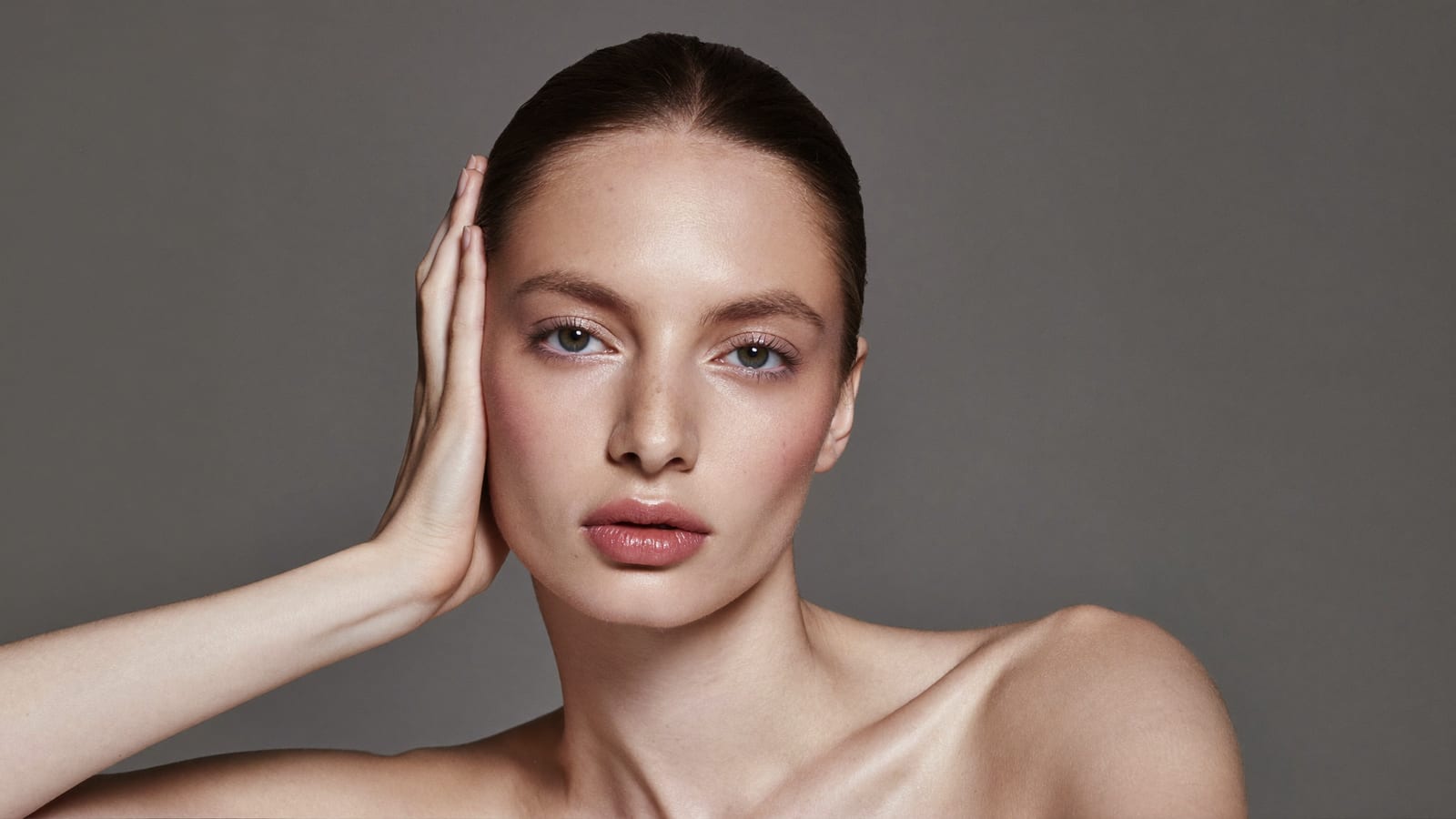
If you want AI images that are recognizably you — the same face across every post, outfit and scene — the feature is Higgsfield's Soul ID. You upload a batch of your photos once, Higgsfield trains a reusable identity, and from then on it applies that face to anything you generate in Soul. The catch is that the result is only as good as the photos you feed it. Here's exactly what to upload and what to expect, from Higgsfield's Soul ID help page (read 26 September 2026). The person in the images below is a generated fictional subject, not a real person.
How Soul ID works
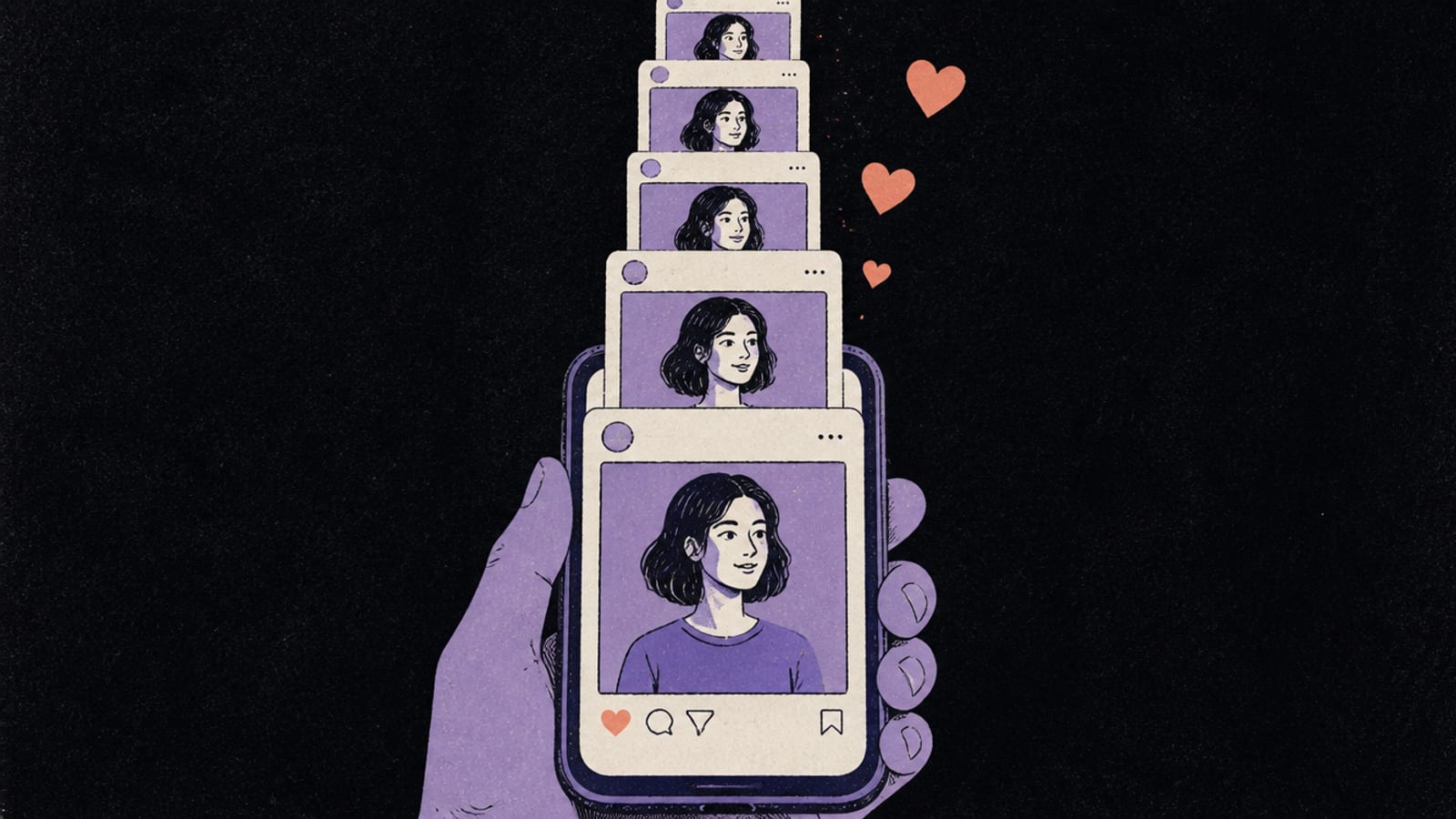
The whole point of Soul ID is that you don't re-upload a reference for every image. As Higgsfield puts it, a single reference “anchors a single generation but drifts across many separate ones,” whereas “Soul ID trains a reusable identity once and holds it across every generation, style, and angle without re-uploading.” The flow is short: upload your photo set, start training (“training takes a few minutes”), name the character, then generate. From then on that identity is applied automatically in Soul.
What photos to upload (and what to avoid)
Soul ID training photos — Higgsfield's guidance
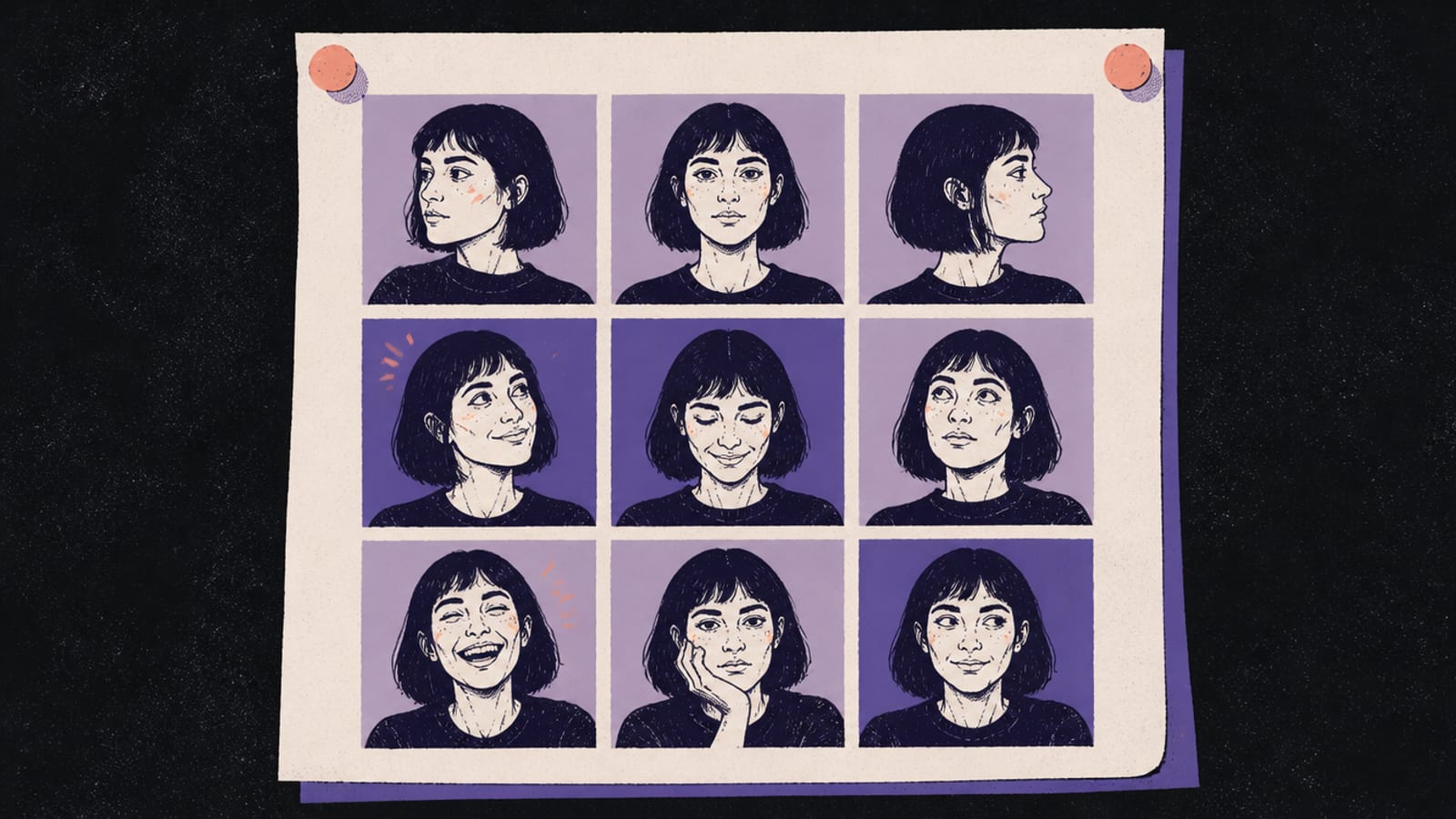
Angles & expressions
Do
Varied angles and expressions
Avoid
Head shots only
Framing
Do
At least one full-height shot; single subject per photo
Avoid
Group shots
Face visibility
Do
Unobstructed face
Avoid
Sunglasses, hats, scarves covering the face
Lighting & recency
Do
Well-lit, recent photos
Avoid
Shadowed shots; repeated poses
Do
Avoid
Angles & expressions
Varied angles and expressions
Head shots only
Framing
At least one full-height shot; single subject per photo
Group shots
Face visibility
Unobstructed face
Sunglasses, hats, scarves covering the face
Lighting & recency
Well-lit, recent photos
Shadowed shots; repeated poses
Higgsfield is blunt about the trade-off: “training quality determines output quality: a smaller set of clean, varied photos outperforms a large set of inconsistent ones.” And on consent, it's explicit: “only upload photos of yourself, or of someone who has given you permission to use their likeness.”
A generated subject — not a real person — made in Higgsfield with Higgsfield Soul. · Made in Higgsfield with Higgsfield Soul
What to realistically expect
Set expectations correctly and you'll be happy; expect a photocopy and you won't. Higgsfield says to “expect ‘clearly the same person’ rather than a pixel-identical face across every generation,” and warns that “weak photo sets produce weak identities, and extreme style shifts or unusual angles can introduce small drift even with a well-trained identity.” One more practical limit: the trained identity lives inside Higgsfield's ecosystem — “it's used within the Soul models and connected tools and is not exportable as a standalone file.”
“It won't take my photos” — the usual fix
If a character trains poorly, the cause is almost always the input set, not the tool. Higgsfield's own troubleshooting is to “check the quality of your training photos: well-lit, varied angles, recent,” and to retrain “on a stronger set: swap out repeated poses and shadowed shots, add a full-height photo, and keep the whole set in one consistent look.” The common culprits — group shots, faces hidden by sunglasses or hats, and head-shots-only sets — are exactly the ones in the “avoid” column above.
HiggsfieldSponsored
Build a reusable version of you
Upload a clean, varied photo set once and Soul ID holds that face across every generation. Free tier to try it before you commit.
Use Soul ID: upload a varied set of your own photos, start training (a few minutes), name the character, then generate. Soul applies that identity automatically from then on.
How many photos does Soul ID need?
Higgsfield emphasizes quality over quantity — “a smaller set of clean, varied photos outperforms a large set of inconsistent ones.” Vary angles and expressions, include at least one full-height shot, and keep faces unobstructed.
Why won't my Soul ID look like me?
Usually the photo set: group shots, sunglasses/hats, head-shots-only, or shadowed/repeated poses. Retrain on a cleaner, varied, recent set with a consistent look.
Can I use photos of someone else?
Only with permission — Higgsfield says to upload photos of yourself or of someone who has given you permission to use their likeness.
Can I export my Soul ID?
No. The trained identity is used within Soul and connected tools and isn't exportable as a standalone file.