AI can turn a phone snap of your product into polished shots and scenes — no studio needed. Here's what's realistic, the one honest limit, and where to learn the how-to.
This post contains affiliate links. If you buy through them, Aliteq may earn a commission — at no extra cost to you. Prices verified at publish time.
Share
Can you really get good product photos and ads without booking a studio or hiring a photographer? Increasingly, yes — AI tools can take a plain phone snap of your product and turn it into clean, polished shots and lifestyle scenes. But there's an honest catch worth understanding before you start, so you know what to expect and don't get burned. This is the quick reality check; when you're ready for the actual how-to, we'll point you to it.
What's actually possible now
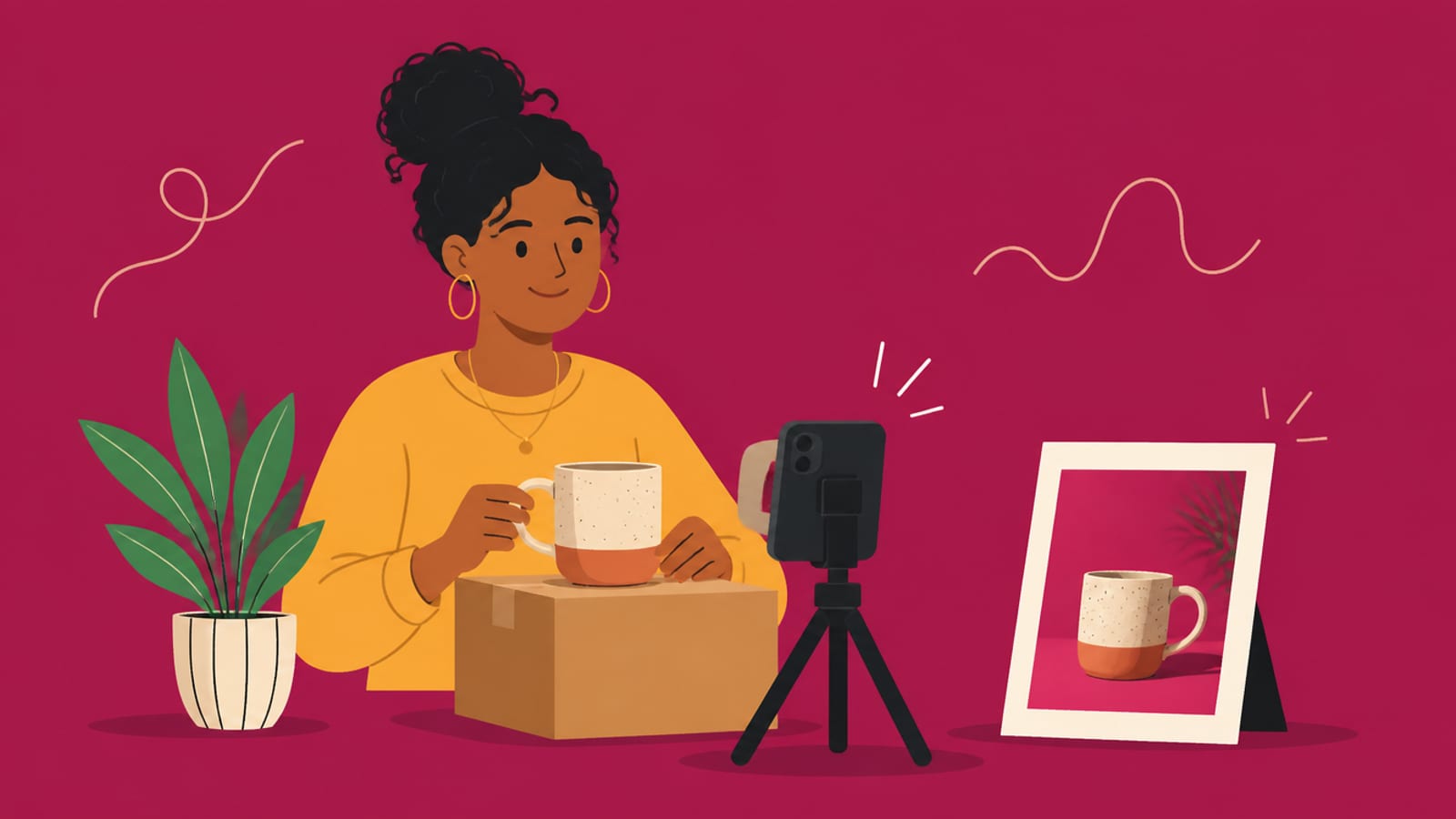
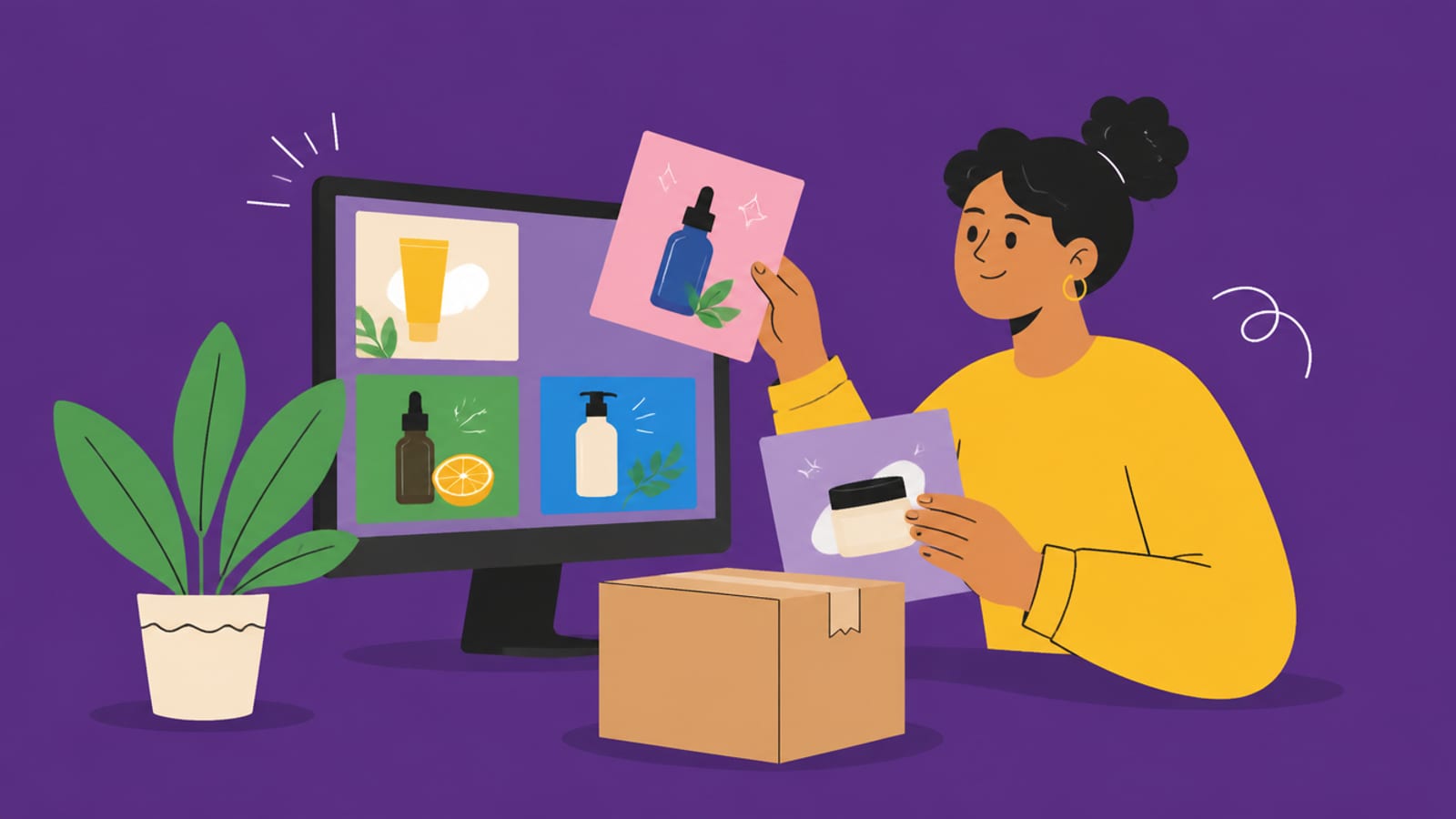
Starting from a single decent photo of your product, AI tools can drop it onto clean studio backgrounds, place it in believable lifestyle scenes (on a table, in a kitchen, held in a hand), fix and standardise lighting, and spin out lots of variations for ads and social — quickly and for a fraction of a photoshoot. For a small seller who just needs consistent, professional-looking listing images, that's genuinely useful and a real time-and-money saver.
The honest limit (read this first)
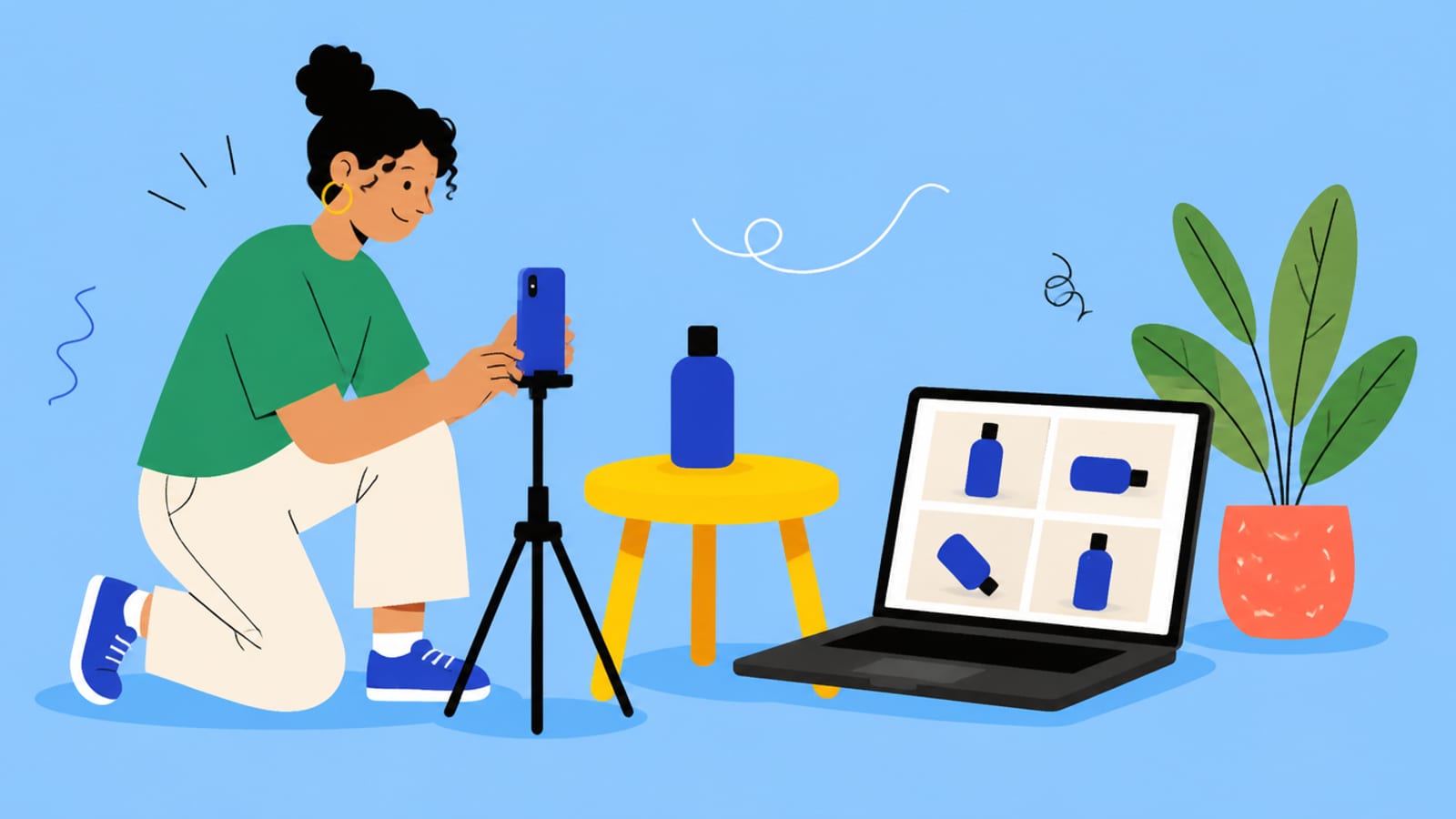
Here's the part the hype skips: AI is excellent at building the scene around your product, but you should start from a real photo of your actual product. Asked to invent your product from scratch, AI will get the details wrong — your exact label, logo, text, and fine features won't be accurate, and customers notice. The reliable workflow is 'photograph your real item once, then let AI restyle the background, lighting and scene' — not 'type a description and hope.' Used that way it's honest and effective; used to fabricate a product that doesn't match what ships, it'll cost you returns and trust.
HiggsfieldSponsored
See what AI product shots look like — try it on your own snap
Start from one real photo of your product and let a tool restyle the scene. Try Higgsfield to see the quality before you commit to a workflow.
Can you really make product photos without a photoshoot?
Yes — starting from a simple phone photo of your product, AI tools can create clean backgrounds, lifestyle scenes, and ad variations without a studio or photographer. It works best when you begin with a real photo of your actual item and let AI restyle the scene around it, rather than inventing the product from a text description.
Are AI product photos good enough to sell with?
For backgrounds, lifestyle scenes, and ad variations built around a real photo of your product, yes — many small sellers use them on listings and social. The key is that the product itself is your genuine photo, so the details are accurate. AI-invented products get labels and fine details wrong, which erodes customer trust.
Do I still need a real photo of my product?
Yes, and that's the important bit. Start from a real photo of your actual item so its exact details, label and shape are correct, then use AI to change the background, lighting and scene. Don't ask AI to generate the product from scratch — it won't match what you ship, and mismatches lead to returns.
Is it cheaper than hiring a photographer?
Usually far cheaper for a small catalogue — a tool subscription versus a photoshoot fee — and much faster for producing many variations. Whether it fully replaces a photographer depends on your product and standards; this is cost information, not a guarantee. Many sellers use AI for volume and variations and a real shoot only for hero images.
So yes — AI can give you professional product images without a photoshoot, as long as you start from a real photo of your product and let AI handle the scene. Your next step: the full method is in our step-by-step guide, Shopify product photos with AI, with the wider picture in AI for e-commerce.