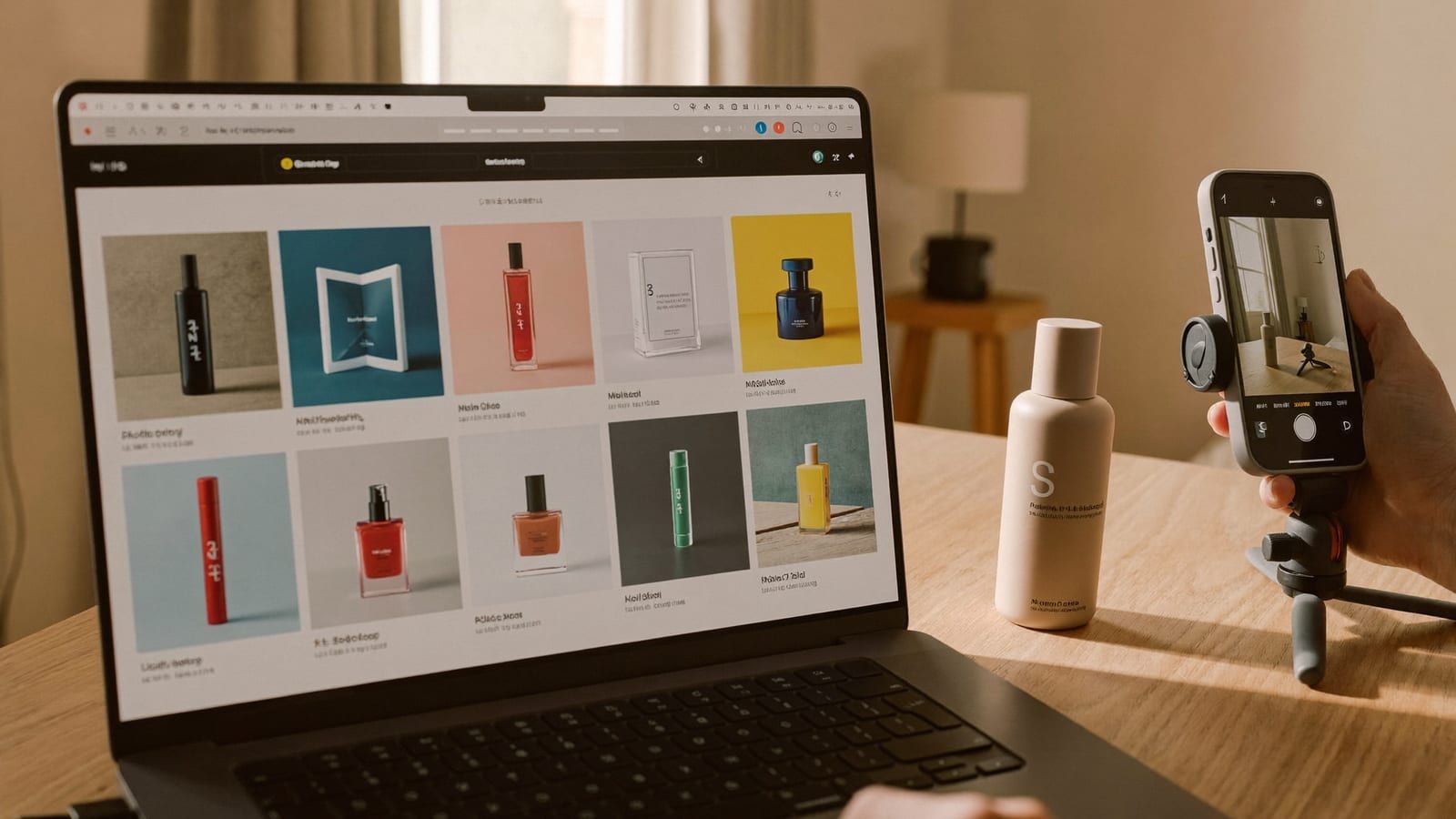
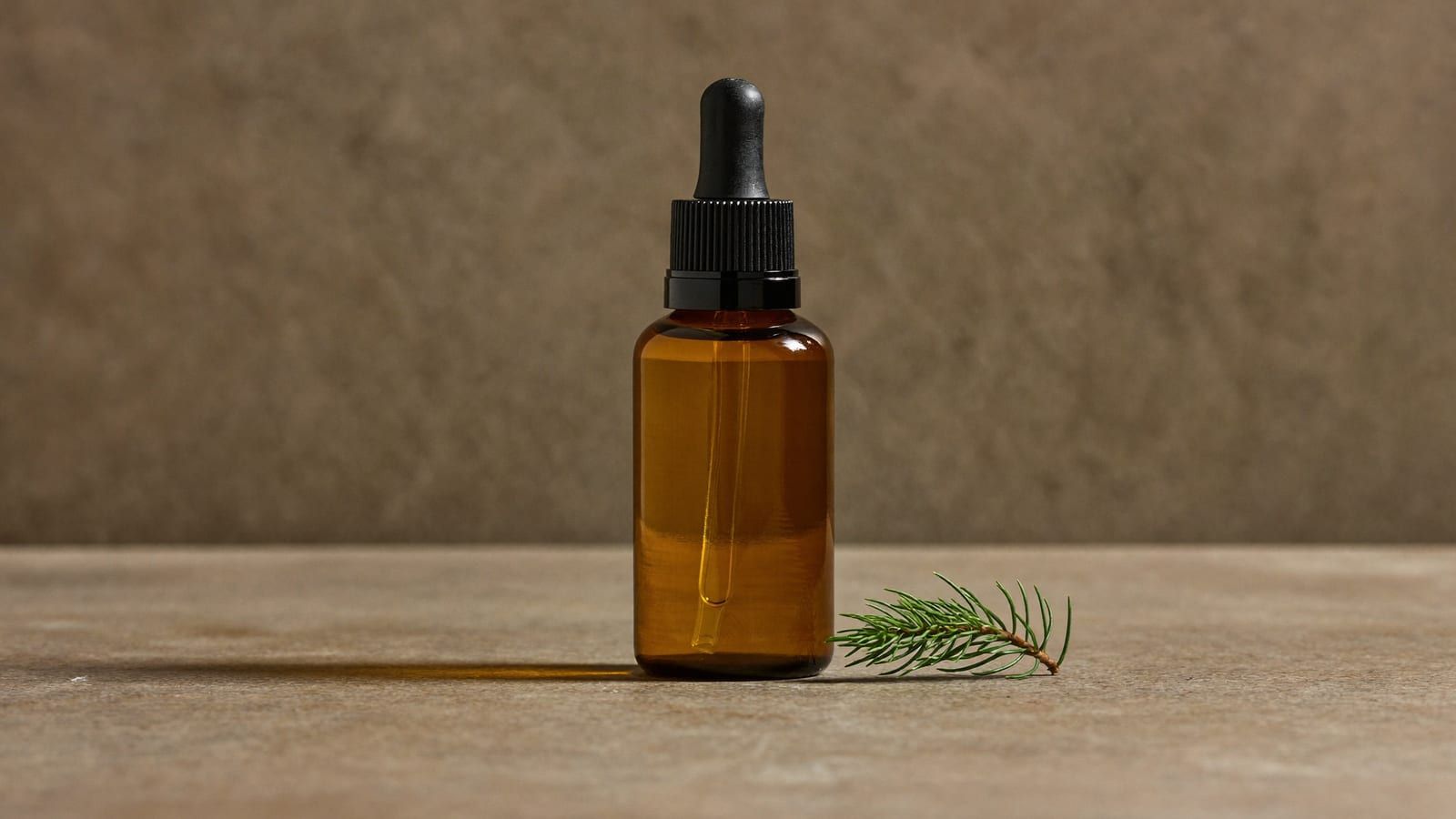
Product shots, UGC spokespeople and TikTok video ads — generated in an afternoon for the cost of one agency clip. Exactly how online stores are doing it, and which technique to use for which job.
This post contains affiliate links. If you buy through them, Aliteq may earn a commission — at no extra cost to you. Prices verified at publish time.
Share
A year ago, if you sold anything online and wanted a scroll-stopping video ad, you had three bad options: pay an agency $2,000–5,000 a video, pay a UGC creator $150–300 a clip and wait a week, or shoot it yourself and pray. I've watched small brands burn their entire ad-test budget on making the ads before they ever spent a cent reaching customers. That math is dead now. You can generate the product shot, the spokesperson, and the video ad yourself in an afternoon — and the tools got good enough that most people scrolling can't tell.
I make this stuff daily, so this isn't hype — it's a walkthrough of exactly how e-commerce brands are producing ads with AI right now, which technique to use for which job, and the honest places it still falls down.
1. Product shots: one phone photo → a full campaign
This is the fastest win and where I'd start. Modern image models can take a single flat photo of your product and re-light it, drop it into any scene, and match a season or a mood — the stuff a product photographer charges a day rate for. For clean e-commerce hero shots and typography-heavy promo images, Nano Banana Pro and GPT Image are excellent; for a moody, premium, editorial look, Cinema Studio; for anything with a person or a 'held in hand' lifestyle vibe, Soul. You describe the scene, feed your product, and iterate until it's right.
The workflow that actually works: shoot your product once on a plain background in good light, then generate the variations — white-background PDP shot, lifestyle-on-a-counter shot, holiday version, close-up detail. One source photo becomes a month of feed content. The catch is text: if your label has fine print or a logo, check every generation — models still garble small text, so you often composite your real label back on top.
Higgsfield · Product images
Sponsored
Higgsfield runs Nano Banana Pro, Cinema Studio and Soul in one place, so you can try the same product shot across models and keep the best. Free tier to test before you commit.
2. UGC ads: build one AI creator, reuse her forever
UGC — that authentic 'real person talking to their phone about your product' ad — is the highest-converting format on TikTok and Reels, and it used to be the most annoying to source. Creators are expensive, flaky, and every new ad needs a new shoot. The AI version: you create one consistent character (a 'Soul' identity), and now you have a spokesperson you own who never ages, never reschedules, and shows up in every video with the same face. Generate her holding your product, in your brand's setting, saying your hook.
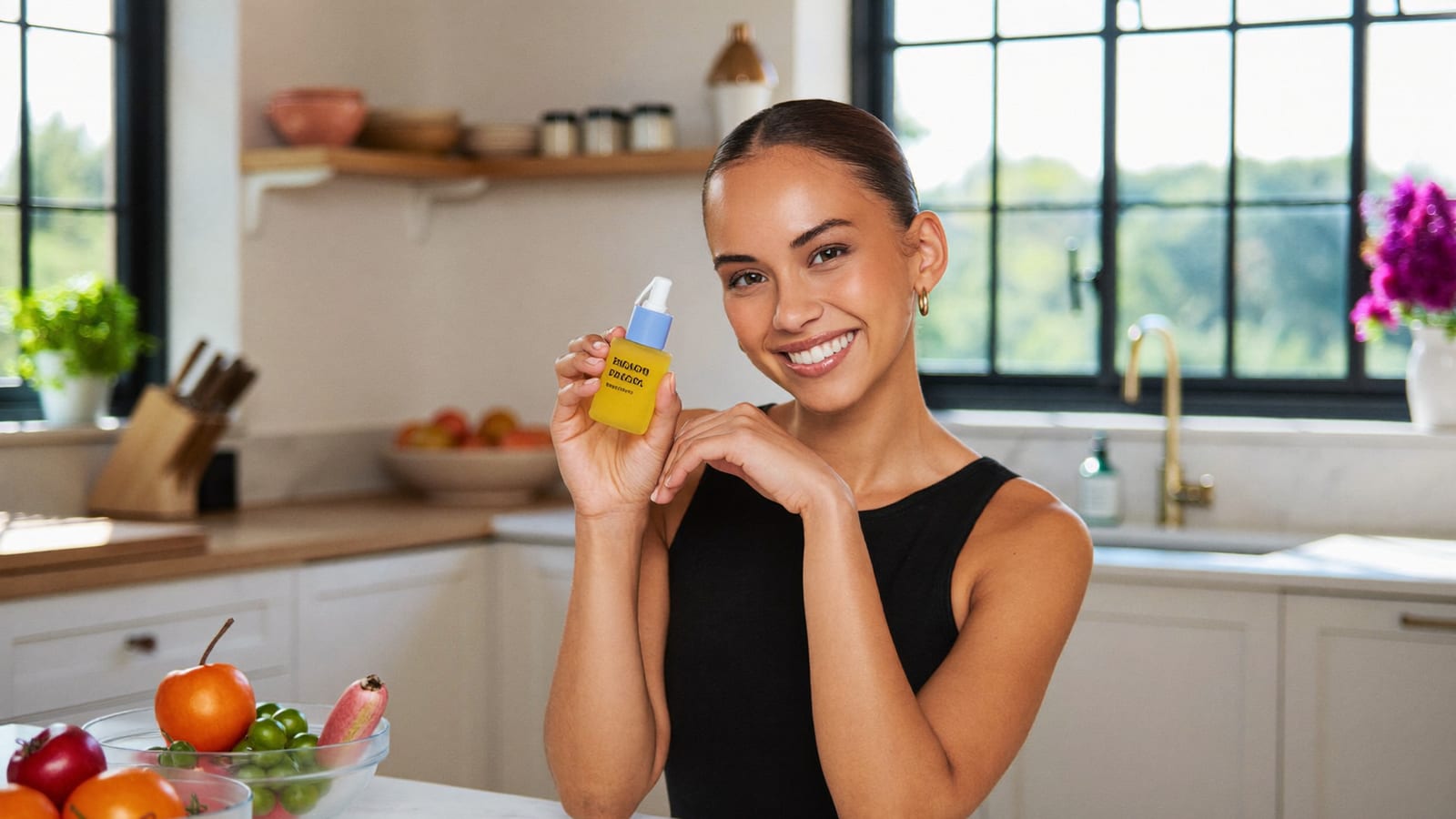
The image below is exactly this kind of UGC ad frame — a spokesperson holding a product, generated in seconds, no shoot, no model release. Build the character once and you can spin up 30 ad variations testing different hooks by Friday.
A UGC-style ad frame — generated with Higgsfield, no shoot, no creator fee. · Generated with Higgsfield
Pros
+ One character = unlimited consistent ads (no per-clip creator fee)
+ Test 20 hooks in a day instead of one shoot a week
+ You own the 'creator' — no usage-rights renewals
+ Swap product, setting, script without a reshoot
Cons
− Hands and fast lip-sync are where AI still tells on itself — keep shots simple
− Over-polished can read as an ad; a little imperfection converts better
− Some platforms want AI-content disclosure — check current ad policy
3. Video ads: product link in, TikTok ad out
This is the one that feels like cheating. A marketing-studio flow lets you paste your product or landing-page URL and it pulls your imagery and copy and drafts a full vertical video ad — hook, product beats, captions, music — in the ratios TikTok, Reels and Shorts want. Under the hood the heavy lifting is done by the current top video models: Sora 2 for coherence, Veo 3.1 for camera and audio, Kling 3.0 for motion. The point isn't which model — it's that you can reach for the right one for the shot without juggling six subscriptions and six waitlists.
My honest take: the auto-draft gets you 70% of the way, fast. You'll still trim it, fix a caption, and pick the best 6 seconds for the hook — because on paid social the first 1.3 seconds decide everything. But going from 'product page' to 'testable ad' in minutes, then iterating, is a completely different game than booking a shoot.
It's not that AI ads are 'free' — a subscription still costs money. It's that the cost of testing collapses. The whole game in e-commerce is finding the one ad angle that converts, and you find it by testing many. When each test costs $2,000 and a week, you test three and hope. When each costs minutes, you test twenty and know. The winning ad then pays for the tool, the product, and the next round. That's the shift — AI didn't just make ads cheaper, it made finding the winner affordable.
Quick answers
Will customers know the ad is AI?
For static product shots, almost never — those have been retouched forever. For UGC and video, the tells are hands, teeth, and fast lip movement; keep shots simple and it holds up. Some ad platforms also ask you to disclose AI-generated content, so check the current policy for where you're running it.
Do I need to be technical?
No. The hard part is taste, not tech — knowing a good hook and a clean shot from a bad one. The generation itself is 'describe it, feed your product, pick the best result.' If you can write a decent product description, you can do this.
Which is the cheapest way to start?
Start with product images — they're the cheapest generations and the fastest ROI (better PDP and feed shots lift conversion immediately). Add UGC characters next, then video ads once you've found a hook worth animating.
Can one tool do all three?
That's the case for an all-in-one suite: product images, a reusable UGC character, and video ads that route the top models — in one place instead of stitching together five subscriptions. It's why we point at Higgsfield for this specific workflow.
This is one playbook — the same AI tools open up product photography, faceless content, digital products and a dozen other ways to make money. I collect the ones that actually work in AI Studio.
HiggsfieldSponsored
Make your first AI product ad this week
Generate the product shot, build a reusable UGC spokesperson, and draft a TikTok/Reels ad from your product link — all in one place. Free tier to try it before you pay.