Product photos are the #1 conversion lever on your store — and the cheapest thing to generate with AI. Shoot once, generate the whole catalog: PDP, lifestyle, seasonal and macro shots, and the one catch that trips everyone up.
This post contains affiliate links. If you buy through them, Aliteq may earn a commission — at no extra cost to you. Prices verified at publish time.
Share
If you only fix one thing on your Shopify store this month, fix the photos. Not the theme, not the fonts, not the about page — the product images. They're the single biggest conversion lever you control, they're the cheapest thing to generate with AI, and they make everything downstream — your ads, your feed, your emails — look like a real brand instead of a side project. I've watched a store's add-to-cart rate move on a photo swap alone. This is where I tell everyone to start.
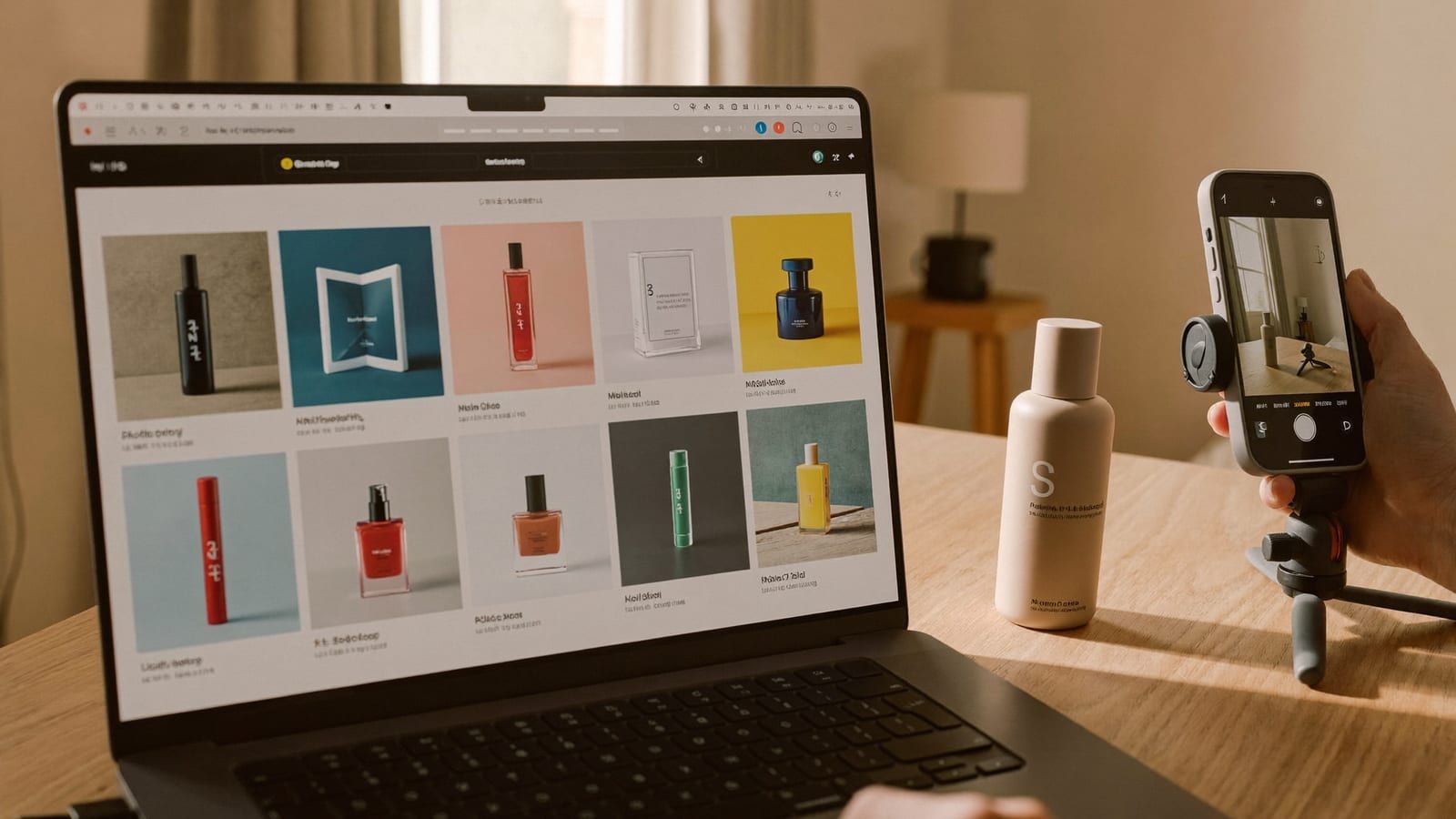
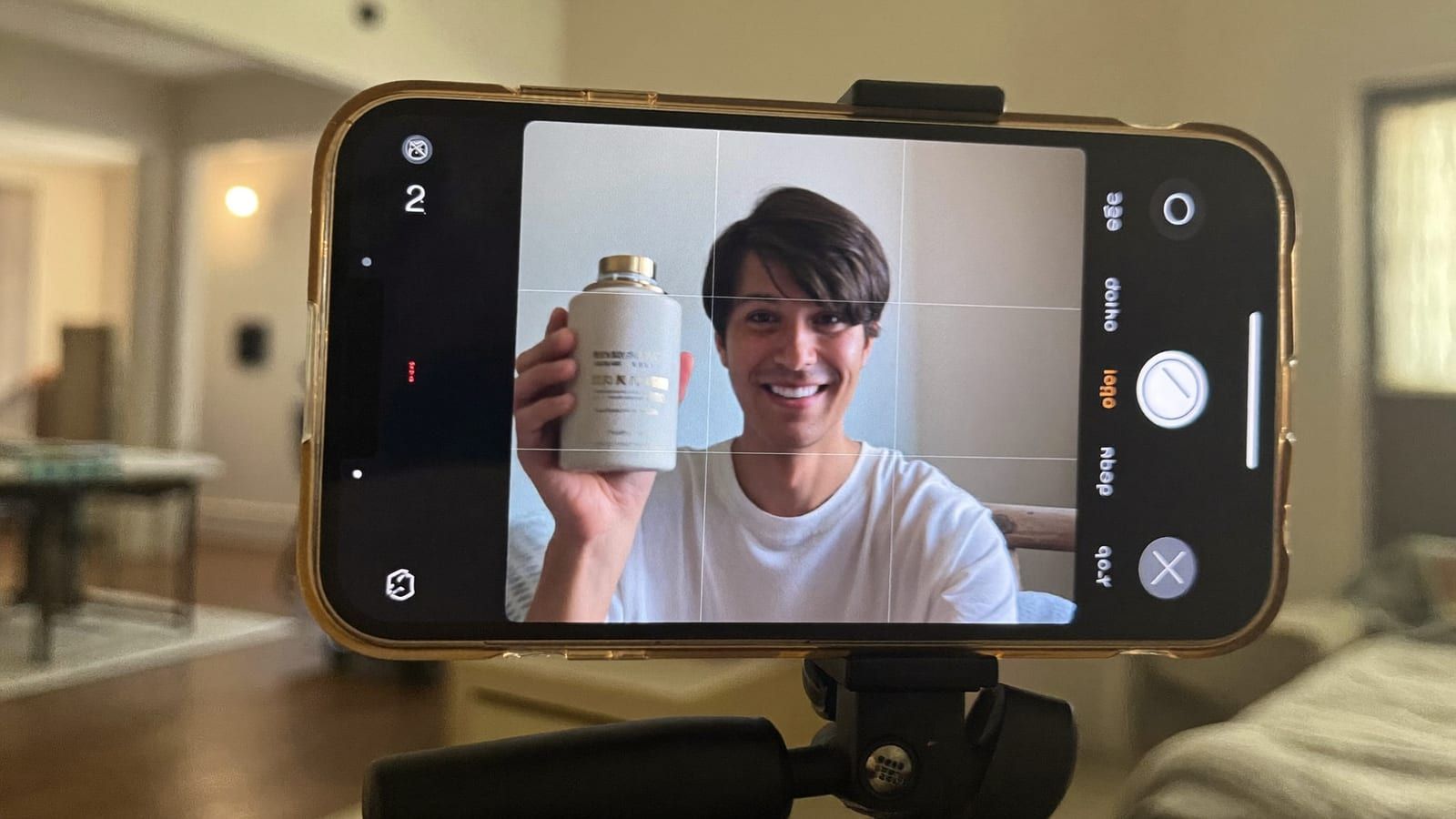
The old way was a photographer's day rate every time you dropped a product, or a lightbox and a weekend of frustration on your dining table. The new way: shoot your product once, on a plain background, in decent light — then generate the entire catalog from that one frame. Here's exactly how I do it, which model to reach for on which shot, and the one catch that trips everyone up.
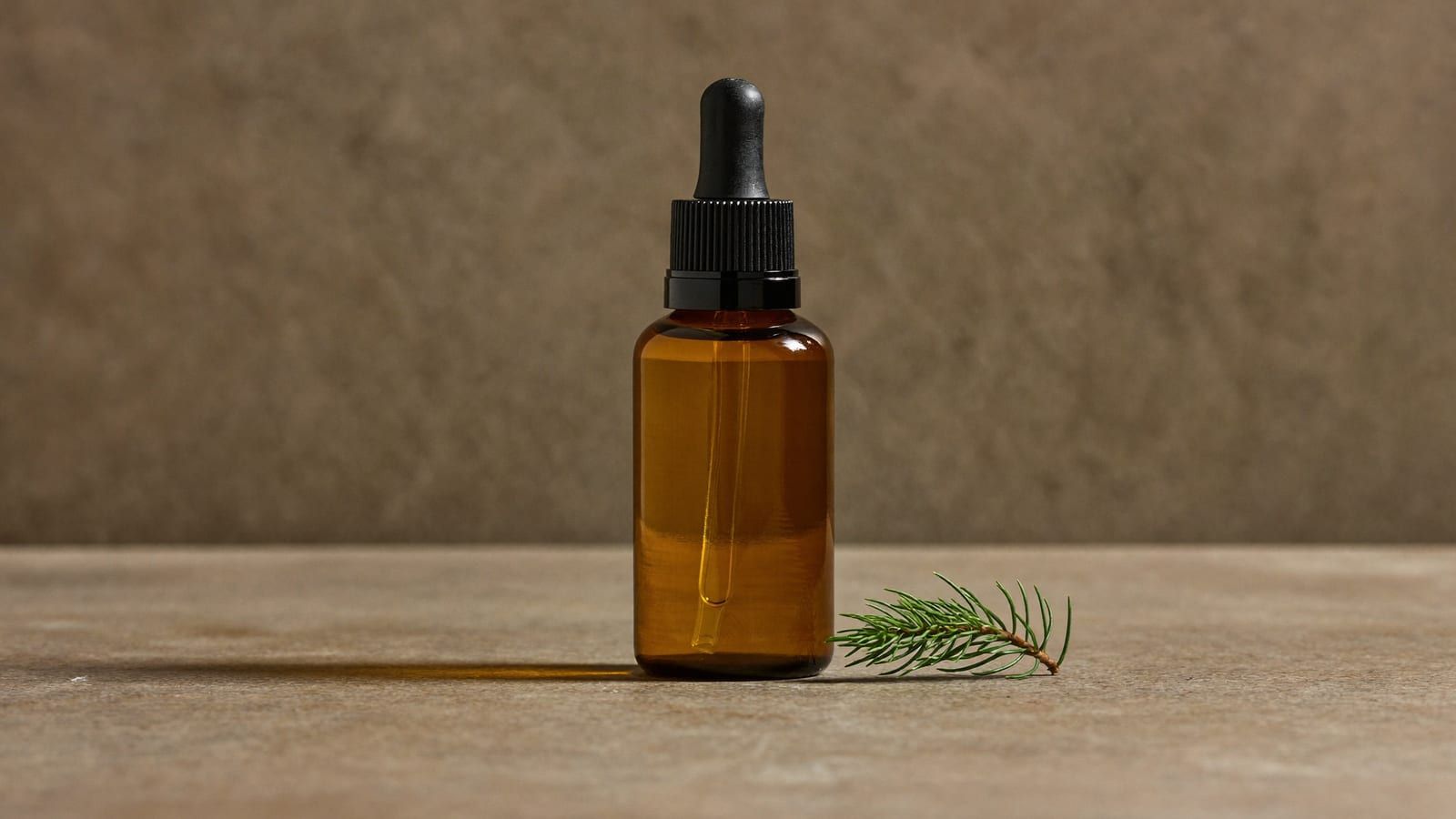
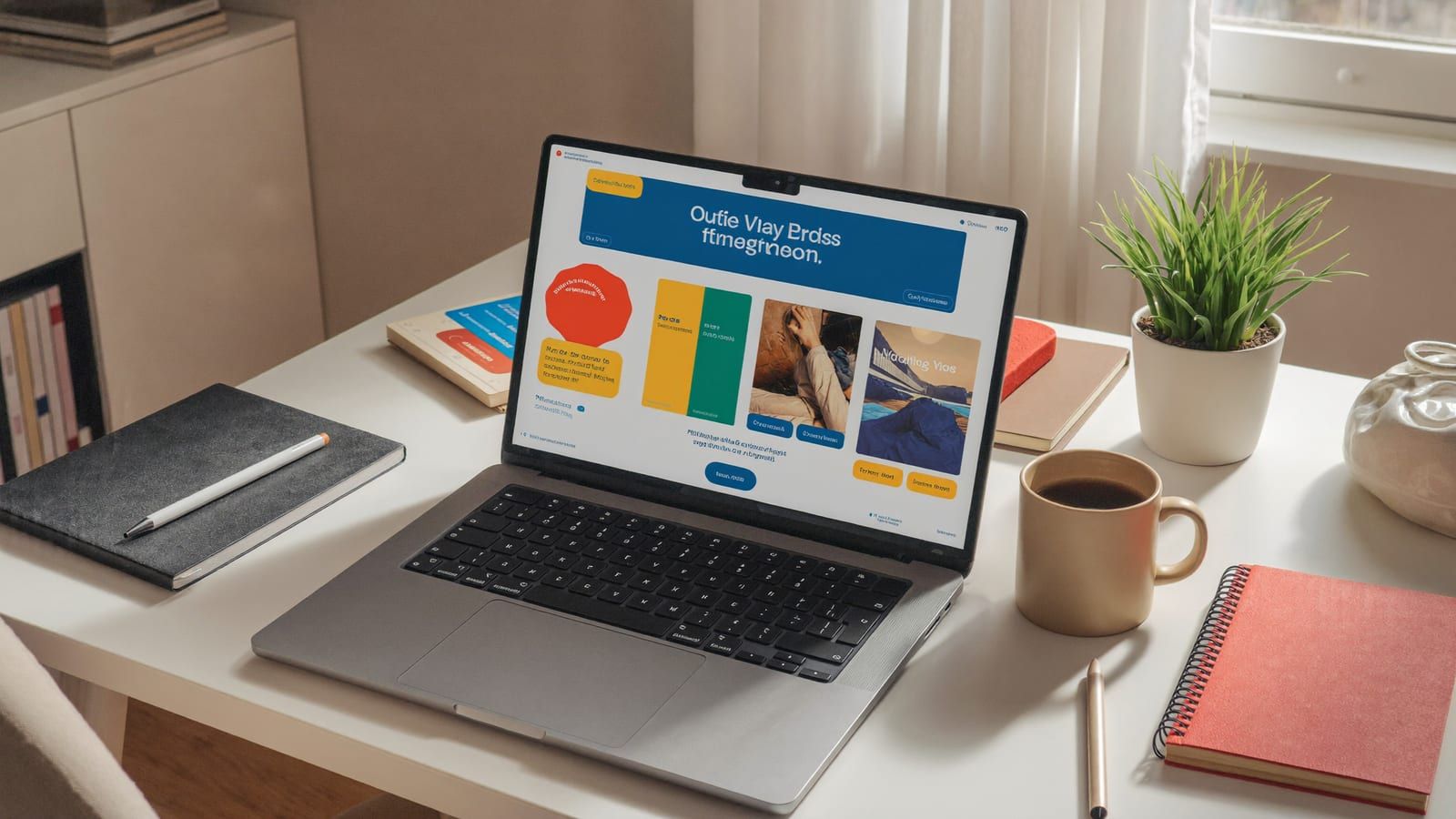
A studio-grade hero from a single phone photo — no photographer, no lightbox. Generated with Higgsfield. · Generated with Higgsfield
Why photos move the needle more than anything else
Online, the photo is the product. Nobody can hold it, so the image does all the work the shelf does in a store: it signals quality, sets the price expectation, and answers "is this legit?" in under a second. A grainy phone snap on a messy counter says "random reseller." A clean, well-lit set says "brand I can trust with my card." That trust gap is conversion, and it's almost entirely visual. It's also why photos beat copy for first impressions — most people decide from the image before they read a word.
This is the foundation the rest of your store stands on, which is why the Shopify + AI playbook puts photos first. Get these right and your video and UGC ads inherit a brand that already looks real.
The workflow: one photo, a full catalog
The trick is to treat one good source photo as raw material, not the finished shot. Shoot your product once on a plain, evenly-lit background — a white sheet and a window is fine — then generate every variation you need from it. Here's the set I produce for every product:
White-background PDP hero — the clean, catalog-standard shot for the product page and marketplaces.
Lifestyle / in-context — the product on a counter, a shelf, a desk; helps people picture owning it.
Seasonal versions — the same product staged for a holiday or a season, so your feed stays fresh without a reshoot.
Macro detail — an extreme close-up of texture, stitching, or a mechanism; this is the trust-builder that says "real, well-made thing."
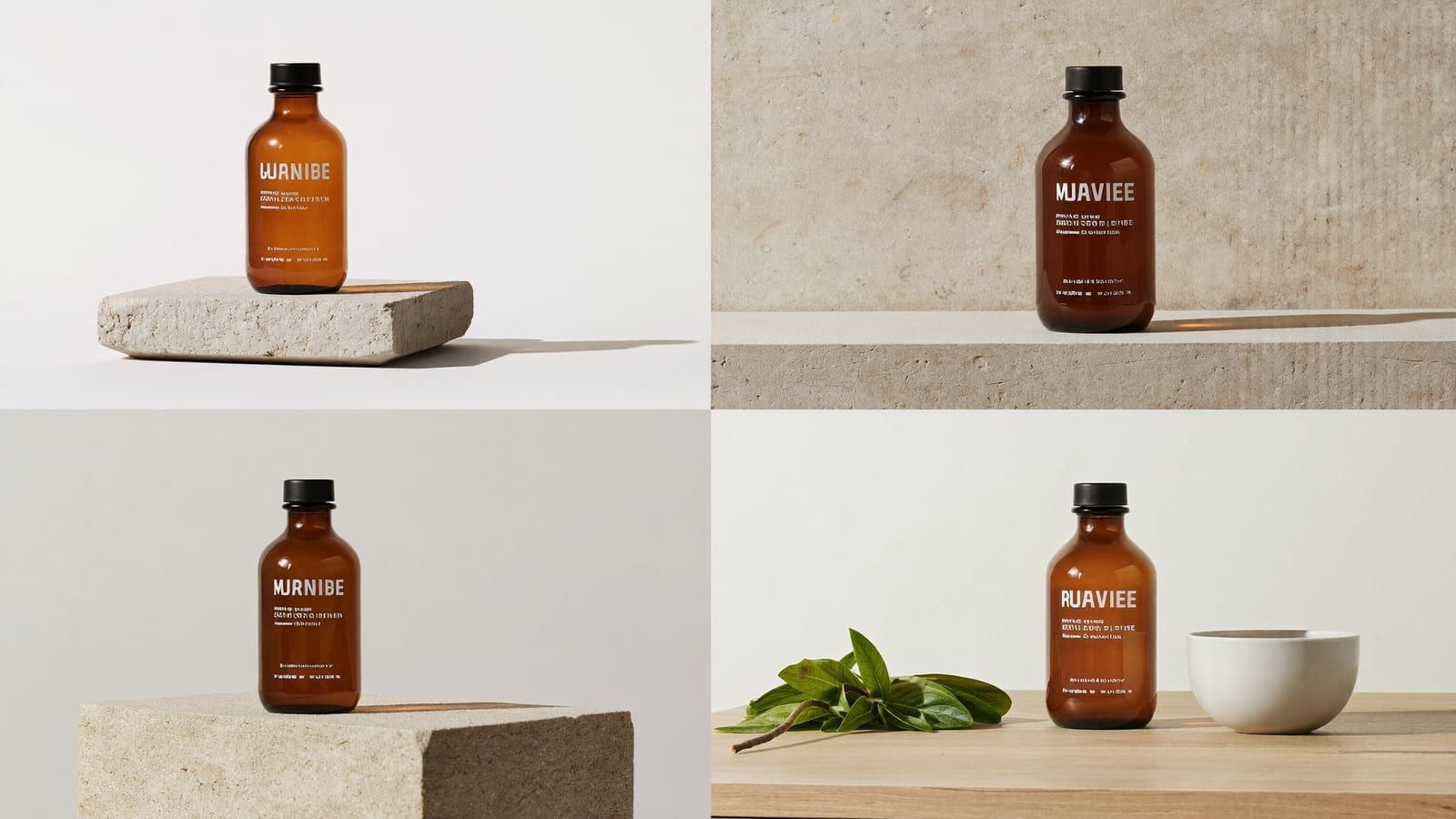
One source frame, four uses — PDP, lifestyle, seasonal and macro. A month of feed content in an afternoon. Generated with Higgsfield. · Generated with Higgsfield
Which model for which shot
Different image models have different strengths, and the fastest way to waste an afternoon is to force one model to do every job. This is how I route it — and the reason I keep them in one place is so I can try the same product across all three and keep the best result without juggling three subscriptions:
Model → shot
Clean PDP shots, anything with on-image text or a promo layout
Best for
Sharp edges, accurate typography
Reach for
Nano Banana Pro / GPT Image
Premium, moody, editorial hero shots
Best for
Cinematic light and depth
Reach for
Cinema Studio
Held-in-hand or worn lifestyle shots with a person
Best for
Natural people and hands
Reach for
Soul
Best for
Reach for
Clean PDP shots, anything with on-image text or a promo layout
Sharp edges, accurate typography
Nano Banana Pro / GPT Image
Premium, moody, editorial hero shots
Cinematic light and depth
Cinema Studio
Held-in-hand or worn lifestyle shots with a person
Natural people and hands
Soul
None of that is a rule you have to memorize — the honest process is to describe the scene, feed your product, generate a few, and keep the one that looks real. Taste is the skill here, not model trivia.
Higgsfield · Product images
Sponsored
Higgsfield runs Nano Banana Pro, Cinema Studio and Soul in one place, so you can throw the same product at all three and keep the best frame. Free tier to test it on your own product before you commit.
Here's the thing that will out you if you skip it: AI image models still garble small text. Fine print, ingredient lists, a logo with exact letterforms — they come out subtly wrong, and a wrong label reads as "fake" instantly. The fix is simple and non-negotiable: generate the scene, then composite your real label or logo back on top in any basic editor. Treat the AI output as the set, and your real packaging as the product you place into it.
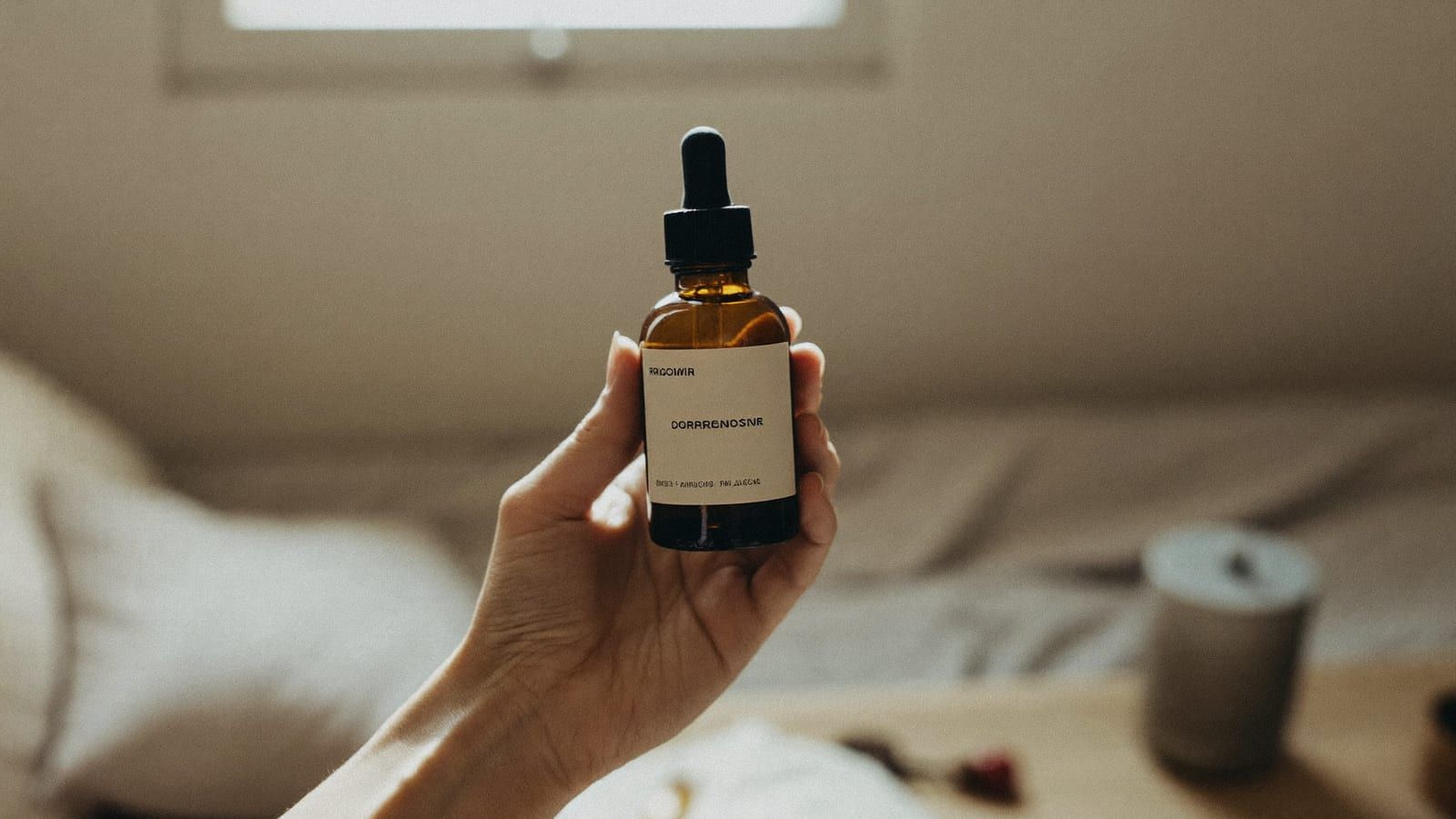
A lifestyle in-hand shot from the same source frame — the kind of scene that used to need a model and a location. Generated with Higgsfield. · Generated with Higgsfield
Pros
+ Cheapest AI generations you'll do — a full catalog for pennies
+ One source photo becomes PDP, lifestyle, seasonal and macro shots
+ No photographer day rate, no reshoot when you want a new season
+ Instantly makes a new store look like an established brand
Cons
− Small text and logos garble — you must composite the real label back
− Reflective and transparent products (glass, chrome) need more attempts
− Over-perfect can look stocky; a little real texture converts better
− Still needs your eye — generate several, cull hard, keep only the believable ones
A realistic afternoon
Start to finish for one product: ten minutes to shoot a clean source frame, an hour to generate and cull the four shot types across a couple of models, twenty minutes to composite labels and do final touch-ups. Call it two hours for a product's entire image set — versus a photographer's day rate and a week's turnaround. Do a few products and you've got a store that looks like a company, which is exactly the credibility your product ads need to convert.
Quick answers
Will customers be able to tell my product photos are AI?
For static product shots, almost never — commercial product photography has been heavily retouched and composited for decades, so a clean AI scene reads as "professional," not "fake." The only tell is a garbled label, which is exactly why you composite the real one back on top.
Do I still need to own the physical product?
Yes — you should shoot at least one real source frame of the actual product you sell, and your photos must honestly represent it. AI is for re-lighting and re-staging what you genuinely sell, not for inventing a product that doesn't match what ships.
What about products that are shiny, glass, or transparent?
These are the hard cases — reflections and refraction confuse the models. Shoot a better source frame (control your reflections in real light), generate more attempts, and lean on the model that handles your material best. Budget more culling time here.
Is this cheaper than a product photographer?
Dramatically — these are the cheapest generations in the whole AI stack, and one source photo yields a full catalog. The trade is that the taste and the label-compositing are on you. For most small stores that trade is easily worth it.
Where should I go after photos?
Once your store looks real, the next lever is ad creative — a reusable AI spokesperson and video ads that let you test many angles cheaply. That's the UGC and video ads guide. If you're not live yet, start with launching the store itself with AI.
Turn one phone photo into a full product catalog this afternoon
Generate your white-background hero, lifestyle scenes, seasonal versions and macro details from a single source frame — across the top image models, in one place, on a free tier.