The wall that stops most course creators is being on camera. In 2026 you can walk around it: a script becomes a polished talking-head lesson. The two faceless routes, which tools to use, the real costs, and the tells to avoid.
This post contains affiliate links. If you buy through them, Aliteq may earn a commission — at no extra cost to you. Prices verified at publish time.
Share
If one thing has stopped you from making a course, I'd bet money it's this: you don't want to be on camera. Neither do most people. Filming yourself means gear, lighting, decent audio, a room that doesn't echo, and the specific misery of re-recording the same paragraph six times because you keep tripping on one word. That wall is the reason a lot of genuinely knowledgeable people never ship. In 2026 you can walk straight around it — a script becomes a polished, talking-head lesson without you ever pointing a camera at yourself.
I make this kind of video, so here's the honest breakdown: the two ways to do faceless course video, which tools are actually built for long-form lessons versus short promo, what it costs, and the tells to avoid so it doesn't look cheap. There's real nuance in tool choice here, and picking wrong wastes a subscription — so let me save you that.
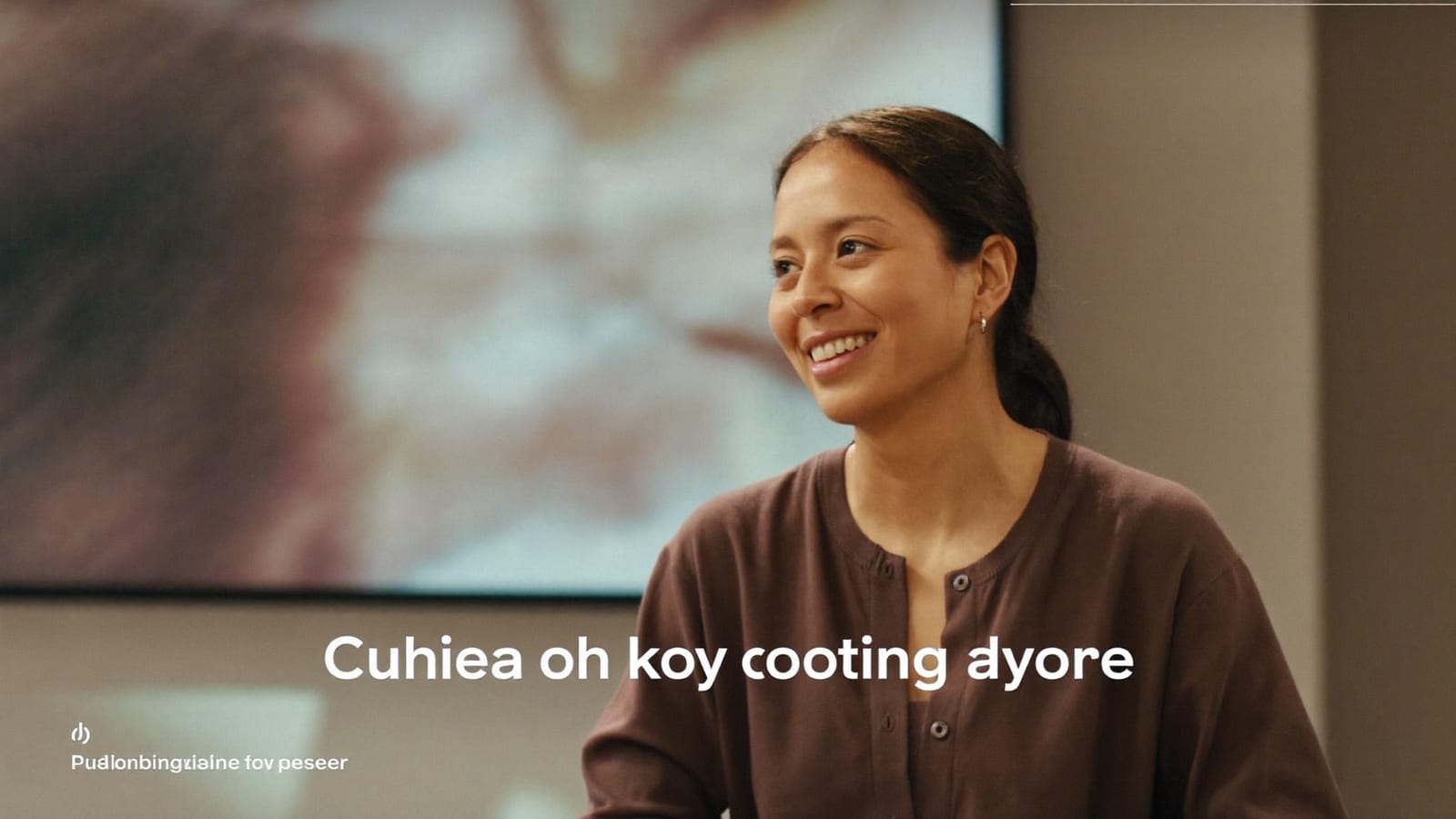
A talking-head lesson generated from a script — no camera, no re-records. Generated with Higgsfield. · Generated with Higgsfield
An AI avatar is a synthetic presenter — a realistic person, or a stylized one, or a custom avatar trained on you — that lip-syncs your typed script in a chosen voice and language. You write the lesson, pick the avatar and voice, and it renders a talking-head video. Change a line? Edit the text and re-render, no re-shoot. The category leaders are built specifically for this: Synthesia offers 240+ avatars across 160+ languages with SCORM/LMS-friendly export (genuinely useful if you sell into businesses or a learning platform), and HeyGen is widely rated the most natural-looking, with voice cloning and 175+ languages.
On paper the entry pricing is approachable: HeyGen's Creator plan runs about $29/month (cheaper billed annually) and Synthesia's Starter is roughly $18–29/month, though both meter your finished minutes and gate the fanciest avatars behind premium credits — so a course with hours of video needs the math done up front, not a surprise mid-build. For short, high-impact avatar clips — a course trailer, a hook, an ad — a creative tool like Higgsfield is the cheaper, punchier option; for a 15-lesson library with LMS export, reach for the purpose-built platforms.
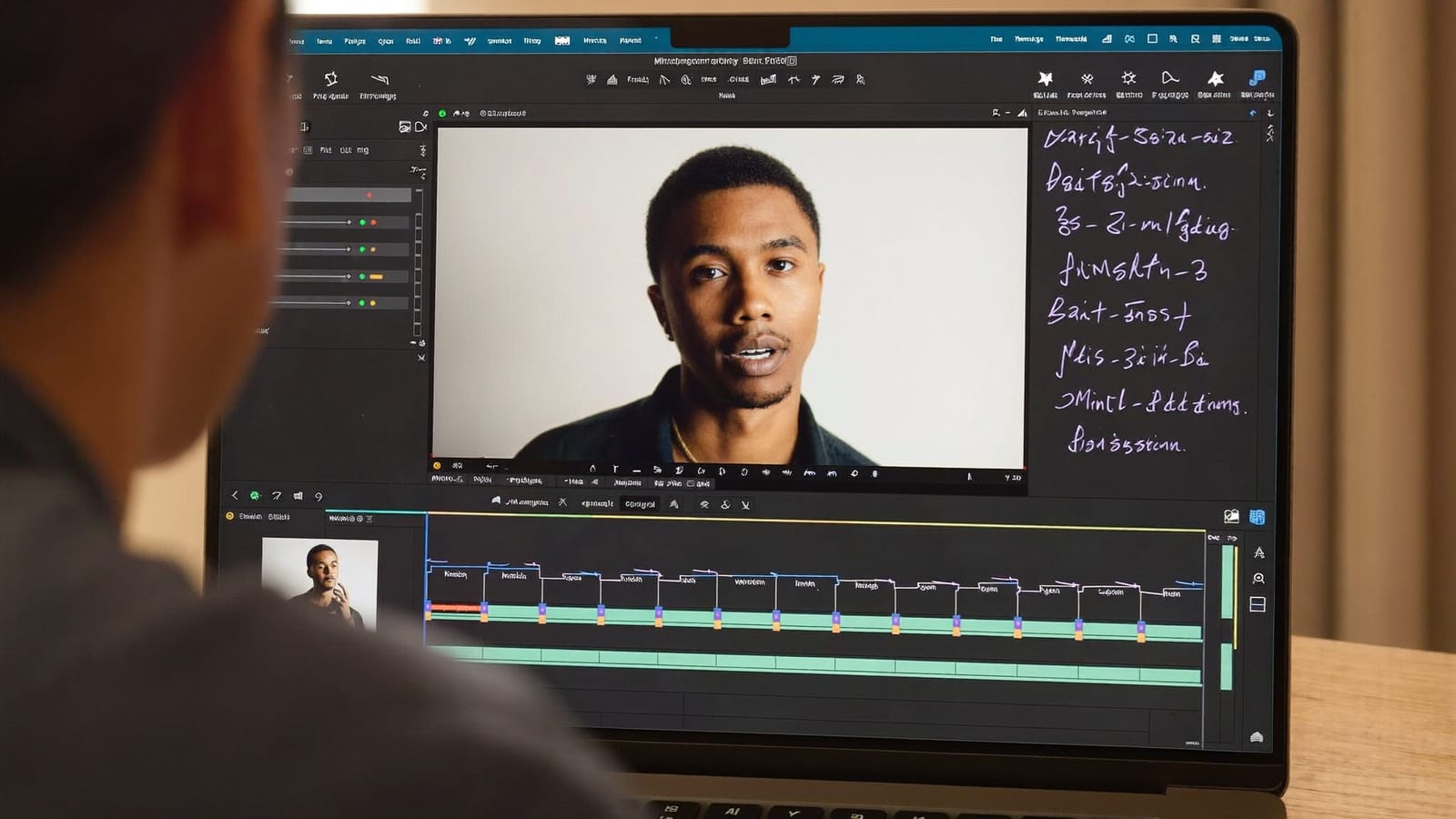
Editing a lesson becomes editing a script — change the text, re-render, done. Generated with Higgsfield. · Generated with Higgsfield
Route 2: voice-over-slides (often the better teach)
Here's the thing most avatar hype skips: for a lot of subjects, a talking head is not even the best format. If you're teaching software, spreadsheets, design, code — anything on a screen — a clear slide deck or screen-recording narrated by a good voice teaches better than a face in the corner. And it's cheaper and faster: build the deck (AI can draft the slides too), then narrate it with an AI voice or, if you're comfortable, your own. No avatar minutes, no lip-sync tells, and it's the format buyers already associate with serious courses.
What it costs vs the old way
Cost to produce a 15-lesson video course
Videographer + editor~$5,000–10,000
shoot days + edit
DIY filming yourself~$1,500 + weeks
gear + re-records + editing
AI avatar / voice-over-slides~$300 + days
a monthly subscription + your script
Which route for which course
Long-form lessons, LMS/SCORM, business buyers
Best for
Realistic avatar delivery
Reach for
Synthesia / HeyGen
Software / on-screen / how-to teaching
Best for
Voice-over-slides + screen-recording
Reach for
A deck + AI voice
Course trailer, hooks, ad reels
Best for
Short punchy avatar clips
Reach for
Higgsfield
Personal-brand / coaching course
Best for
Your real face where trust matters
Reach for
Film the key parts, AI the rest
Best for
Reach for
Long-form lessons, LMS/SCORM, business buyers
Realistic avatar delivery
Synthesia / HeyGen
Software / on-screen / how-to teaching
Voice-over-slides + screen-recording
A deck + AI voice
Course trailer, hooks, ad reels
Short punchy avatar clips
Higgsfield
Personal-brand / coaching course
Your real face where trust matters
Film the key parts, AI the rest
Avoiding the 'cheap AI' tells
Keep avatar clips short. Uncanny creeps in over long monologues. Cut to a slide, a screen-recording, or a graphic every 20–40 seconds — which is better teaching anyway.
Write for the ear, not the eye. Short sentences, contractions, one idea per breath. Scripts that read fine on paper sound robotic when spoken; read it aloud first.
Watch the hands and the lip-sync. These are the current giveaways. Framing that keeps hands calm and pacing that isn't rushed hides most of it.
Get the audio right. Viewers forgive so-so video and punish bad audio. A clean voice — AI or yours — matters more than the avatar's realism.
HiggsfieldSponsored
Create your presenter in Higgsfield
Generate course visuals and presenter-style content without filming yourself.
Can I make a whole course without ever being on camera?
Yes. Between AI avatars for talking-head segments and voice-over-slides for on-screen teaching, plenty of successful courses never show the creator's face. Whether you should depends on your niche — personal-brand courses benefit from a real face; skills courses usually don't need one.
Synthesia or HeyGen for course lessons?
Both are strong. Synthesia leans toward course/enterprise use with SCORM/LMS export and a course-friendly editor; HeyGen is often rated more natural-looking and flexible for individual creators. If you sell into businesses or a learning platform, Synthesia's export matters; if you want the most lifelike solo avatar, look at HeyGen. Free trials on both — test with your actual script.
Is a custom avatar of myself worth it?
It can be — a custom avatar (both platforms offer them, sometimes at a higher tier) gives you your own face reading any script in any language, which is powerful for scaling a personal brand. Budget for the higher plan, and know it takes a short recorded sample to train.
Will the metered minutes trip me up?
They can. Entry plans include a limited number of finished video minutes per month, and long courses add up fast. Script your total runtime before choosing a plan, and lean on voice-over-slides (usually unmetered) for the bulk of the teaching to keep avatar minutes for where they count.