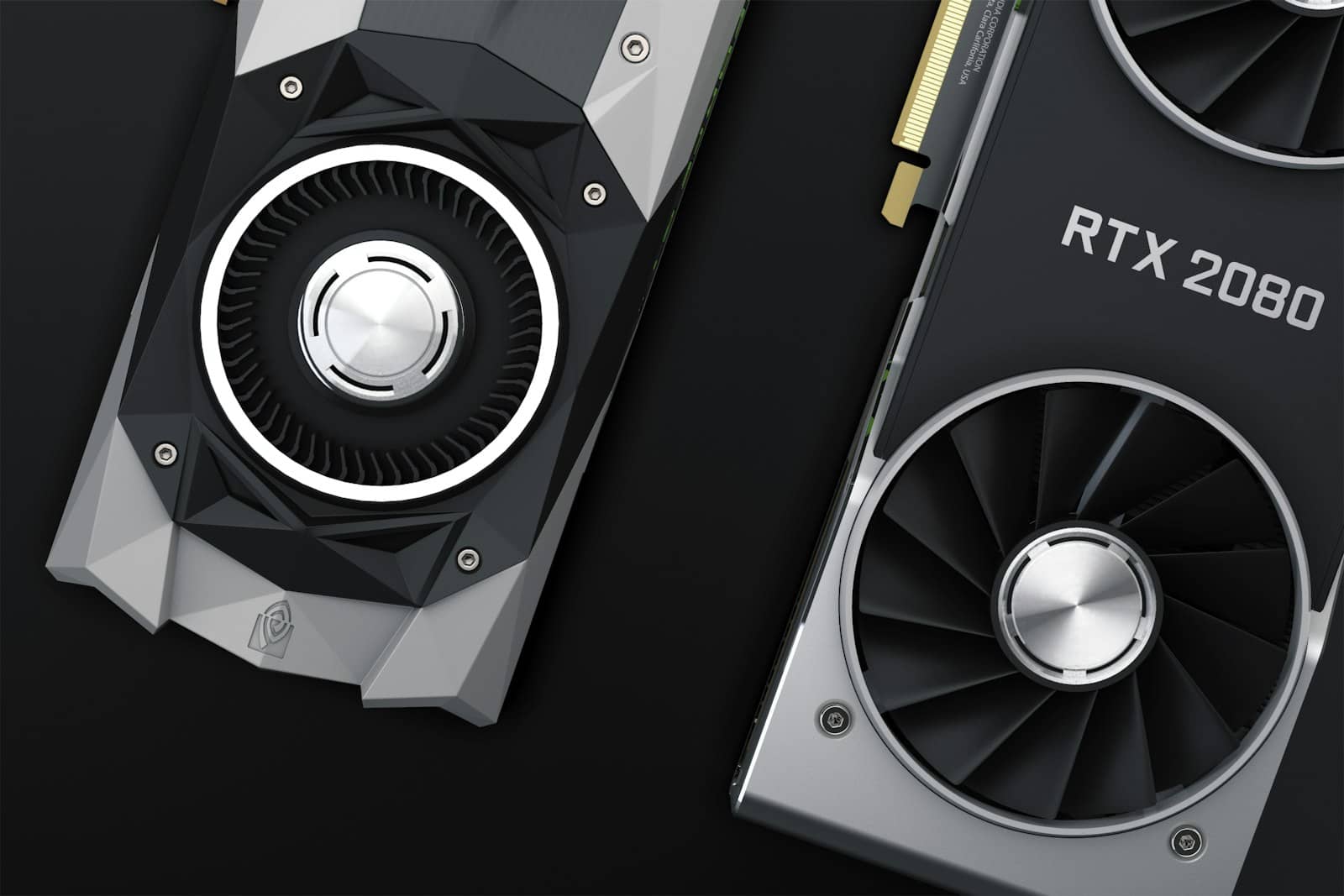
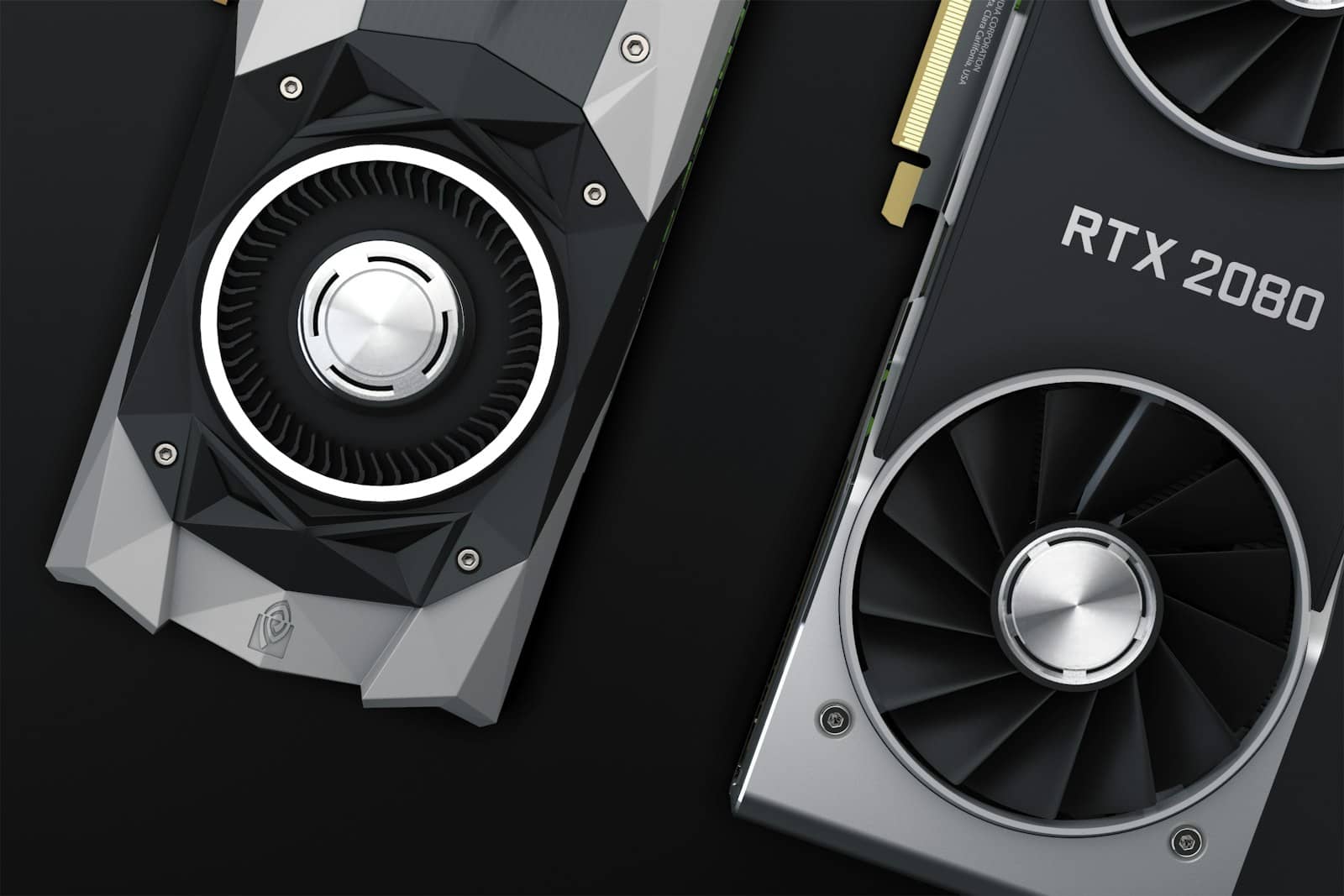
Apple spent Tuesday's surprise launch calling the M5 Ultra its "most powerful chip ever," and for once the marketing line undersells it. Configure the new Mac Studio with 512GB of unified memory and you're holding more addressable AI memory than Nvidia's RTX PRO 6000 Blackwell workstation card — a single GPU that's been selling for $13,000 to $15,000 this summer. That's not a typo, and it's not really a fair fight either. Here's the actual math.
What Apple actually shipped
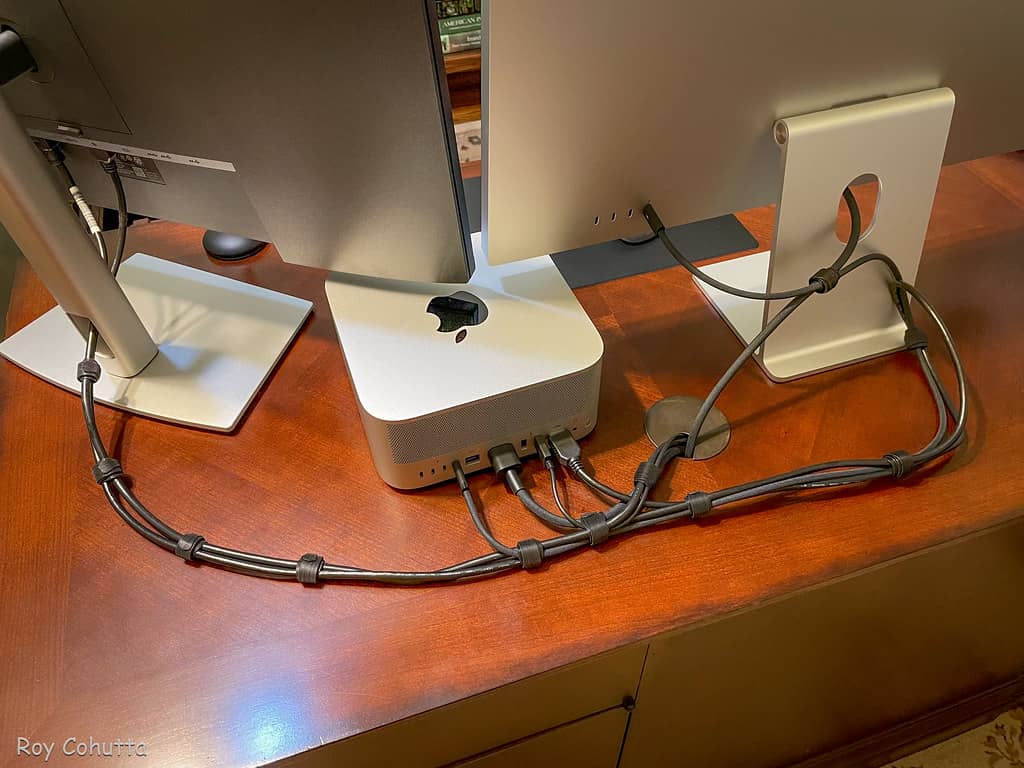
The M5 Ultra fuses two M5 Max dies through Apple's UltraFusion interconnect — now running at 4.4TB/s — into what Apple calls its first quad-die chip. That gets you up to a 36-core CPU, an 80-core GPU with a Neural Accelerator built into every core, a 32-core Neural Engine, and up to 512GB of unified memory at 1.2TB/s. Apple's own claim is "up to 4.3x the peak AI compute" of the outgoing M3 Ultra. Preorders opened this week, the first units ship September 22, and the top 512GB tier is delayed to late October — right now Apple will only actually configure you at 96GB or 256GB.
The M5 Ultra fuses two M5 Max dies into Apple's first quad-die chip. · Apple
The $13,000 question
Nobody buys a workstation for its memory count unless the memory count is the whole point. Running a large local LLM means the entire model needs to sit in fast memory at once, or you start paying the tax in offloading tricks and quantization compromises. That's the exact fight the Mac Studio just picked with Nvidia's flagship workstation card.
Mac Studio M5 Ultra vs Nvidia RTX PRO 6000 Blackwell
Max memory
Spec
512GB unified
Mac Studio (M5 Ultra)
96GB GDDR7 ECC
Memory bandwidth
Spec
1.2TB/s
Mac Studio (M5 Ultra)
1.79TB/s
Price (current)
Spec
$9,499 (256GB) / TBD (512GB)
Mac Studio (M5 Ultra)
$13,000–$15,000
Compute type
Spec
Unified CPU+GPU+NPU
Mac Studio (M5 Ultra)
Dedicated CUDA GPU
Software ecosystem
Spec
MLX, llama.cpp Metal
Mac Studio (M5 Ultra)
CUDA, vLLM, TensorRT-LLM
Typical power draw
Spec
~180W
Mac Studio (M5 Ultra)
up to 600W
Spec
Mac Studio (M5 Ultra)
RTX PRO 6000 Blackwell
Max memory
512GB unified
96GB GDDR7 ECC
Memory bandwidth
1.2TB/s
1.79TB/s
Price (current)
$9,499 (256GB) / TBD (512GB)
$13,000–$15,000
Compute type
Unified CPU+GPU+NPU
Dedicated CUDA GPU
Software ecosystem
MLX, llama.cpp Metal
CUDA, vLLM, TensorRT-LLM
Typical power draw
~180W
up to 600W
Apple wins the memory-per-dollar headline badly. But bandwidth is what actually caps how fast a memory-bound model spits out tokens, and 1.2TB/s loses to the RTX PRO 6000's 1.79TB/s every time. Load a 400-billion-parameter model at 4-bit quantization — roughly 200GB — onto the Mac, and it'll generate tokens proportionally to that lower bandwidth, on top of sharing memory with macOS and everything else running. The RTX PRO 6000 physically can't hold a model that size on its own, but on anything that does fit its 96GB, it'll be faster per token, full stop.
Where the Mac genuinely wins
512GB fits models that no single consumer or workstation GPU can hold without splitting the load across multiple cards.
Apple's MLX framework is maturing fast, and llama.cpp's Metal backend is genuinely competitive for single-user inference now.
Total power draw is a fraction of an equivalent-memory GPU rig — worth factoring in if this thing runs 24/7.
Where it falls apart
No CUDA means the fastest serving engines — vLLM, TensorRT-LLM, SGLang — either don't run natively on Apple Silicon or run through compatibility layers that give up performance. Unified memory is shared with the OS and every background app, so the headline capacity was never fully available to a model in the first place. And every number Apple published this week, including that 4.3x AI-compute claim, is Apple's own benchmark. Treat it as a marketing ceiling until independent reviewers get hands-on units after September 22.
7/ 10
Verdict
Should you buy the M5 Ultra Mac Studio for local AI?
If your actual goal is running the biggest open-weight models you can find, without a multi-GPU rig, and you'll trade raw speed for simplicity and a far lower power bill, the 256GB M5 Ultra at $9,499 is the more sensible buy — genuinely cheaper than the RTX PRO 6000 right now. If you need production throughput, batching, or CUDA-only tooling, the Nvidia card is still the safer investment despite the price gap.
Best for: hobbyists and researchers loading huge models solo, not teams serving concurrent users
Mac Studio M5 Ultra local AI — quick answers
Can the Mac Studio M5 Ultra run models that need CUDA?
It can load them via llama.cpp's Metal backend or Apple's MLX framework, but frameworks built specifically for CUDA, like vLLM or TensorRT-LLM, either don't run natively on Apple Silicon or run through slower compatibility layers.
Is the 512GB Mac Studio available now?
No. As of August 26, 2026, Apple is only taking preorders for 96GB and 256GB M5 Ultra configurations. The 512GB tier ships in late October and Apple hasn't published its price.
Is 1.2TB/s memory bandwidth good for local LLM inference?
It's a 50% jump over the M3 Ultra, but it's still below the RTX PRO 6000's 1.79TB/s. Bandwidth caps how fast a memory-bound model can generate tokens, so the Mac will typically be slower per token even when it holds a bigger model.
How much does the cheapest M5 Ultra Mac Studio cost?
$5,499 for the base 96GB configuration. Going to 256GB adds $4,000, and a maxed-out 256GB / 16TB storage config runs $18,299.
Independent benchmarks are the thing actually worth waiting for — everything above is still Apple's own number until reviewers get units in hand next month. If you're mid-build on a local-AI rig right now, our GPU buying guide is still the faster, cheaper path for anyone not chasing half a terabyte of memory. For anyone who is: September 22 is when we find out if the M5 Ultra's memory ceiling is worth the bandwidth it gives up.