The one rule is buy VRAM, not benchmarks — and 2026's price surge is now cooling. My current, honest map: which card for which budget (Arc B580 to RTX 5090), what each actually runs, and when to rent or go unified-memory instead.
I get this question more than any other: what GPU should I actually buy to run AI at home right now? So this is the guide I point people to. I run local models daily, and my honest answer hasn't changed in years even as the prices have gone haywire — buy VRAM, not benchmarks. The single number that decides what you can run is how much memory the card has; almost everything else is a detail. What HAS changed is the market: 2026's AI boom drove consumer GPU prices up sharply into a mid-year peak, and — good news — that peak is now cooling back toward MSRP, unevenly, card by card. So let me give you the current, VRAM-first map: which card for which budget, what each one actually runs, and where renting beats buying.
The one rule: match VRAM to the model you want to run
Local inference is simple at its core: the model has to fit in memory, or it spills into system RAM and crawls. So before you look at a single price, work out what you actually want to run. As a rough map I use: 8GB handles small 7–8B models (Llama 3.1 8B, Qwen3 8B, a quantizedgpt-oss-20B) — see the best local LLMs for 8GB. 16GB is the sweet spot for most people: 13–14B at full quality, a quantized 30B, longer context — the 16GB picks are here. 24GB opens 30B-class models at better quality and real fine-tuning room. 32GB runs a 30B at high quality with context to spare and makes a heavily-quantized ~70B usable on one card. Beyond that you're into multi-GPU, unified memory, or the cloud.
7–8B
8GB VRAM
small models, tight quant
13–14B
16GB VRAM
the sweet spot + quantized 30B
30B-class
24GB VRAM
better quality + fine-tuning
30B hi-q / ~70B quant
32GB VRAM
single-card ceiling
The GPUs I'd actually buy, by budget
Local-AI GPU shortlist (VRAM + Sep-2026 street price, cited to Tom's Hardware / trackers)
Intel Arc B580
VRAM
12GB
Best price now
~$260–370
Who it's for
Budget entry; small models
RTX 5060 Ti 16GB
VRAM
16GB
Best price now
~$800 (surged)
Who it's for
16GB on a budget — if near MSRP
RX 9070 / 9070 XT
VRAM
16GB
Best price now
~$630 / ~$800
Who it's for
Best all-round value + raster
RTX 5070 Ti
VRAM
16GB
Best price now
~$820
Who it's for
16GB + CUDA + DLSS 4
Used RTX 4090
VRAM
24GB
Best price now
~$1,200–1,500
Who it's for
Best $/GB for 24GB
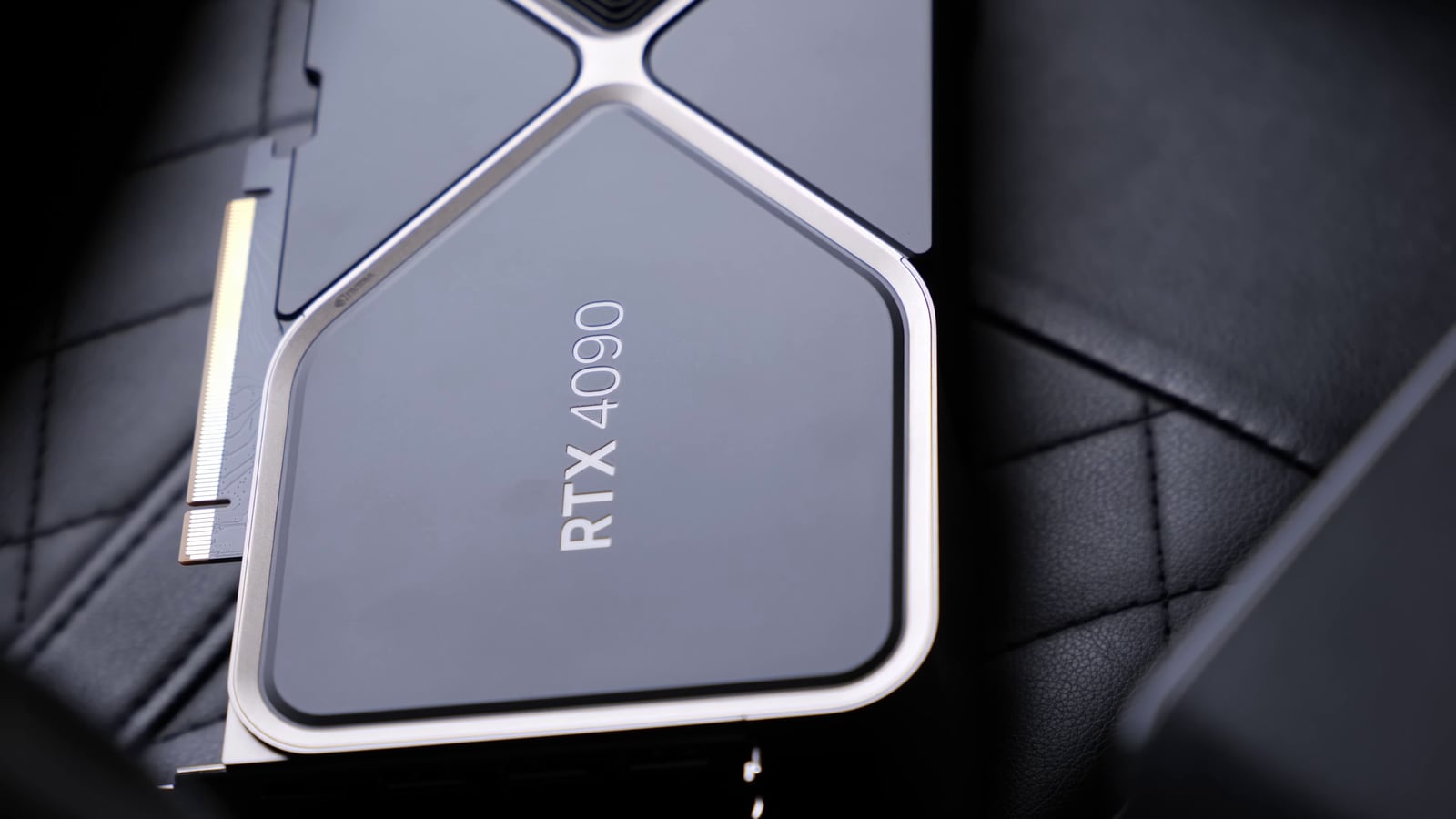
RTX 5090
VRAM
32GB
Best price now
~$4,288–4,600
Who it's for
The few who truly need 32GB
VRAM
Best price now
Who it's for
Intel Arc B580
12GB
~$260–370
Budget entry; small models
RTX 5060 Ti 16GB
16GB
~$800 (surged)
16GB on a budget — if near MSRP
RX 9070 / 9070 XT
16GB
~$630 / ~$800
Best all-round value + raster
RTX 5070 Ti
16GB
~$820
16GB + CUDA + DLSS 4
Used RTX 4090
24GB
~$1,200–1,500
Best $/GB for 24GB
RTX 5090
32GB
~$4,288–4,600
The few who truly need 32GB
How I'd choose from that list. If you just want the most local-AI card for a sane amount of money, I'd get a 16GB card — and between them the RX 9070 is my value pick on memory-per-dollar, with the caveat that AMD's ROCm software still has more friction than NVIDIA's CUDA for local-AI tools (I lay out that exact trade-off in RTX 5070 vs RX 9070). If your budget is tight, the Intel Arc B580 is the one card the 2026 surge barely touched — 12GB for the price of a night out, and it quietly became the sensible entry point (the whole price story is in the GPU price surge and cooldown). If you need 24GB, a used RTX 4090 is still the price-per-gigabyte champion. And if you genuinely need 32GB on one card, that's the RTX 5090's only real argument — I made the honest case for and against it in is the RTX 5090 worth it for local AI.
Cost per GB of VRAM (lower is better) — derived from Sep-2026 street prices
Used RTX 4090 (24GB)~$58/GB
~$1,400 ÷ 24GB
RX 9070 (16GB)~$40/GB
~$630 ÷ 16GB
RTX 5090 (32GB)~$144/GB
~$4,600 ÷ 32GB
What actually runs on each card (the models)
Cards are only half the equation — the model is the other half, so here's the mapping I keep in my head. Llama 3.1 8B / Qwen3 8B run happily on 8–12GB. gpt-oss-20B and 13–14B models want 16GB at a good quantization. Qwen3-32B and 30B-class models are comfortable on 24GB, tight on 16GB. A 70B (Llama, Qwen) needs 48GB-plus, a heavy quant on a 32GB 5090, or unified memory. The giant DeepSeek-V3/R1-class mixture-of-experts models are really a datacenter or unified-memory story, not a single consumer GPU. Don't guess at this — punch your target model into the cost-to-run tool and it sizes the VRAM (and the electricity) for you.
When a graphics card is the wrong answer
Two cases where I'd skip a GPU entirely. First, big models on a budget: unified-memory machines share one big pool between CPU and GPU, so an AMD Ryzen AI / Strix Halo box or an Apple M-series Mac can hold a 70B model that no sane-priced graphics card can — slower, but it runs. I dug into the AMD side in how much VRAM Strix Halo really gives you and the Apple side in Mac Studio vs an RTX Pro for local AI. Second, occasional heavy jobs: if you only fine-tune or run a 70B once in a while, owning a $4,600 card that idles is a waste — renting an H100/H200 by the hour is cheaper, and I compared the neocloud rental prices (H100 from ~$3.85/hr on-demand, cheaper still on marketplace clouds).
Verdict
What I'd buy, in one breath
For most people: a 16GB card, and I'd take the RX 9070 on value unless you specifically want CUDA's smoother software, in which case an RTX 5070 Ti or 5060 Ti 16GB near MSRP. Tight budget: Intel Arc B580. Need 24GB: a used RTX 4090. Genuinely need 32GB on one card: the RTX 5090, eyes open about the price. Big models on a budget: a unified-memory box. Rare heavy jobs: rent, don't buy. Size the VRAM to your model first — everything else is a detail.
Best for: Anyone buying a GPU to run or fine-tune AI models at home in 2026
Common questions
What's the best GPU for local AI in 2026?
For most people, a 16GB card — the RX 9070 is my value pick on memory-per-dollar, or an RTX 5070 Ti / 5060 Ti 16GB if you want NVIDIA's smoother CUDA software. Tight budget: Intel Arc B580. Need 24GB: a used RTX 4090. Only buy a 32GB RTX 5090 if you specifically need that much on one card.
How much VRAM do I need to run local LLMs?
Match it to the model: 8GB for 7–8B models, 16GB for 13–14B (and a quantized 30B), 24GB for comfortable 30B-class work, 32GB for a 30B at high quality or a heavily-quantized 70B. Quantization lets a card punch above its weight, so 16GB stretches further than it looks.
Is NVIDIA or AMD better for local AI?
It's a real trade-off. AMD gives you more VRAM per dollar (the RX 9070's 16GB is great value), but NVIDIA's CUDA is what nearly every local-AI tool targets first, so it 'just works' where AMD's ROCm still needs more setup. If you value smooth software, pay for CUDA; if you value memory-per-dollar and don't mind tinkering, AMD.
Should I rent a cloud GPU instead of buying one?
If your heavy jobs are occasional, yes — renting an H100/H200 by the hour beats owning a card that idles most of the day. If you run big models daily for years, owning eventually wins. Do the crossover math for your actual usage hours.
Are GPU prices going to keep dropping in 2026?
The trend is downward off the mid-2026 peak, but it's uneven and can reverse on the next supply shock. Most of the stack is cooling toward MSRP; the RTX 5090 is the stubborn exception. If a card you want is within ~10% of MSRP, that's already a fair price — I wouldn't wait for a dip that may not come.