Before you drop $500 on a graphics card, run this checklist. For a lot of people the free levers close the whole gap — and for the rest, this tells you exactly which part to buy.
Before you spend $500+ on a graphics card, run a quick checklist — because for a lot of people, the free levers close the entire gap, and for everyone else, the checklist tells you exactly which part to buy (buying the wrong one is the classic expensive mistake). The order: 1) turn on upscaling and lower the few expensive settings; 2) update drivers and rule out stutter (which no GPU fixes); 3) check for a CPU or GPU bottleneck. Only if you're GPU-bound at settings you refuse to lower is a new graphics card the answer — and if you're CPU-bound, a GPU is wasted money. Here's the decision, step by step.
Step 1-2: exhaust the free levers
Start where it costs nothing. Turn on upscaling (DLSS/FSR/XeSS) — that alone is +30-60% FPS, often enough to make an 'unplayable' game smooth. Then lower only the [expensive settings](/which-graphics-settings-cost-the-most-fps-2026) — ray tracing, native 4K, shadows, volumetrics — while keeping textures and AF high. Update your GPU drivers and enable Resizable BAR. And be honest about whether your problem is low FPS or [stutter](/why-is-my-game-stuttering-fixes-2026): if the game hitches even at a high average, that's shader compilation or frame pacing, and a new GPU won't fix it — you'd spend $500 and still stutter. Genuinely work through these before shopping. A huge share of 'I need a new graphics card' turns out to be 'I hadn't turned on DLSS and my shader cache was too small.' If after all this the game runs and looks the way you want — congratulations, you just saved the price of a GPU.
Step 3: let the bottleneck decide what to buy
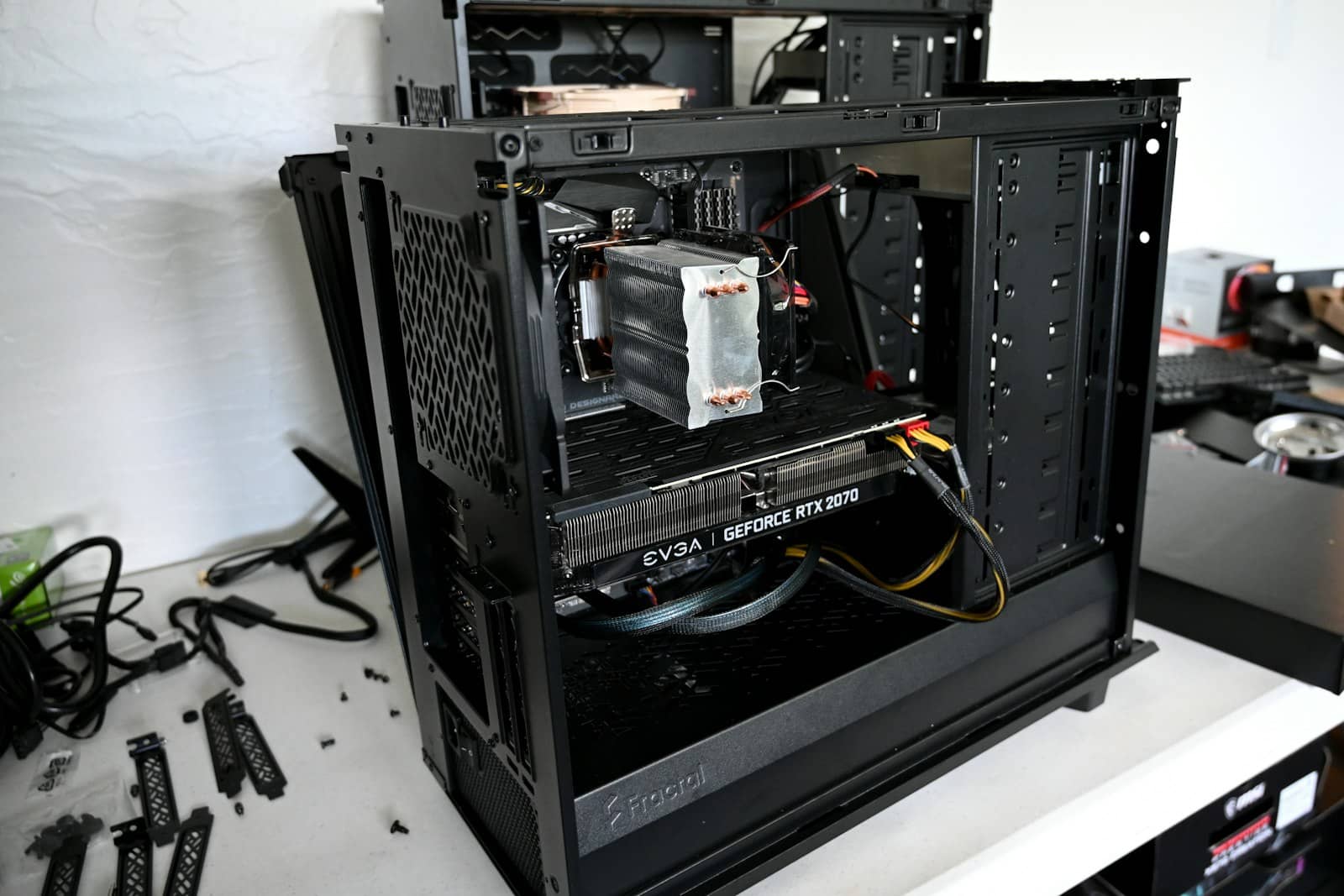
If the free levers didn't get you there, don't guess — [check your bottleneck](/cpu-or-gpu-bottleneck-how-to-tell-2026) with a free overlay, because it tells you which part to buy. If you're GPU-bound (GPU pinned at 100%) at settings you don't want to lower any further, a new graphics card is the right upgrade — and you should match it to your resolution: our picks for 4K, 1440p, and budget 1080p point you at the right card for the money, and how much to spend keeps it sane. If you're CPU-bound (GPU under 75%, one core maxed), a graphics card is wasted money — you need a faster gaming CPU or more/faster RAM instead. And there's one clear GPU-specific trigger: running out of [VRAM](/is-8gb-vram-enough-for-gaming-2026) (textures popping in, sudden hitches at high settings) is a real reason to upgrade the card regardless. Diagnose, then buy the exact part the diagnosis points to.
9/ 10
Verdict
Upgrade GPU or fix settings? (2026)
Fix settings first — for most people, upscaling plus lowering the few expensive settings (ray tracing, native 4K, shadows) closes the gap without spending anything, and stutter is never fixed by a new GPU. Upgrade the graphics card only if you're GPU-bound at settings you won't lower, or you're out of VRAM. If you're CPU-bound, buy a CPU or RAM instead — a GPU changes nothing there.
Best for: Anyone weighing a GPU purchase who wants to avoid buying the wrong part.
Quick answers
Should I upgrade my GPU or change my settings?
Try settings first — it's free and often enough. Turn on upscaling (DLSS/FSR/XeSS) for a 30-60% FPS boost, lower the few expensive settings like ray tracing and native 4K resolution, update your drivers, and make sure your problem is low FPS rather than stutter (which a GPU won't fix). If after all that you're still short and you're GPU-bound — your graphics card pinned at 100% at settings you won't lower — then a new GPU is justified. But if your GPU usage is low and your CPU is maxed, you're CPU-bound, and a graphics card would be wasted money; you'd need a faster CPU or more RAM instead.
How do I know if I need a new graphics card?
You need a new graphics card if, after enabling upscaling and lowering the demanding settings, your GPU still runs at 95-100% usage and you can't hit the frame rate you want at settings you're willing to accept — that's a genuine GPU bottleneck. Running out of VRAM (textures failing to load, stutter at high settings on an 8GB card) is another clear sign. But first rule out the alternatives: if your GPU usage is low while your CPU is maxed, the processor is the limiter and a new GPU won't help. Check your CPU and GPU usage with a free overlay before buying, and match any new card to your resolution.
Will a new GPU fix stuttering?
Usually not. Stuttering — hitching even when your average frame rate is high — is typically caused by shader compilation (common in Unreal Engine 5 games) or frame pacing problems, not by a slow graphics card, so a new GPU often stutters just the same. Fix stutter at its source first: increase your shader cache size, cap your frame rate to your monitor's refresh minus three, and disable in-game V-Sync if you use G-Sync or FreeSync. The exception is if stutter comes from running out of VRAM, where a card with more memory helps. Otherwise, spending on a GPU to cure stutter is money wasted.