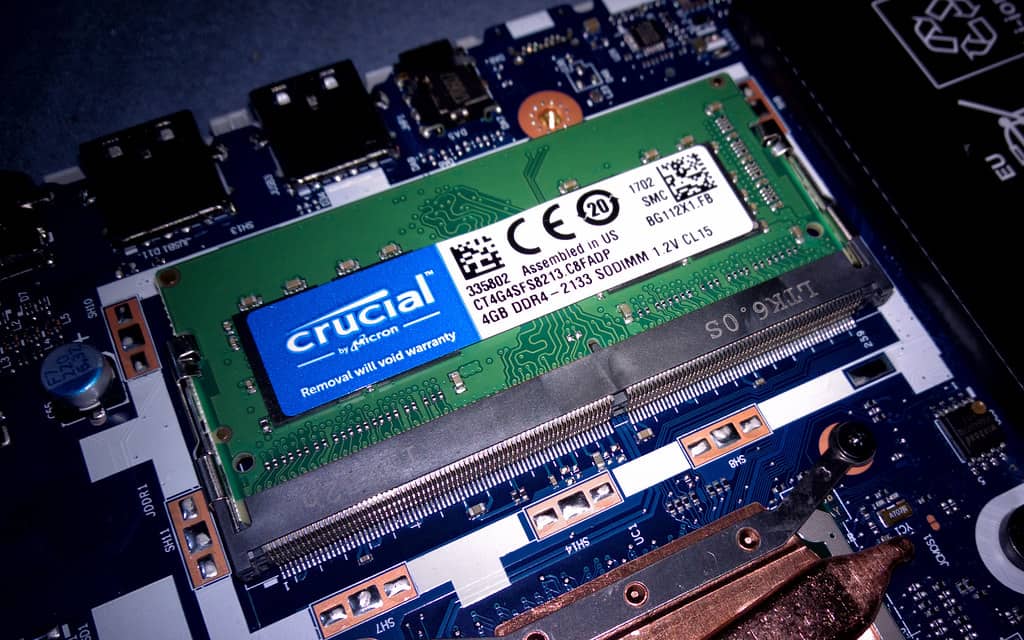
Every week someone buys a fast GPU that can't load the model they bought it for. The mistake is always the same: shopping by compute benchmarks when the real constraint is memory. A local model either fits in VRAM or it doesn't — and when it doesn't, no amount of core count saves you.
~5–6 GB
7–8B model, 4-bit
fits on 8 GB cards
~9–10 GB
13–14B model, 4-bit
wants 12 GB+
~40+ GB
70B model, 4-bit
multi-GPU territory
The three-question checklist
- What's the biggest model you actually want to run — not aspirationally, weekly?
- At what quantization does it stay useful for your task?
- Does that fit in one card's VRAM with room for context, or are you in multi-GPU territory?
Context length is the hidden second budget. The KV cache grows with every token in the window, so a model that fits at 4k context can spill at 32k. If long documents are your use case, budget VRAM for the cache, not just the weights.
Pros
- + One big-VRAM card is simpler than two small ones
- + Quantization keeps surprising amounts of quality
- + Used workstation cards can be the value play
Cons
- − VRAM doesn't upgrade — you buy it once
- − Multi-GPU adds software friction most guides skip
- − Spec sheets advertise compute, not what fits
We're building a benchmark dataset around exactly this question — which real configs run which models at usable speeds. If you run a multi-GPU rig, your numbers are the moat generic listicles can't copy.