A new hardware breakdown puts real numbers on the two components most local-AI buying guides skip entirely — and skimping on either turns a snappy agent into a 10-minute wait.
Every local-AI buying guide leads with VRAM, and for good reason — it's the hard ceiling on model size. But a new hardware breakdown from StorageReview makes a point that gets skipped constantly: system RAM and SSD speed decide whether an AI agent — something that plans, calls tools, and loops through a task rather than answering once — is actually usable, or a 10-minute exercise in watching a progress bar.
The part every VRAM guide skips
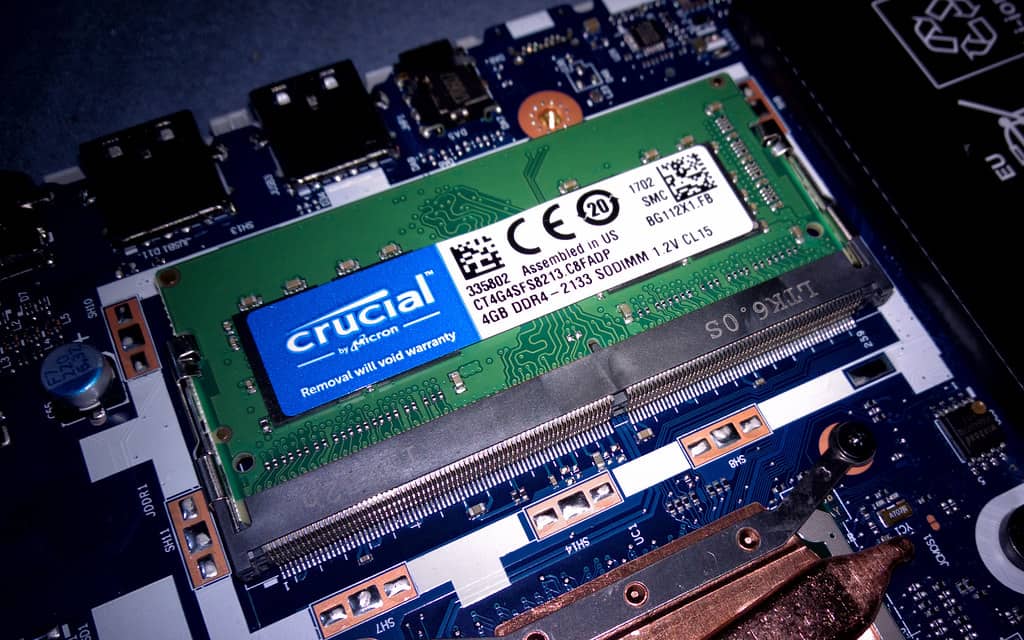
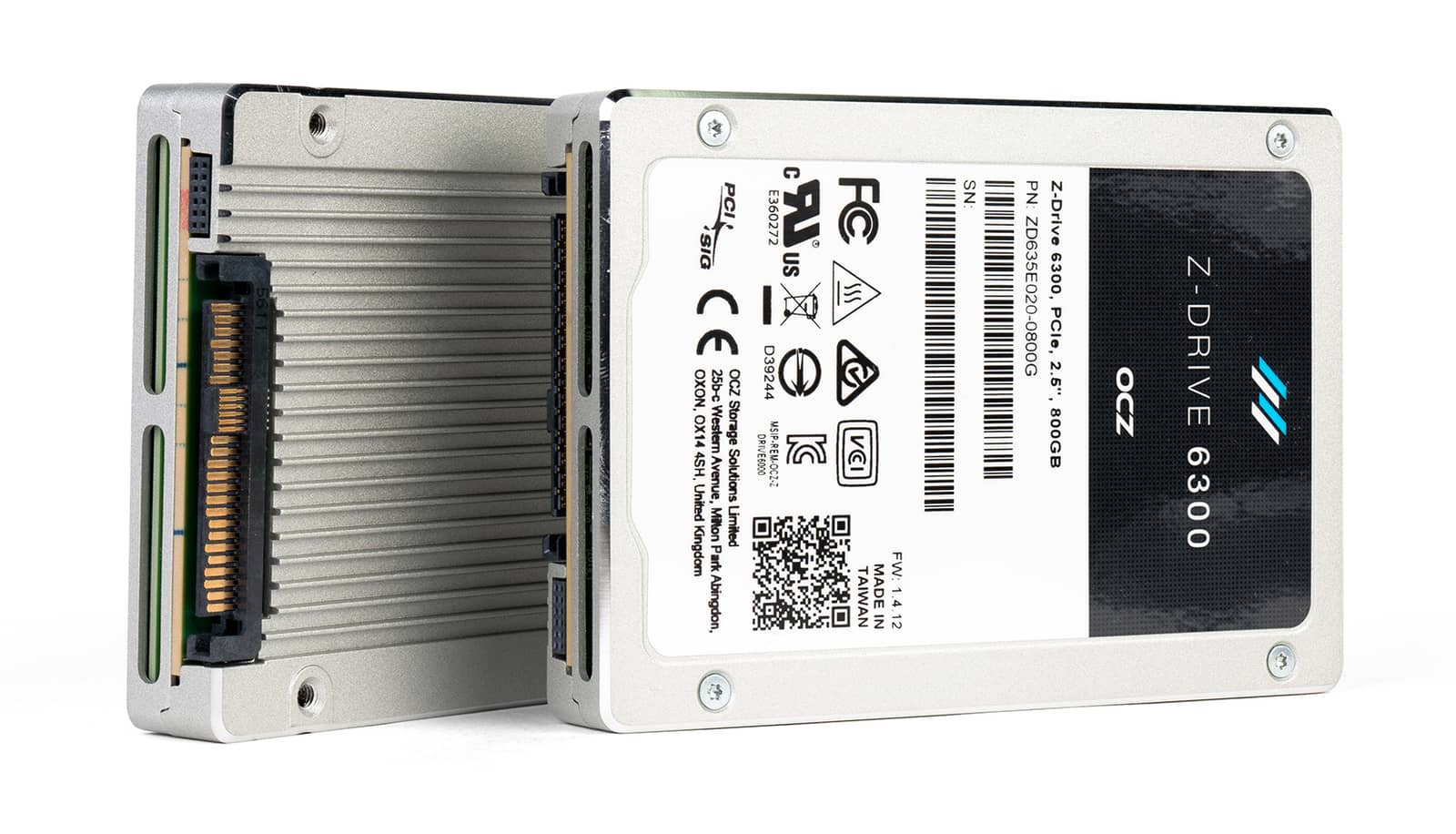
StorageReview's framing is useful because it separates three things buying guides usually mash together: VRAM (what the GPU can hold), system RAM (what the rest of the machine can hold), and storage (how fast you can get a model off disk in the first place). None of the three substitutes for the others. A 24GB GPU with 16GB of system RAM will still choke loading a large model checkpoint; a machine with 64GB of RAM and a slow SATA SSD will still sit there for nearly two minutes loading a 65GB model that a fast NVMe drive would have ready in nine seconds.
What it actually takes to run common models (Q4 quantization)
Llama 3.1 8B
Model
8B
Parameters
4.9 GB
Q4 download size
6–8 GB
Phi-4 14B
Model
14.7B
Parameters
9.1 GB
Q4 download size
11–12 GB
Mistral Small 3.2 24B
Model
24B
Parameters
15 GB
Q4 download size
18–20 GB
Llama 3.3 70B
Model
70B
Parameters
43 GB
Q4 download size
48–50 GB
GPT-OSS 120B
Model
117B (5.1B active)
Parameters
65 GB
Q4 download size
65–80 GB
DeepSeek-R1 671B
Model
671B (37B active)
Parameters
404 GB
Q4 download size
450+ GB
Model
Parameters
Q4 download size
Memory to run
Llama 3.1 8B
8B
4.9 GB
6–8 GB
Phi-4 14B
14.7B
9.1 GB
11–12 GB
Mistral Small 3.2 24B
24B
15 GB
18–20 GB
Llama 3.3 70B
70B
43 GB
48–50 GB
GPT-OSS 120B
117B (5.1B active)
65 GB
65–80 GB
DeepSeek-R1 671B
671B (37B active)
404 GB
450+ GB
That active-parameter column matters more than the headline number. OpenAI's gpt-oss-120b has 117 billion total parameters but only 5.1 billion active at once thanks to its mixture-of-experts design — its own model card notes it's built to fit into a single 80GB GPU. DeepSeek-R1 is the extreme version of the same idea: 671 billion total parameters, but only about 37 billion active per token. Neither of those is a machine you're assembling from a gaming-PC parts list, but they explain why a "120B model" and a "120B-parameter" headline don't always mean the hardware you'd assume.
Why agents specifically punish weak RAM and slow storage
A single chat turn is forgiving: ask a question, wait a few seconds, read the answer. An agent doesn't work that way. It plans a step, calls a tool, reads the result, and plans again — often a dozen times to finish one task. StorageReview calls this the "agentic tax," and the number that makes it concrete is the CPU-offload cliff: when a model doesn't fully fit in VRAM and spills onto system RAM, inference throughput can fall from 40–60 tokens per second down to 2–3. Multiply that across a dozen agent loop iterations and a task that should take 30 seconds stretches to 10 minutes. That's not a rounding error — it's the difference between a tool you'll actually use and one you'll abandon after a week.
Model load times aren't trivia — a 65GB checkpoint takes 109 seconds on SATA versus 9 on Gen4 NVMe. · Unsplash
System RAM: pick your floor honestly
7B models: 8GB system RAM minimum — treat this as a floor, not a comfortable target.
13B-class models: 16GB.
33B-class models: 32GB.
A dedicated local-AI workstation running larger models, CPU offload, or multiple concurrent agents: 64GB — enough headroom to run several 30B+ models at once without the machine grinding to a halt.
Storage: the part nobody budgets for
StorageReview's numbers here are the most concrete in the whole breakdown. A 65GB model checkpoint takes roughly 109 seconds to load off a SATA SSD, about 17 seconds off Gen3 NVMe, and around 9 seconds off Gen4 NVMe. That's not a one-time cost either — a serious local setup with ten models and assorted quantized variants reaches roughly 240GB just for the model library, before you count agent state, logs, and vector stores that accumulate over time. Their recommendation: 2TB NVMe as a bare technical minimum, 4TB if you're running agents that build up state across sessions rather than a single chatbot you occasionally query.
The realistic floor for a serious local-AI or agentic setup in 2026 is 64GB of system RAM and a 2TB Gen4 NVMe drive — not the 32GB and "whatever SSD you have" that a lot of older guides still quote. VRAM decides what model fits; RAM and storage decide whether running it is actually pleasant.
Best for: Anyone assembling a dedicated local-AI or agent box in 2026 — casual chatbot users on a single laptop can get away with less.
Common questions
How much RAM do I need to run a 7B local AI model?
8GB is the technical floor, but that's tight. 16GB gives real headroom, especially once you're running an agent that loops through multiple steps rather than answering once.
Does system RAM matter if I already have enough VRAM?
Yes — RAM handles everything around inference: loading the OS, your agent framework, vector stores, and any context that spills out of VRAM. Undersized RAM causes stutters and swapping even when the GPU itself has room to spare.
What SSD speed actually matters for local AI?
Sequential read speed, mainly, since model checkpoints load as large sequential files. Gen4 NVMe loads a 65GB model in about 9 seconds versus roughly 109 seconds on SATA — a difference you'll notice every time you switch models.
Can I run something like DeepSeek-R1 or GPT-OSS-120B on a normal desktop?
GPT-OSS-120B is realistic on a single 80GB workstation GPU thanks to its mixture-of-experts design. DeepSeek-R1's full 671B model needs well over 450GB of memory and isn't a consumer-desktop target — most people run its smaller distilled versions instead.
None of this replaces checking your VRAM math first — that's still the hard ceiling on what model you can even attempt. But if you've already sized the GPU and the whole setup still feels sluggish, RAM and storage are the two places worth checking before you blame the model or the software. They're also the cheapest upgrades on this list, which is more than you can say for anything with the word "GPU" in it this year.
This is the hands-on, local side of a bigger topic. For the full practical picture — what AI agents are, what they can't do reliably, the frameworks, and using them without the hype — see our AI agents explained hub.