16GB is the awkward middle of local AI: too much for the 8B tier, not enough for 32B. Here's what actually runs well, what to avoid, and how to get the most out of the memory you have.
16GB of VRAM is the awkward middle child of local AI. It's more than enough for the 8B models that run on anything, but short of the 20GB you'd need for the 32B tier — so the question isn't 'can I run local AI' (you can, well) but 'what's the sweet spot for exactly 16GB?' The answer: the 14-billion-parameter class is your comfortable home, 8B models give you room for very long context, and clever Mixture-of-Experts models let you punch above the weight. Here's the full map for a 16GB card like an RTX 5060 Ti, 4060 Ti, or 5070 Ti.
What fits, tier by tier
Think of 16GB as three comfortable zones and one wall. In the 8B zone (Mistral, Llama 8B, Qwen3-8B), you have so much headroom you can run higher-quality quantization or huge context windows. In the 14B zone (Qwen3-14B and friends), you're in the sweet spot — big enough for a real jump in coherence over 8B, small enough to fit with context. The MoE zone is the interesting one: a 30B-A3B model is technically 30B but only ~3B active per token, and with careful settings (or a little CPU offload) it runs on 16GB faster than a dense 14B. The wall is the 32B dense tier — that needs 24GB, full stop.
Local models by fit on 16GB VRAM
8B (Q4–Q8)
Fit on 16GB
Easy
Notes
Room for long context or high quality
14B (Q4)
Fit on 16GB
Comfortable
Notes
The sweet spot — best coherence that fits
30B-A3B MoE
Fit on 16GB
Edge / with offload
Notes
Fast (only ~3B active per token)
32B dense
Fit on 16GB
Won't fit
Notes
Needs ~20GB — get a 24GB card
Fit on 16GB
Notes
8B (Q4–Q8)
Easy
Room for long context or high quality
14B (Q4)
Comfortable
The sweet spot — best coherence that fits
30B-A3B MoE
Edge / with offload
Fast (only ~3B active per token)
32B dense
Won't fit
Needs ~20GB — get a 24GB card
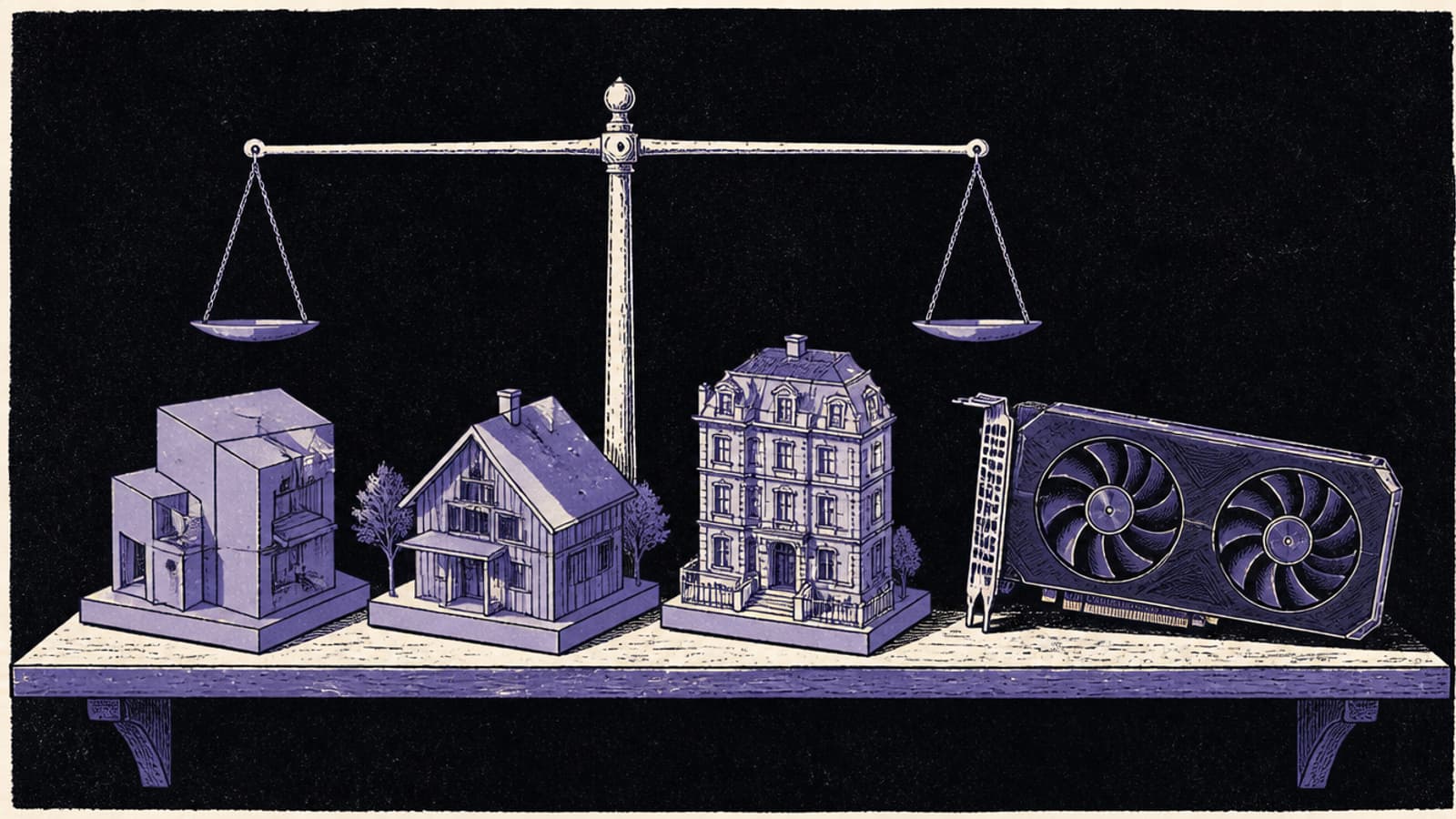
16GB runs real local AI well — you just live in the 14B tier rather than the 32B one. · Unsplash
Getting the most from 16GB
Two tricks stretch a 16GB card. First, quantization: a 14B model at Q4 fits easily, but if you want a bit more quality, you have room to go Q5 or Q6 on smaller models. Second, MoE offload — the --n-cpu-moe flag lets you run a 30B-A3B model that doesn't quite fit by pushing some experts to system RAM, and because MoE only activates a fraction of the model, the speed hit is small. Between those two, 16GB is more capable than the raw number suggests. What it can't do is hold a dense 32B model, and no trick changes that.
Quick answers
What's the best local LLM for a 16GB GPU?
For most people, a 14B-class model like Qwen3-14B at Q4 — it's the largest model that fits comfortably with context, and the jump in quality over 8B is noticeable. If you want speed with more apparent capability, a Qwen3-30B-A3B MoE model runs fast on 16GB (with a little offload) because only ~3B parameters are active per token. Match the choice to whether you prioritise coherence (14B dense) or speed-per-capability (30B MoE).
Can 16GB run a 32B model?
Not a dense 32B — those need about 20GB and won't fit 16GB in VRAM. You could offload to system RAM, but that's slow enough to be impractical for a dense model. If you specifically want the 32B tier, a 24GB card (a used 3090 is the value pick) is the right hardware. On 16GB, stick to 14B dense or 30B-class MoE models, which are genuinely good.
Is 16GB enough for local AI in 2026?
Yes, for a lot of real work. The 14B tier handles coding, chat, and analysis well, and MoE models extend your reach further. 16GB is a capable, sensible amount of VRAM — it's just one tier below the 24GB that unlocks 32B dense models. If your needs are met by 14B-class models, 16GB is plenty and more efficient than a bigger card.
16GB is a good place to be — you run real local AI in the 14B tier, with MoE models extending your reach. Size specific models in the VRAM calculator. If you find yourself wanting the 32B tier, that's the signal to look at a 24GB card; until then, 16GB does more than its number implies.
Want the canonical details? NVIDIA's GeForce lineup is the authoritative reference — NVIDIA GeForce.