There's no single 'best AI course tool' — a course is four jobs plus a platform, and the best pick for each is different. The honest 2026 stack, organized by job, with real prices and where each tool actually wins.
This post contains affiliate links. If you buy through them, Aliteq may earn a commission — at no extra cost to you. Prices verified at publish time.
Share
There is no single 'best AI course tool', and anyone who tells you there is hasn't built a course. A course is four different jobs — curriculum, video, visuals, marketing — plus the platform you sell it on, and the best tool for each is a different tool. What you actually want is a stack: the right pick for each job, without paying for five overlapping subscriptions you'll never fully use. So I've organized this by the job, not by a leaderboard, and I've been honest about where each tool wins and where it doesn't.
I use most of these. Prices below are entry-tier as of 2026 and change often, so treat them as ballpark and check the current page before you buy — I've linked each one. Free trials exist on nearly all of them; test with your actual course before committing a cent.
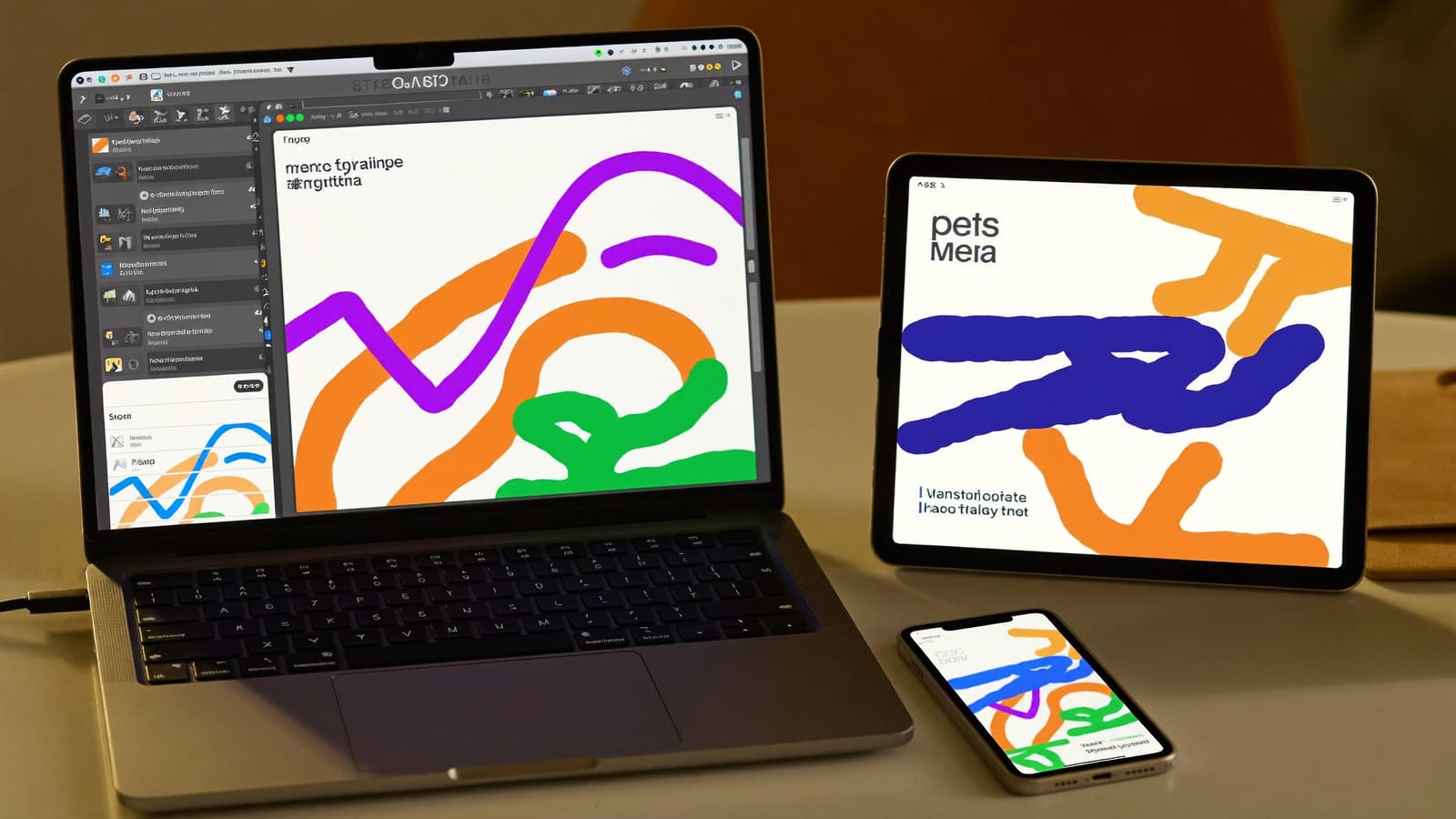
Not one tool — a stack, one pick per job. Generated with Higgsfield. · Generated with Higgsfield
Job 1 — curriculum & scripts: a general LLM
You don't need a specialized 'course AI' to outline and script — a strong general model (ChatGPT, Claude, Gemini) does the instructional-design scaffolding better than most purpose-built course generators, and you likely already pay for one. Use it to turn your material into modules and lessons, draft scripts, and write worksheets — then verify every fact. Full workflow: turn a blog or PDF into a course with AI. Cost: ~$20/mo for a plan you probably already have.
Job 2 — video lessons: Synthesia, HeyGen, or voice-over-slides
Video: which tool for which course
Synthesia
Best for
Long courses, LMS/SCORM export, business buyers
Entry price
~$18–29/mo
Watch out for
Minutes metered; premium avatars gated
HeyGen
Best for
Most natural solo avatars, voice cloning, many languages
Entry price
~$29/mo
Watch out for
Minutes metered; credits on top features
Voice-over-slides
Best for
Software/on-screen teaching (often the best format)
Entry price
~$0–20/mo
Watch out for
Less 'personal'; needs a good deck
Higgsfield (short clips)
Best for
Course trailers, hooks, promo — not 40-min lectures
Entry price
Free tier + paid
Watch out for
Built for short/creative, not LMS
Best for
Entry price
Watch out for
Synthesia
Long courses, LMS/SCORM export, business buyers
~$18–29/mo
Minutes metered; premium avatars gated
HeyGen
Most natural solo avatars, voice cloning, many languages
~$29/mo
Minutes metered; credits on top features
Voice-over-slides
Software/on-screen teaching (often the best format)
~$0–20/mo
Less 'personal'; needs a good deck
Higgsfield (short clips)
Course trailers, hooks, promo — not 40-min lectures
Free tier + paid
Built for short/creative, not LMS
The honest split: for the actual lesson library, use a purpose-built avatar platform or narrated slides. For the short, punchy clips that sell the course, a creative tool wins. Details and the tell-avoidance tips: make course videos with AI avatars.
One pick per job beats five overlapping subscriptions. Generated with Higgsfield. · Generated with Higgsfield
Job 3 — visuals & promo: Higgsfield
The course cover, the sales-page hero, module thumbnails, device mockups, social cards, and short promo/ad reels — this whole visual-and-marketing layer is where Higgsfield fits genuinely well, because it runs image generation, reusable avatars and short video in one place instead of you subscribing to three tools. It's the value pick for the half of a course that's presentation. Add your titles and logo in a free editor afterward (models still garble text). Walkthroughs: sales-page visuals and marketing reels.
Higgsfield · The visual + promo layer
Sponsored
Covers, thumbnails, sales-page images, and short avatar/ad reels — the presentation-and-marketing half of a course, in one place, on a free tier. It's the value pick for this job precisely because it replaces several single-purpose subscriptions.
The platform is a real monthly cost — start cheap, upgrade on revenue. Generated with Higgsfield. · Generated with Higgsfield
A sensible starter stack
~$20/mo
LLM (curriculum + scripts)
you likely already pay
~$0–29/mo
Video route
slides free, avatars metered
Free → paid
Higgsfield (visuals + promo)
start on the free tier
~$0–49/mo
Platform
free plan to launch
Quick answers
What's the cheapest way to build a course?
An LLM you already pay for (curriculum + scripts), voice-over-slides for the video (often free), Higgsfield's free tier for the visuals, and a free course-platform plan to launch. You can validate and ship a first course for close to the cost of your existing subscriptions, then reinvest once it sells.
Do I need HeyGen *and* Synthesia?
No — pick one for talking-head lessons. Synthesia if you want LMS/SCORM export or sell to businesses; HeyGen if you want the most natural solo avatar. Trial both with your real script and choose. Running both is paying twice for one job.
Is an all-in-one like Kajabi worth it?
Once you're established, the convenience of site + email + courses + funnels in one place can justify the ~$89+/mo. Before that, it's an expensive way to host a course you haven't sold yet. Start cheaper, upgrade when the revenue is real.
How do I avoid overspending on tools?
Buy per bottleneck, not per hype. Start with the minimum stack, and only add a tool when you hit a specific wall it solves. Most course failures aren't a missing tool — they're a missing audience or a weak offer, and no subscription fixes those.