Your ad creative is the bottleneck, not your product. Build one reusable AI spokesperson, turn a product link into a testable video ad, and stop guessing which angle sells — here's the exact UGC workflow.
This post contains affiliate links. If you buy through them, Aliteq may earn a commission — at no extra cost to you. Prices verified at publish time.
Share
If you run a Shopify store, your product isn't your bottleneck and your store isn't either — your ad creative is. Paid social is a search problem: you don't know which ad sells your product, you find out by running many and letting the numbers tell you. The format that wins that search is almost always UGC — the 'real person talking to their phone about your product' clip — and until recently it was the single most annoying thing to produce. That's the part AI just broke open. You can now build one spokesperson, keep her forever, and test twenty ad angles in the time it used to take to book one shoot.
I make this stuff daily, so this is the actual workflow, not a hype reel: how to build a reusable AI creator, how to turn a product link into a testable video ad, the honest tells that still give AI away, and the disclosure rules you can't ignore. This is the ad-creative piece of the bigger Shopify + AI money playbook.
$150–300
Old UGC clip
+ a week's wait, per hook
Minutes
AI UGC clip
from one reusable character
20 vs 3
Ad angles you test
find the winner, don't guess
~70%
Video ad auto-drafted
you trim the final 30%
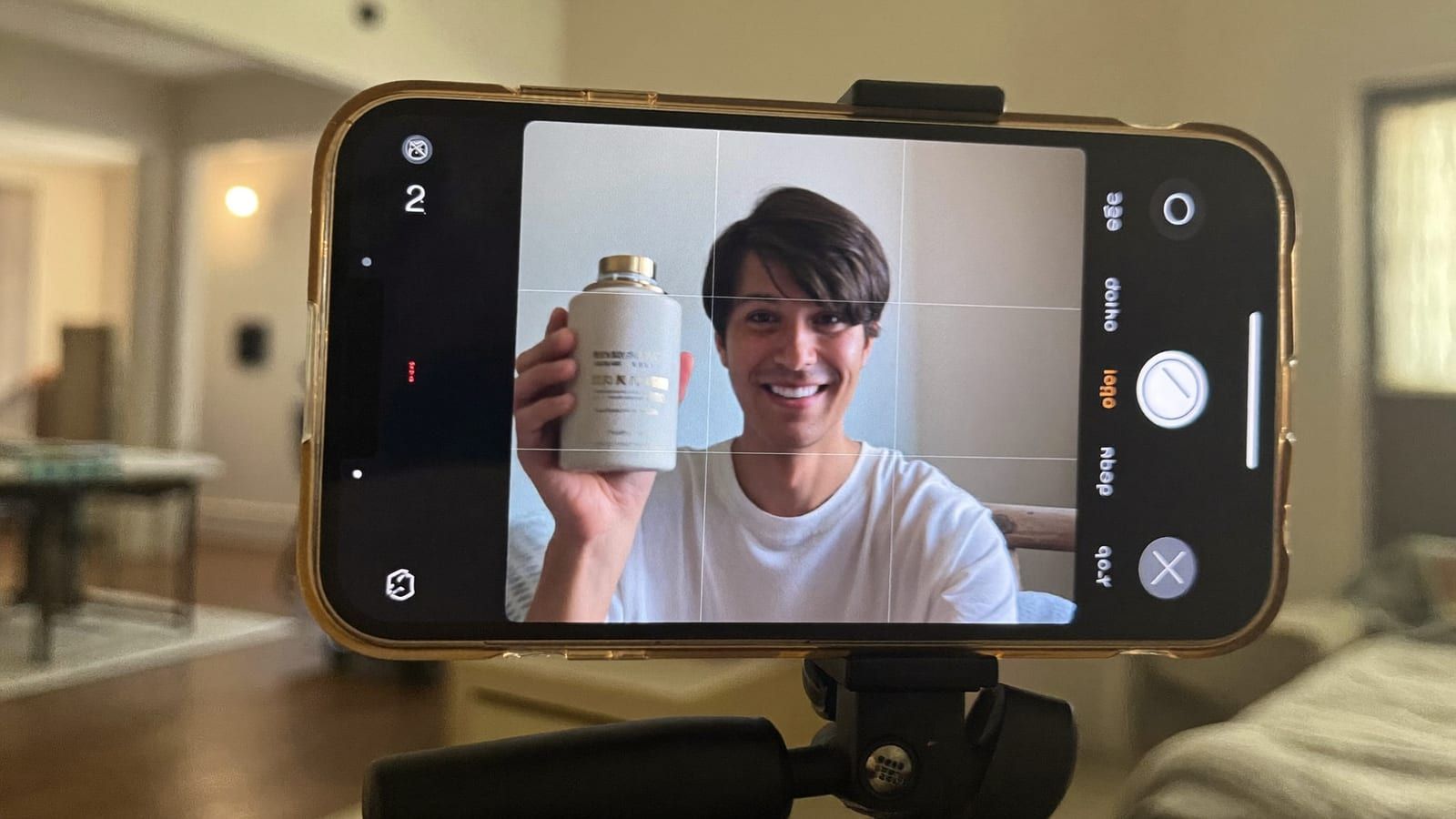
The look you're recreating — a natural UGC ad frame, made without a creator, a shoot, or a usage-rights invoice. Generated with Higgsfield. · Generated with Higgsfield
Polished brand ads get skipped; a person who looks like your customer, filming themselves, gets watched. That's why UGC is the highest-converting paid-social format for most stores — it reads as a recommendation, not an interruption. The problem was supply. Real creators are expensive, they're flaky, every new hook needs a new shoot, and usage rights expire so your best-performing ad can vanish. You'd spend more time and money making the ad than reaching customers with it — the exact trap I watched kill good products before they ever found their audience.
The AI version flips the economics. Instead of renting a face per clip, you create one you own. Instead of a shoot per hook, you generate a variation in minutes. The creative stops being the constraint — which means testing, the thing that actually finds your winner, becomes something you can afford to do properly.
Step 1: Build one reusable AI creator
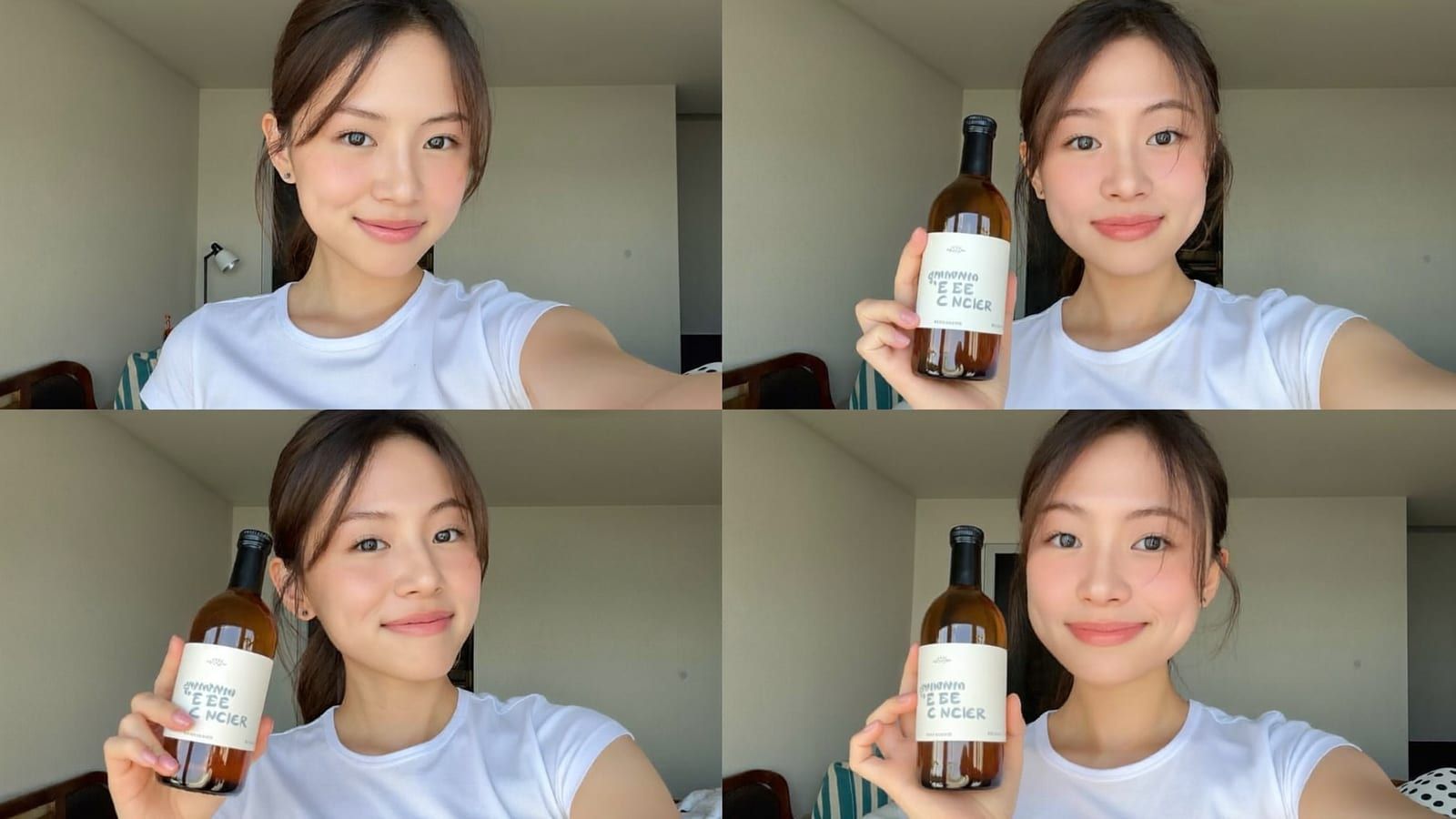
This is the unlock. You define a consistent character — a specific look, age, vibe that fits your customer — and lock it as a reusable identity (Higgsfield calls this a 'Soul'; the concept is the same across tools: a character you can summon again and again with the same face). Now she's your spokesperson. Generate her holding your product, in a setting that matches your brand, delivering your hook. Change the script, the outfit, the room, the product — the face stays consistent, so your ads feel like they come from one real person building a relationship with the audience, not a random stock model each time.
One character, reused across settings and hooks — this consistency is the whole point of a reusable AI creator. Generated with Higgsfield. · Generated with Higgsfield
Practical tip: build two or three characters, not one, so you can match the creator to the audience (a different face converts for skincare than for gym gear). And keep a 'brand bible' of your best-performing character + setting combos — once one converts, you want to reproduce it exactly for the next batch. For the still-image side of this — product shots, PDP images, lifestyle scenes — see Shopify product photos with AI; the same character can appear in both your photos and your video ads.
Step 2: Turn a product link into a video ad
This is the one that feels like cheating. A marketing-studio flow lets you paste your product or landing-page URL; it pulls your imagery and copy and drafts a full vertical ad — hook, product beats, captions, music — in the ratios TikTok, Reels and Shorts want. Under the hood the heavy lifting is done by the current top video models: Sora 2 for coherence, Veo 3.1 for camera and audio, Kling for motion. The point isn't which model made a given clip — it's that you can reach for the right one for the shot without juggling six subscriptions and six waitlists.
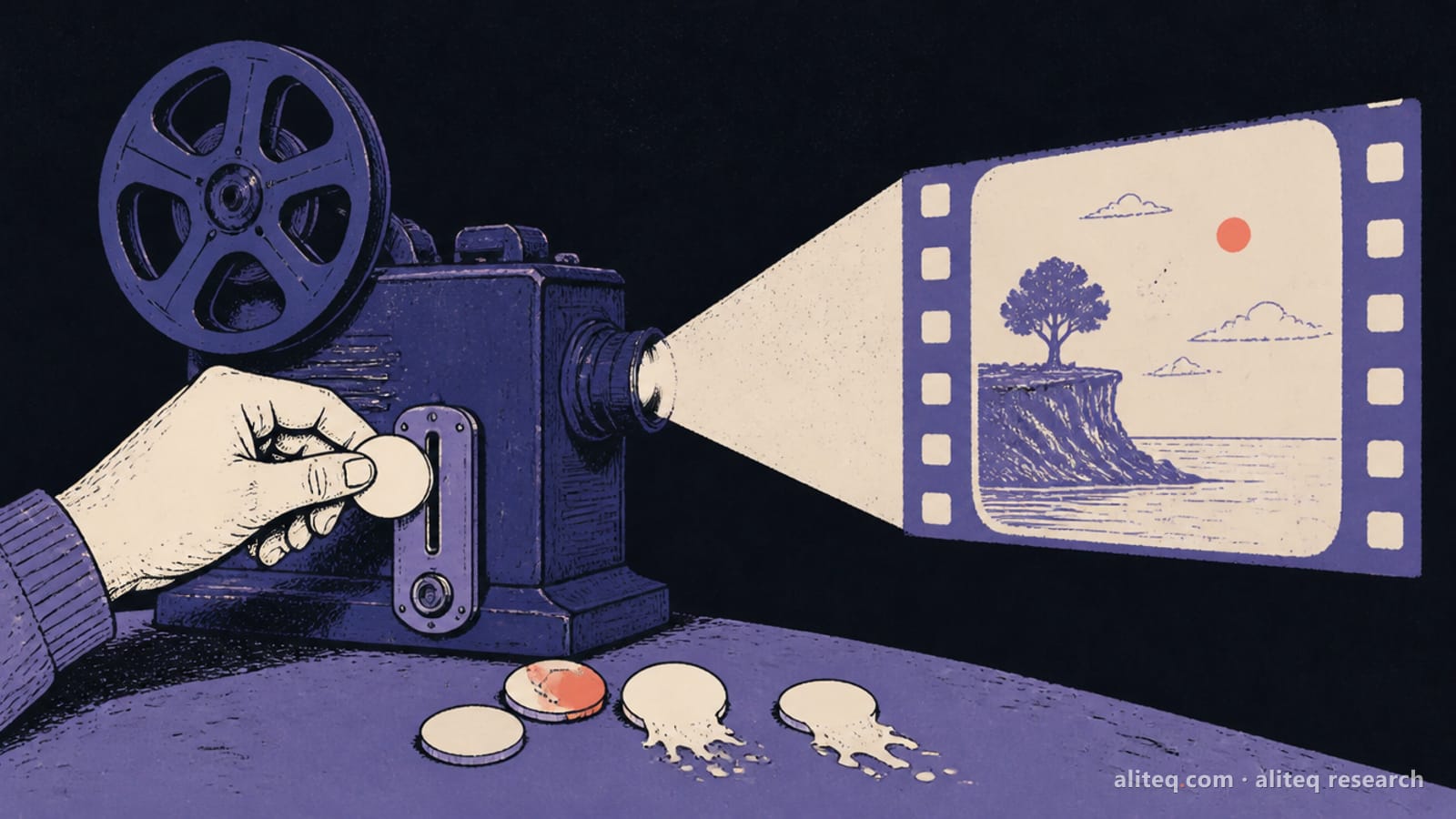
The whole UGC kit fits on a desk — a ring light, your phone and a reusable AI creator instead of a shoot. Generated with Higgsfield. · Generated with Higgsfield
My honest take: the auto-draft gets you ~70% of the way, fast. You'll still trim it, fix a caption, and hand-pick the best six seconds — because on paid social the first 1.3 seconds decide everything. But going from 'product page' to 'testable ad' in minutes, then spinning out fifteen variations of the hook, is a completely different game than booking a shoot and hoping the one angle you could afford happens to work.
The testing math (why this is the whole game)
Here's the shift in one line: AI didn't make ads free — a subscription still costs money — it collapsed the cost of a test. When each UGC ad costs $200 and a week, you can afford to test three angles, so you pick your three best guesses and pray one lands. When each costs minutes, you test twenty, and you stop guessing — the data hands you the winner. That winning ad then pays for the product, the tool, and the next round of tests. Your ad budget should now go almost entirely to distribution (finding the winner with real spend), not to production. That reallocation is the actual money move.
Pros
+ One reusable character = unlimited consistent ads, no per-clip creator fee
+ Test 20 hooks in a day instead of one shoot a week
+ You own the 'creator' — no usage-rights renewals, no reshoots
+ Swap product, setting or script without booking anyone
+ Budget shifts from production to distribution — where it actually finds winners
Cons
− Hands and fast lip-sync are where AI still tells on itself — keep shots simple and static-ish
− Over-polished reads as an ad; a little imperfection converts better
− Some platforms require AI-content disclosure — check current ad policy before you run
− It won't save a product nobody wants — it just lets you learn that faster and cheaper
Disclosure & platform rules (don't skip this)
This is the part that keeps you out of trouble. Major platforms increasingly require creators and advertisers to disclose realistic AI-generated or -altered content, and they've built labels for it — Meta and TikTok both have AI-content disclosure requirements for realistic synthetic media. The safe rule: if a reasonable viewer could think a real person genuinely filmed a real testimonial, disclose it. Disclosure hasn't hurt performance in my experience — audiences already assume ads are produced — and it protects your ad account, which is the one asset you can't regenerate. Check the current policy for each platform before you scale, because these rules move.
HiggsfieldSponsored
Make your UGC ads in Higgsfield
Generate UGC-style video and image ads to test many angles cheaply.
For realistic UGC and video, yes — treat disclosure as mandatory. Meta and TikTok both require labeling realistic AI-generated content, and running undisclosed synthetic testimonials risks your ad account. Static product retouching is a different, long-accepted category. When unsure, disclose; it protects the one asset you can't remake — your account.
Will the ads actually look real enough to convert?
For simple talking-head shots, yes. The tells are hands, teeth and fast lip-sync, so keep framing simple and movement modest. A slightly imperfect, 'filmed on a phone' look converts better than glossy anyway — that's the whole appeal of UGC.
How is this different from your general Shopify ad-creative guide?
The broader AI ad creative for Shopify guide surveys all the creative types (photos, static, UGC, video). This piece goes deep on the highest-leverage one: building a reusable AI creator and mass-testing video hooks. Read that for the map, this for the UGC playbook.
Do I need editing skills?
Basic ones help — trimming, picking the hook, adding captions — but the flow drafts most of it. The real skill is taste: recognizing which of your twenty variations is the winner, then doubling down on it.
Can one tool do the character and the video?
That's the case for an all-in-one: define a reusable character, generate her in your scenes, and draft product-link-to-video ads that route the top models — in one place instead of stitching five subscriptions together. It's why we point at Higgsfield for this specific job.