The storefront, copy, photos, emails and first ads — a two-day build with AI drafting the heavy parts. The exact order I work in, the copy-paste prompts I start from, and the honest reality check the weekend videos skip.
This post contains affiliate links. If you buy through them, Aliteq may earn a commission — at no extra cost to you. Prices verified at publish time.
Share
Let me set the expectation before the how-to: you can have a Shopify store live by Sunday night. That part is genuinely a weekend now, and AI makes it faster. What you can't do in a weekend is sell — that takes a product people want and real ad testing, which no tool skips. So treat this as 'build the storefront and the whole creative kit in two days' — the launch, not the lottery ticket. Done that way, it's the most fun weekend project in tech right now.
I build these regularly, so this is the actual order I work in — what to decide first, where AI saves you the most hours, and the copy-paste prompts I start from. For the bigger picture of which money model fits you and what the numbers really look like, read the pillar first: making money with Shopify + AI.
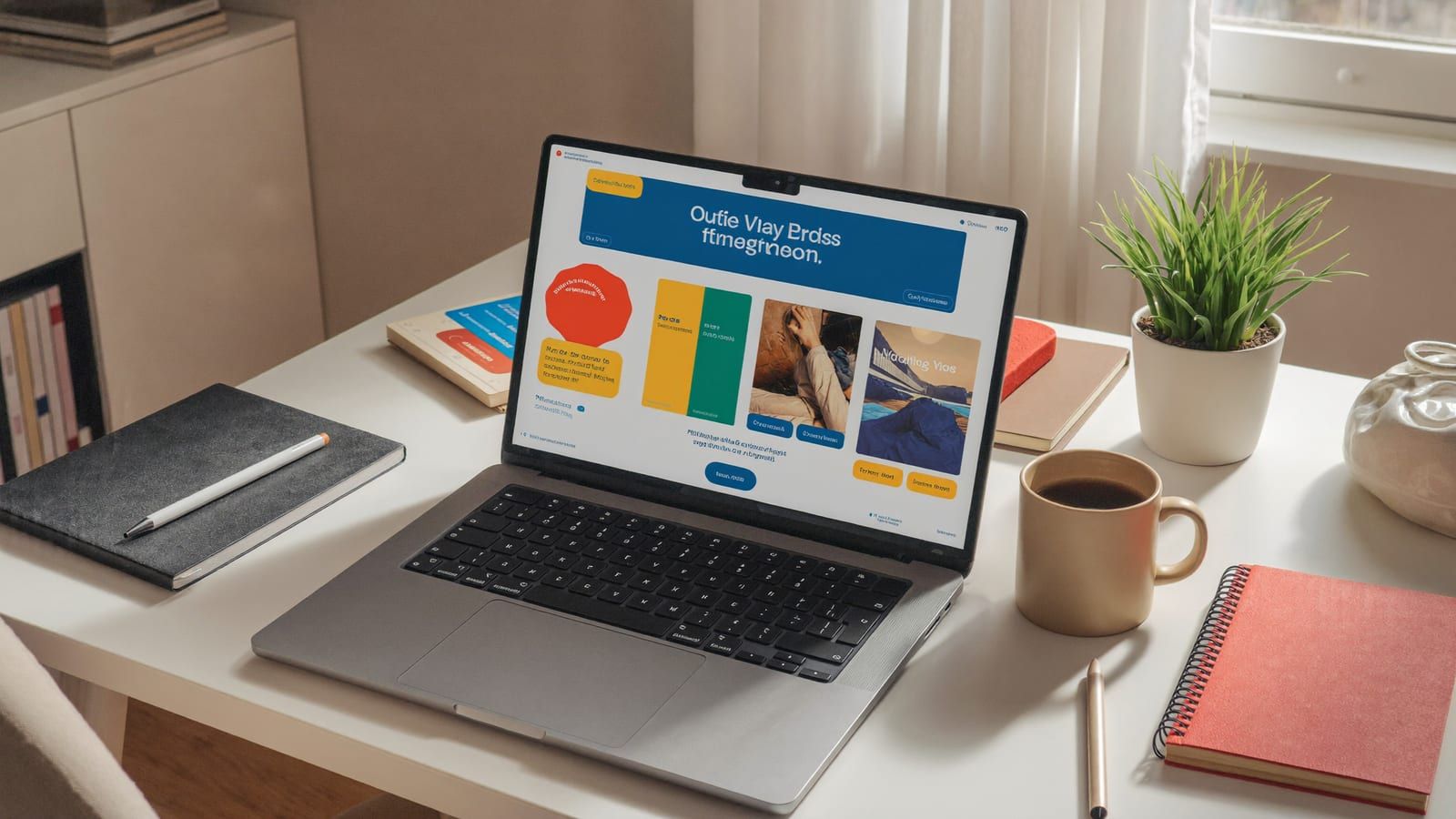
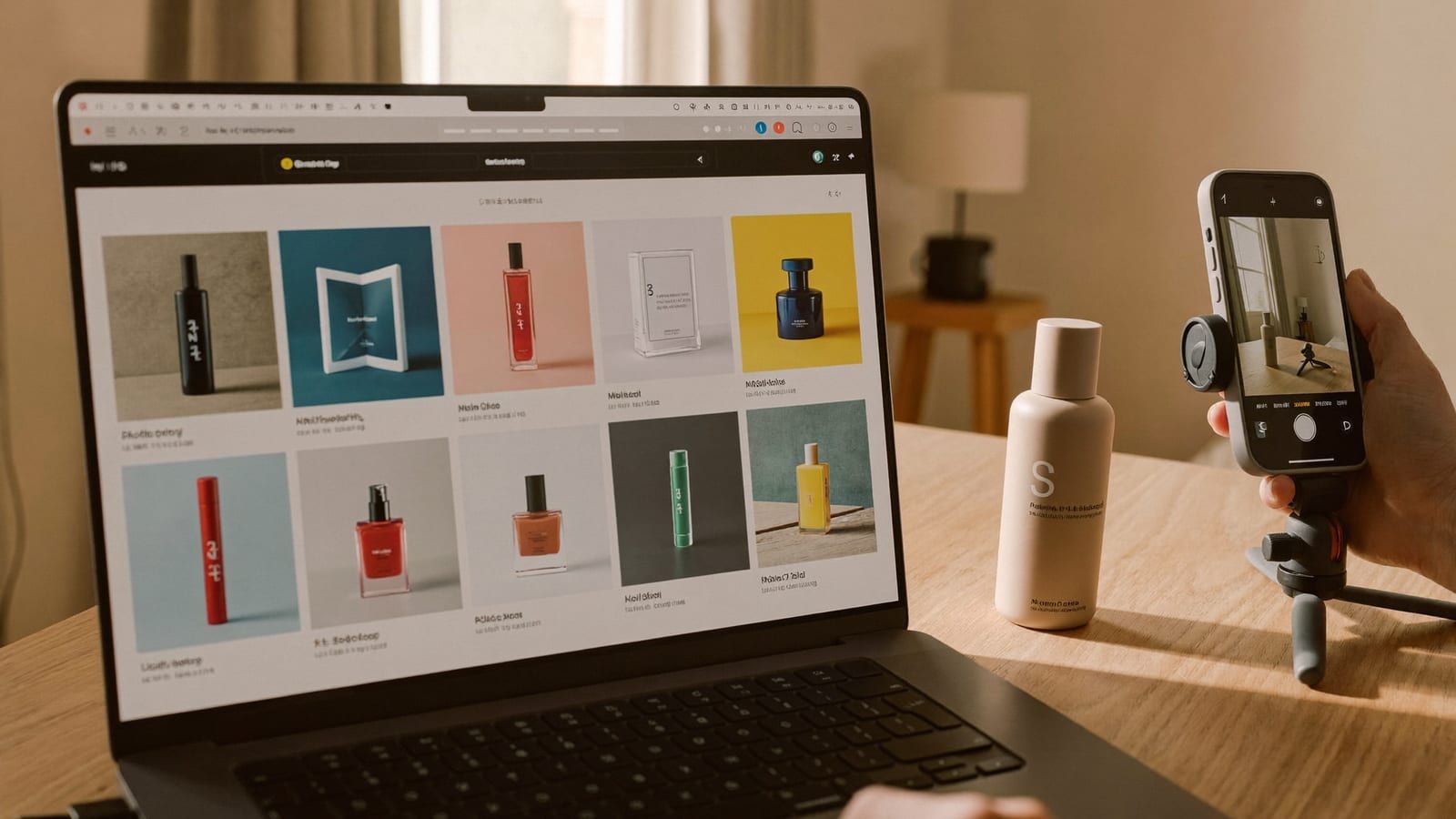
The whole storefront and creative kit is a two-day build now. Generated with Higgsfield. · Generated with Higgsfield
Step 1 — Decide the model (the only hard part)
Everything downstream is easy; this is the choice that actually decides your outcome, so don't let AI make it for you. The four viable models in 2026 each trade risk for margin differently. Pick the one that matches how much cash and patience you have, then commit — hopping between models is how people burn a year.
Which Shopify model to start with
Digital products (templates, presets, printables)
Upfront risk
Almost none
Margin
Near-100%
Where AI helps most
Generating the products themselves
Print-on-demand
Upfront risk
None (no inventory)
Margin
Low–medium
Where AI helps most
Designs + mockup imagery
Private label
Upfront risk
Higher (buy stock)
Margin
Best long-term
Where AI helps most
Photos + ads that justify the brand
Dropshipping
Upfront risk
Low
Margin
Thin
Where AI helps most
Ad creative you must test hard
Upfront risk
Margin
Where AI helps most
Digital products (templates, presets, printables)
Almost none
Near-100%
Generating the products themselves
Print-on-demand
None (no inventory)
Low–medium
Designs + mockup imagery
Private label
Higher (buy stock)
Best long-term
Photos + ads that justify the brand
Dropshipping
Low
Thin
Ad creative you must test hard
If you have no budget, start with AI digital products or print-on-demand — the Etsy playbooks map cleanly onto a Shopify storefront. If you can fund inventory and want a real brand, go private label. The pillar breaks the trade-offs down in full.
Step 2 — Build the store (Saturday afternoon)
Start a Shopify trial, pick one of the free themes (Dawn is still the sensible default — fast and clean), and add your product. Resist the urge to customize for hours; a clean default theme with great photos beats a fiddly custom one every time. The time sink used to be writing all the copy — product descriptions, benefit bullets, an FAQ, the About page. That's now a first draft in minutes. The rule that keeps you out of trouble: AI writes the draft, you edit for truth. Never let it invent a spec, a material, a certification, or a claim you can't stand behind — that's how stores get returns and chargebacks.
Copy-paste starter prompts
Product description
You are writing a Shopify product description. Product: [name + what it physically is]. Key real facts: [size, material, what it does, who it's for]. Write: a 2-sentence hook that leads with the main benefit, 4 scannable benefit bullets, and a short 'who it's for / who it's not for' line. Plain, honest, second person. Do NOT invent specs, materials, or claims — only use the facts I gave you. Flag anything you think needs a real number I didn't provide.
FAQ + shipping/returns draft
Draft 6 FAQ questions and answers for this product: [paste description]. Cover sizing/fit, materials/care, shipping time, returns, and one objection a skeptical buyer would have. Keep answers to 2 sentences. Mark any answer where I need to insert my real policy (shipping days, return window) as [FILL IN].
Brand look (image prompt)
A cohesive brand banner set for a [product category] store: a hero banner and 3 matching social tiles. Style: [clean/minimal | warm/organic | bold/modern], palette [2–3 colors]. Plain unbranded product on a [surface], soft daylight. No text overlays (I'll add my own), no logos.
Step 3 — The look: photos + brand (Sunday morning)
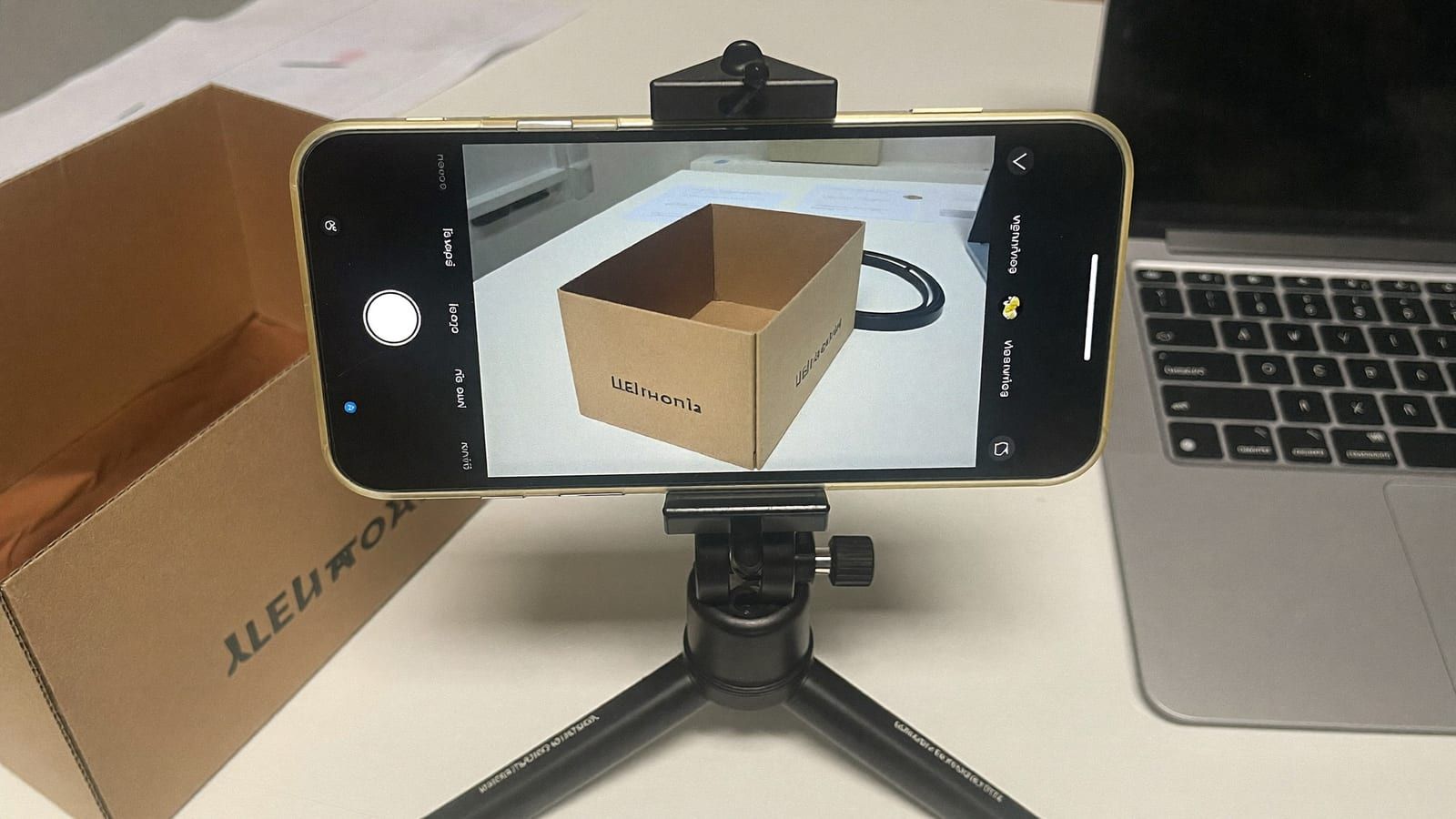
This is where a weekend store starts looking like a company. Shoot your product once on a plain background in good light, then generate the variations — a white-background PDP shot, a lifestyle-on-a-counter shot, a seasonal version, a macro detail. One phone snap becomes a full catalog. The full method (and the label-text gotcha) is in Shopify product photos with AI. Use the same image tool to generate a matching banner set so your homepage, PDP and socials feel like one brand.
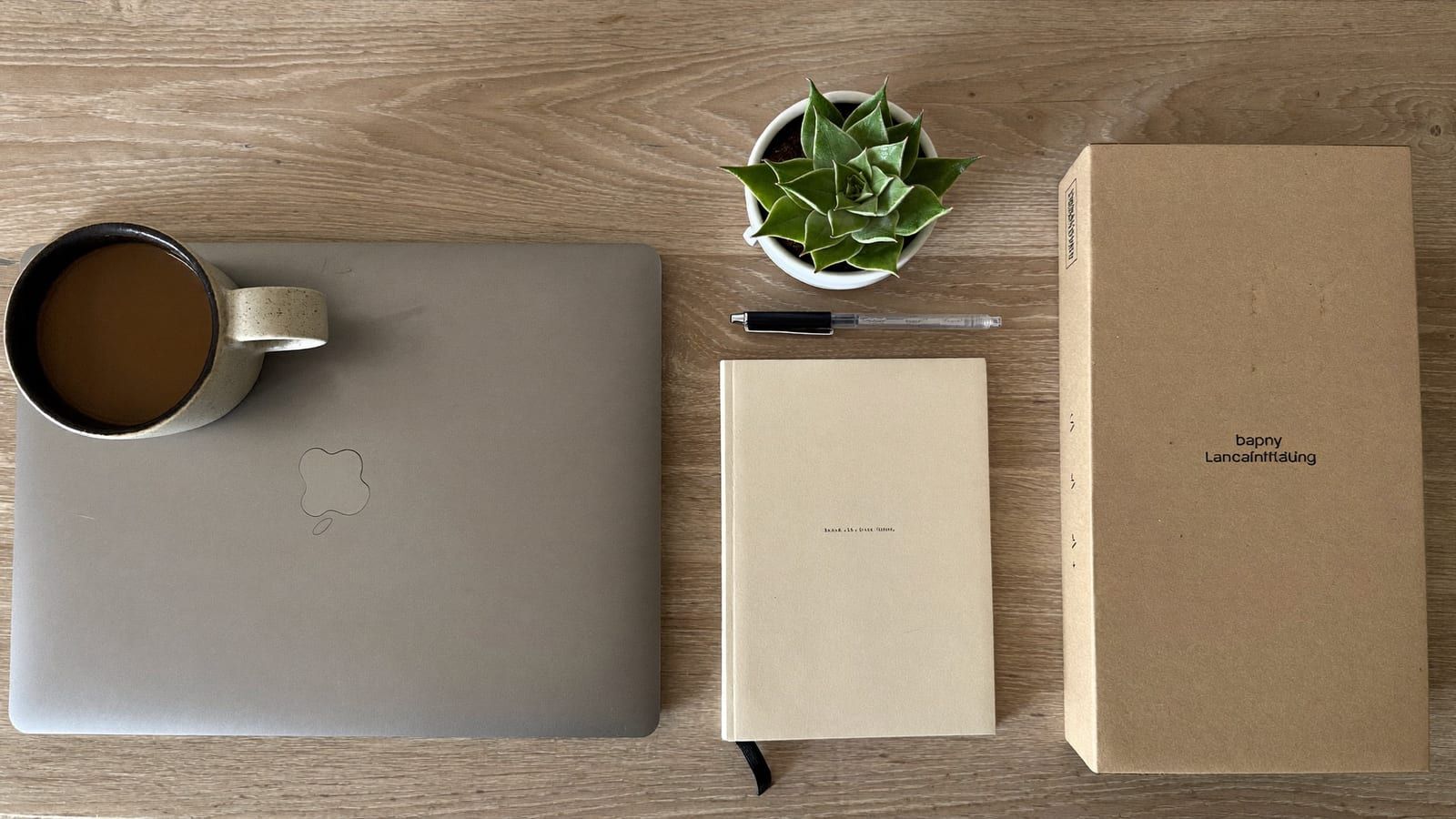
Launch day is a desk, a coffee and a weekend — the storefront and the whole creative kit built in two days. Generated with Higgsfield. · Generated with Higgsfield
Higgsfield · Store visuals
Sponsored
Generate your product photos and a matching banner set in one place — the fastest way to make a weekend store read like a real brand. Free tier to try it before you commit.
Step 4 — The funnel: emails + first ads (Sunday afternoon)
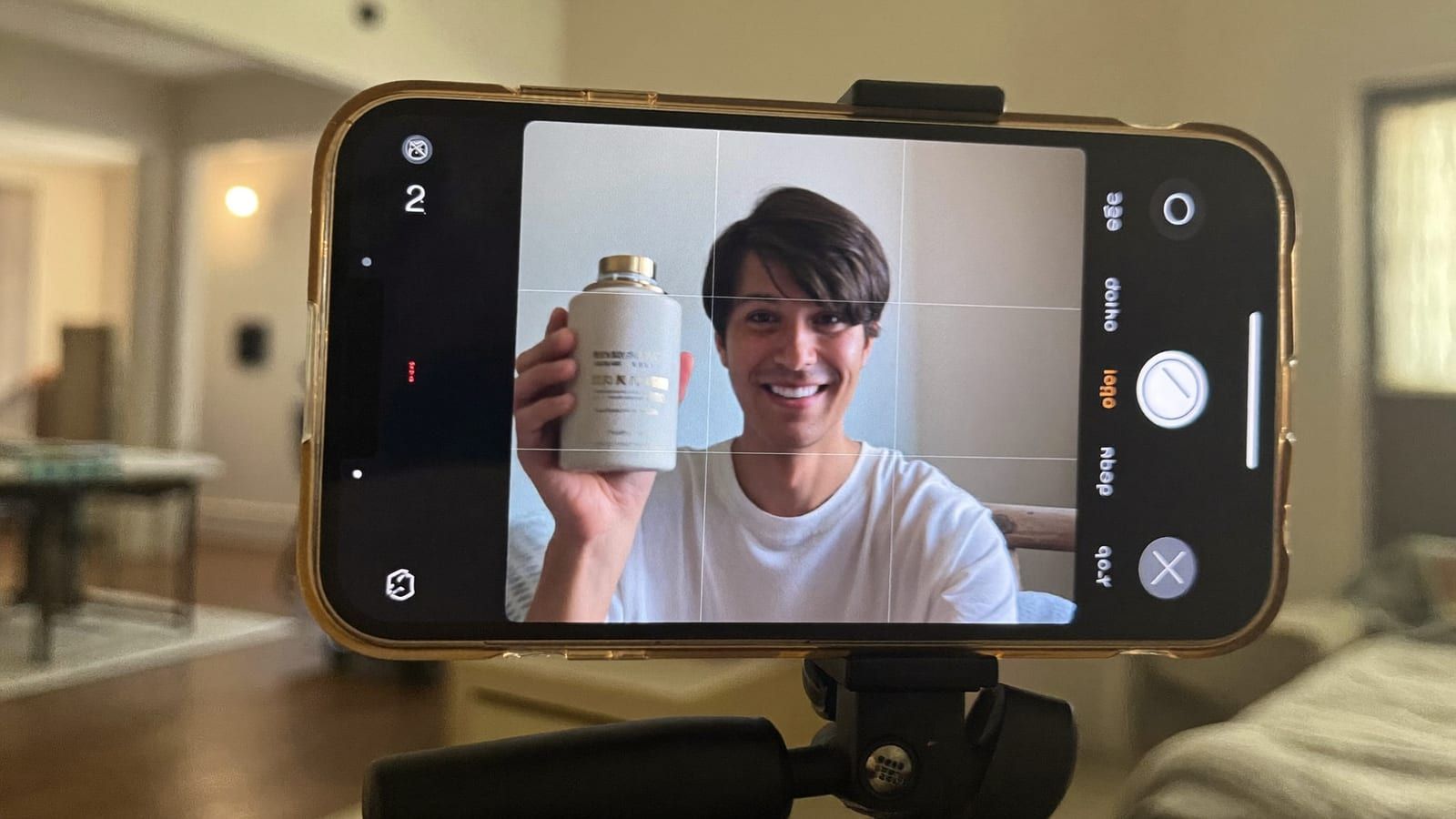
Two things convert a browsing store into a selling one: an email capture with a welcome flow, and ad creative to actually bring people in. Turn on Shopify Email or Klaviyo's free tier and let AI draft a 3-email welcome sequence (welcome + the story, a benefit/education email, a gentle first-order nudge) — again, you edit for truth and voice. Then draft your first ads: the highest-converting format is UGC, and you can build one reusable AI spokesperson instead of hiring creators. That whole workflow has its own guide — Shopify UGC & video ads with AI — and the broader angle testing is covered in AI ad creative for Shopify.
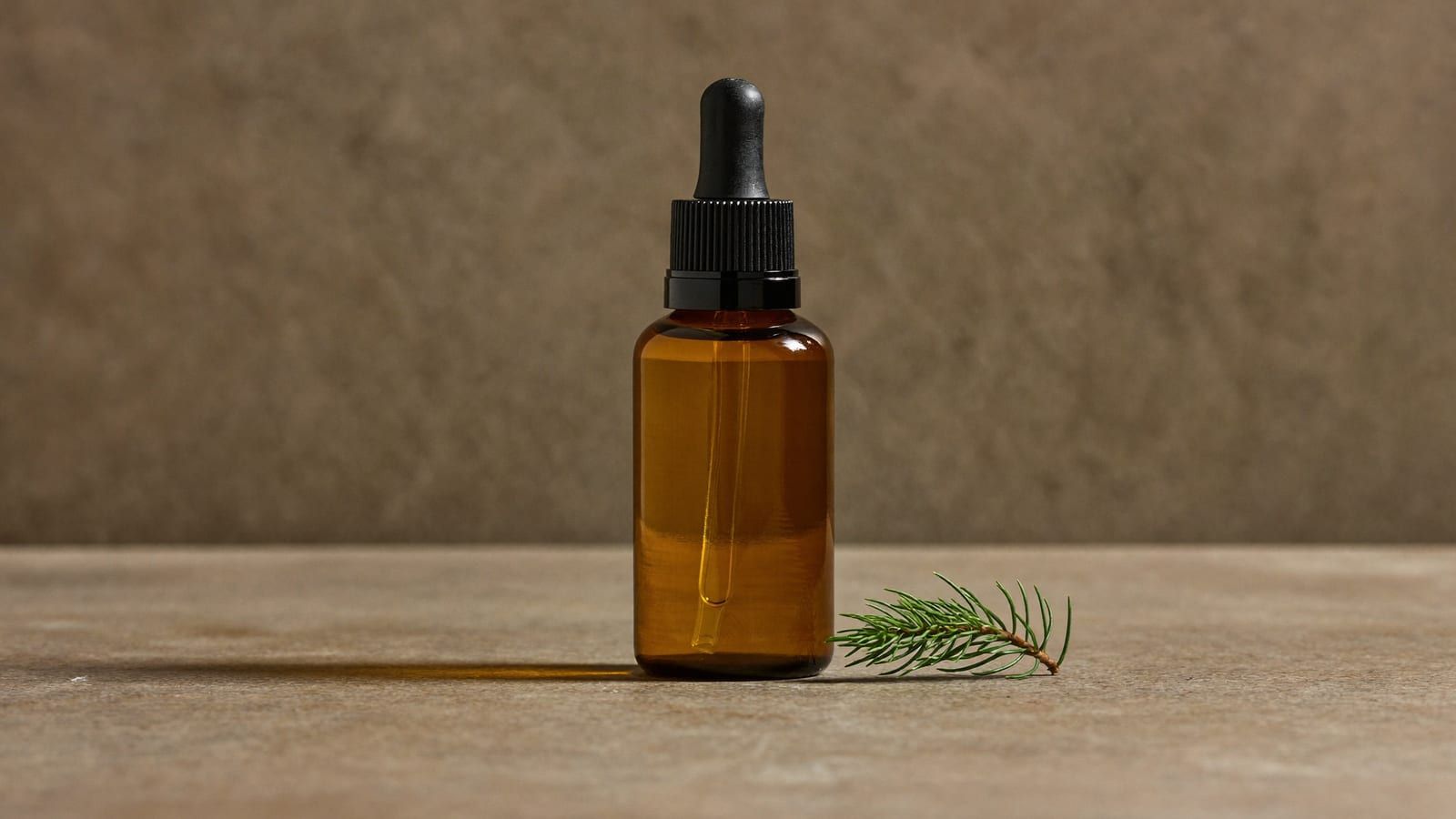
The creative kit — product shots, first video ads and email flows, all drafted from one desk. Generated with Higgsfield. · Generated with Higgsfield
Pros
+ A real storefront + full creative kit in two days, mostly free to make
+ Copy, photos, emails and first ads all drafted by AI — you edit, not create from zero
+ One reusable AI spokesperson replaces per-clip creator fees
+ You can test many ad angles cheaply, which is how you actually find a winner
Cons
− A live store is not a selling store — product-market fit and ad testing still decide it
− AI copy will confidently invent specs; every claim needs a human truth-check
− Small text/logos on generated images garble — composite your real label back on
− Your real money goes to a product sample + ad spend, not the build
The reality check nobody sells you
Here's the part the 'launch a store in a weekend' videos skip: the weekend gets you a storefront, not a business. The build being free and fast is exactly why a live store proves nothing on its own — everyone can make one now. What separates a store that earns from one that doesn't is the same as it always was: a product with real demand and margin, and enough ad testing to find the message that sells it. AI didn't remove that work; it made the creative for that work nearly free, so your cash and attention can go where they actually matter. Build the store this weekend. Spend the next month finding the winner.
Quick answers
Can I really launch in a weekend?
The storefront, copy, photos, emails and first ads — yes, realistically in two focused days with AI drafting the heavy parts. What a weekend can't produce is proven demand; that comes from running the store and testing ads over the following weeks.
How much money do I actually need to start?
Shopify's plan is ~$1–39/mo and the AI creative is cheap. The real budget is a product sample (for private label) plus a small ad-test budget to find a working angle. Digital products and print-on-demand let you start with almost none.
Is it okay to use AI-written product copy?
Yes, as a first draft you then edit. The danger isn't the AI voice — it's AI inventing a spec, material, or claim. Only publish facts you can stand behind, or you'll pay for it in returns and disputes.
Do I need a custom theme or a designer?
No. A free, fast default theme (like Dawn) with excellent AI-generated photos looks more professional than a fiddly custom build. Spend your time on the product and photos, not theme tinkering.
What should I do the Monday after launch?
Start testing ad creative and watch the data. Your job shifts from building to finding the one message and audience that converts — that search, funded by cheap AI creative, is the whole game.
Build your store's whole creative kit this weekend
Product photos, a brand banner set, a reusable UGC spokesperson, and your first video ads — all in one place, on a free tier. The build is the easy part; this is what makes it look real.