eGPUs get a bad rap from gaming benchmarks — but local AI is a totally different workload, and an external GPU can hit ~92% of native speed. Here's whether one's worth it for your laptop.
For laptop owners, yes — an eGPU is much better for local AI than the gaming reviews suggest. An external GPU enclosure gets a bad reputation from gaming, where the Thunderbolt cable can cost you 25-40% of the card's performance. But LLM inference is a completely different workload, and it's kind to eGPUs: model weights load into the card's VRAMonce per session, and after that generation runs entirely from the card's own memory — so the slow cable is barely used. The result: benchmarks show an eGPU delivering ~92% of native inference throughput on Thunderbolt 5. That means a laptop plus an external RTX card gets you desktop-class VRAM and near-desktop AI speed. Here's whether it's the right move for you.
Why local AI is kind to eGPUs (when gaming isn't)
This is the crucial point most people miss. In gaming, the GPU and CPU are constantly shuttling data back and forth every frame, so the Thunderbolt cable — much slower than an internal PCIe slot — becomes a real bottleneck, costing 25-40% of performance. Local AI inference works completely differently. When you load a model, its weights are copied into the GPU's VRAMonce, at the start of the session. After that, generating tokens happens almost entirely inside the card — reading its own fast memory — with only tiny amounts of data crossing the cable. So the connection speed that wrecks eGPU gaming barely touches eGPU inference: benchmarks land at ~92% of a natively-installed card on Thunderbolt 5. The practical upshot is huge for laptop owners: you can plug in an external [RTX 4090 or 3090](/used-rtx-3090-buying-guide-local-ai-2026) and suddenly your thin laptop runs 14-32B models at near-desktop speed. On connections, you have two good options — Thunderbolt 4/5 (needs a laptop with a real Thunderbolt port, not just USB4) is the mainstream path, while OCuLink is a more direct PCIe link that the community favors for the best performance per dollar.
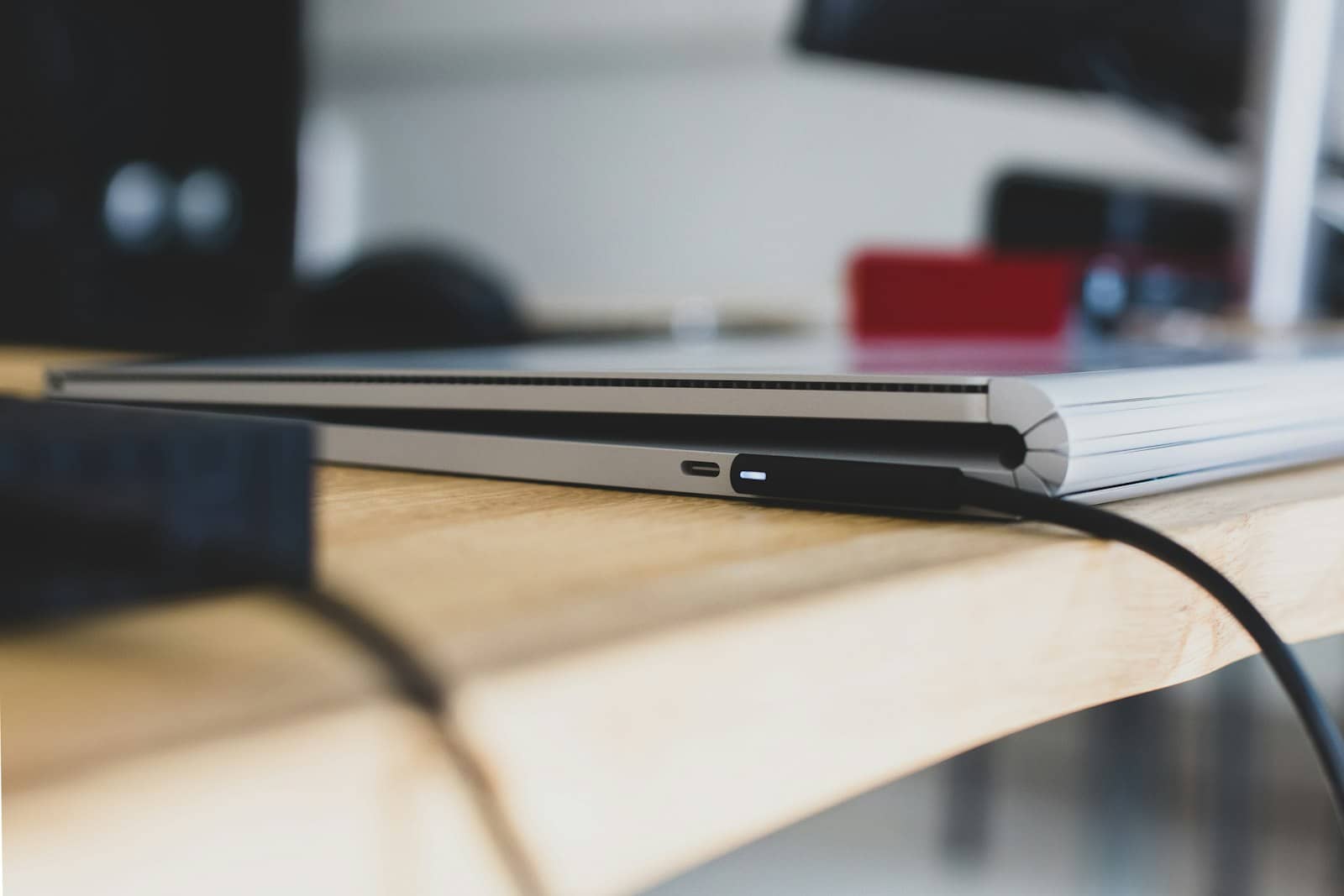
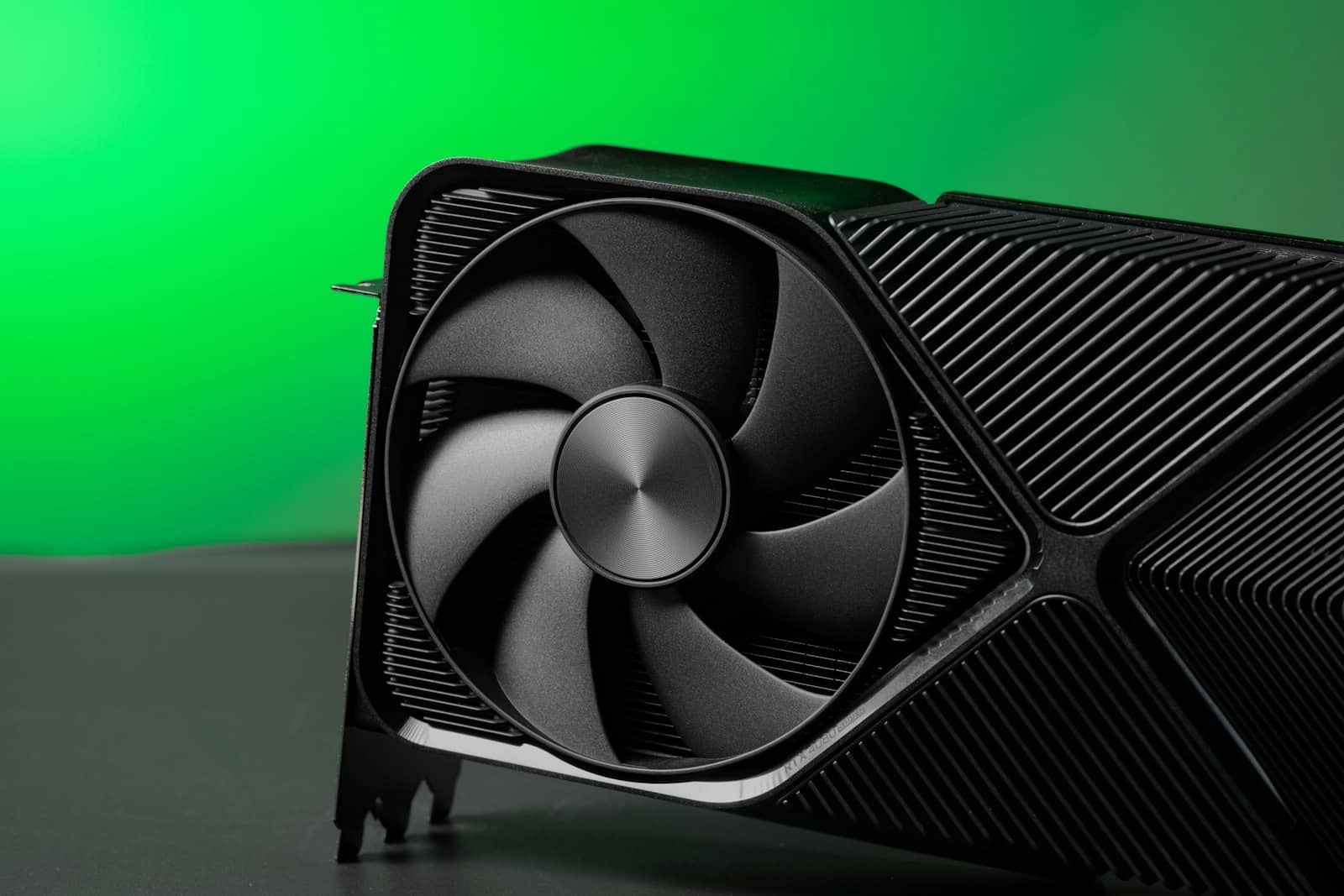
Inference loads weights into VRAM once, then runs from the card — so the eGPU cable barely matters. · Unsplash
Who should buy an eGPU for AI?
Here's the honest steer. An eGPU is worth it if you already have a capable laptop (with Thunderbolt 4/5 or OCuLink) and you want serious local AI without building or hauling around a desktop — it's the cleanest way to give a portable machine desktop-class VRAM. Drop a used RTX 3090 (24GB) or an RTX 4090 into an enclosure and your laptop runs models it could never touch on its integrated graphics, at ~92% of native speed. It's not worth it if you're starting from scratch with no laptop constraint — in that case a plain desktop with the same GPU installed internally is cheaper (no enclosure tax, which can be $200-400) and marginally faster. And if your laptop only has USB4 (not true Thunderbolt) or no OCuLink, check compatibility carefully before buying. The one-line verdict: for laptop owners, an eGPU is a genuinely smart local-AI upgrade — the workload plays to its strengths, so you get almost all the benefit of a desktop GPU while keeping your portable machine. For desktop-first builders, just install the card inside.
8/ 10
Verdict
eGPU for local AI 2026
Worth it for laptop owners: local-AI inference runs at ~92% of native speed over Thunderbolt 5 because weights load into VRAM once and then run from the card, so the cable barely matters. An external RTX 3090/4090 gives a laptop desktop-class VRAM for 14-32B models. Skip it if you have no laptop constraint — an internal card in a desktop is cheaper and slightly faster.
Best for: Laptop owners who want serious local AI (desktop-class VRAM) without building a desktop.
Quick answers
Is an eGPU good for running local AI?
Yes, much better than for gaming. Local AI inference runs at roughly 92% of a natively-installed card's throughput over Thunderbolt 5, because a model's weights are loaded into the GPU's VRAM once per session and then generation runs from the card's own fast memory — very little data crosses the cable. That's the opposite of gaming, where constant data transfer over the cable costs 25-40% of performance. So an external GPU enclosure lets a laptop run 14-32B models at near-desktop speed, which its integrated graphics never could. For laptop owners wanting serious local AI, an eGPU is a genuinely effective upgrade.
Thunderbolt or OCuLink for an eGPU AI setup?
Both work well for local AI, but they suit different priorities. Thunderbolt 4 or 5 is the mainstream choice — widely supported, plug-and-play, and since inference barely uses the cable, it delivers around 92% of native speed. OCuLink is a more direct PCIe connection (often PCIe 4.0 x8), which the community favors for the best performance per dollar and for multi-GPU setups, though it requires a laptop or mini PC with an OCuLink port, which is less common. For most people with a Thunderbolt 4/5 laptop, Thunderbolt is the easy, effective pick; enthusiasts chasing maximum bandwidth choose OCuLink.
Can an eGPU give my laptop desktop AI performance?
Close to it, for AI specifically. Because local LLM inference loads weights into the GPU's VRAM once and then runs from the card, an eGPU delivers about 92% of the speed you'd get from the same card installed in a desktop — so a laptop with an external RTX 3090 or 4090 runs large models at near-desktop performance. You also gain the card's full VRAM (for example 24GB on a 3090), letting the laptop run 14-32B models it otherwise couldn't. The main costs are the enclosure (typically $200-400) and needing a proper Thunderbolt 4/5 or OCuLink port. For laptop-based local AI, it's the closest thing to a desktop GPU without the desktop.
For laptop owners, an eGPU is a smart local-AI upgrade — ~92% of native speed and desktop-class VRAM, because inference barely uses the cable. Pair it with a used RTX 3090 or current card, and size models in the calculator. No laptop constraint? A desktop build is cheaper. Sources: Local AI Master.