Every 'best budget GPU' list is a spec dump. This is a decision: three cards under $500, what each can actually run, and the one number — VRAM — that tells you which to buy without reading a benchmark.
The most useful thing I can tell you about budget local-AI GPUs is that the benchmark scores barely matter. What matters is one number — VRAM — because it decides which models you can load at all, and a slower card with more memory beats a faster card with less every single time. So this isn't a spec dump ranked by tokens per second. It's a ladder: three cards under $500, what each actually runs, and how to pick your rung without needing to read a chart. Spoiler on the whole genre: for local AI, buy the most VRAM your budget allows, and stop optimising anything else.
Does it fit? — VRAM at a glance
Qwen3-14B (Q4) needs ≈10 GB
RTX 3060 12GB12 GBfits
Arc B580 12GB12 GBfits
RTX 5060 Ti 16GB16 GBfits
Every budget card here clears a capable 14B model — the 16GB card just leaves more headroom for context. A 32B model (≈20GB) is a different tier.
The one rule that replaces every benchmark
VRAM sets your ceiling; everything else sets your speed. A model has to fit in your GPU's memory to run on the GPU at all — spill over and it crawls on system RAM at a few tokens per second, which nobody tolerates. So the first question isn't 'how fast is this card,' it's 'what's the biggest model it can hold.' A rough map at Q4 quantization: 8GB handles a 7–8B model tightly, 12GB comfortably fits 7–14B, and 16GB gives 13–14B real breathing room plus longer context. Check any specific model in the VRAM calculator before buying — it turns this from guesswork into a yes/no.
The rungs
Three cards under $500 for local AI
Typical price
RTX 3060 12GB
~$250 used
Arc B580 12GB
~$249 new
RTX 5060 Ti 16GB
~$549 new
VRAM
RTX 3060 12GB
12GB
Arc B580 12GB
12GB
RTX 5060 Ti 16GB
16GB
Biggest model at Q4
RTX 3060 12GB
~14B
Arc B580 12GB
~14B
RTX 5060 Ti 16GB
~14B + context
Software maturity
RTX 3060 12GB
CUDA — universal
Arc B580 12GB
Intel — improving
RTX 5060 Ti 16GB
CUDA — universal
Warranty
RTX 3060 12GB
Used / none
Arc B580 12GB
New
RTX 5060 Ti 16GB
New
Best for
RTX 3060 12GB
Cheapest CUDA start
Arc B580 12GB
Value, DIY-tolerant
RTX 5060 Ti 16GB
Headroom + warranty
RTX 3060 12GB
Arc B580 12GB
RTX 5060 Ti 16GB
Typical price
~$250 used
~$249 new
~$549 new
VRAM
12GB
12GB
16GB
Biggest model at Q4
~14B
~14B
~14B + context
Software maturity
CUDA — universal
Intel — improving
CUDA — universal
Warranty
Used / none
New
New
Best for
Cheapest CUDA start
Value, DIY-tolerant
Headroom + warranty
The [RTX 3060](/is-the-rtx-3060-12gb-still-good-for-local-ai-2026) 12GB (~$250 used) is where I'd point most people starting out. It's the cheapest way onto the CUDA ecosystem, where every local-AI tool works with zero fuss, and its 12GB runs every 7–8B model and most 13–14B at Q4. It's not fast, but 'not fast' still means a perfectly usable conversation. For a first serious local-AI card, it's hard to beat on value.
The Intel Arc B580 (~$249 new) is the value wildcard: the same 12GB, newer silicon, a warranty, for used-3060 money. The catch is software maturity — Intel's stack has improved a lot but still trails CUDA, so expect more setup and the occasional tool that assumes NVIDIA. If you're comfortable troubleshooting and want new hardware for cheap, it's compelling. If you want it to just work, the 3060's boring CUDA reliability is worth the used-market gamble.
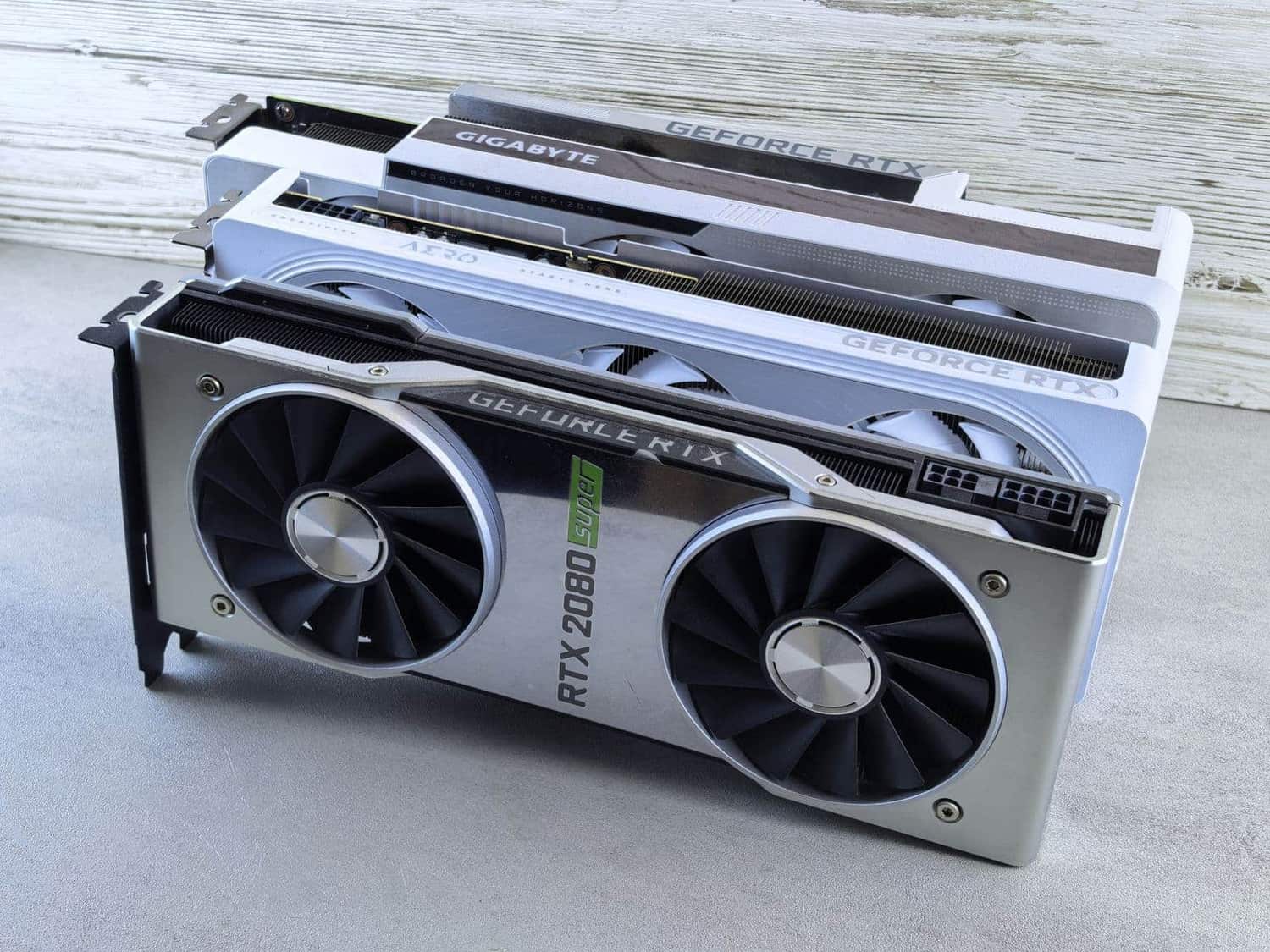
The [RTX 5060 Ti](/is-the-rtx-5060-ti-16gb-good-for-local-ai-2026) 16GB (~$549) sits at the ceiling of 'budget,' and its extra 4GB matters more than the price bump suggests — hardware-corner measured it running 14B models with more context headroom than the 12GB cards, and it draws a modest ~180W with a full warranty. If you can stretch, the 16GB buys real future-proofing. Just make sure it's the 16GB variant, not the 8GB one — we compared it against a used 3090 if you're weighing new-16GB against used-24GB.
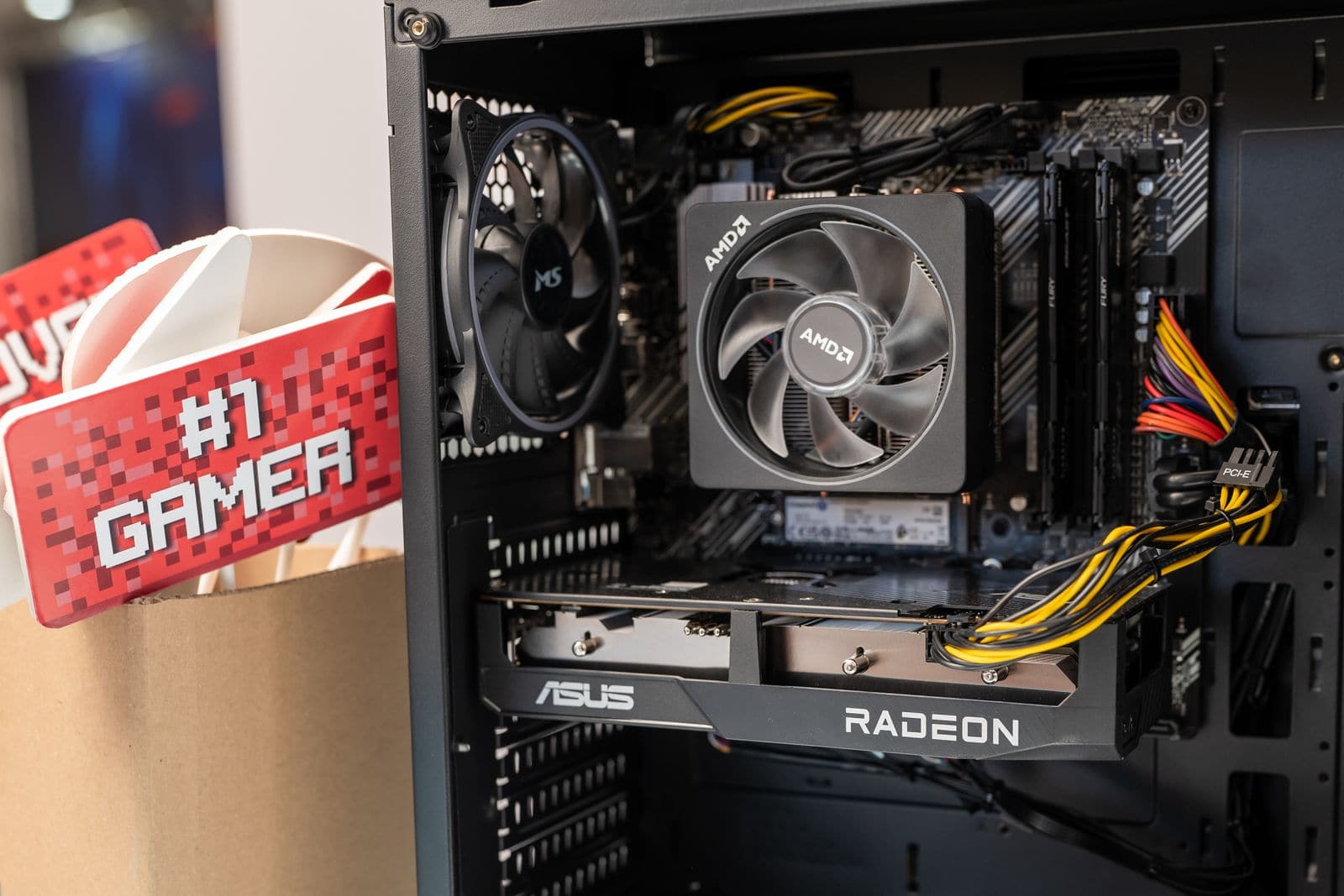
You don't need a flagship. A 12–16GB card in a box you may already own is a real local-AI machine. · Pexels
When to stop saving and just buy up
Honest advice a budget guide should give: sometimes the budget card is the wrong buy. If what you actually want is to run 27–32B models — the ones that feel genuinely capable — no sub-$500 GPU gets you there, because that needs 24GB and these cards top out at 16. Spending $549 on a 5060 Ti when your real goal needs a used 3090 means buying twice. Be honest about your target model first: if it's 14B-and-under, this ladder is perfect; if it's bigger, save the extra few hundred and skip a tier.
Rough VRAM ceiling by budget card (biggest comfortable Q4 model)
RTX 3060 12GB (~$250)~14B
Arc B580 12GB (~$249)~14B
RTX 5060 Ti 16GB (~$549)~14B + context
Used RTX 3090 24GB (~$1,000)~32B — the next tier
The questions people actually ask
What's the single best budget GPU for local AI in 2026?
For most people, a used RTX 3060 12GB at around $250 — it's the cheapest reliable way onto CUDA, runs every 7–14B model at Q4, and just works. If you want new-with-warranty and can spend more, the RTX 5060 Ti 16GB is the step up. And if you'll tolerate a less mature software stack for value, the Intel Arc B580 matches the 3060's memory for similar money, new.
Is 12GB of VRAM enough for local AI?
For 7–14B models at Q4 quantization, yes — and those cover a lot of genuinely useful local AI, from coding assistants to chat. 12GB starts to feel tight if you want long context or larger models. It's the right amount to learn and do real work on; it's not enough for the 27–32B tier, which needs 24GB. Match it to your ambitions and 12GB is a fine place to start.
Should I buy Intel Arc for AI, or stick with NVIDIA?
Stick with NVIDIA unless you specifically want to save money and enjoy tinkering. CUDA is the universal standard — every tool targets it first, often only. Intel's Arc has improved and the B580 is genuine value, but you'll hit more friction and the occasional unsupported tool. For a frustration-free start, the CUDA cards; for value with a DIY mindset, Arc is a legitimate option now in a way it wasn't a couple of years ago.
Can I just add a second budget card later for more VRAM?
You can, but it's not free capability — multi-GPU local inference works in tools like llama.cpp, though default setups split the model rather than doubling single-stream speed, and it adds power, heat and complexity. Two 12GB cards give you 24GB of capacity, but a single 24GB card is simpler and usually faster for one user. Plan multi-GPU deliberately, not as an accidental upgrade path.
The whole budget game comes down to one honest question: what's the biggest model you actually want to run? Answer that in the VRAM calculator, buy the cheapest card that clears it, and ignore everything else the spec sheets shout about. If your answer turns out to be 32B, skip this ladder and read our used-3090 comparison instead — the right budget card is the one that fits your model, not the one with the biggest number in the review.