You built it by describing it to Lovable — now, before you share the link, six things to check so strangers can't read each other's data or run up your bill. Lovable helps with some; these are the rest.
If you described an app to Lovable and it built you a working thing, you've done the hard creative part. This isn't about Lovable being unsafe — of the AI builders it actually does the most to help here. Its docs say Lovable's built-in backend, Cloud, is on by default ("Lovable's built-in backend (Cloud) is enabled by default, so most projects never need a separate Supabase account."), and that "Lovable runs automated security checks against your database configuration, including Row Level Security (RLS) coverage, and flags issues it finds after schema changes." What no tool reliably does for you is decide who's allowed to see what — so here are six things to confirm before you share the link, with where each one lives in Lovable. Tool facts here were read on Lovable's own docs on 26 Sep 2026.
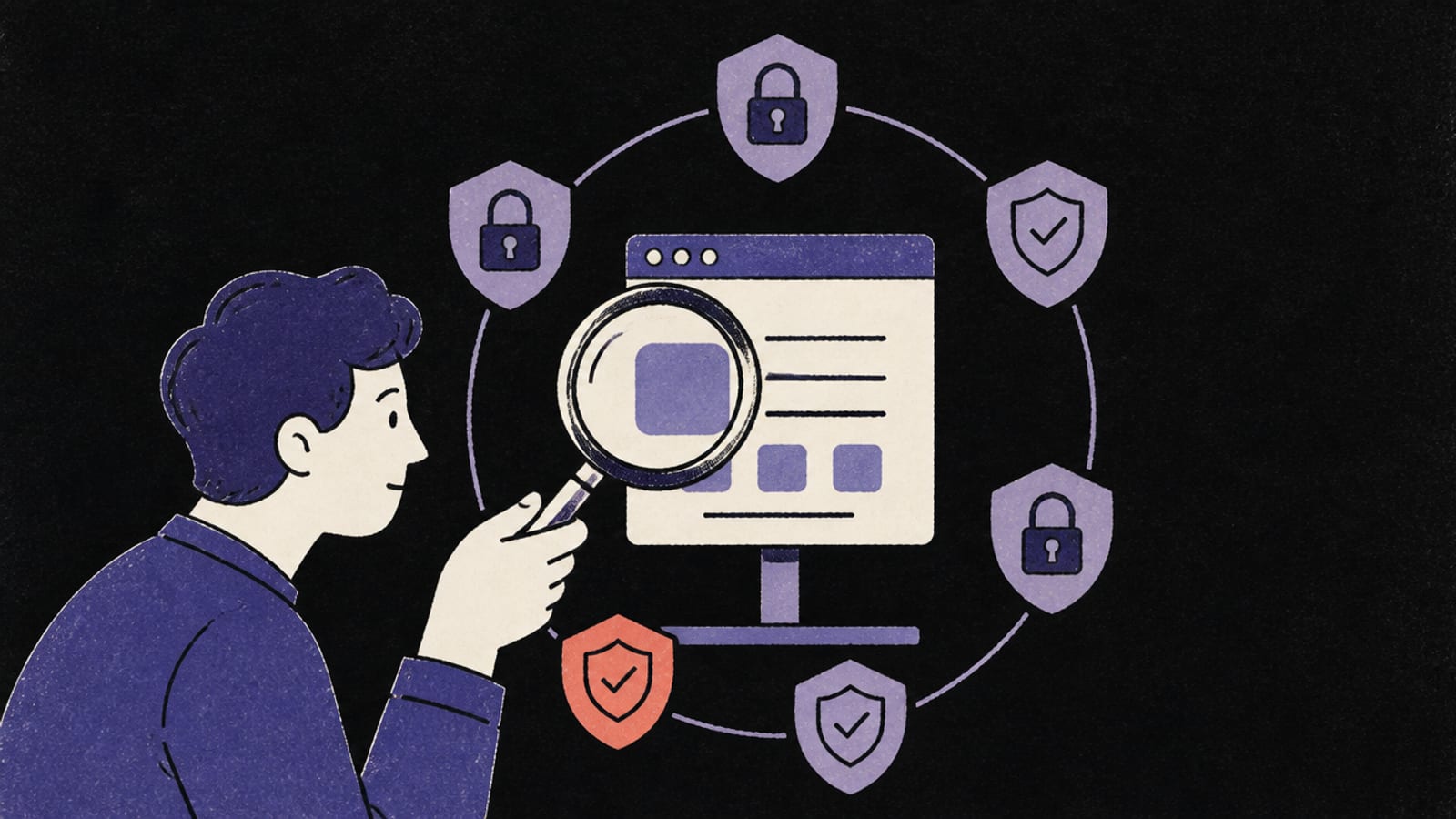
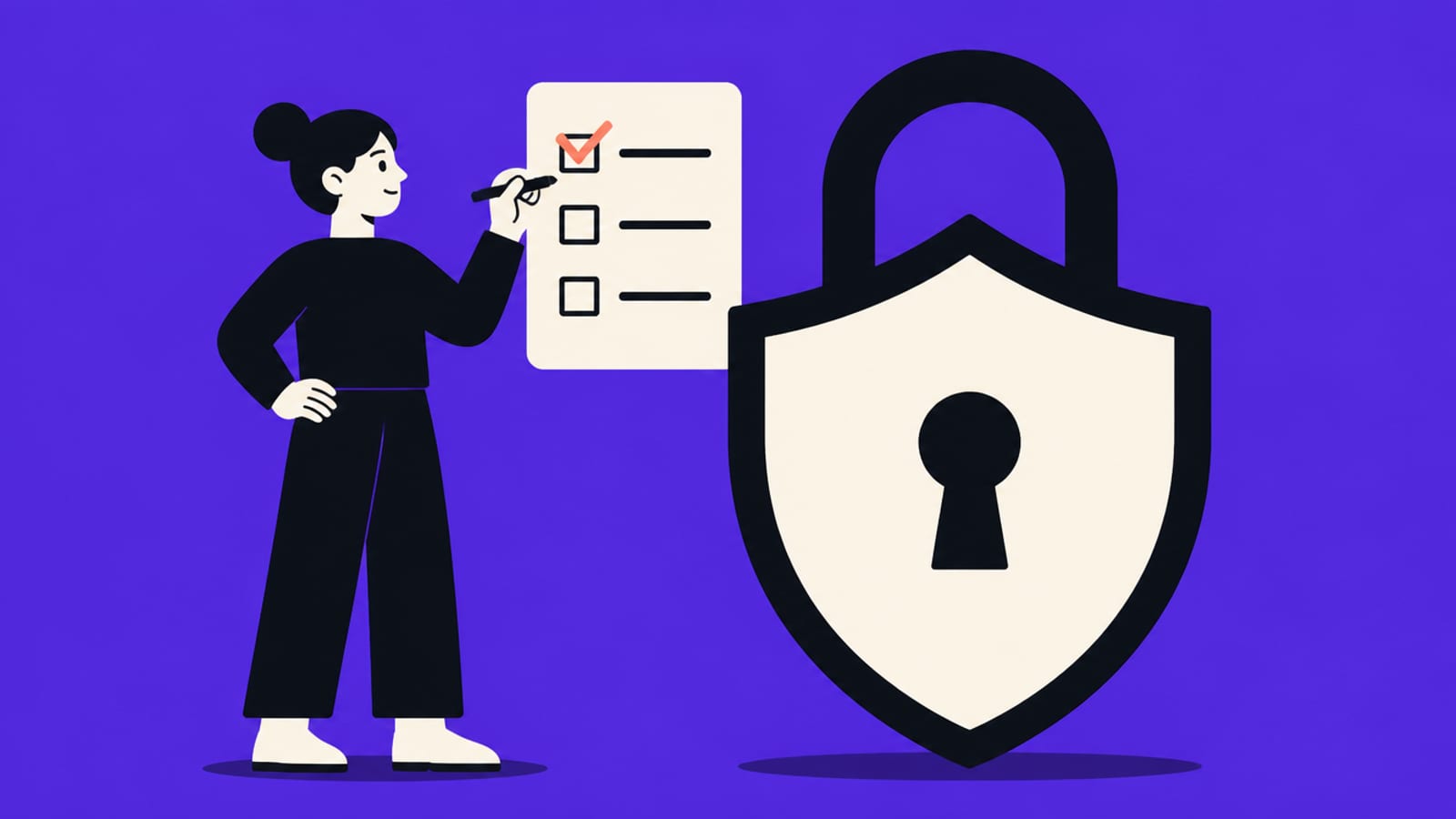
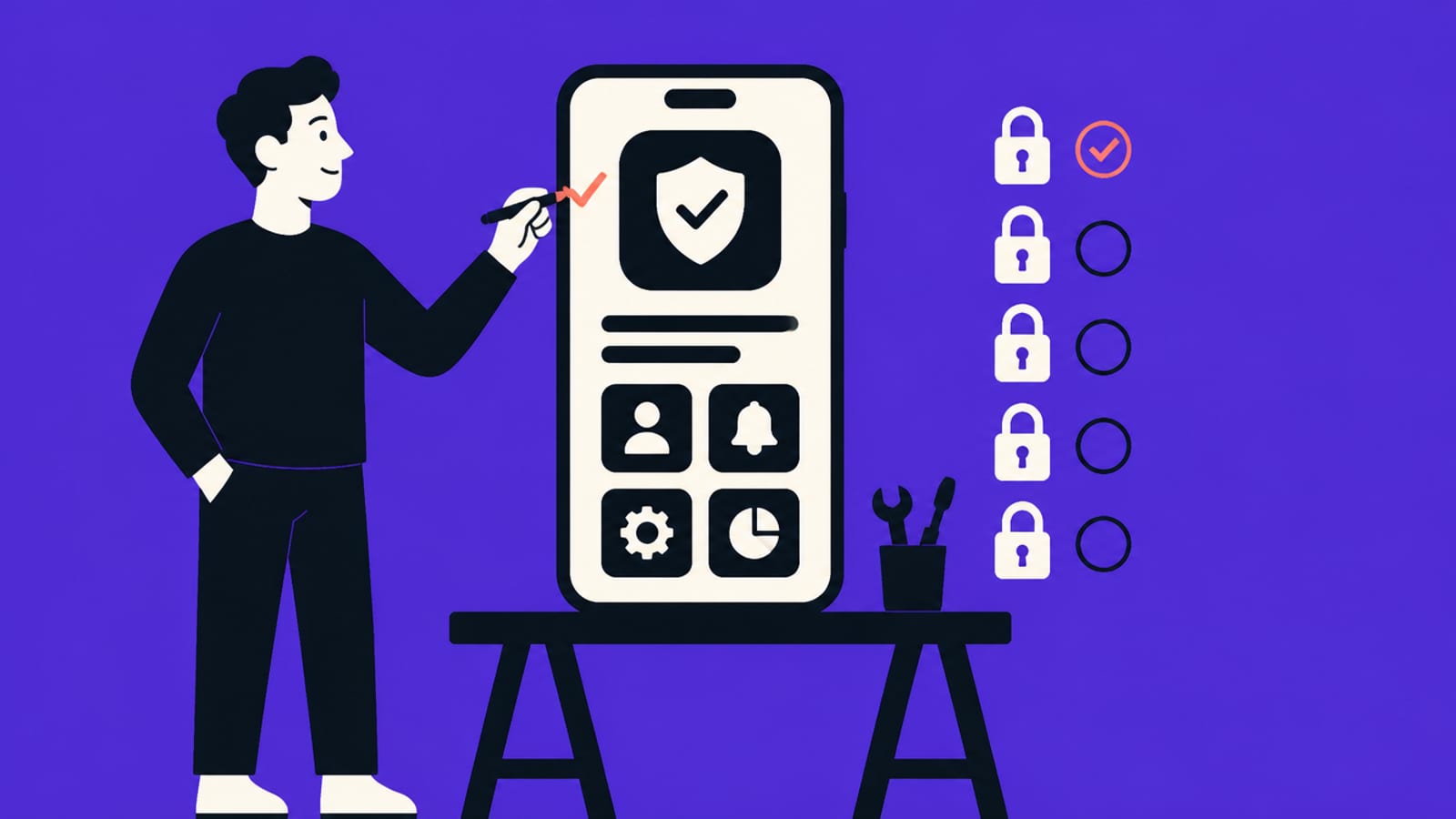
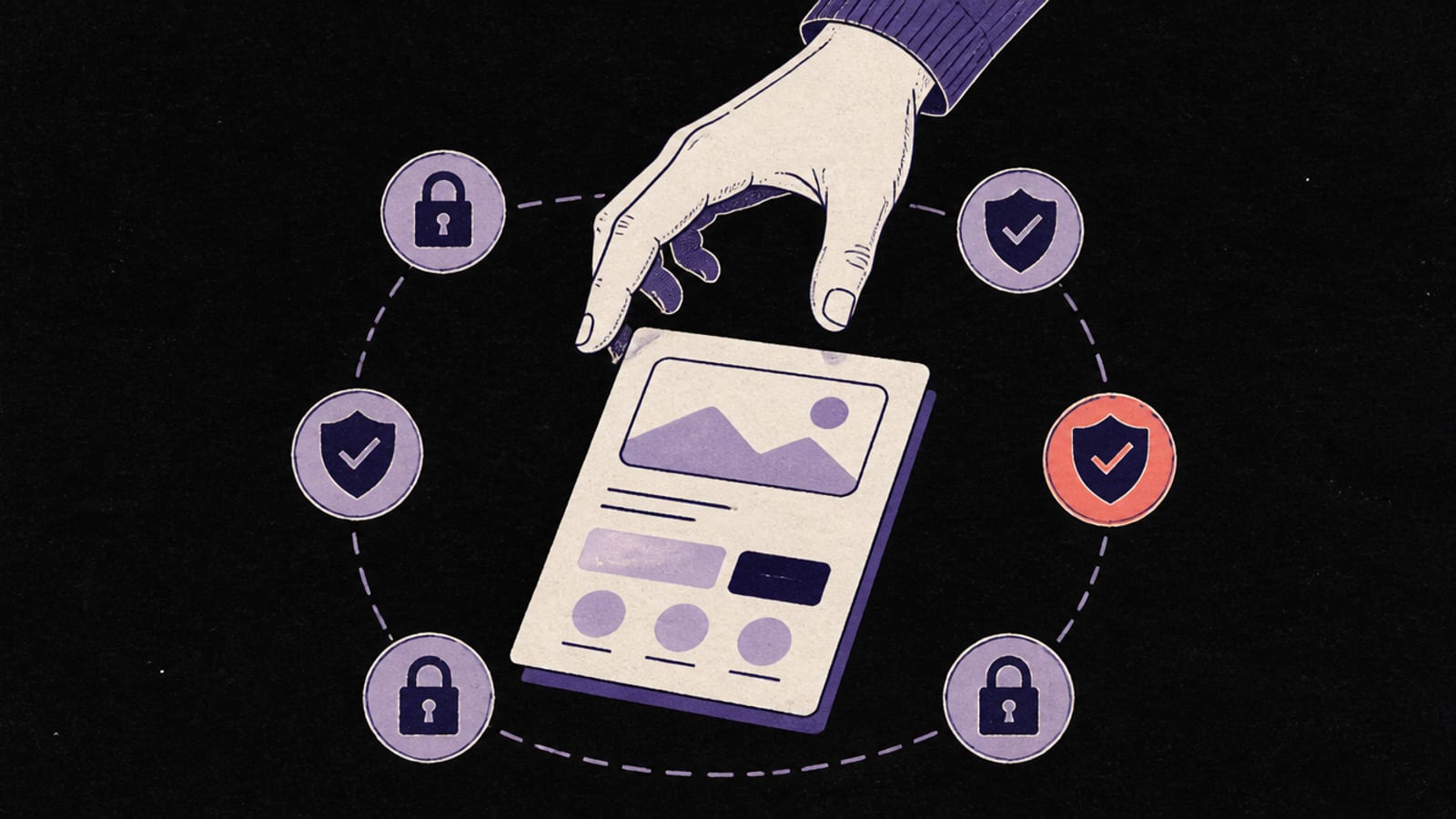
Six checks before you share the link — most are settings, not code. · Illustration made in Higgsfield with the GPT Image model
Row Level Security is enabled on every table — act on Lovable's security flags
No secret (service-role) key is in anything that runs in the browser
API keys live in Lovable Secrets, never pasted into the chat or the code
There's a limit on how fast one account can sign up or call your AI features
You know how your database is backed up and how you'd restore it
You've reviewed what Lovable built, not trusted the first version
1. Turn on Row Level Security for every table
Lovable connects your app to a database with a "publishable" key that sits in the browser on purpose — safe, but only if each table has a rule saying which rows each person may see. That rule is Row Level Security (RLS). Here Lovable helps: its docs say "Lovable runs automated security checks against your database configuration, including Row Level Security (RLS) coverage, and flags issues it finds after schema changes." So the check is to actually act on those flags, not dismiss them. Where to look: Lovable's Cloud view (or your Supabase dashboard if you brought your own project); ask Lovable in the chat, "List every table and whether RLS is on. Which have no policy?" The concept, drawn out, is in Row Level Security explained, and how to get a correct policy is in write the RLS policy for my users table. It's the exact setting behind the Moltbook exposure.
2. Keep secret keys out of the browser
Anything your app sends to the browser, anyone can read — that's how the web works, not a hack. Lovable is clear about the split: secrets stored in Cloud are injected into server-side functions and "They are never included in your frontend code or exposed to the browser." Front-end values (the ones prefixed VITE_, like your publishable Supabase key) are in the page on purpose and are fine there. The one that must never be in the browser is the Supabase secret (service-role) key, because it bypasses RLS entirely. The view-source reality is in your API keys are in the browser.
3. Put keys in Secrets, not in your prompts or code
When you add a key in Lovable, use its Secrets manager. Its docs note secrets are write-only — "after you save a secret, its value can never be viewed again in Lovable, only replaced or deleted." — and are injected into your functions at runtime, so the value never sits in your source. The practical rule: don't paste a real API key into the project chat or a file to "make it work"; add it as a Secret instead. What environment variables and .env files actually are is in environment variables and secrets, explained.
4. Put a limit on sign-ups and AI calls
A rate limit caps how often one person or script can do something. Without one, a single loop can create thousands of fake accounts or run up your AI bill overnight. Lovable's docs don't advertise a built-in per-endpoint rate limit, so treat this as "check your project": ask Lovable where sign-up and any endpoint that calls a paid AI model are limited, and what happens if one account sends a thousand requests a minute. If the answer is "nowhere," that's the finding. Why every public endpoint needs one is in what is rate limiting.
5. Know how your data is backed up
The day you least expect it, a bad change deletes data — and "undo" isn't a plan. Because Lovable's Cloud backend is Postgres/Supabase underneath, what gets backed up (and how far back you can restore) depends on your plan, so check your project rather than assume. Find your database's backup settings, confirm they're on, and — once — check you could actually restore. The story of why this matters, including an AI agent that deleted a live database, is in backups, and losing everything.
6. Check what Lovable built — don't trust the first answer
Lovable's automated checks are a real head start, but they aren't a full review. After the Moltbook exposure, Wiz's researchers wrote that "today’s AI tools don’t yet reason about security posture or access controls on a developer’s behalf" The habit that catches the rest is to make the tool check its own work: after it builds an auth or data feature, ask it to look for ways one user could reach another user's data, and to name every table without RLS. That loop — generate, then attack the result — is in the verify loop. For the full, tool-agnostic version of all six, see the 6 checks before you share a vibe-coded app.
Quick answers
Is my Supabase key in the browser a problem in a Lovable app?
The publishable key is meant to be there and Lovable puts it in the front end on purpose — it's only safe if Row Level Security is on for every table it can reach. The secret (service-role) key must never be in the browser. Lovable keeps that one in server-side Secrets, which its docs say are never exposed to the browser.
Doesn't Lovable handle security for me?
More than most tools — its docs say it runs automated database security checks including RLS coverage, and it keeps secrets server-side. But acting on the flags, setting rate limits and confirming backups are still yours. After the Moltbook incident, Wiz noted today's AI tools don't yet reason about access controls on your behalf.
Where do I put an API key in Lovable?
In its Secrets manager (Cloud → Secrets), not pasted into the chat or code. Its docs say secrets are write-only and injected into server-side functions at runtime, so the value never sits in your page.
Do I need to read code to do these checks?
Mostly no. RLS and backups are dashboard checks; keys and Secrets are where-you-put-them checks; rate limits and the review are questions you ask Lovable and then confirm. If the answers don't make sense, that's the moment to bring in a developer.
This page has no affiliate links or sponsored placements. Security advice is only useful if nobody's paying for it. It isn't a substitute for a security review: if your app holds other people's personal data, payments or health information, have a developer or a security professional look at it before launch.