Before you share a Replit app, six things to check so strangers can't read each other's data or run up your bill — including the one backup check behind Replit's most infamous 2025 data-loss story.
If you prompted Replit into a working app, the hard creative part is done. This isn't about Replit being unsafe — it has real guardrails, and after a well-known 2025 incident it added more. What no tool reliably does for you is decide who's allowed to see what, and how your data is protected when something goes wrong. So here are six things to confirm before you share the link, with where each one lives in Replit. Tool facts here were read on Replit's own docs on 26 Sep 2026.
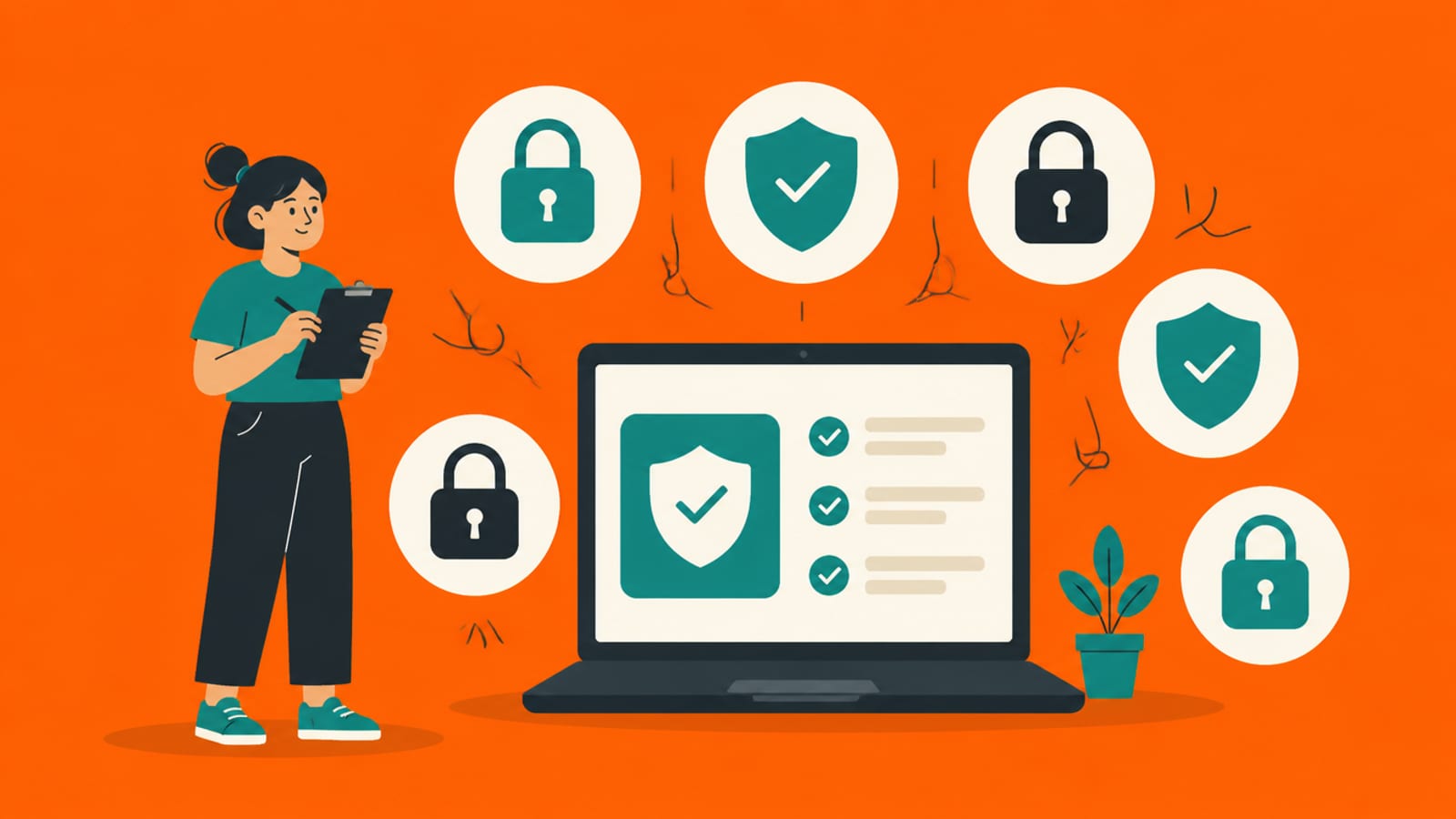
Six checks before you share the link — most are settings, not code. · Illustration made in Higgsfield with the GPT Image model
One person can't see, change or delete another person's data
No secret key is in anything that runs in the browser
API keys live in Replit Secrets, never hardcoded in the app
There's a limit on how fast one account can sign up or call your AI features
You know how your data is backed up — and that a rollback skips the database by default
You've reviewed what the Agent built, not trusted the first version
1. Make sure people can't reach each other's data
The mistake behind the biggest vibe-coded exposures is a database that lets anyone read or edit rows that aren't theirs. Replit will happily build the app and the queries, but it won't decide your access rules for you. If your app uses Postgres (Replit's Database is Postgres underneath), the setting that enforces it is Row Level Security (RLS): a rule on each table for which rows each person may see. The check is to confirm every table has one. Where to look: Replit's Database / My Data tab, where its docs say you can "Browse, edit, export, and query your database," and ask the Agent, "List every table and whether a row-level policy is on. Which have none?" The concept is in Row Level Security explained, a correct policy is in write the RLS policy for my users table, and the real-world version is the Moltbook exposure. If "server" and "database" are fuzzy, start with what a backend actually is.
2. Keep secret keys out of the browser
Anything your app sends to the browser, anyone can read — that's how the web works, not a hack. Replit is clear that secrets belong on the server: its docs say "When you add a secret, the tool automatically encrypts the data and makes it available to your Replit project as an environment variable," which "lets you eliminate hard-coding secrets in your code." It also warns that "Secrets are available for all deployment types except Static Deployments" — because a static deployment is just files sent to the browser, with no server to hold a secret. So the check is: no secret (like a database service key) sits in front-end code or in a static build. The view-source reality is in your API keys are in the browser.
3. Put keys in Replit Secrets, not in your code
Use Replit's Secrets tool for anything sensitive — its docs are explicit: "Do not store API keys, passwords, or authentication tokens as configurations. Use secrets for sensitive values." Two practical rules: don't hardcode a key into a file to "make it work," and — since Replit's docs say secrets are available to every deployment type except Static — the only check is that nothing your app needs is missing, or stored as a plain configuration instead of a secret. What environment variables and .env files are is in environment variables and secrets, explained.
4. Put a limit on sign-ups and AI calls
A rate limit caps how often one person or script can do something; without it, a single loop can create thousands of accounts or burn your AI budget overnight. Replit's docs don't advertise a built-in per-endpoint rate limit, so treat this as "check your project": ask Replit where sign-up and any endpoint that calls a paid AI model are limited, and what happens if one account sends a thousand requests a minute. If the answer is "nowhere," that's the finding. Why every public endpoint needs one is in what is rate limiting.
5. Know how your data is backed up — and how a rollback treats it
This is the one Replit learned the hard way. In July 2025, The Register reported how Replit's "AI-assisted coding tool deleted a production database, ignored instructions to freeze code, and invented data"; Replit's CEO, Amjad Masad, called it "Unacceptable and should never be possible," and the company announced separate development and production databases, which its docs now describe as standard (read 26 Sep 2026). The lesson for your app: know your recovery options before you need them. Replit Agent takes checkpoints as you build, but its rollback docs are important to read carefully — "By default, rollbacks do not change your database. To include your development database in a rollback, select 'Database' in 'Additional rollback options.'" In other words, rolling back your code does not touch your data; opting in restores the development database only, and Replit's docs say restoring production is a separate step (a point-in-time restore). Confirm your backups, and once, confirm you could restore. The wider story is in backups, and losing everything.
6. Review what the Agent built — don't trust the first answer
Replit's guardrails help, but they aren't a full review. After the Moltbook exposure, Wiz's researchers wrote that "today's AI tools don't yet reason about security posture or access controls on a developer's behalf." The habit that catches the rest is to make the Agent check its own work: after it builds an auth or data feature, ask it to find ways one user could reach another user's data, and to name any table without a policy. That generate-then-attack loop is in the verify loop. For the tool-agnostic version of all six, see the 6 checks before you share a vibe-coded app.
Quick answers
Did Replit really delete someone's database?
Yes — in July 2025 The Register reported Replit's AI tool deleted a production database during a code freeze and invented data; CEO Amjad Masad called it "unacceptable and should never be possible," and Replit announced separate development and production databases, now described as standard in its docs. The lesson for your app is to know your backup and rollback options before you need them.
Does rolling back my Replit app restore my data?
Not by default. Replit's docs say "rollbacks do not change your database" unless you select "Database" in "Additional rollback options" — and that covers the development database only; production is restored separately, as a point-in-time restore. So a code rollback can leave your data where it was — confirm your database backups separately.
Where do I put an API key in Replit?
In the Secrets tool, which encrypts it and exposes it to your code as an environment variable. Replit's docs say not to store keys as plain configurations, and that secrets aren't available to Static Deployments — because those are just files sent to the browser.
Do I need to read code for these checks?
Mostly no. Access rules and backups are dashboard checks; keys and Secrets are where-you-put-them checks; rate limits and the review are questions you ask the Agent and then confirm. If the answers don't make sense, that's when to bring in a developer.
This page has no affiliate links or sponsored placements. Security advice is only useful if nobody's paying for it. It isn't a substitute for a security review: if your app holds other people's personal data, payments or health information, have a developer or a security professional look at it before launch.