You've got a 24GB card and three excellent dense models that fit it. Here's how Mistral Small 24B, Qwen3.6 27B and Gemma 4 31B differ on VRAM, context and modality — and a clear pick for each kind of user.
This post contains affiliate links. If you buy through them, Aliteq may earn a commission — at no extra cost to you. Prices verified at publish time.
Share
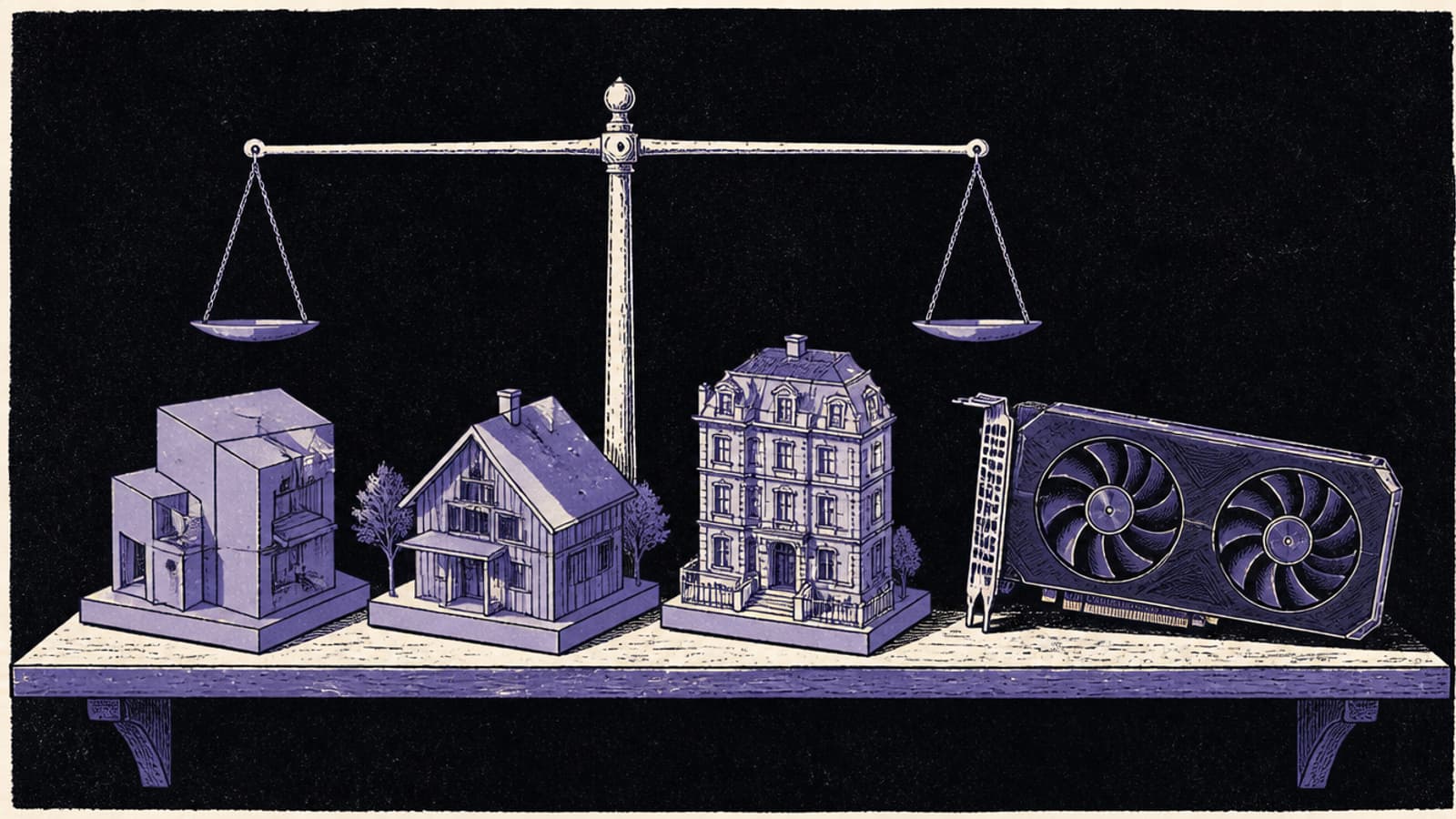
A 24GB card — an RTX 3090 or 4090 — is the sweet spot of local AI, and it happens to run three of the best open dense models at a good quantisation. Mistral Small 24B, Qwen3.6 27B and Gemma 4 31B all fit at Q4_K_M, so you're not choosing on "will it run" — you're choosing on how much room you want to spare, how long a context you need, and whether the model should be able to look at images. Here's the honest breakdown, from the model cards and our VRAM engine.
The three at a glance
24GB-class dense models (VRAM computed by our engine at 16K context; specs from the model cards, read 26 Sep 2026)
Mistral Small 24B
Q4_K_M
~16.6 GB
Q6_K
~21.3 GB
Q8_0
~26.6 GB
Context
32K
Sees images?
No
Licence
Apache-2.0
Qwen3.6 27B
Q4_K_M
~17.5 GB
Q6_K
~23.0 GB
Q8_0
~29.3 GB
Context
256K
Sees images?
No
Licence
Apache-2.0
Gemma 4 31B
Q4_K_M
~20.5 GB
Q6_K
~27 GB
Q8_0
~34.4 GB
Context
256K
Sees images?
Yes
Licence
Apache-2.0*
Q4_K_M
Q6_K
Q8_0
Context
Sees images?
Licence
Mistral Small 24B
~16.6 GB
~21.3 GB
~26.6 GB
32K
No
Apache-2.0
Qwen3.6 27B
~17.5 GB
~23.0 GB
~29.3 GB
256K
No
Apache-2.0
Gemma 4 31B
~20.5 GB
~27 GB
~34.4 GB
256K
Yes
Apache-2.0*
*Gemma 4 is listed as Apache-2.0 on the model card. The VRAM figures are computed by our VRAM engine — see the full per-quant tables on cost to run Mistral Small 24B, cost to run Qwen3.6 27B and cost to run Gemma 4 31B. The takeaways: at Q4 all three fit a 24GB card, but only Mistral and Qwen3.6 leave enough room to also run Q6 (higher quality) inside 24GB; Gemma 4 31B's Q6 (~27 GB) spills over. And context is a real divider — 32K for Mistral versus 256K for the other two.
Pick Mistral Small 24B if…
…you want the most headroom on your 24GB card, or you're actually on a 16GB card. At ~16.6 GB it's the leanest of the three, so it leaves the most room for a longer working context or a higher-quality Q6 build, and it's the only one of the three that fits a 16GB card at Q4. It's a text-only model with a 32K context — plenty for chat and most coding — and it has a reputation as a fast, no-nonsense general model. If you don't need a huge context or image input, it's the efficient default. Cheapest card that runs it: best GPU for Mistral Small 24B; full setup in run Mistral Small 24B locally.
Pick Qwen3.6 27B if…
…you want a long context without paying for it in VRAM. Qwen3.6 27B carries a genuine 256K context, and because most of its layers use linear attention, filling that context barely moves its ~17.5 GB footprint — a real advantage if you feed models long documents or large codebases. It's dense and text-only, and it sits comfortably on a 24GB card with room for Q6. It's also the modern, all-dense middle option between Mistral's leanness and Gemma's capability. Cheapest card that runs it: best GPU for Qwen3.6 27B; full setup in run Qwen3.6 27B locally.
Pick Gemma 4 31B if…
…you want the most capable of the three and you need it to see images. Gemma 4 31B is the largest here (~32.7B as our engine counts it) and the only multimodal option — it takes text and image input — with a 256K context. The trade-off is VRAM: at ~20.5 GB it's the tightest Q4 fit, leaving little room for Q6 on a 24GB card, so you're committing most of your card to it. If you want maximum capability and image understanding and you have the full 24GB to give, it's the pick. Cheapest card that runs it: best GPU for Gemma 4 31B; full setup in run Gemma 4 31B locally.
How they fit your 24GB card
Practically: all three run at Q4_K_M on a 24GB card today. Mistral leaves the most room (good for long chats or bumping to Q6); Qwen3.6 27B is close behind and adds the 256K context; Gemma 4 31B uses the most and gives you images and the most capability in return. If your card is 16GB, only Mistral Small 24B fits at Q4 — the other two are 24GB models. And if you'd rather rent than buy, a 24GB card runs any of the three.
Referral link
Rent a 24GB card and try all three
A 24GB RTX 3090 was listing from about $0.139/hr on Vast.ai's spot market (26 Sep 2026) — enough to run any of these three at Q4 and decide for yourself. Prices move; check the live figure before you rent.
Referral link — we may earn a commission at no cost to you. Prices on our compare page are the provider's live figures, cheapest first; this never changes the ranking.
Choosing a 24GB-class model: common questions
Which is the best model for a 24GB GPU?
It depends on your need: Mistral Small 24B for the most headroom (and 16GB cards), Qwen3.6 27B for a 256K context that stays cheap on VRAM, and Gemma 4 31B for the most capability plus image input. All three fit a 24GB card at Q4.
Do all three fit a 24GB card?
At Q4_K_M, yes: Mistral ~16.6 GB, Qwen3.6 27B ~17.5 GB, Gemma 4 31B ~20.5 GB (computed by our VRAM engine, 16K context). For Q6, only Mistral and Qwen3.6 stay inside 24GB.
Which of these can see images?
Only Gemma 4 31B is multimodal (text and image). Mistral Small 24B and Qwen3.6 27B are text-only.
Which has the longest context?
Qwen3.6 27B and Gemma 4 31B both offer 256K; Mistral Small 24B offers 32K. Qwen3.6's linear attention keeps long context especially cheap on VRAM.
Can I run any of these on a 16GB card?
Only Mistral Small 24B fits at Q4 on 16GB. Qwen3.6 27B and Gemma 4 31B are 24GB models at Q4.