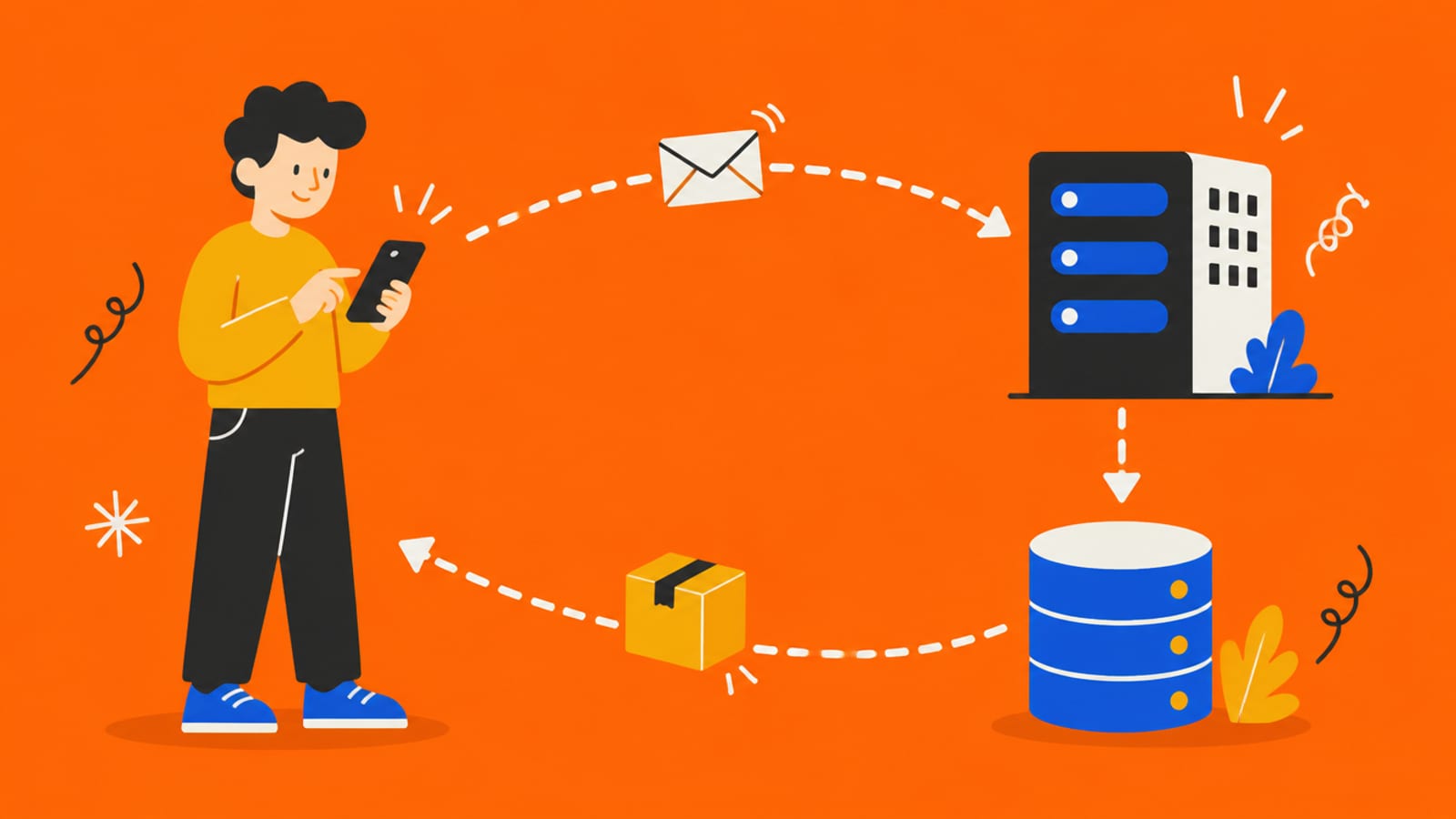
Every tap in an app starts with an address. Tap the link below and watch where it goes.
The URL is the address you typed. Everything below is what happens after you press go.
Tap the button, then tap each stop
What your phone can see
Everything you typed: your email and your password, in plain text. So does anyone with your phone, or any code the app put in the page.
Your phone read an address, worked out which computer to ask and what to ask it for, and sent the request. That address is a URL.
https://shop.example.com/orders/42?view=full
https://
- What it tells the phone
- How to talk: the protocol (the s means encrypted)
shop.example.com
- What it tells the phone
- Which computer: a name the phone must look up
/orders/42
- What it tells the phone
- Which thing on that computer: order number 42
?view=full
- What it tells the phone
- Extra instructions for the request
The first part is the scheme. MDN describes it as the part that "indicates the protocol that the browser must use to request the resource." On the web, that's almost always https.
The domain is a name for humans. Computers find each other by number, so the phone has to look the name up first. That lookup is the next lesson.
The path and the query say what you want once you get there. They're just text, and people can type anything they like.
A URL is never a secret. It sits in browser history, gets pasted into chats, and the server receives every part of it. Nothing private belongs in one.
Try it with the rules off. In the sandbox, edit the address by hand: change the number in the path. The phone sends whatever you type. Watch whether the server checks it or just hands over the page.
Check yourself
0/4 got itSaved on this device only. No account, no streaks.
Next in the journey of a tap: What is DNS?.