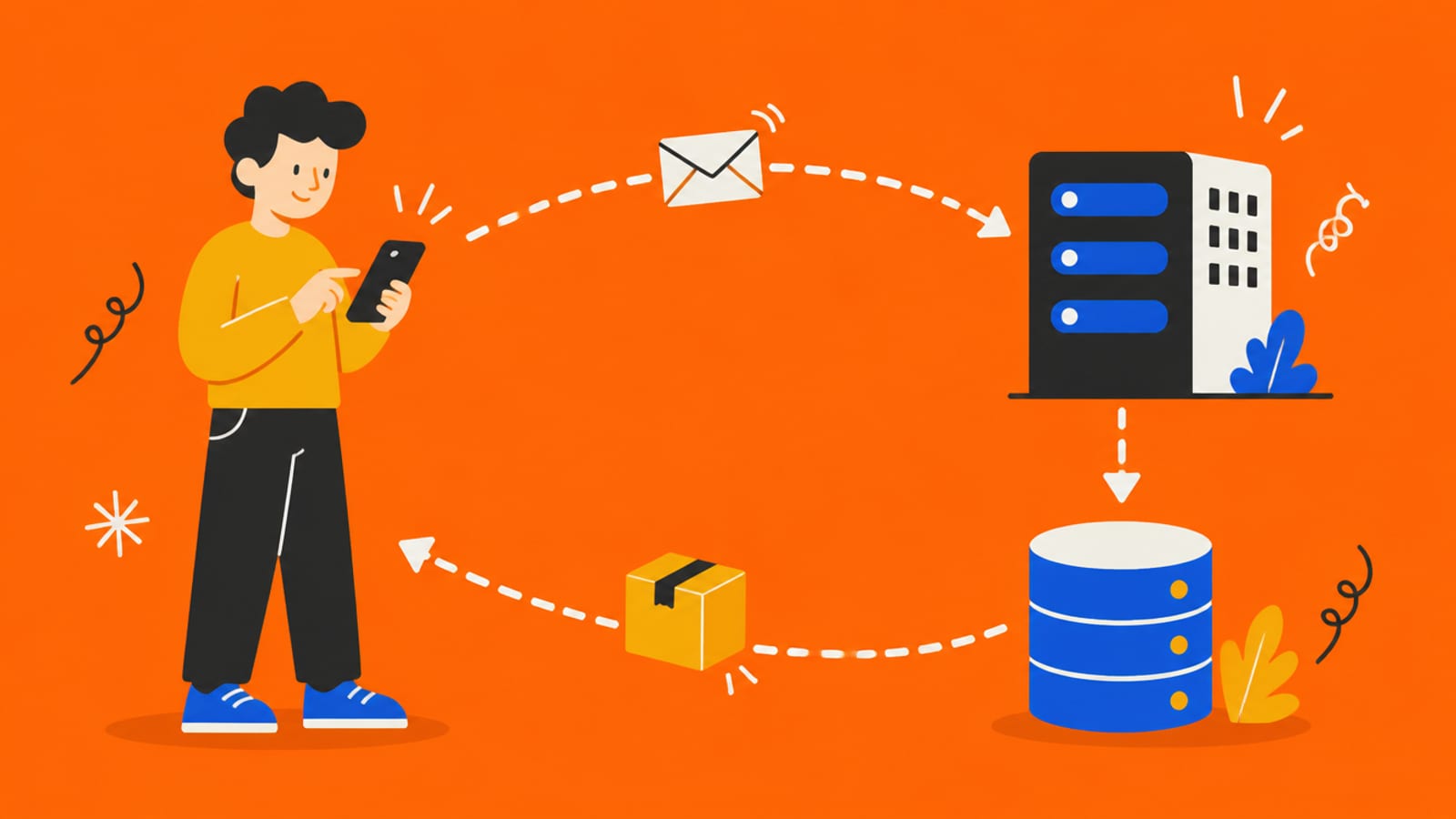
Tap Sign up. A small box leaves your phone. Follow it.
The envelope itself is the request. Tap the button to send one and follow it.
Tap the button, then tap each stop
What your phone can see
Everything you typed: your email and your password, in plain text. So does anyone with your phone, or any code the app put in the page.
That box is a request: a message asking a server to do something. What comes back is a response.
MDN: "HTTP messages are the mechanism used to exchange data between a server and a client." The client is your phone. The server is the computer that answers.
What's inside the Sign up request
Method
- Like…
- The verb
- In the Sign up example
- POST: create something new (GET would mean "just read")
Address
- Like…
- Where it's going
- In the Sign up example
- A URL on your backend
Headers
- Like…
- Labels on the envelope
- In the Sign up example
- What format it's in; who's asking, if logged in
Body
- Like…
- The letter inside
- In the Sign up example
- The email and password typed in
The response carries a three-digit status code. MDN groups them: 200s are success ("200 OK: The request succeeded"), 400s mean the request was wrong, and 500s mean the server failed.
Here's the idea that matters most: a request is just a message. Your app's button is one way to send it. Anything else can send the same message without the button.
That's how it went on Moltbook. Wiz found humans could post content disguised as "AI agents" via a basic POST request, with no app involved.
Try it with the rules off. In the sandbox, send the Sign up request without the app: change the email in the body, or send it ten times in a row. Watch which ones the server accepts.
Check yourself
0/4 got itSaved on this device only. No account, no streaks.
Next in the journey of a tap: What is a server?.