Building a local-AI rig and unsure how big a PSU to buy? Here's the simple wattage math for single and dual GPUs — plus why power-limiting lets you get away with a smaller supply.
Building a local-AI rig and unsure how big a power supply to buy? The math is simpler than it looks. For a single high-end GPU, an [RTX 4090](/best-gpu-for-local-ai-2026) build wants ~850-1000W (the card is 450W; 850W is the official minimum, 1000W gives comfortable headroom), while an RTX 5090 needs a 1000W unit on the newer ATX 3.1 standard with the 12V-2×6 connector, because it draws 575W with transient spikes past 700W. For a dual-GPU rig — two RTX 3090s or 4090s — budget 1500-2000W. But here's the local-AI-specific trick: because inference is bandwidth-bound, you can power-limit your cards and get away with a smaller supply. Here's the guide.
The simple wattage math
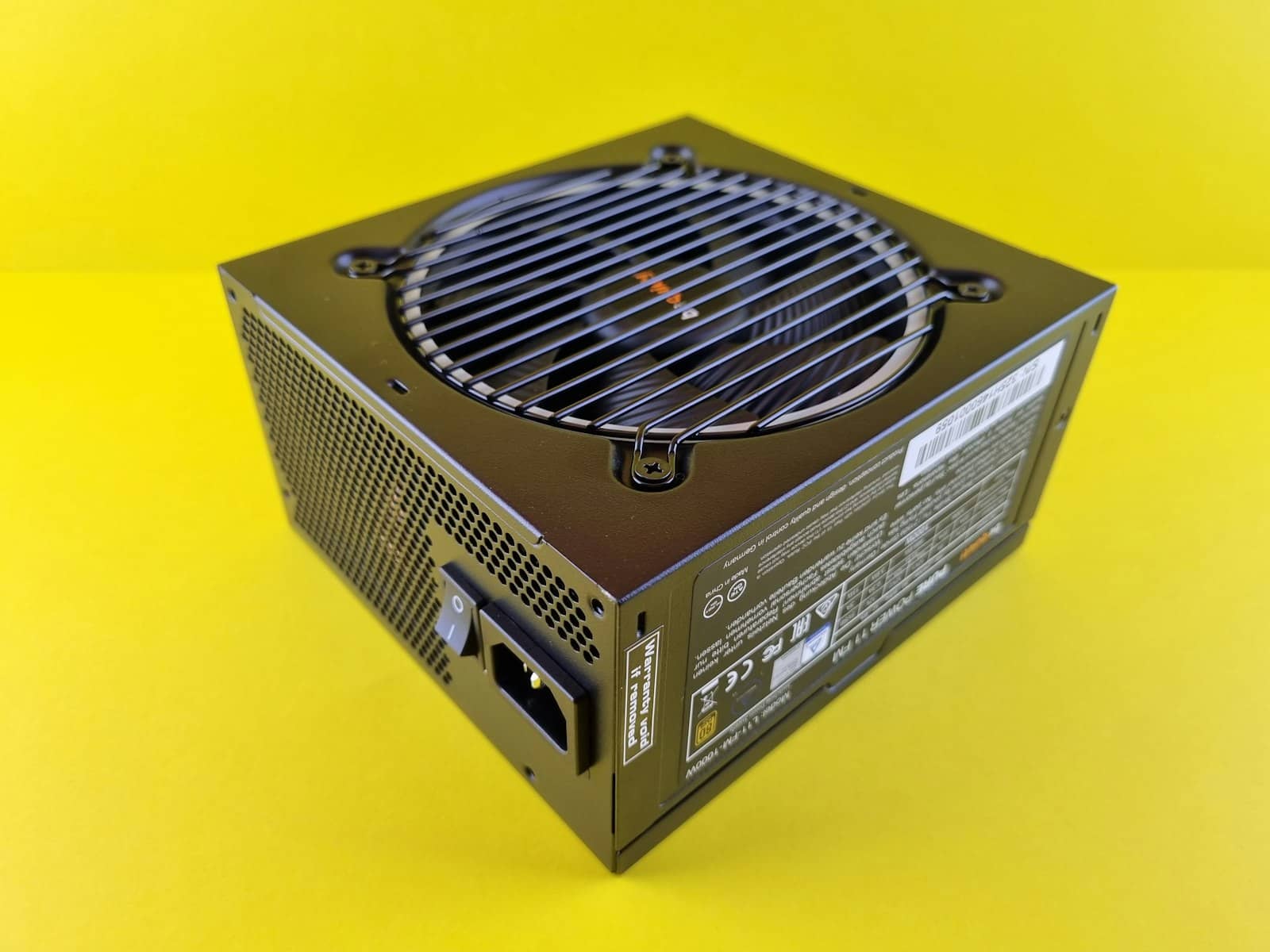
Sizing a PSU is really just addition, plus headroom. Take your GPU's power draw, add roughly 150-200W for the rest of the system (CPU, RAM, drives, fans), then add headroom so the supply isn't running at 100% (which is inefficient and stresses the unit) — aim to use ~60-80% of its rated wattage. For a single RTX 4090 (450W) that lands you at 850-1000W; NVIDIA's official minimum is 850W, and 1000W is the comfortable enthusiast pick. For an RTX 5090 (575W, with transient spikes above 700W), you want a 1000W supply built to the ATX 3.1 spec — crucially, it must have the 12V-2×6 / 12VHPWR connector, and ATX 3.1 units are designed to ride out those power spikes without shutting down. For a dual-GPU build — the classic two RTX 3090s for 48GB of cheap VRAM — two cards at ~350-450W each plus the system pushes you to 1500-2000W, and you'll want quality wiring to match.
PSU by local-AI build
Single RTX 3090/4090
GPU setup
850-1000W
Recommended PSU
1000W for headroom
Single RTX 5090
GPU setup
1000W ATX 3.1
Recommended PSU
Needs 12V-2×6 connector
Dual 3090 / 4090
GPU setup
1500-2000W
Recommended PSU
Cheap 48GB VRAM route
iGPU / mini PC
GPU setup
Built-in
Recommended PSU
No PSU choice needed
GPU setup
Recommended PSU
Notes
Single RTX 3090/4090
850-1000W
1000W for headroom
Single RTX 5090
1000W ATX 3.1
Needs 12V-2×6 connector
Dual 3090 / 4090
1500-2000W
Cheap 48GB VRAM route
iGPU / mini PC
Built-in
No PSU choice needed
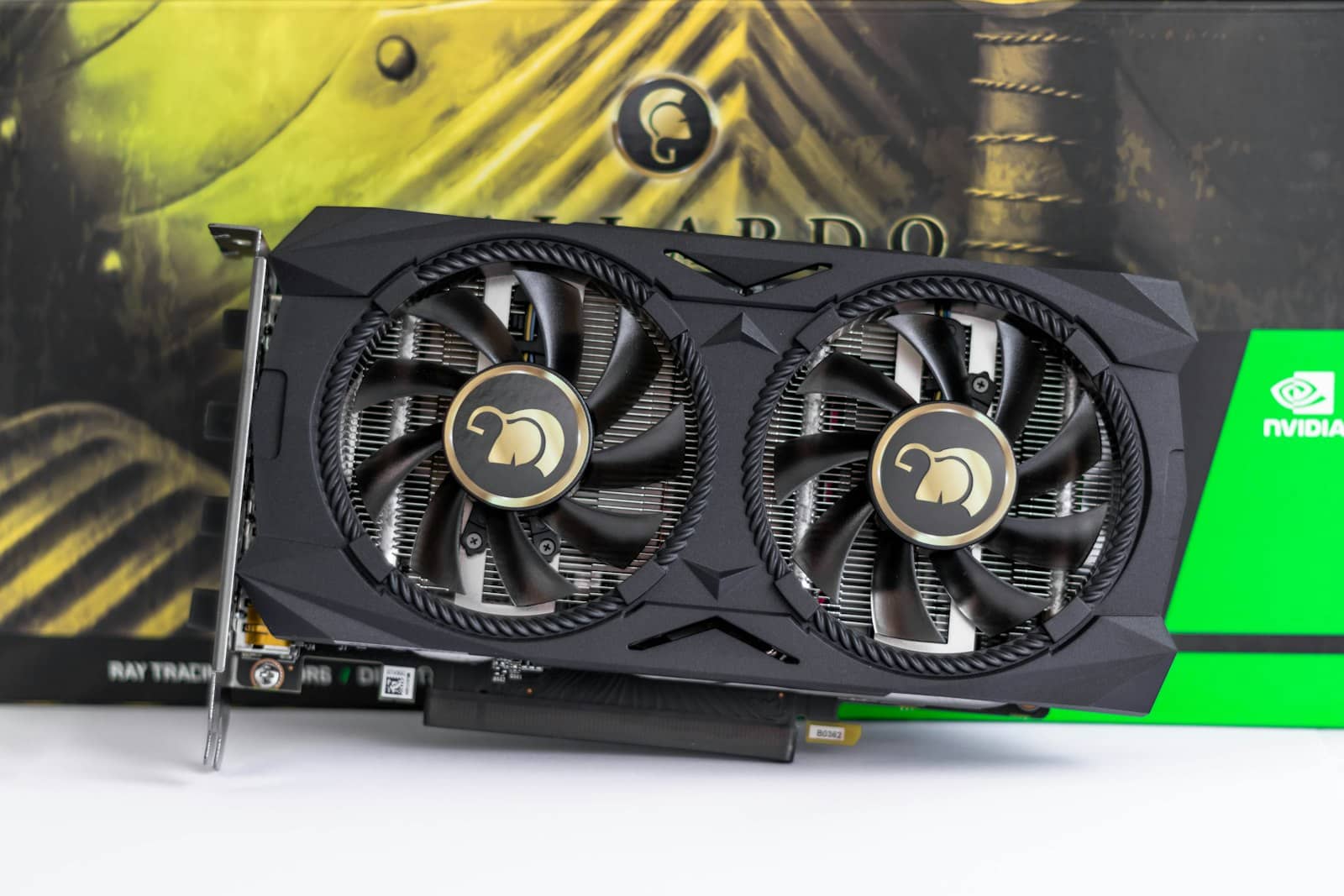
Add up the GPU draw plus ~150-200W for the rest, then leave headroom — that's your PSU size. · Unsplash
The trick: power-limiting shrinks the PSU you need
Here's the local-AI angle that saves money. If your rig is mainly for inference (running models, not training), you can [power-limit your GPUs](/power-limit-your-gpu-for-local-ai-2026) — and because inference is memory-bandwidth-bound, capping the wattage barely costs you any speed. An RTX 4090 capped at 350W (instead of 450-575W) keeps ~90% of its inference performance, and a 3090 at 280W loses under 1%. That has a real knock-on benefit: a dual-3090 rig power-limited to ~280W each draws far less than two uncapped cards, so a quality 1200-1500W PSU comfortably handles a 48GB dual-GPU inference box that would otherwise want 1600W+. So if you're a local-AI builder specifically, don't just size for the cards' nameplate wattage — decide whether you'll power-limit, and you may save both on the PSU and on your electricity bill. The overall rule stays simple: buy a quality supply (80+ Gold, ATX 3.1 for 50-series) with headroom over your real draw — and for inference rigs, remember that 'real draw' can be a lot lower than the box on the card promises.
Quick answers
What wattage PSU do I need for an RTX 4090 AI build?
Around 850-1000W. The RTX 4090 draws about 450W, and NVIDIA's official recommended minimum is an 850W power supply. For an enthusiast build with comfortable headroom — so the PSU runs efficiently at 60-80% load and has room for a strong CPU and drives — 1000W is the popular pick. Add roughly 150-200W on top of the GPU for the rest of the system when doing the math. Buy a quality unit (80+ Gold or better). If the machine is mainly for AI inference, you can power-limit the 4090 to around 350W with minimal speed loss, which reduces the load and lets a smaller supply cope.
What power supply does an RTX 5090 need?
A 1000W supply built to the ATX 3.1 standard, with the 12V-2×6 (12VHPWR) connector. The RTX 5090 has a 575W TDP and can spike past 700W transiently under load, so NVIDIA suggests a minimum 1000W unit, and ATX 3.1 supplies are specifically designed to handle those brief power spikes without shutting down. Make sure the PSU natively provides the 12V-2×6 connector rather than relying on adapters. As with any build, leave headroom for the CPU and the rest of the system. For a pure inference rig you can power-limit the card, but the 1000W ATX 3.1 recommendation is the safe baseline for a 5090.
How big a PSU for a dual-GPU local AI rig?
For two high-end cards like dual RTX 3090s or 4090s, budget 1500-2000W, since each card draws roughly 350-450W and you must add the CPU, RAM, drives, and headroom on top. However, if the rig is for inference, there's a money-saving trick: power-limiting each card (for example two 3090s at ~280W each) barely affects inference speed because the workload is memory-bandwidth-bound, and it cuts total draw enough that a quality 1200-1500W PSU can comfortably run a 48GB dual-GPU box that would otherwise need 1600W or more. Always buy a reputable 80+ Gold (or better) unit with proper connectors.
PSU sizing is simple math: GPU draw + ~150-200W + headroom. Single 4090 → ~1000W, 5090 → 1000W ATX 3.1, dual cards → 1500-2000W — but power-limiting an inference rig shrinks that. Planning a full build? See the 70B workstation guide. Sources: Tom's Hardware, PC Guide.