To run a 70-billion-parameter model at home you need ~48GB of VRAM. Here's the build that gets you there — and why two cheaper cards beat one expensive one.
Running a 70-billion-parameter model locally is the point where a hobby build becomes a workstation, because 70B needs about 48GB of VRAM — more than any single consumer card. The value answer is dual GPUs: two RTX 4090s give you 48GB combined for ~$3,200, which is both cheaper and more capable than a single 48GB workstation card. Around that you want a platform with 64GB+ RAM, a strong PSU, and airflow to match. Total: roughly $3,500. Here's the full 70B workstation build, the single-GPU alternative, and how to spend it smart.
Why two cards beat one
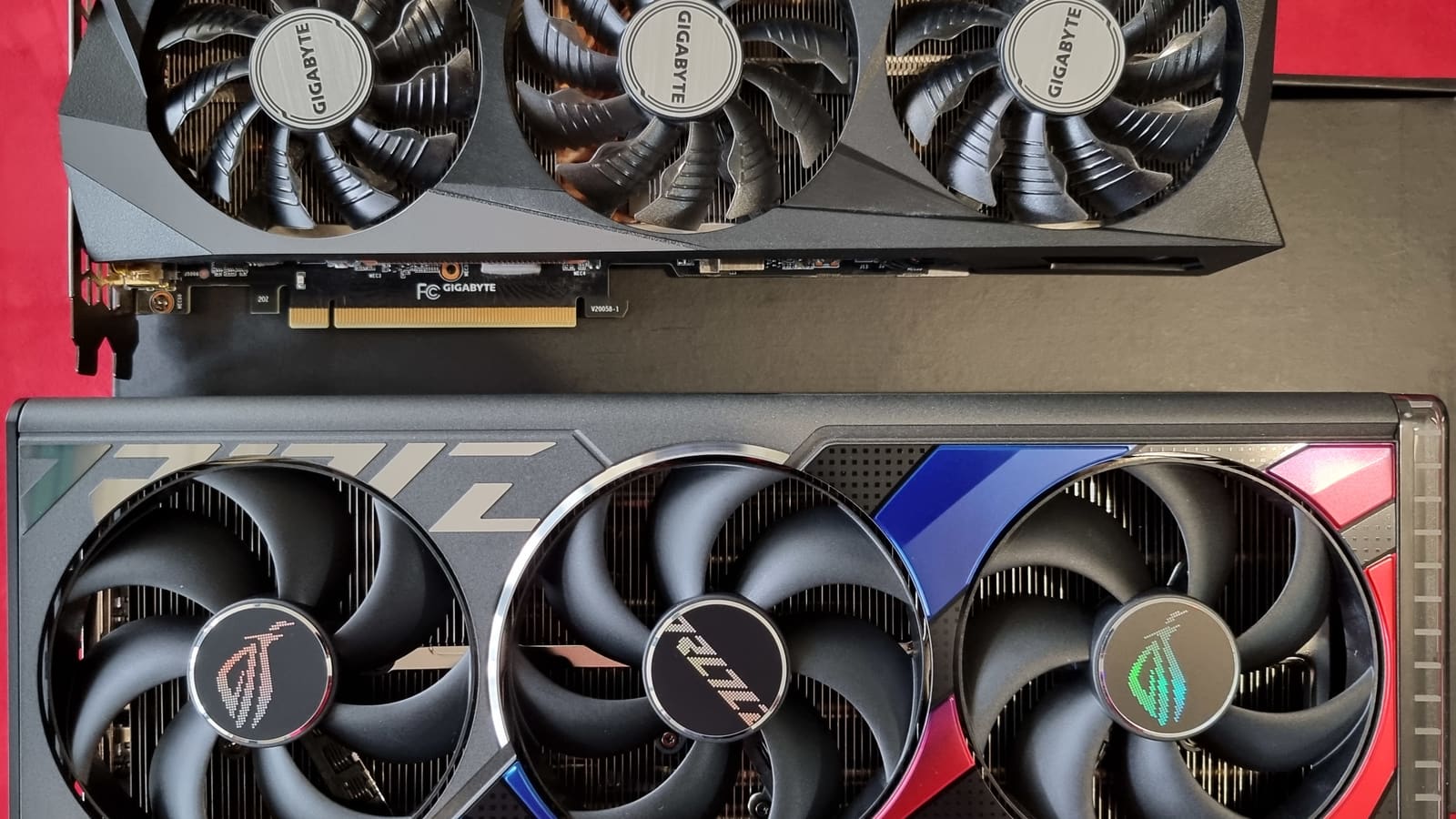
The instinct is to buy one big card, but for 70B that's the expensive path. A single 48GB workstation card costs far more than two consumer 24GB cards that add up to the same VRAM. Two RTX 4090s give you 48GB for ~$3,200 and run 70B at ~20 tok/s; two RTX 3090s do it for ~$2,000 at ~15 tok/s. The one caveat, which we've covered before: llama.cpp's default multi-GPU mode is pipeline-parallel, so two cards give you the combined VRAM but not double the single-stream speed — you're buying capacity first. For 70B, capacity is exactly what you need.
70B local-AI workstation build (~$3,500)
GPUs: 2× RTX 4090 (48GB total)
Part
~$3,200
CPU: Ryzen 9 / Core i7
Part
~$350
Motherboard (dual-GPU, PCIe)
Part
~$250
RAM: 64GB DDR5
Part
~$200
PSU: 1200W+ · case · NVMe
Part
~$350
Part
Approx. price
GPUs: 2× RTX 4090 (48GB total)
~$3,200
CPU: Ryzen 9 / Core i7
~$350
Motherboard (dual-GPU, PCIe)
~$250
RAM: 64GB DDR5
~$200
PSU: 1200W+ · case · NVMe
~$350
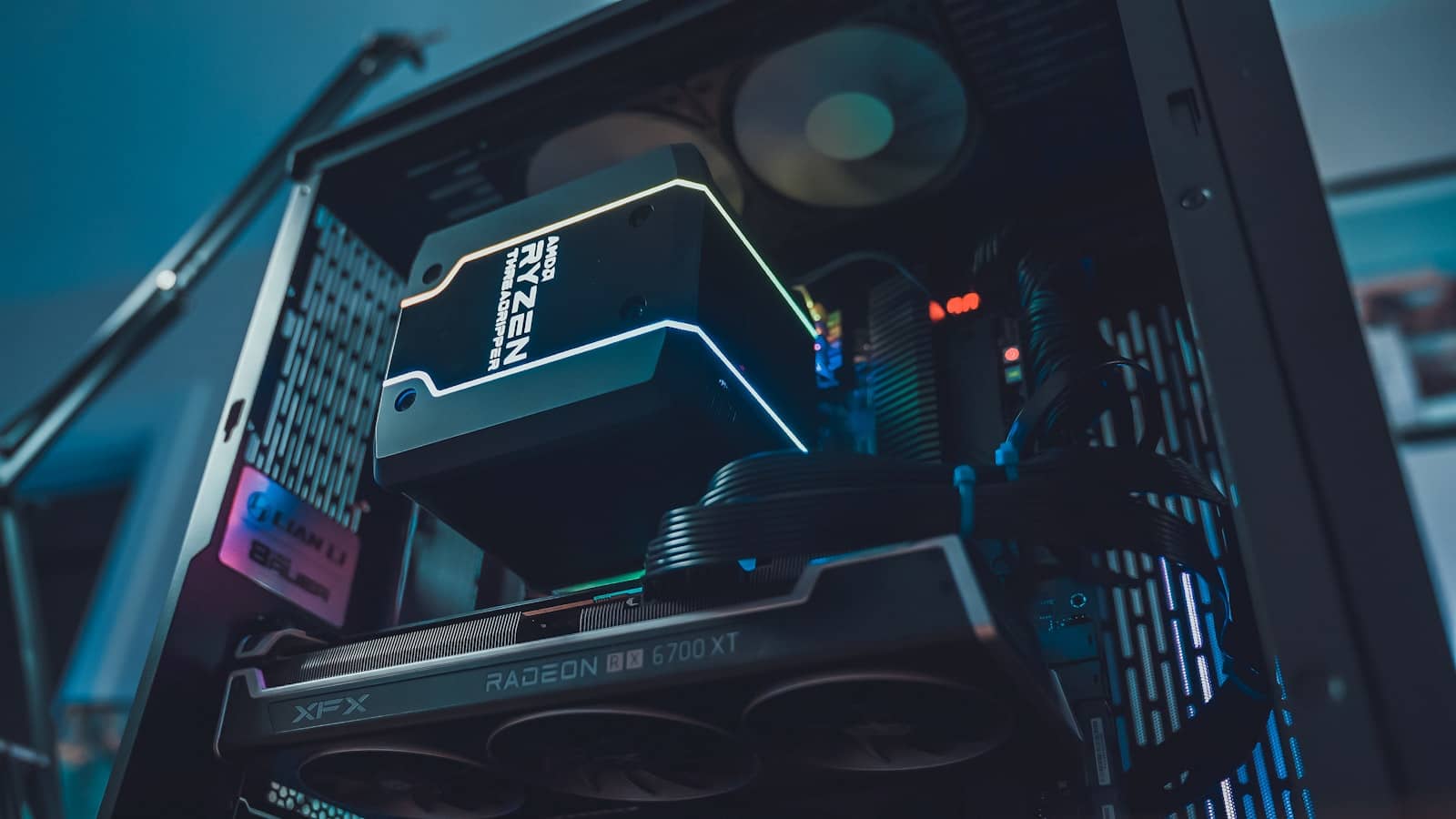
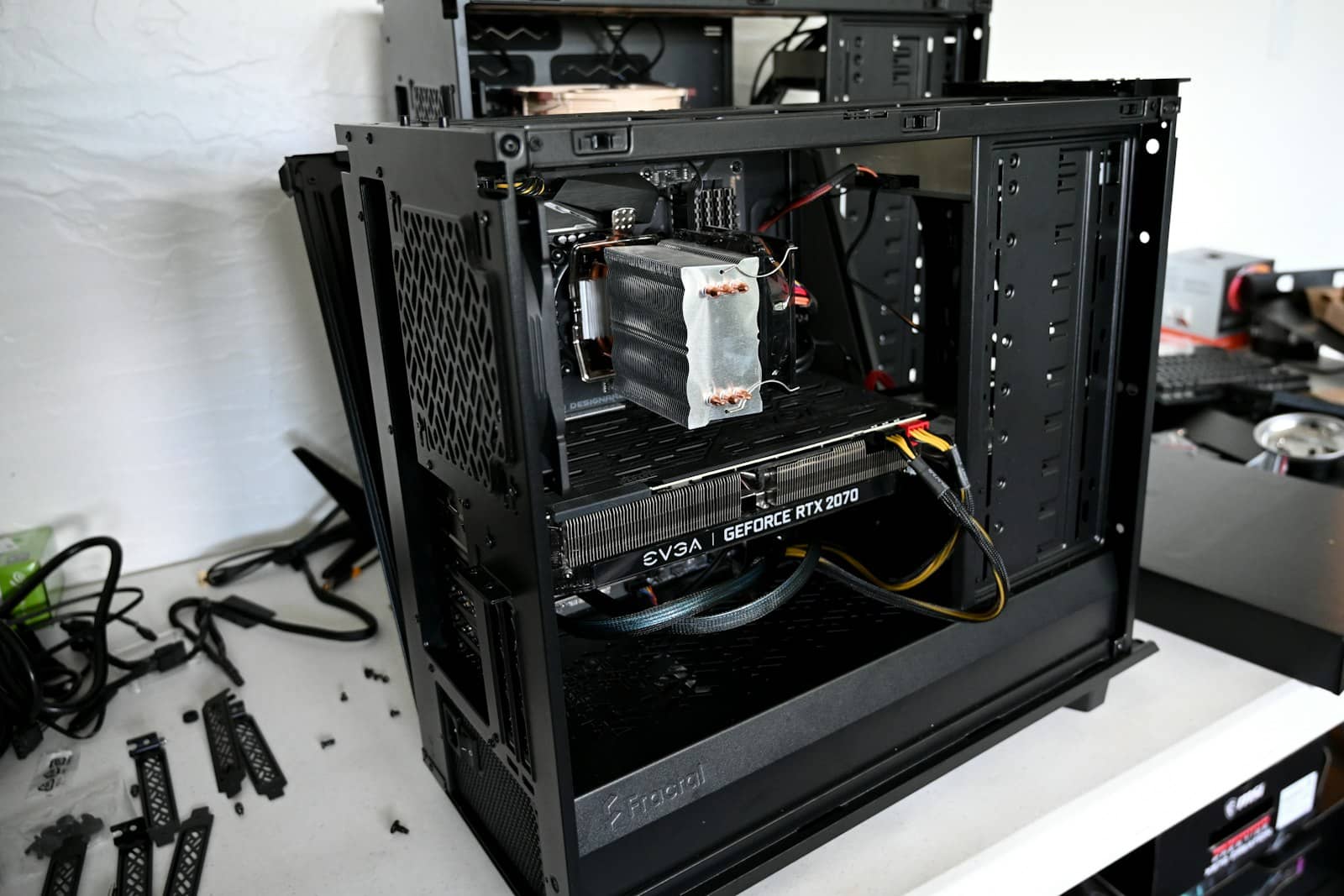
Two 24GB cards reach 48GB for less than one 48GB workstation card — the smart way to build for 70B. · Unsplash
The single-GPU alternative, and the honest tradeoff
If you want to avoid multi-GPU complexity, the RTX 5090 (32GB, ~$3,700) is the most powerful single card — but be clear-eyed: it can't hold a 70B model at Q4 (that needs ~40GB), so a single 5090 is really a 32B-tier workstation, not a 70B one. For genuine 70B capability in one box without dual GPUs, you're looking at a big unified-memory machine (a large Mac or Strix Halo) instead. And remember: for occasional 70B use, renting a cloud GPU is far cheaper than building any of this. Build the workstation only if you'll run 70B regularly.
Quick answers
What do you need to run a 70B model locally?
About 48GB of VRAM, which no single consumer card provides — so you need dual GPUs (two 24GB cards), a big unified-memory machine, or a workstation card. The value build is two RTX 4090s (48GB combined, ~$3,200) or two RTX 3090s (~$2,000) on a platform with 64GB+ RAM and a strong PSU. A single RTX 5090's 32GB can't hold a 70B model at Q4, so for 70B specifically you go dual-GPU or big-memory.
Is dual RTX 4090 or a single workstation card better for AI?
Dual RTX 4090s, for value. Two 24GB consumer cards reach 48GB for ~$3,200, less than a single 48GB workstation card, and run 70B well. The tradeoff is multi-GPU complexity and that llama.cpp splits the model across cards rather than doubling single-stream speed — but for 70B you're buying capacity, which dual cards deliver cost-effectively. A workstation card only makes sense if you specifically need one giant contiguous VRAM pool.
Is it worth building a 70B workstation, or should I rent?
Only build if you'll run 70B regularly. A ~$3,500 workstation is a lot of money for a model you might use occasionally, and renting a cloud GPU that holds 70B costs a couple dollars an hour — you'd need to run 70B a great deal before building pays off. For daily, sustained 70B use (or privacy needs), the workstation makes sense. For occasional use, rent. Be honest about your usage before committing to the build.