An 8GB graphics card — an RTX 4060, an RTX 3050 Ti laptop chip, an older RTX 2070 — is the single most common local-AI starting point, and also the one where picking the wrong model wastes the most capability. Phi-4 Mini, Google's Gemma 3, and Meta's Llama 3.2 all get recommended for 8GB cards, and all three technically fit. What almost nobody explains is that 'fits' and 'leaves room to actually use' are different questions, and the answer changes which model you should download first.
The three contenders, on paper
8GB-friendly local models compared
Phi-4 Mini
Model
3.8B
Params
128K
Context window
~2.2-2.4GB
Gemma 3 4B
Model
4B
Params
128K
Context window
~2.5GB (fits Q8 fully)
Gemma 3 12B
Model
12B
Params
128K
Context window
~6.6-6.7GB
Llama 3.2 3B
Model
3B
Params
128K
Context window
~2-3GB
Model
Params
Context window
VRAM at Q4
Phi-4 Mini
3.8B
128K
~2.2-2.4GB
Gemma 3 4B
4B
128K
~2.5GB (fits Q8 fully)
Gemma 3 12B
12B
128K
~6.6-6.7GB
Llama 3.2 3B
3B
128K
~2-3GB
The trap is that every one of these lists '128K context' like it's free. It isn't. Model weights and the KV cache — the running memory of everything the model has read in the current conversation — draw from the same VRAM pool. Our context window explainer covers the mechanics, but the short version for an 8GB card: Phi-4 Mini's tiny 2.2GB footprint leaves 5-6GB free, enough to actually use a big chunk of that 128K window. Gemma 3 12B's 6.6GB footprint leaves closer to 1.3GB, which is workable at a few thousand tokens but nowhere near 128K in practice.
Gemma 3 12B is the one that surprised me
I expected the 4B model to be the obvious 8GB pick, and for months that was the safe recommendation. What changed is Google's quantization-aware training on Gemma 3 — confirmed on Google's own developer blog — which lets the 12B variant hold most of its quality at int4 instead of degrading the way older 4-bit models did. A 12B model at 6.6GB genuinely reasons better than a 4B model at similar memory cost, and on an 8GB card that's the higher-quality option, not a stretch goal.
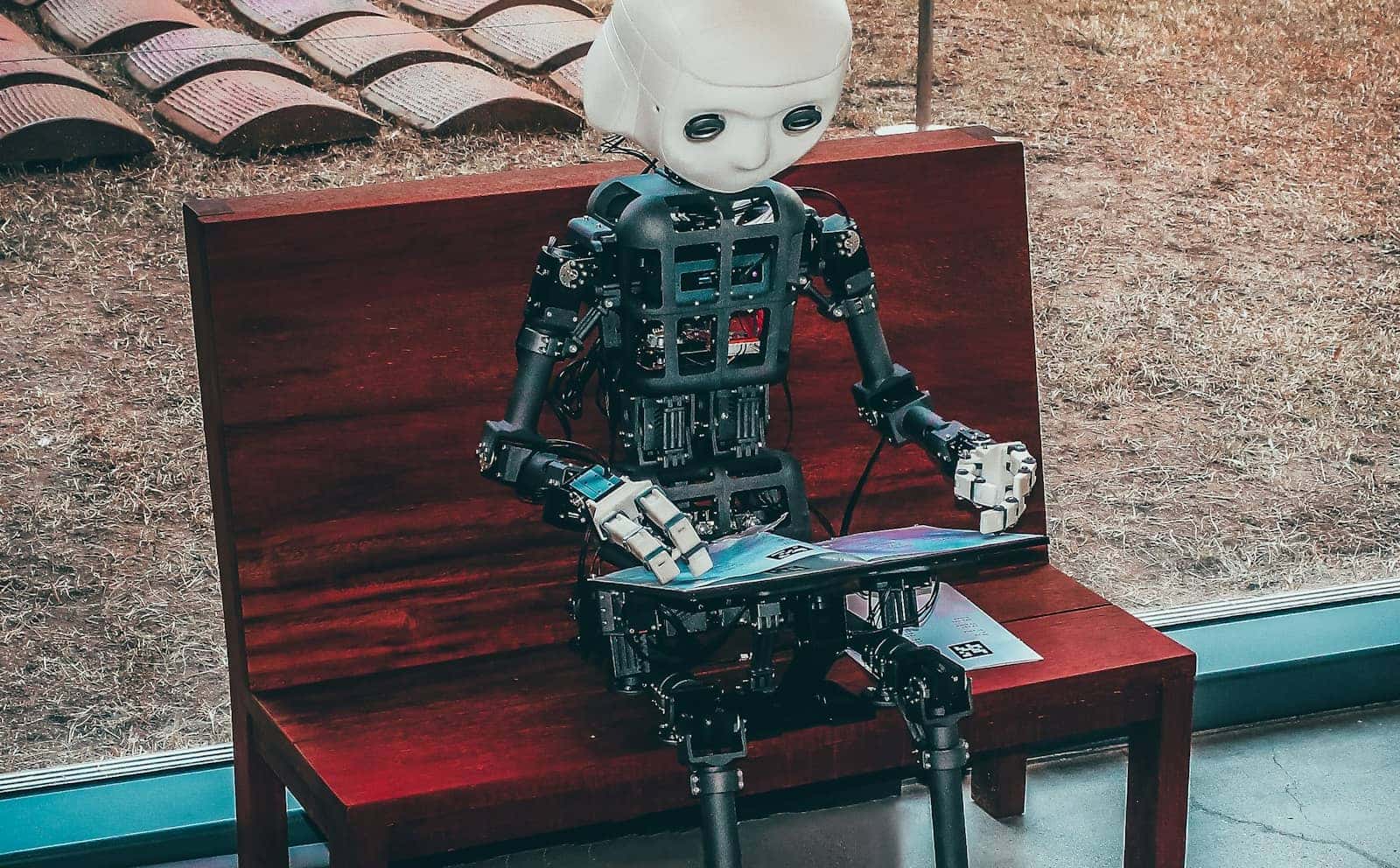
Running a 12B-parameter model on an 8GB card was a compromise a year ago. Quantization-aware training changed that math. · Unsplash
Phi-4 Mini: the long-context specialist
Where Phi-4 Mini wins isn't raw reasoning — it's a 3.8B model, it's not going to out-argue a 12B one. It wins on headroom. Microsoft's own model card confirms the full 128K context window and MIT licensing, and because the weights are so small, an 8GB card can actually push that context window a long way — summarizing a long document, holding a sprawling multi-turn conversation — without running out of memory. If your use case is 'feed it a lot of text,' Phi-4 Mini is the only one of the three where that's realistic on 8GB.
Llama 3.2 3B: fastest, and the one to skip for anything hard
Llama 3.2 3B is the speed option. Meta's own release built it by distilling knowledge down from the 8B and 70B Llama 3.1 models, and at 2-3GB it's the lightest real option here — fast responses, low latency, minimal VRAM pressure. But it's also the model I'd reach for last if the task involves actual reasoning or coding. For creative writing or roleplay use cases, or anywhere speed matters more than depth, it's a genuinely good pick. For anything you'd call thinking, it isn't.
Check your card's actual free VRAM, not total — other apps and your OS eat 0.5-1.5GB before you even load a model.
Pick Q4_K_M or Q4 quantization by default on an 8GB card — see our [Q4 vs Q5 vs Q8 breakdown](/which-quantization-should-you-use-q4-q5-q8-2026) for when to size up.
3
Match your context need to your headroom: Phi-4 Mini for long documents, Gemma 3 12B for quality at moderate context, Llama 3.2 3B for speed.
4
Test at the context length you'll actually use, not the advertised maximum — 128K is a ceiling, not a promise.
Who should pick which
Verdict
Best local AI model for an 8GB GPU
Gemma 3 12B for the best reasoning quality that still fits comfortably. Phi-4 Mini when you genuinely need long context on tight VRAM. Llama 3.2 3B when speed matters more than depth. There isn't one right answer — there's one right answer per task.
Best for: Anyone running local AI on an RTX 4060, RTX 3050 Ti, or similar 8GB card
Can an 8GB GPU really run a 12B parameter model?
Yes — at Q4 quantization, Gemma 3 12B needs roughly 6.6-6.7GB, which fits comfortably on an 8GB card with a bit of headroom left for context.
Do I need to use the full 128K context window?
No, and on 8GB you usually shouldn't try. KV cache memory scales with context length, so the more of that window you use, the less room you have — most conversations only need a few thousand tokens anyway.
Is Phi-4 Mini good enough for coding help?
It's usable for straightforward tasks, but at 3.8B parameters it won't match a larger model on complex code. For dedicated local coding help, a bigger model on more VRAM is a better fit.
What's the easiest way to try all three?
Ollama or LM Studio can pull any of these with one command each — see our guide on managing local models in Ollama once you're juggling more than one.
The honest prediction here: quantization-aware training is going to keep pushing bigger models down into smaller VRAM budgets, so this comparison probably looks different again in six months. For right now, in August 2026, Gemma 3 12B is the model I'd tell a friend with an 8GB card to download first — it's the rare case where 'better' and 'still fits' aren't in tension.