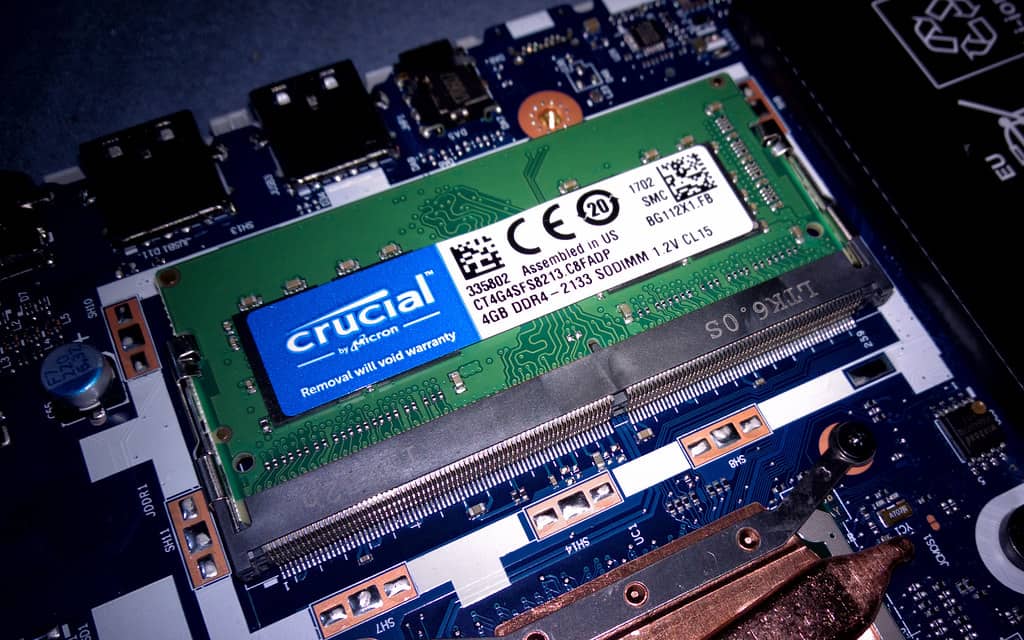
DeepSeek V4 Flash is the model everyone's been calling the cheap one — about 3 cents a query against Claude's roughly $3.15 for the same job, per our own math a few weeks back. That number is real, and it's also only true if you're renting the model through DeepSeek's own API. Try to run the actual weights on your own hardware and the picture flips completely: full precision is 282GB, and even the smallest version anyone actually uses still wants around 57GB of VRAM or unified memory just to load. 'Cheap AI' and 'runs on your desktop' turned out to be two entirely different claims, and almost nobody covering the pricing story mentioned that.
What 284 billion parameters with 13B active actually means
V4 Flash is a mixture-of-experts model — a huge collection of smaller "expert" subnetworks with a router that picks a handful of them for each token. Only about 13B of the 284B total parameters do the actual math on any given token, which is roughly 4.6% of the model, and it's why DeepSeek can serve it so cheaply: they only pay compute for that active slice. The catch for anyone trying to run it themselves is that the router doesn't know in advance which experts a given token will need, so all 284B parameters have to stay resident and reachable at all times. Parameter count that low active-fraction shrinks the compute bill, but it does nothing for the memory bill — that's the part the pricing headlines skipped. Our MoE vs. dense explainer covers why this trips people up every time a new MoE model launches.
DeepSeek V4 Flash: quantization vs. what it realistically takes to run
IQ1_S-XL
Quantization
~57GB
File size
3× RTX 3090 (72GB) or a 64GB+ Mac
IQ2_XS-XL
Quantization
~81GB
File size
2× 48GB workstation cards or a 96GB Mac Studio
Q2_K-XL
Quantization
~100GB
File size
4× RTX 3090 or a 128GB Mac Studio
Q4_K_M-XL (recommended)
Quantization
~163GB
File size
4–6× 24–32GB GPUs or a 192GB Mac Studio
Q8_0 (full precision)
Quantization
~282GB
File size
Datacenter-class hardware only — 2× H200 or similar
Quantization
File size
What it fits on
IQ1_S-XL
~57GB
3× RTX 3090 (72GB) or a 64GB+ Mac
IQ2_XS-XL
~81GB
2× 48GB workstation cards or a 96GB Mac Studio
Q2_K-XL
~100GB
4× RTX 3090 or a 128GB Mac Studio
Q4_K_M-XL (recommended)
~163GB
4–6× 24–32GB GPUs or a 192GB Mac Studio
Q8_0 (full precision)
~282GB
Datacenter-class hardware only — 2× H200 or similar
The realistic hardware, tier by tier
For the lowest usable quant, three used RTX 3090s — 24GB each, roughly $700–900 apiece used per our 3090 vs. 5060 Ti breakdown — gets you 72GB, comfortably over the 57GB floor with some room for context. That's a $2,100–2,700 GPU bill before you've bought a motherboard with enough PCIe lanes, a case that actually fits three cards, and a PSU north of 1,600W. Or skip the multi-GPU wiring entirely: a single Mac Studio with 192GB of unified memory, covered in our Mac for local AI guide, fits the recommended Q4_K_M-XL quant with headroom, at the cost of noticeably slower per-token speed than a GPU rig under heavy load.
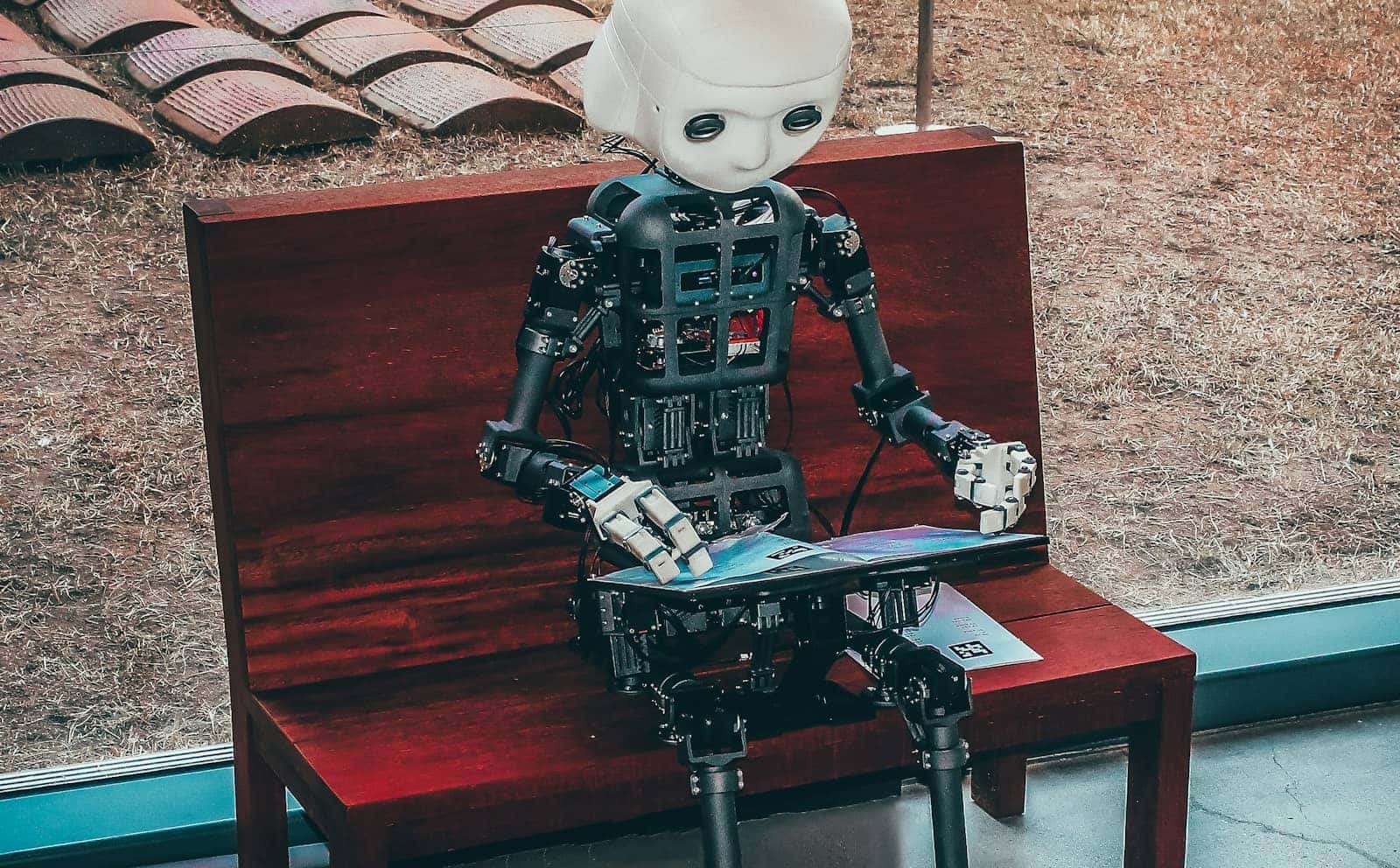
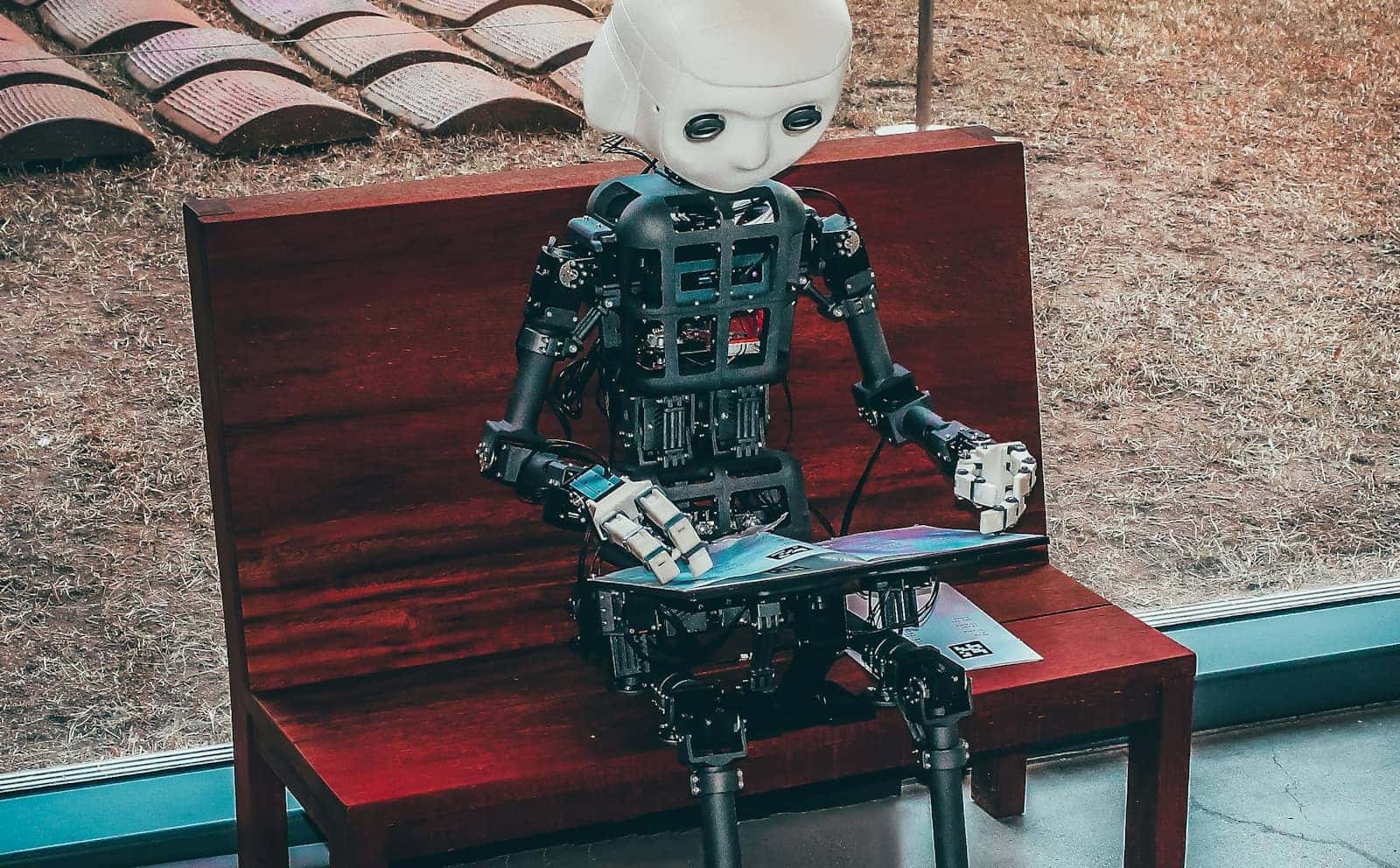
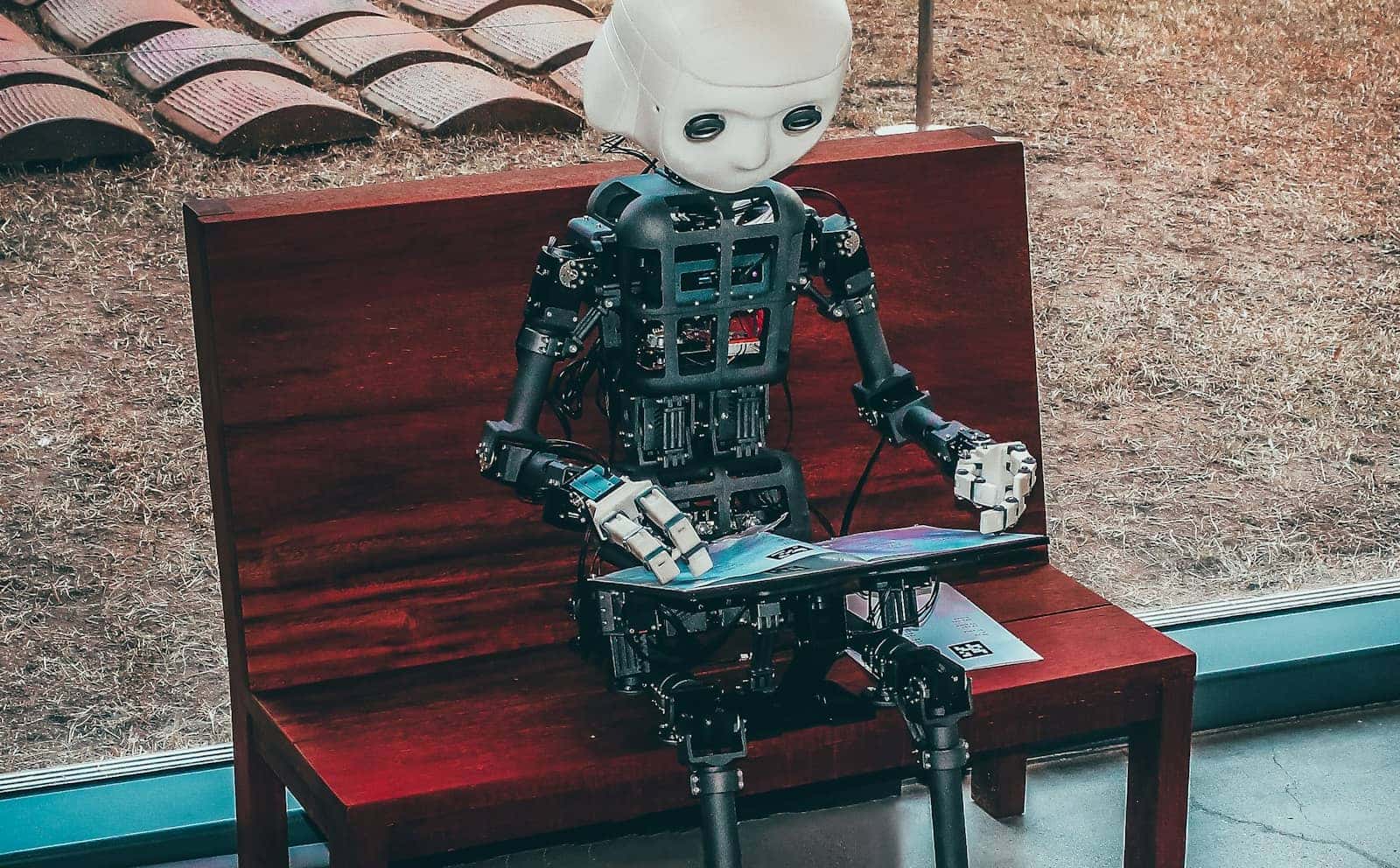
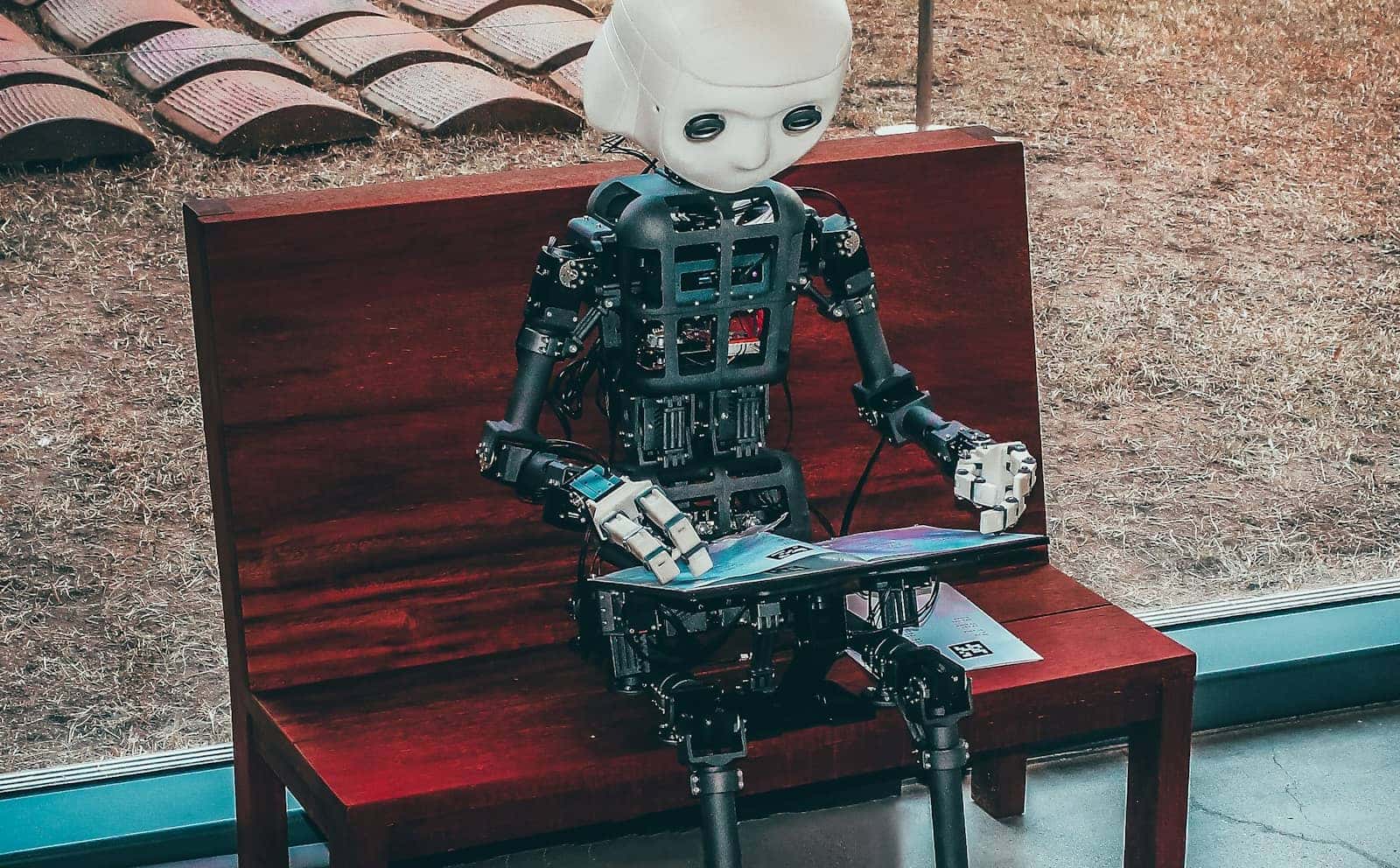
A three- or four-card rig is close to the realistic floor for DeepSeek V4 Flash's smallest usable quantization. · Unsplash
Is self-hosting actually worth it
My honest take: for almost nobody reading this is self-hosting V4 Flash the right call. Run the numbers — $2,500 in used 3090s plus power, and three 350W cards under load is close to a space heater, buys you tens of thousands of API queries at DeepSeek's published 3-cent rate before you've broken even. That's before you've spent a weekend fighting PCIe bifurcation and driver quirks across three cards. The people for whom this genuinely makes sense are narrow: a team that legally can't send data outside its own network, or someone running enough volume — think tens of thousands of queries a day — that hardware and electricity amortize faster than the API bill grows.
Do you actually have a data-residency or compliance requirement, or is this a curiosity project?
Would you break even on hardware cost inside a year at your real query volume?
Do you already own two or more eligible GPUs, or are you buying from zero?
Would a smaller dense model — see our 70B local cost breakdown — actually cover your use case for a fraction of the RAM?
Can I run DeepSeek V4 Flash on a single RTX 4090 or 5090?
No. Even the smallest usable quantization needs about 57GB — more than double what any single consumer GPU offers as of August 2026.
What's the minimum realistic setup?
Three 24GB GPUs (72GB combined) for the smallest quant, or a Mac Studio with at least 96–192GB of unified memory depending on which quantization you're targeting.
Does a smaller quantization hurt output quality a lot?
Some — our Q4 vs. Q5 vs. Q8 breakdown covers the tradeoff, and MoE models tend to degrade faster at very low bit-depths than dense models do.
Is there a smaller DeepSeek model that fits normal hardware?
Not in the V4 Flash family. For something that actually fits a single consumer GPU, look at the dense options in our 70B local cost guide.
Verdict
Should you self-host DeepSeek V4 Flash?
Only with a real data-residency requirement or genuinely heavy daily volume. For everyone else, the cloud API is the cheaper and faster path — this model's economics were built around DeepSeek's own datacenter, not your desk.
Best for: Compliance-bound teams and high-volume power users, not hobbyists
None of this makes V4 Flash a bad model — it makes it a cloud model that happens to publish its weights. If you want the actual local-AI experience of typing into your own machine and getting an answer with nothing leaving the building, the smarter path right now is picking a model sized for the hardware you can actually justify buying, not chasing a headline number down to your desk. We'll revisit this the moment a distilled or smaller-active-parameter V4 variant shows up.