A local coding model gives you a private, offline, unlimited Copilot — but the good coding models are big. Here's the GPU you need to run them well, at every budget.
What's the best GPU for running an AI coding assistant locally?
A 24GB card — a used RTX 3090 (~$850-1,200) or an RTX 4090 — because the coding models that are genuinely useful, like Qwen3-Coder-30B, need that much VRAM to run well. A local coding assistant is a fantastic thing: a private, offline, unlimited Copilot that never sends your code to anyone. But the good coding models are large, so VRAM is the gate. On a 16GB card you get solid 14B-class coders; on 12GB, capable smaller ones. Here's the GPU to buy to run the best local coding models, by budget.
Why coding needs more VRAM
Two things make local coding assistants VRAM-hungry. First, the best coding models are big — Qwen3-Coder-30B and DeepSeek-Coder variants are where local coding gets genuinely useful, and a 30B model needs roughly 18-24GB at 4-bit. Smaller coders work for autocomplete, but for real 'explain this function / write this feature' help, you want the bigger models. Second, coding uses long context — the assistant needs to see your files, and a large context window eats VRAM on top of the model weights, more so than a short chat. So a coding setup wants headroom. That's why 24GB is the sweet spot: it fits a 30B coder with room for a real chunk of your codebase in context. A used RTX 3090 delivers exactly that for under $1,000, which is why it's the local-coding value pick.
Best GPU for local AI coding by budget
Best
Tier
Used RTX 3090 / RTX 4090 (24GB)
GPU
Qwen3-Coder-30B + context
Good
Tier
4070 Ti Super / 5070 Ti (16GB)
GPU
Strong 14B coders
Budget
Tier
RTX 3060 12GB
GPU
Smaller coders, autocomplete
Serious
Tier
2x 24GB / RTX 5090 (32GB)
GPU
70B coders, big context
Tier
GPU
Runs
Best
Used RTX 3090 / RTX 4090 (24GB)
Qwen3-Coder-30B + context
Good
4070 Ti Super / 5070 Ti (16GB)
Strong 14B coders
Budget
RTX 3060 12GB
Smaller coders, autocomplete
Serious
2x 24GB / RTX 5090 (32GB)
70B coders, big context
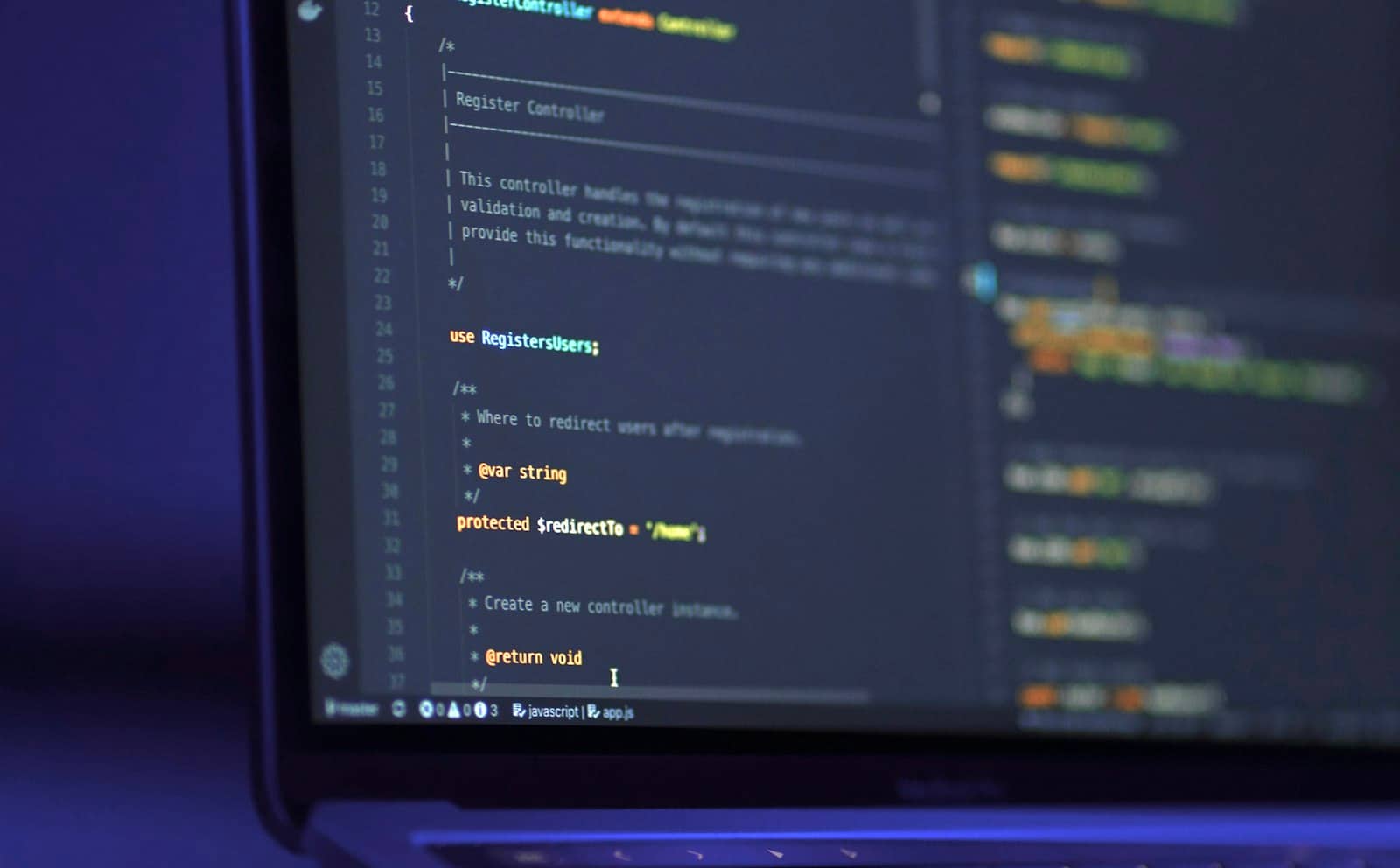
24GB is the coding sweet spot — enough to run a 30B coder with a real chunk of your codebase in context. · Unsplash
Which should you buy?
My recommendation depends on how serious your coding use is. For a genuinely useful local Copilot that can reason about your code, buy a 24GB card — a used RTX 3090 is the value champion at under $1,000, or an RTX 4090 if you want more speed and warranty. That runs Qwen3-Coder-30B, which is where local coding stops feeling like a compromise. If your budget caps at 16GB, a 4070 Ti Super or 5070 Ti runs solid 14B coders that handle autocomplete and moderate help well. And on 12GB (an RTX 3060 12GB), you can run smaller coding models that are fine for autocomplete and quick questions, just not deep whole-file reasoning. Pair the GPU with a tool like Ollama or an IDE extension that points at your local model, and you've got a private Copilot. Confirm the exact fit in the VRAM calculator.
9/ 10
Verdict
Best GPU for local AI coding 2026
A 24GB card — a used RTX 3090 (~$850-1,200) or RTX 4090 — is the best GPU for a local AI coding assistant, running strong coders like Qwen3-Coder-30B with room for your codebase in context. 16GB runs solid 14B coders; 12GB handles autocomplete. VRAM is the gate, so buy 24GB if coding matters.
Best for: Developers who want a private, offline, unlimited AI coding assistant on their own hardware.
Quick answers
What GPU do I need to run a local AI coding assistant?
For a genuinely useful local coding assistant, a 24GB card — a used RTX 3090 (~$850-1,200) or RTX 4090 — is best, because strong coding models like Qwen3-Coder-30B need roughly 18-24GB of VRAM to run well, plus room for your code in context. A 16GB card (4070 Ti Super / 5070 Ti) runs solid 14B coders for autocomplete and moderate help. A 12GB card (RTX 3060 12GB) handles smaller coders for autocomplete and quick questions. VRAM is the limiting factor, so buy as much as your budget allows if coding is a priority.
Can I run a local coding assistant on 12GB of VRAM?
Yes, with smaller coding models. A 12GB card like the RTX 3060 12GB runs capable coders in the 7-14B range, which are good for autocomplete, quick questions, and light code help. What 12GB can't do well is run the larger 30B-class coding models (like Qwen3-Coder-30B) that handle deeper, whole-file reasoning — those need 24GB. So a 12GB card is a fine entry point for a local Copilot-style assistant, but for the best local coding experience you'll eventually want 24GB.
Is a local AI coding assistant worth it?
For many developers, yes. A local coding assistant gives you a private, offline, unlimited Copilot: your code never leaves your machine (important for proprietary or sensitive work), there are no subscription or per-use fees, and it works without internet. The trade-off is that you need a capable GPU — ideally 24GB for the strong models — and the very best cloud coding models still lead on the hardest tasks. But for privacy-conscious developers or heavy users, running a coder like Qwen3-Coder-30B locally on a 24GB card is genuinely worth it.