A dual-GPU rig to run Llama 70B costs $2,000+. But you can rent an A100 that holds it for around a dollar an hour. For anything but constant use, the cloud wins big.
Running Llama 70B locally is a capacity problem: it needs about 48GB of VRAM, which means a $2,000+ dual-GPU build, a big unified-memory machine, or a workstation card. That's a lot of money for a model you might use occasionally. The alternative most people overlook: rent a single data-center GPU that holds the whole thing. An A100 (80GB) rents for around $1.19/hour on-demand on our tracker, and it runs Llama 70B comfortably. So an evening of serious 70B work costs a couple of dollars, versus a couple of thousand to own the hardware. For anything short of constant use, that's the cheapest way to run Llama 70B, full stop.
Why renting wins for 70B
The economics are lopsided for occasional use. To own 70B-capable hardware you're looking at dual RTX 3090s (~$2,000), dual 4090s (~$3,200), or a big Mac. To rent a GPU that holds the model, you pay ~$1.19/hour for an A100 — or less on spot. At that rate, you could run 70B for over 1,600 hours before renting cost as much as a dual-3090 build. Unless you're running Llama 70B every day, the cloud is dramatically cheaper, and you skip the build, the power draw, the heat, and the resale headache. The only reasons to own are constant use, privacy, or wanting the model instantly available.
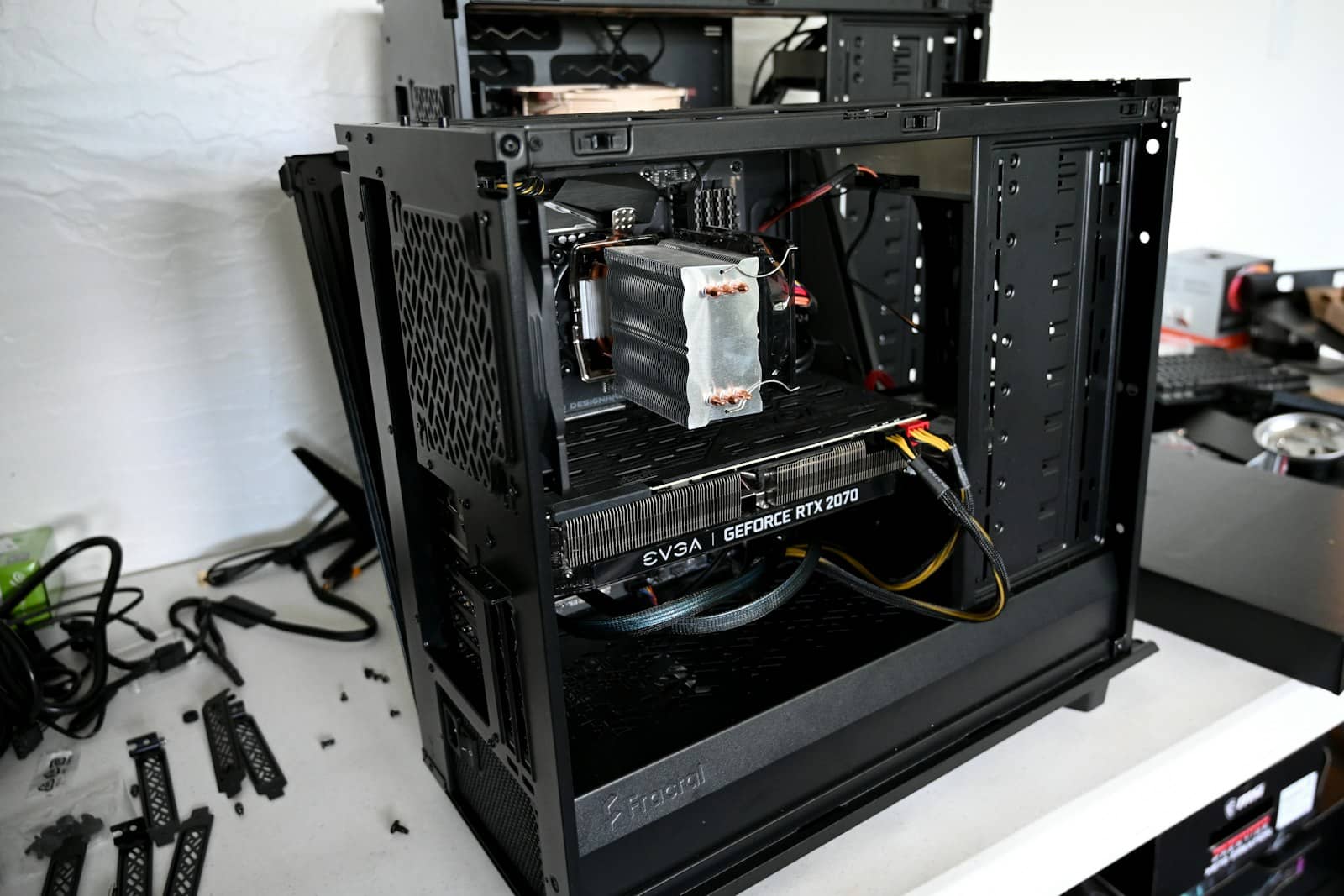
One rented A100 holds all of Llama 70B — for a couple dollars an evening instead of a couple thousand to build. · Unsplash
The cheapest cloud setup for 70B
For the lowest cost, rent a single GPU with enough VRAM to hold the model — an A100 80GB is the classic choice, and it fits Llama 70B at Q4/Q5 with room for context. Use spot pricing if your work is interruptible (checkpoint it), on-demand if you need a stable session. Serve it with vLLM or llama.cpp, and shut it down when you're done so you only pay for what you use. Compare current A100 and other big-GPU prices on our live tracker. If you find you're renting 70B daily, that's the point to reconsider buying — but most people never reach it.
Quick answers
What's the cheapest way to run Llama 70B?
For occasional use, rent a single data-center GPU that holds the model — an A100 80GB at ~$1.19/hour on-demand (cheaper on spot) runs Llama 70B comfortably, so an evening's work costs a couple of dollars. Owning 70B-capable hardware costs $2,000+, which only makes sense for constant daily use. For most people, renting a big GPU by the hour is by far the cheapest way to run Llama 70B.
Can I run Llama 70B on a cheaper rented GPU?
You need enough VRAM to hold the ~48GB model, so a single 24GB card won't do it — you'd need two, which complicates cloud setup. A single 80GB A100 is the simplest and holds it with room to spare. Some providers offer other large-VRAM cards; the key is total VRAM ≥ ~48GB for Q4. Renting one big GPU is simpler and often cheaper than wrangling two smaller ones in the cloud.
Is it worth buying hardware for Llama 70B?
Only if you use it constantly. Owning means a $2,000+ dual-GPU build or big Mac, and at ~$1.19/hour rental you could run 70B for well over 1,600 hours before buying pays off. For daily, sustained 70B use — or if privacy and instant access matter — owning makes sense. For occasional or exploratory use, renting is dramatically cheaper. Rent first; buy only if your usage justifies it.
For Llama 70B, renting a big GPU beats a $2,000 build unless you run it daily. Check A100 and large-GPU prices on our tracker, and see the local 70B guide and rent-vs-buy math to decide.
Further reading, straight from the source: Meta's official Llama site — Meta — Llama.