Llama 70B needs about 40GB of VRAM to run well — and almost no single consumer card has it. Here's what actually works, visualized, with the measured speeds and real costs for each path.
Let me save you a $2,000 mistake. People ask 'which GPU runs Llama 70B?' and reach for the biggest single card they can afford — usually a 5090. The honest answer is that no single consumer GPU runs Llama 70B well, including the 32GB 5090, because a 70B model at Q4 needs roughly 40GB of VRAM and the model has to sit entirely in that memory or throughput falls off a cliff. Reported figures put a 5090 with the model fully in VRAM at 45+ tokens/sec, and the same card forced to offload to system RAM at 1–2 tokens/sec — the difference between usable and unusable. So this isn't a 'which card is fastest' question. It's a 'what actually holds 40GB' question, and that changes the whole answer.
Does it fit? — Llama 70B (Q4) needs ≈40GB
Llama 70B (Q4) needs ≈40 GB
RTX 4090 (single)24 GBover 16 GB
RTX 5090 (single)32 GBover 8 GB
2× RTX 309048 GBfits
2× RTX 409048 GBfits
Mac Studio M4 Max128 GBfits
This is the whole story. Every single consumer card falls short — even the 32GB 5090. Only dual-GPU builds and big-memory Macs clear the line.
Why 24GB — and even 32GB — isn't enough
The number that governs everything is 40GB: that's roughly what Llama 3.3 70B occupies at Q4_K_M quantization before you add context. A 24GB card (4090 or 3090) holds barely more than half of it. Even the 32GB 5090 is 8GB short. You can force the overflow into system RAM, and it will technically generate text — at the 1–2 tokens/sec that makes it pointless. Keeping the entire model in VRAM isn't a nice-to-have for 70B; it's the line between a working assistant and a slideshow. That's why the fit visualization above matters more than any speed benchmark: a card that can't hold the model doesn't get a throughput number worth quoting.
Q8 quantization roughly doubles the requirement to ~75GB for higher fidelity, which pushes you toward the Mac's large unified memory or serious multi-GPU. For most people, Q4 at 40GB is the sensible target, and 48GB of VRAM — two 24GB cards — is the accessible way to clear it with headroom for context.
The three real paths
The two dual-GPU builds
2× RTX 3090
48GB · ~$2,000 used
vs
2× RTX 4090
48GB · ~$3,200
48 GB
Combined VRAM
48 GB
~15 t/s
70B Q4 speed
~20–21 t/s
~$2,000
Cost
~$3,200
~700W
Power draw
~900W
Slower
Prompt speed
Faster
Best $/GB
Value
Best $/speed
3090 wins 2wins 2 4090
Dual RTX 3090 (48GB, ~$2,000 used) is the value king for 70B — two used 24GB cards get you into Q4 territory for around two grand, at ~15 tokens/sec on llama.cpp. It's the cheapest honest path. Dual RTX 4090 (48GB, ~$3,200) buys you ~20–21 tok/s — noticeably snappier, at a meaningful premium. Note the caveat we covered separately: llama.cpp's default multi-GPU mode is pipeline-parallel, so two cards give you the combined VRAM but not double the single-stream speed — you're buying capacity first, throughput second.
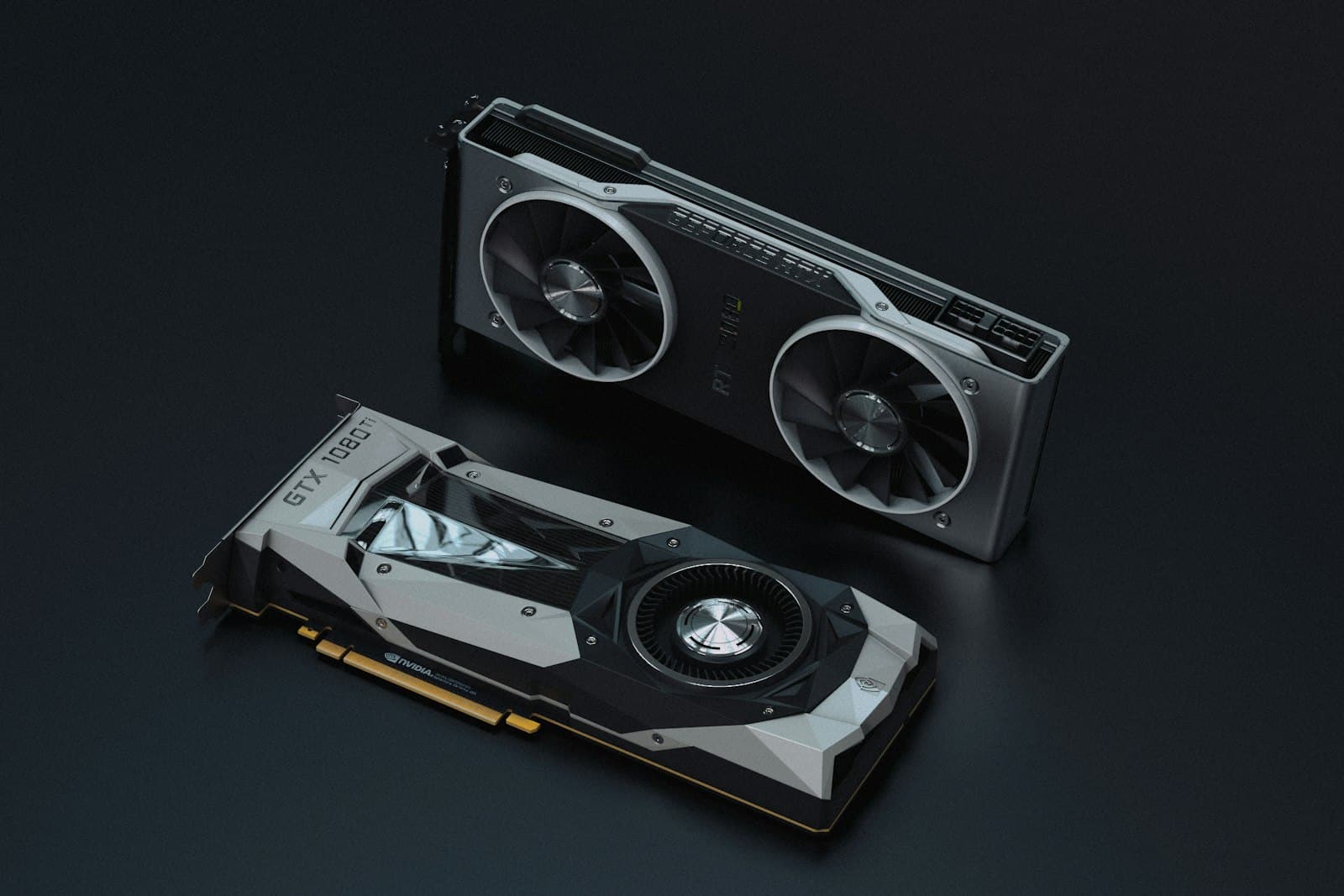
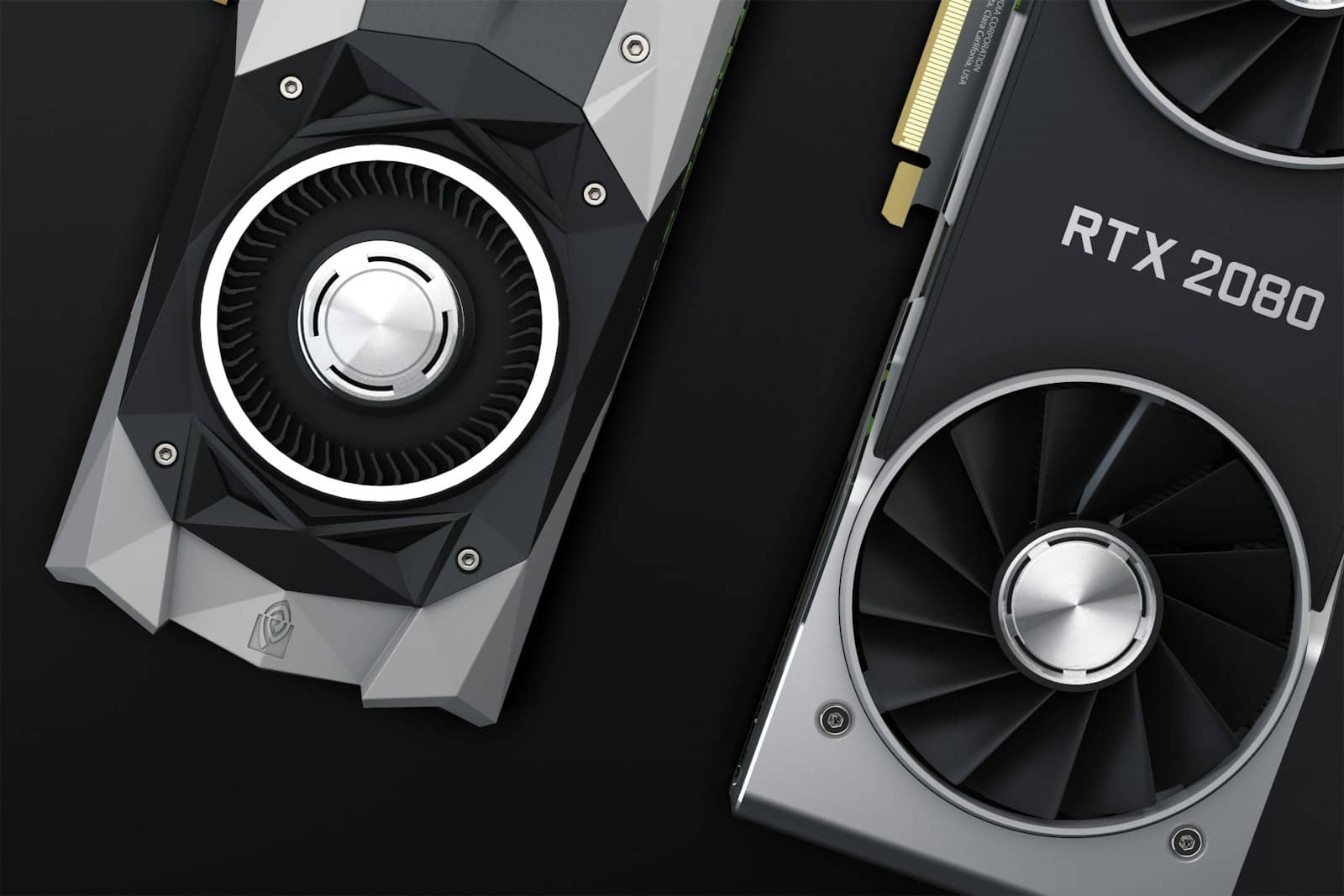
One of these holds 24GB. Llama 70B at Q4 needs two of them — or a Mac with a very large memory pool. · Unsplash
The Mac path sidesteps multi-GPU entirely. A Mac Studio M4 Max with 128GB of unified memory runs 70B at Q6 around 20+ tok/s while drawing about 60W — silent, efficient, one box, no PCIe wrangling. It costs more than dual 3090s and its prompt processing lags a GPU rig, but for a lot of people 'it just works, quietly' is worth the premium. If your ambitions run past 70B toward truly huge models, the Mac's memory ceiling is also far higher than any sane multi-GPU build.
Llama 70B at Q4 — the numbers that matter
0 GB
VRAM needed
at Q4 — more than any single card
0 GB
the accessible target
two 24GB cards
~0 tok/s
if you offload to RAM
vs 15–21 fully in VRAM
The option most people should take first
Verdict
Buy capacity, not a single flagship
Llama 70B is a VRAM problem, not a speed problem. The winning local answers are dual RTX 3090s (48GB, cheapest, ~15 tok/s), dual RTX 4090s (48GB, faster, ~20 tok/s), or a big-memory Mac Studio (silent, efficient). A single 5090 is a superb 32B card and the wrong tool for 70B — it can't hold the model. And for most people, renting a 48GB GPU first is the smart move before spending $2,000+ to discover whether 70B earns its place in your workflow.
Best for: 2× 3090: cheapest 70B in VRAM. 2× 4090: best speed-per-dollar. Mac Studio 128GB: silent one-box + room to grow. Rent: anyone not yet sure they need 70B.
The questions people actually ask
Can a single RTX 5090 run Llama 70B?
Not at usable quality. The 5090's 32GB can't hold a 40GB Q4 model, so you'd either drop to aggressive Q3 quantization (hurting output quality) or offload to system RAM (dropping to 1–2 tok/s). The 5090 is an excellent card for 32B-class models that fit its 32GB; 70B is simply a bigger job than one consumer card can do well. For 70B you need 48GB+ of VRAM or a large-memory Mac.
Is dual RTX 3090 still the best value for 70B in 2026?
For getting 70B into VRAM as cheaply as possible, yes — two used 3090s give you 48GB for around $2,000, running Q4 at ~15 tok/s. Dual 4090s are faster (~20–21 tok/s) but cost ~$3,200. If budget is the constraint and ~15 tok/s is acceptable (it's perfectly usable for chat), the dual-3090 build remains the value pick. Just budget for a strong PSU and good airflow — two cards run hot.
Does dual-GPU double my speed?
No — it doubles your VRAM, not your single-stream speed. llama.cpp's default multi-GPU mode splits the model across cards in a pipeline, so the value is fitting a model you otherwise couldn't run, not running a smaller one twice as fast. For 70B that's exactly what you want: the whole point is capacity. Expect combined-VRAM capability with roughly single-card-class throughput.
Is a Mac better than a GPU build for Llama 70B?
It depends on what you value. A Mac Studio M4 Max 128GB runs 70B at Q6 quietly on ~60W and needs no multi-GPU setup — great for a clean, efficient, one-box machine. A dual-GPU build is cheaper (dual 3090) or faster on prompt processing (dual 4090) and lives in the CUDA ecosystem for fine-tuning. For silent inference, the Mac; for value or a tuning-capable rig, NVIDIA. We compare the two approaches in depth separately.
The one thing to internalise: for Llama 70B, capacity beats everything. Decide your quantization, confirm the VRAM it needs in our calculator, and buy the setup that holds it — or rent one before you commit. A card that can't fit the model, however fast, is the wrong card. The fit visualization at the top of this page is the whole buying guide in one image.