Your thumbnail decides whether anything else you made gets seen — and on a faceless channel it does all the persuading alone. What makes a thumbnail get clicked, how to generate them with AI, and the text catch that ruins most.
This post contains affiliate links. If you buy through them, Aliteq may earn a commission — at no extra cost to you. Prices verified at publish time.
Share
Here's the uncomfortable truth about YouTube: your thumbnail and title decide whether anything else you made matters. You can write a brilliant script, generate gorgeous b-roll, and voice it perfectly — and if the thumbnail doesn't earn the click, none of it gets seen. Click-through rate is the first gate the algorithm judges you on, and on a faceless channel — where you can't lean on a recognizable face — the thumbnail has to do all that persuading on its own. The good news: this is exactly the job AI image tools are best at, and it's the cheapest, highest-leverage thing you can improve.
I make these, so here's the practical version: what makes a thumbnail get clicked, how to generate strong ones with AI, the catch that ruins most AI thumbnails (text), and a repeatable way to produce a whole channel's worth in a consistent style. Fix your thumbnails and you often fix your whole channel's growth without touching the videos.
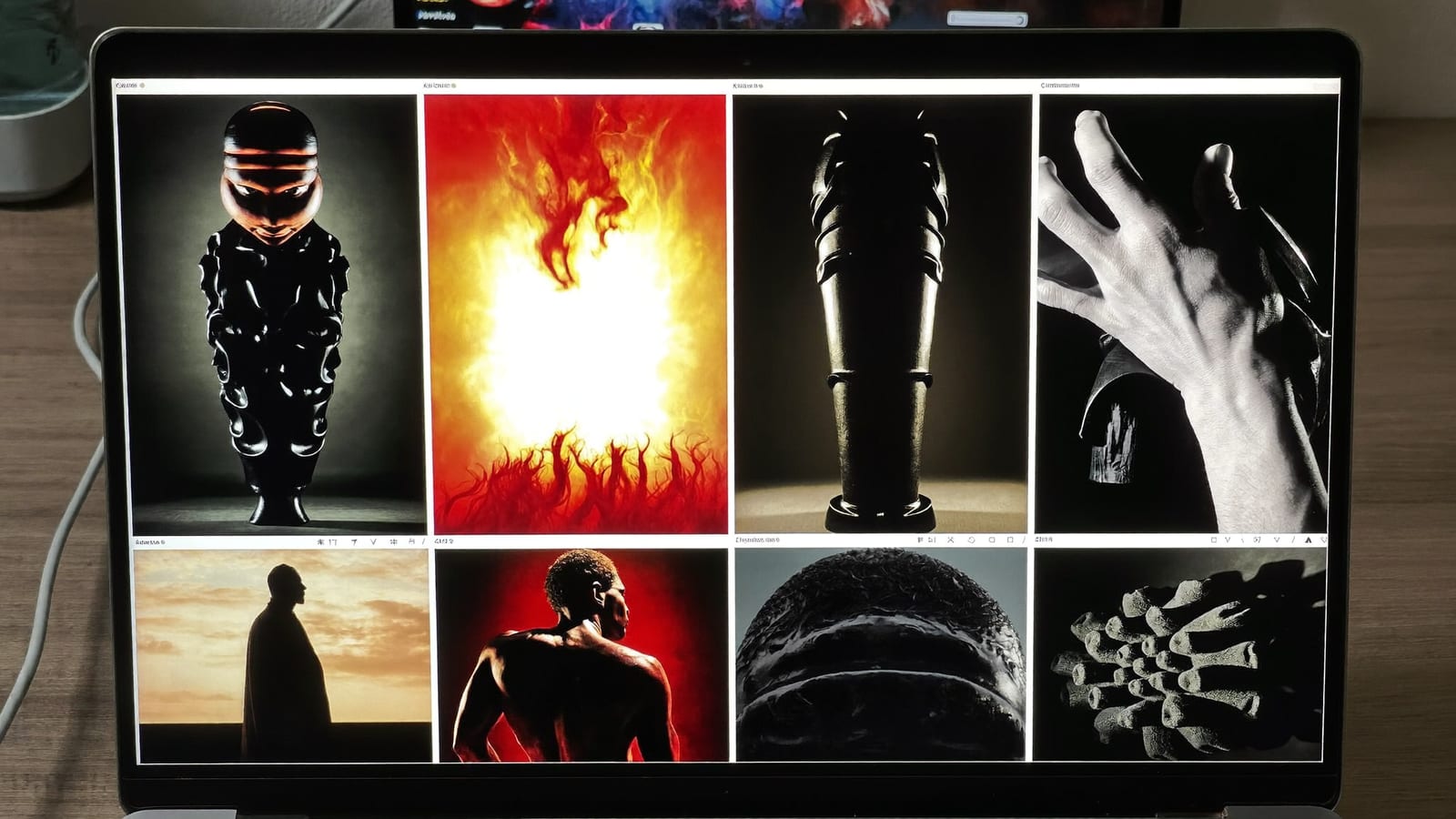
On a faceless channel the thumbnail does all the persuading — and it's the cheapest thing to improve. Generated with Higgsfield. · Generated with Higgsfield
One clear subject. A single dramatic focal point beats a busy collage every time. The eye should land instantly, even at thumbnail size in a crowded feed.
High contrast + dramatic light. Rim light, a dark background, a glowing subject — thumbnails that pop out of the grid win. Flat, evenly-lit images disappear.
Curiosity, not the whole answer. The thumbnail should raise the question the video answers. Show the mystery, not the resolution.
Room for a few big words. Leave negative space for 3–5 huge, legible words. The image and the title work together; design for both.
Reads at phone size. Most views come from small screens. If it's not clear shrunk to a thumbnail, it doesn't work — test it tiny.
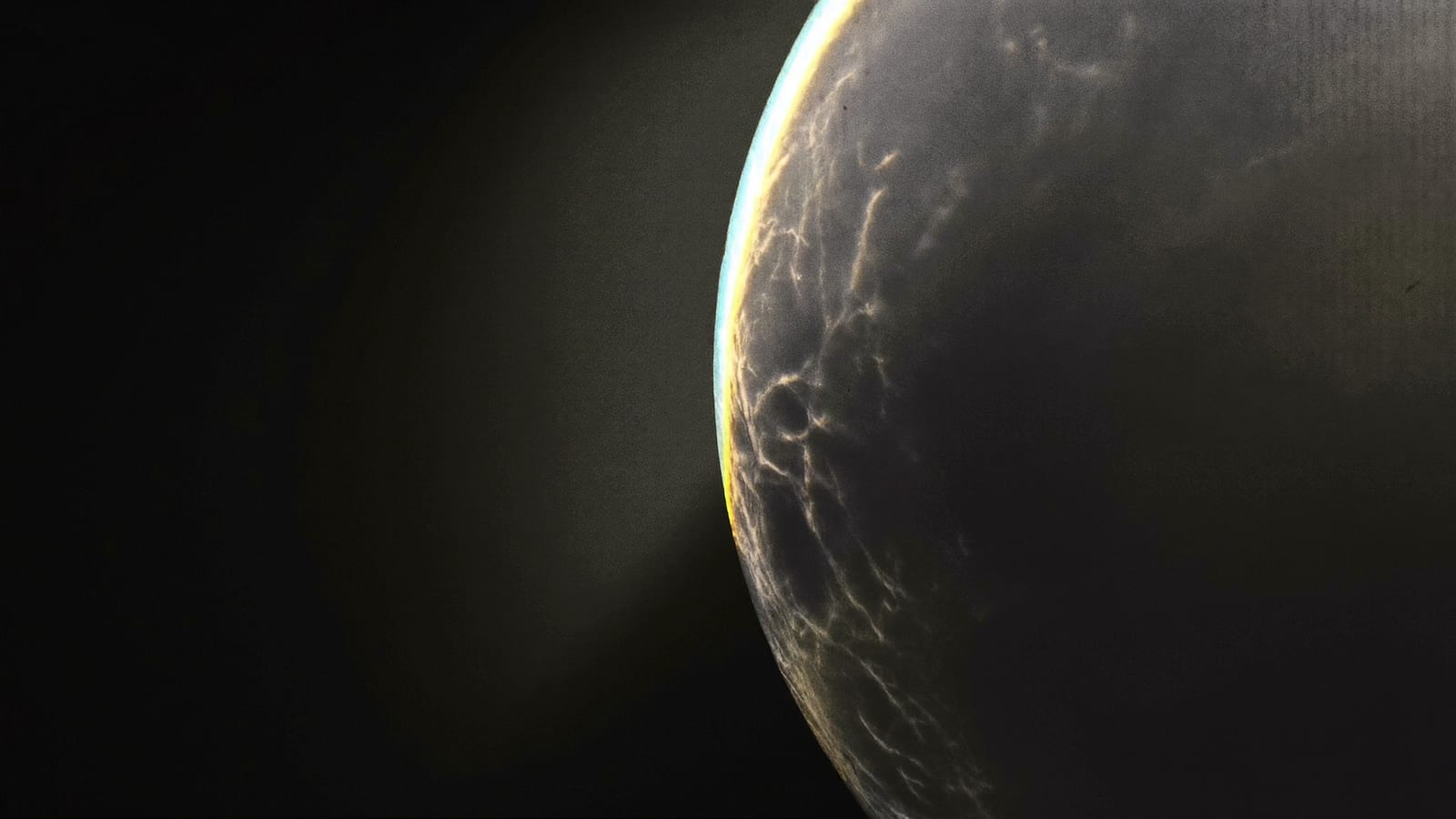
One subject, dramatic light, and empty space for a few big words — the anatomy of a clickable thumbnail. Generated with Higgsfield. · Generated with Higgsfield
How to generate strong thumbnails with AI
Describe the single dramatic image your video's hook implies — not a literal scene, but the most intriguing frame. Push for contrast and a clear focal point, and always leave negative space on one side for your title. Generate a few variations and pick the one that reads at small size. Here are reusable thumbnail prompts — swap the subject, keep the structure that makes them pop.
Reusable AI thumbnail prompts (add your title text afterward)
Dramatic close-up
Extreme close-up of [subject], dramatic single-source rim lighting, dark moody background, high contrast, hyper-detailed, large empty negative space on the left for a title, thumbnail-ready composition, photorealistic, no text, no logos.
Epic scale / awe
Cinematic wide shot of [subject/place] at golden hour, sense of scale and awe, strong directional light, rich saturated color grade, clear focal point, empty sky area for a title overlay, photorealistic, no text, no logos.
Mystery / cold-open
Moody atmospheric shot of [subject] half in shadow, single dramatic light source, fog, deep blacks, one glowing focal element, negative space for a title, blade-runner color grade, photorealistic, no readable text, no logos.
Contrast concept
A single striking [object] centered on a bold solid-color background, hard studio light, strong drop shadow, punchy high-contrast look that pops at small size, space for big title text, photorealistic, no text, no logos.
Build a consistent thumbnail system
A one-off good thumbnail helps one video; a consistent style compounds across the whole channel. Lock a recognizable look — a palette, a framing convention, where the title sits, a font — and apply it to every thumbnail. Viewers start to recognize your channel in the feed before they read the name, and a familiar style lifts click-through on everything. Put the same style descriptors in every generation prompt so the images match, then use the same title-text template in your editor.
What a channel's thumbnails cost to produce
Freelance thumbnail designer$20–50 each
+ turnaround time per video
Stock image + manual editing~time + fees
generic, everyone uses the same stock
AI-generated + your title~cents each
custom, on-brand, minutes
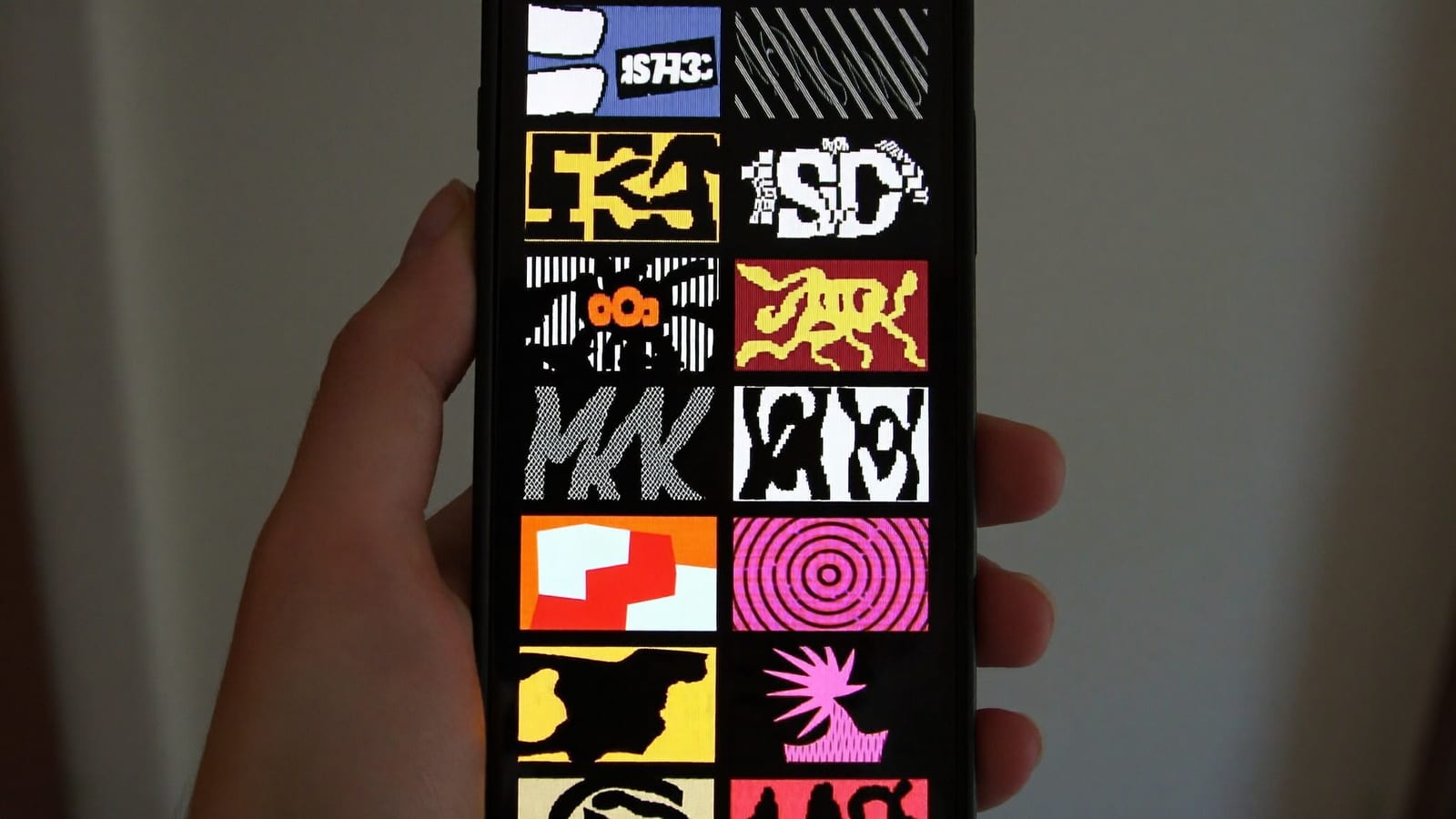
Every view starts here, at thumbnail size in a crowded feed — design for small. Generated with Higgsfield. · Generated with Higgsfield
HiggsfieldSponsored
Make your thumbnails in Higgsfield
Generate high-contrast, click-worthy thumbnails without a designer.
For getting the view, yes — a great video with a weak thumbnail barely gets shown, because click-through rate gates how much the algorithm promotes it. The video quality matters for retention and whether people subscribe; the thumbnail matters for whether they ever press play. You need both, but the thumbnail is the gate.
How do I add text to an AI thumbnail?
Generate the image with clear negative space and no text, then open it in a free editor (Canva is easiest) and add 3–5 large, bold words with a heavy font and a strong outline or shadow so they read at small size. Never rely on the AI to render the words — it garbles them.
How many words should be on a thumbnail?
Three to five, maximum — huge and legible. The thumbnail and the title do different jobs: the title can hold the detail, the thumbnail holds the punch. If your thumbnail needs a sentence, the concept is too complicated for the format.
Should faceless thumbnails ever include a face?
They can — a dramatic expressive face is one of the most clickable elements on YouTube — but on a faceless channel, never use a real person's face you don't have rights to, and don't imply a person is in the video who isn't. A generated, non-identifiable character or a strong object-based concept keeps you honest and on-brand.